Shadowbox Maker (MakerLab)
Turns a flat image into stacked cut-out layers for a framed 3D shadowbox
Shadowbox Maker (MakerLab) is a free browser tool on MakerWorld for layered wall art and picture gifts from your own images. Free with a MakerWorld account; Bambu Lab's own 2026 tutorial calls it a free tool, and MakerLab's 2026 credit changes target AI tools such as Image to 3D and Make My Statue. Exports 3MF. Last checked .
Opens makerworld.com

What is Shadowbox Maker (MakerLab)?
Shadowbox Maker is a free Bambu Lab MakerLab tool that turns a flat picture into layered shadowbox art. You upload an image or pick a template, then use a magic wand to decide which areas go on which depth layer. The tool turns each layer into a flat cut-out and adds a box that holds the stack, so the finished piece shows real depth when you look at it from an angle.
Models exported from it show how the file is set up: a 3MF with every layer on its own plate plus a separate plate for the box, each plate in a single color. That means you can print a colorful result without an AMS by swapping filament between plates.
It was listed in MakerLab's Experiments section as of September 2026. On the Bambu forum in 2025, several users said the tutorial froze or layers stayed empty in their browser, and others found that busy photos are hard to split cleanly, so simple images with clear shapes work best. Each layer also has to stay connected to the frame, which can take some trial and error. You need a MakerWorld account. It suits anyone who likes layered wall art and wants one made from their own picture.
What you can make
- Layered shadowbox wall art
- Framed scenes from your own images
- Multi-color layered pictures
- Personalized shadowbox gifts
How to use Shadowbox Maker
- Sign in to MakerWorld and open Shadowbox Maker from the MakerLab Experiments tab
- Upload an image or start from a template
- Use the magic wand to assign areas to each depth layer, keeping every layer connected to the frame
- Export the 3MF, print each layer plate in its own color and stack the layers in the box
What you'll need to print it
Filament and parts that suit what you make with Shadowbox Maker.
Multicolor PLA
Matte PLA
Multicolor filament systems
Some of these are affiliate links: we may earn a small commission, at no extra cost to you. More about that
Shadowbox Maker pros
- Turns your own image into a multi-layer shadowbox with a matching box
- One color per plate, so a colorful print needs no AMS
- Free official MakerLab tool with templates to start from
Shadowbox Maker cons
- Listed as an Experiment as of September 2026; 2025 forum posts report a frozen tutorial and empty layers in some browsers
- Busy or detailed photos are hard to split into clean layers, and thin links to the frame can break
- Needs a MakerWorld login before the tool opens
Rate Shadowbox Maker
One rating per account. Signing in takes one email link, no password.
Reviews
Made with Shadowbox Maker
Read next
Shadowbox Maker alternatives
Image to STL and relief generators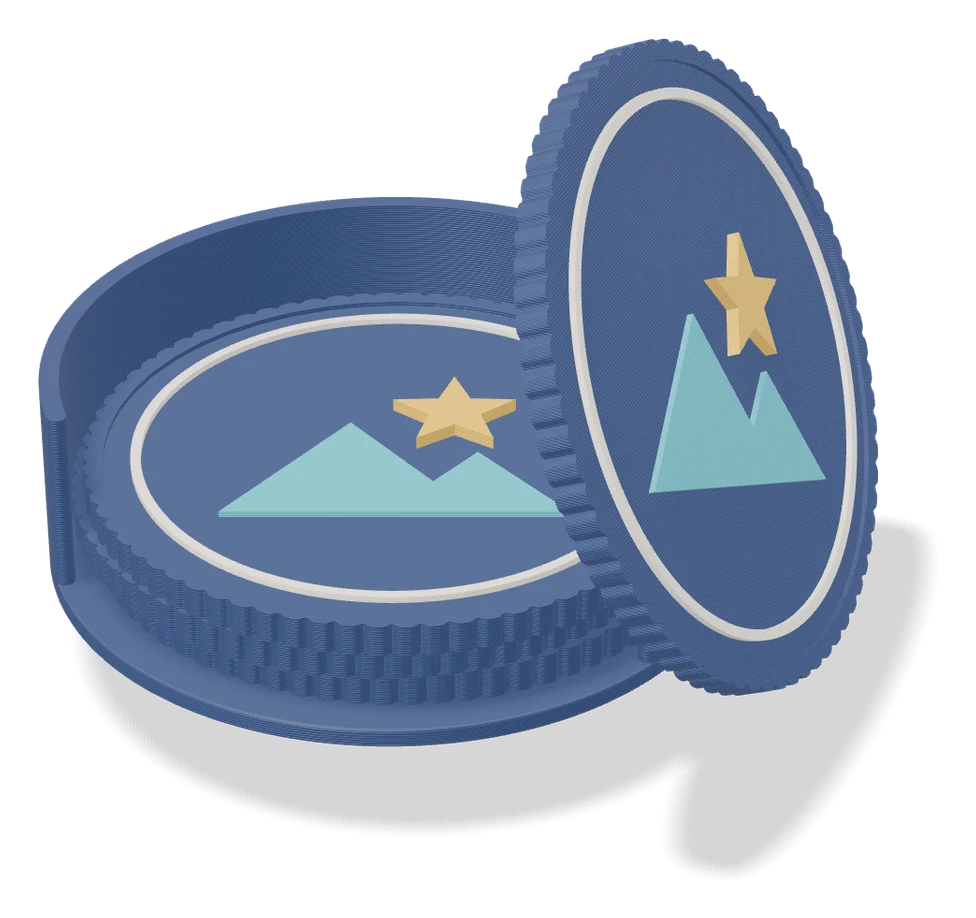
Image to Relief
Mesh Graffiti (MakerLab)
Paint colors, text and logos onto the surface of your own STL or 3MF model
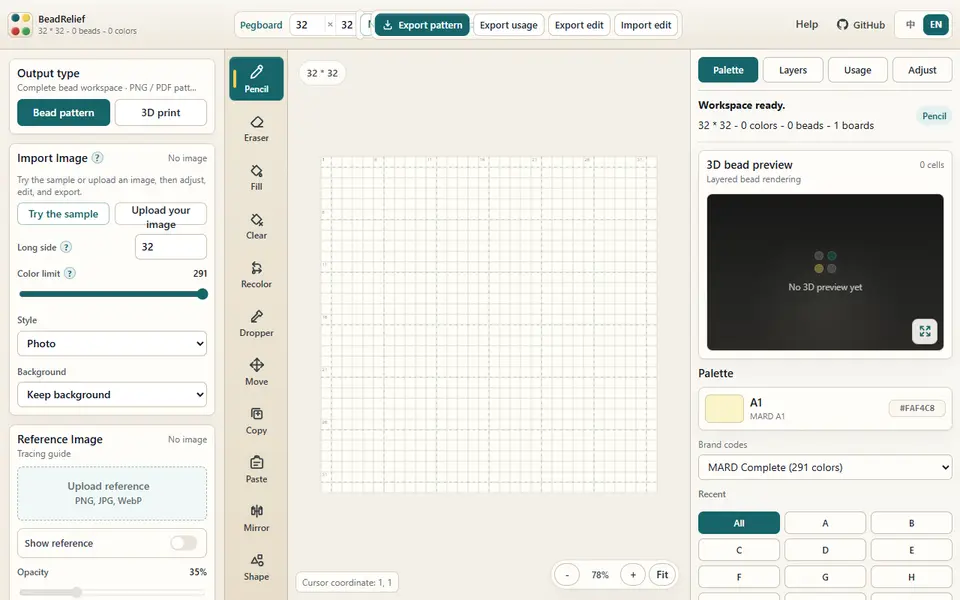
Image to Relief
BeadRelief
Turns an image into a bead-style pixel relief and a multicolor 3MF for Bambu AMS printers
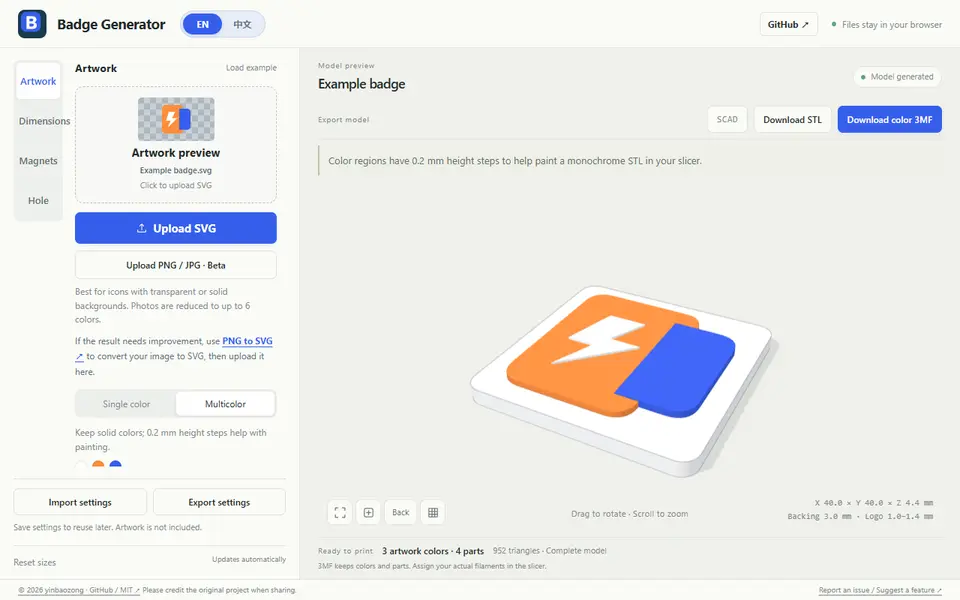
Image to Relief
Badge Generator (SVG to 3D)
Free browser tool that turns an SVG logo into a raised badge or magnet, single or multicolor, as STL or color 3MF
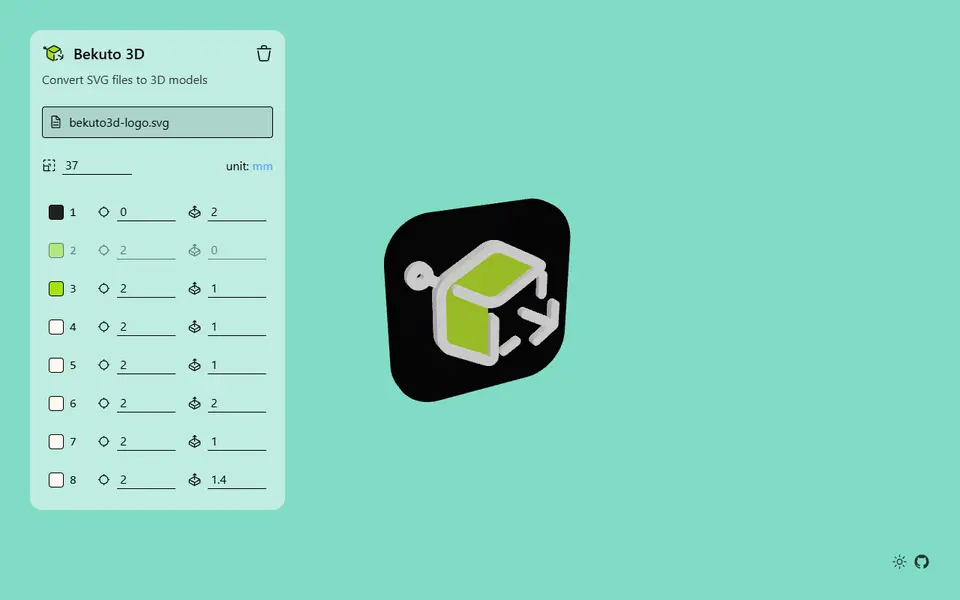
Image to Relief
Bekuto 3D
Turn SVG logos and simple images into layered, multi-color 3D models in your browser
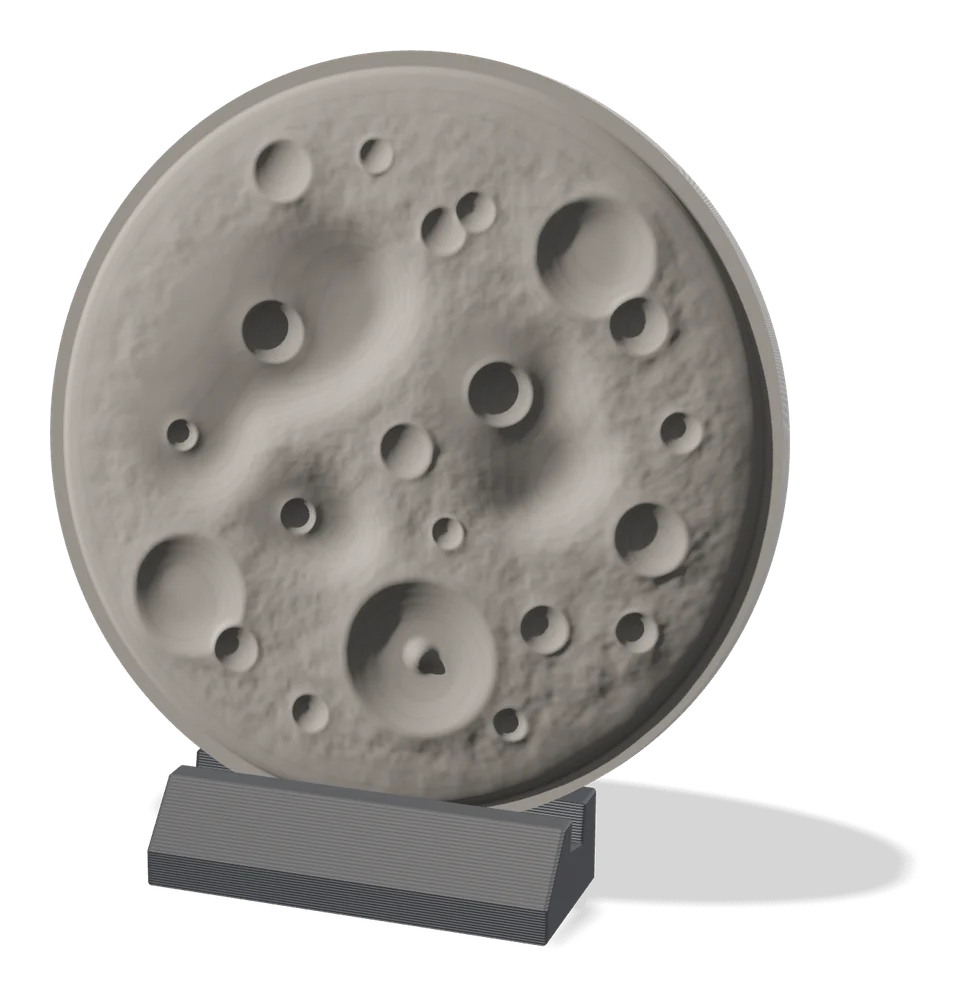
Image to Relief
MakerLab Relief Sculpture Maker
AI tool that turns photos or 3D models into printable bas-relief plaques
Image to Relief
HueForge
Desktop app that turns images into filament paintings using layered color swaps