Mesh Graffiti (MakerLab)
Paint colors, text and logos onto the surface of your own STL or 3MF model
Mesh Graffiti (MakerLab) is a free browser tool on MakerWorld for adding logos, names and artwork to models you already have. Free with a MakerWorld account. The MakerLab credits guide lists only AI features as using credits, and Mesh Graffiti is not among them. Exports 3MF and GLB. Last checked .
Opens makerworld.com
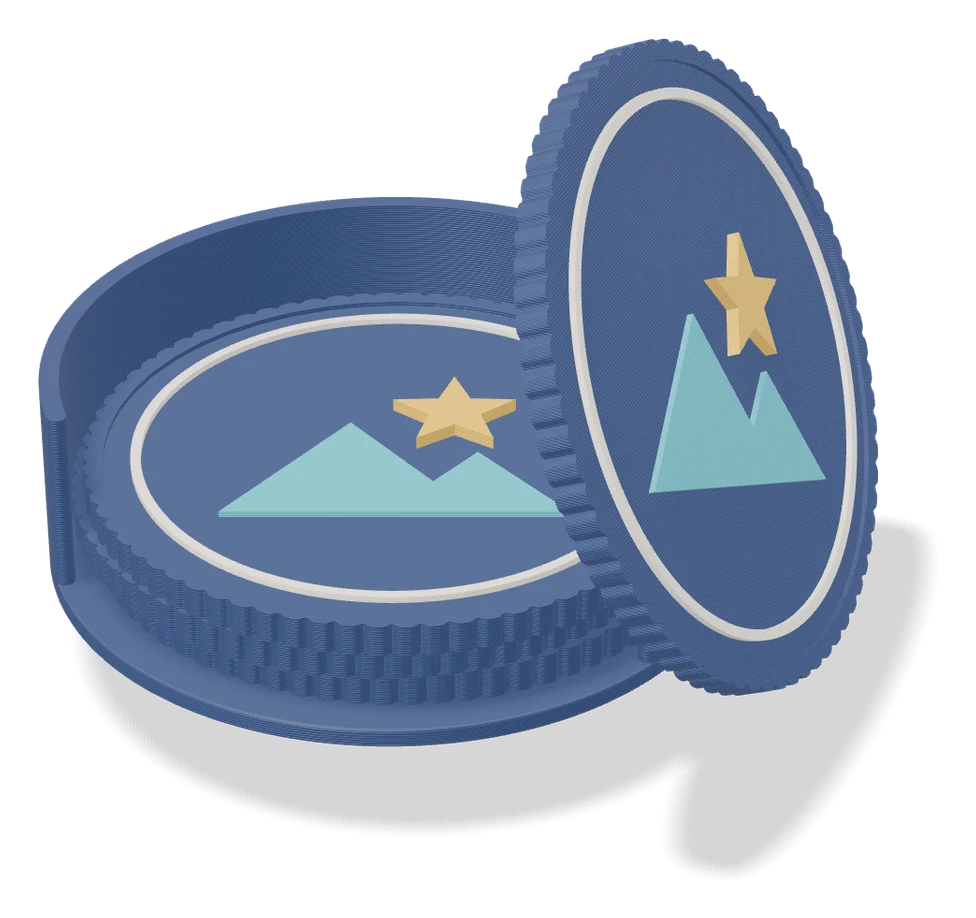
What is Mesh Graffiti (MakerLab)?
Mesh Graffiti is a free browser tool in Bambu Lab's MakerLab that paints colors, text and images onto the surface of an STL or 3MF model you already have. It went into public beta in April 2026. You drag in your file, turn the model to the side you want to work on, then use the color brush, the text brush or an image stamp to add paint, lettering or a logo. The result exports as a 3MF with the color zones in place, ready to open and slice in Bambu Studio, or as a GLB.
Bambu Studio's own text tool adds raised or cut letters to a model. Mesh Graffiti only colors the surface and is meant to leave the shape as it was, and Bambu says its painted edges come out smoother than the Studio paint brush. It also wraps text and images around curved parts such as cylinders and spheres, which suits logos on functional parts as well as a name on a toolbox or gift box.
It was still in beta as of September 2026. Forum users report no control over how deep the paint goes, images stretching on tapered shapes, trouble placing a graphic over a hole, paint lost after editing the mesh in Bambu Studio, and colors that need remapping to match the loaded filaments.
What you can make
- Parts with a stamped logo
- Existing models with added names or text
- Hand-painted multicolor models
- Decorated boxes, cases and gifts
How to use Mesh Graffiti
- Sign in to MakerWorld and open Mesh Graffiti in MakerLab
- Drag in your STL or 3MF file and rotate it to the right side
- Pick the color, text or image brush
- Set size, color and position, then paint or stamp
- Export the 3MF, open it in Bambu Studio and slice
What you'll need to print it
Filament and parts that suit what you make with Mesh Graffiti.
Multicolor PLA
Multicolor filament systems
Some of these are affiliate links: we may earn a small commission, at no extra cost to you. More about that
Mesh Graffiti pros
- Adds text, logos and images to a model you already have, with no CAD work
- Wraps graphics around curved surfaces such as cylinders and spheres
- Exports a multicolor 3MF that opens straight in Bambu Studio
Mesh Graffiti cons
- In beta as of September 2026, with reported problems on thin walls, holes and tapered shapes
- No setting for how deep the painted text or logo goes
- Needs a MakerWorld account and a model of your own to start from
Rate Mesh Graffiti
One rating per account. Signing in takes one email link, no password.
Reviews
Made with Mesh Graffiti
Read next
Mesh Graffiti alternatives
Image to STL and relief generators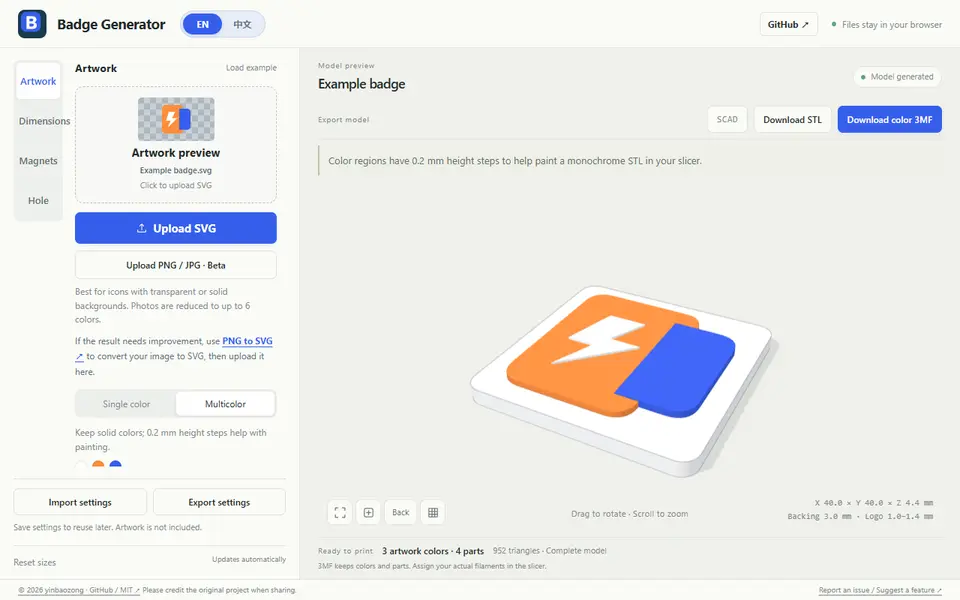
Image to Relief
Badge Generator (SVG to 3D)
Free browser tool that turns an SVG logo into a raised badge or magnet, single or multicolor, as STL or color 3MF
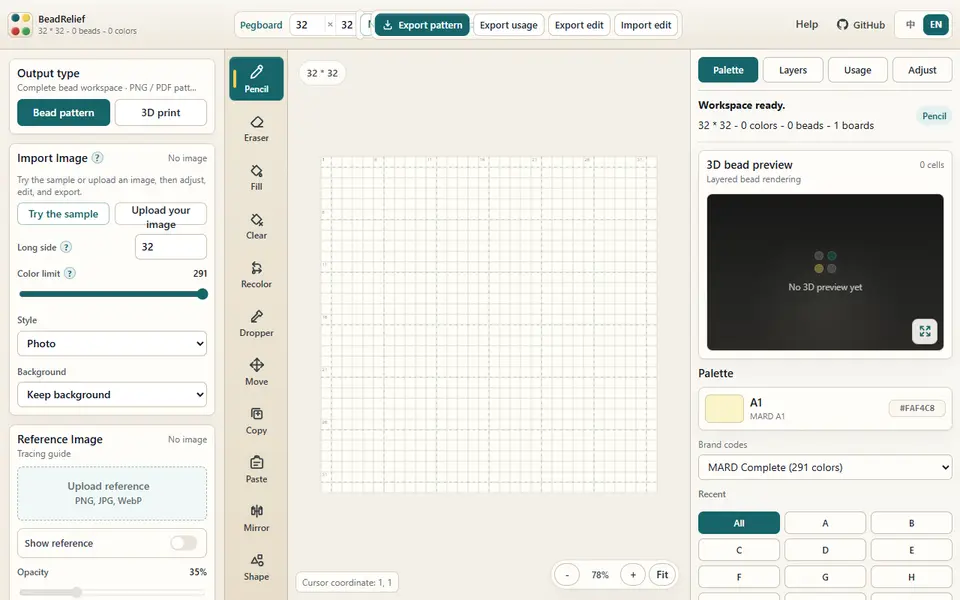
Image to Relief
BeadRelief
Turns an image into a bead-style pixel relief and a multicolor 3MF for Bambu AMS printers

Image to Relief
Shadowbox Maker (MakerLab)
Turns a flat image into stacked cut-out layers for a framed 3D shadowbox
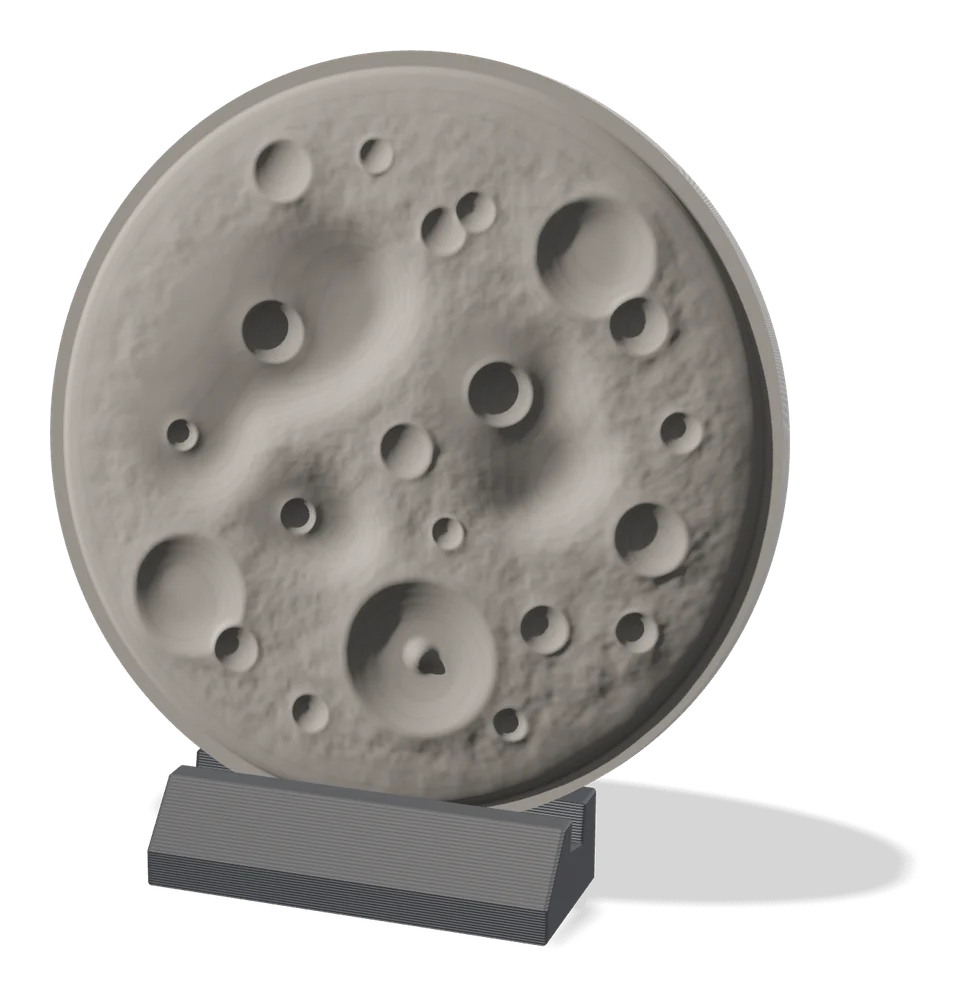
Image to Relief
MakerLab Relief Sculpture Maker
AI tool that turns photos or 3D models into printable bas-relief plaques
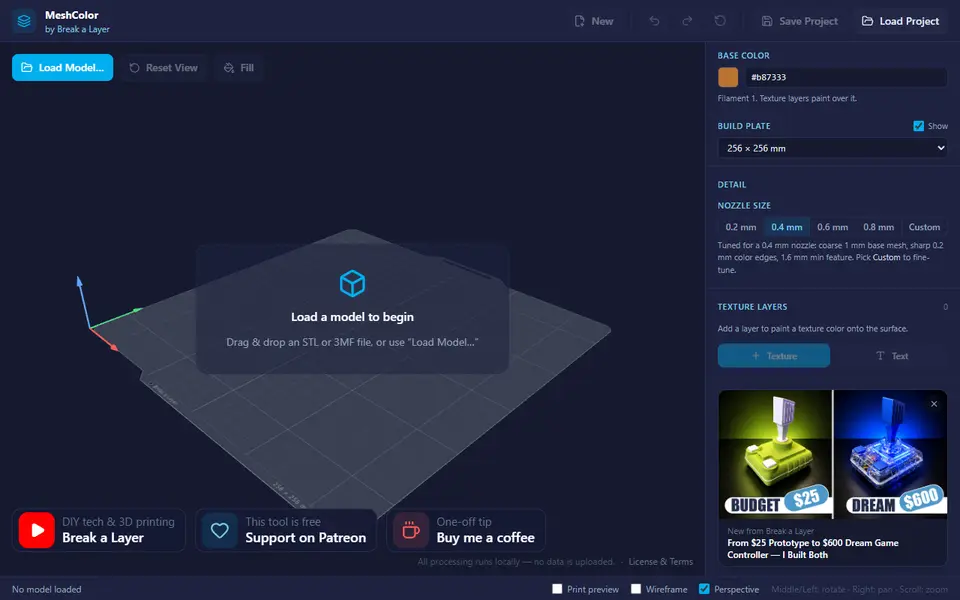
Image to Relief
MeshColor
Paints color textures, logos and text onto your own model and exports a multicolor 3MF
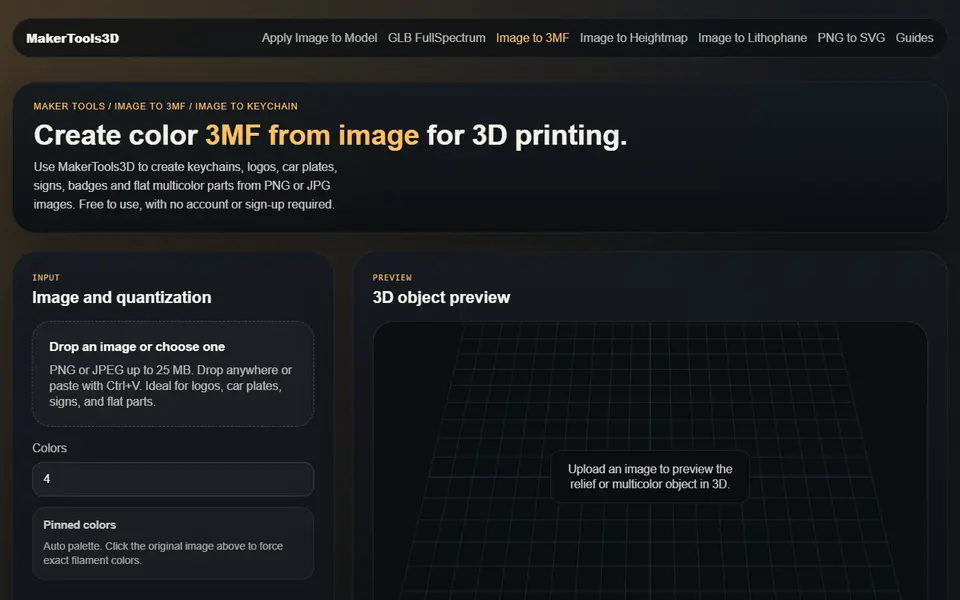
Image to Relief
MakerTools3D
Turns PNG and JPG images into multicolor 3MF plates, keychains and decals