MeshColor
Paints color textures, logos and text onto your own model and exports a multicolor 3MF
MeshColor is a free browser tool for adding multicolor logos and textures to existing models on an AMS printer. Free, including commercial use, with no account; optional support through Patreon or Ko-fi. Exports 3MF. Last checked .
Opens meshcolor.com
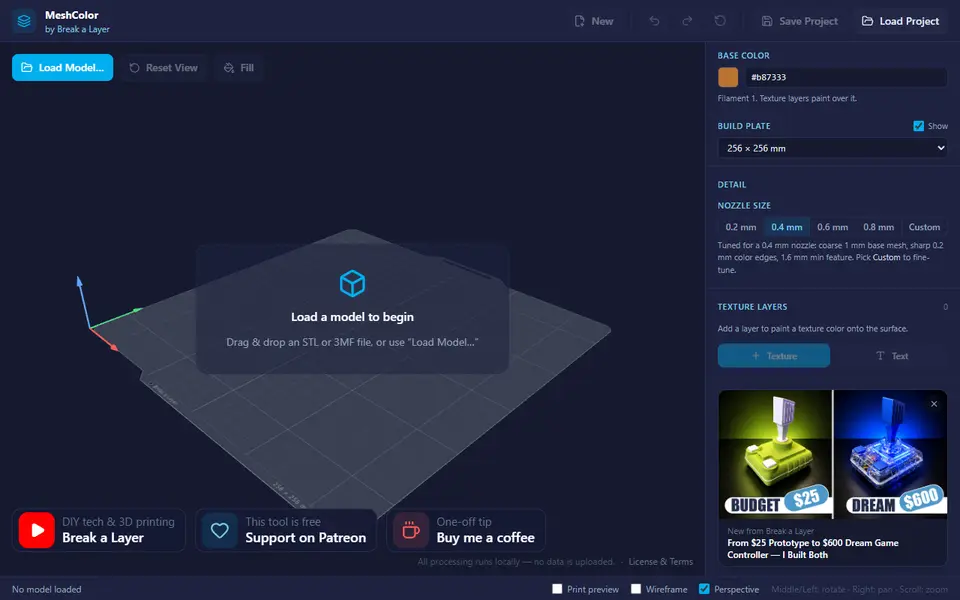
What is MeshColor?
MeshColor is a free browser tool from the Break a Layer YouTube channel that adds color to a 3D model you already have. You load an STL or 3MF, add a layer with one of nine built-in patterns (two wood grains, Lava, Sci-Fi, Army, Waves, Schematics and two abstract designs) or your own image, and the tool works out which filament each part of the surface should print in. The export is a 3MF with the colors already assigned, which Bambu Studio and OrcaSlicer open as if you had painted the model by hand.
A logo or color image is split into its separate colors automatically, each on its own filament slot. You pick planar, triplanar or cylindrical projection, set scale, offset and rotation, and use a fill tool to limit a layer to the faces you choose, so a logo can sit on the front while wood grain covers the rest. Text layers offer six system fonts with bold, italic and mirror options, and nozzle presets from 0.2 to 0.8 mm keep the detail at a size your printer can resolve.
It changes color only, not shape, so the printed surface stays smooth. A texture puts several colors on almost every layer, so in practice you need an AMS, AMS lite or a toolchanger, and a desktop browser rather than a phone.
What you can make
- Wood-grain and patterned color finishes on your own models
- Multicolor logos on enclosures, vases and shells
- Text painted onto flat or curved surfaces
- Color decals made from your own images
How to use MeshColor
- Open meshcolor.com on a computer and load an STL or 3MF
- Choose the nozzle preset that matches your printer
- Add a pattern, your own image or a text layer and pick the projection
- Use the fill tool to limit each layer to the faces you want
- Export the multicolor 3MF and match the filament slots in your slicer
What you'll need to print it
Filament and parts that suit what you make with MeshColor.
Multicolor PLA
Multicolor filament systems
Some of these are affiliate links: we may earn a small commission, at no extra cost to you. More about that
MeshColor pros
- Turns a pattern, logo or color image into per-filament regions, so you skip hand painting in the slicer
- Wraps onto the curved surfaces of any STL or 3MF you load, not only flat panels
- No account and nothing uploaded: the page blocks all outgoing network requests, so models and images stay on your computer
MeshColor cons
- Needs an AMS, AMS lite or toolchanger, and a texture adds color changes on almost every layer, so expect more purge waste
- Exports 3MF only, made for Bambu Studio and OrcaSlicer rather than PrusaSlicer or other slicers
- Launched in August 2026 by a small channel, with few tutorials or community examples as of September 2026
Rate MeshColor
One rating per account. Signing in takes one email link, no password.
Reviews
Made with MeshColor
Read next
MeshColor alternatives
Image to STL and relief generators
Image to Relief
Mesh Graffiti (MakerLab)
Paint colors, text and logos onto the surface of your own STL or 3MF model
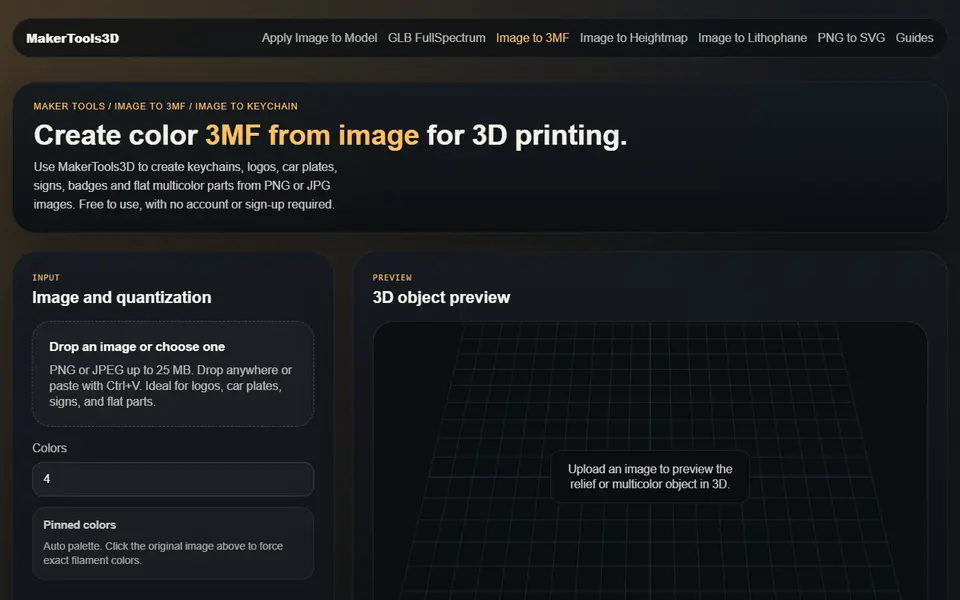
Image to Relief
MakerTools3D
Turns PNG and JPG images into multicolor 3MF plates, keychains and decals
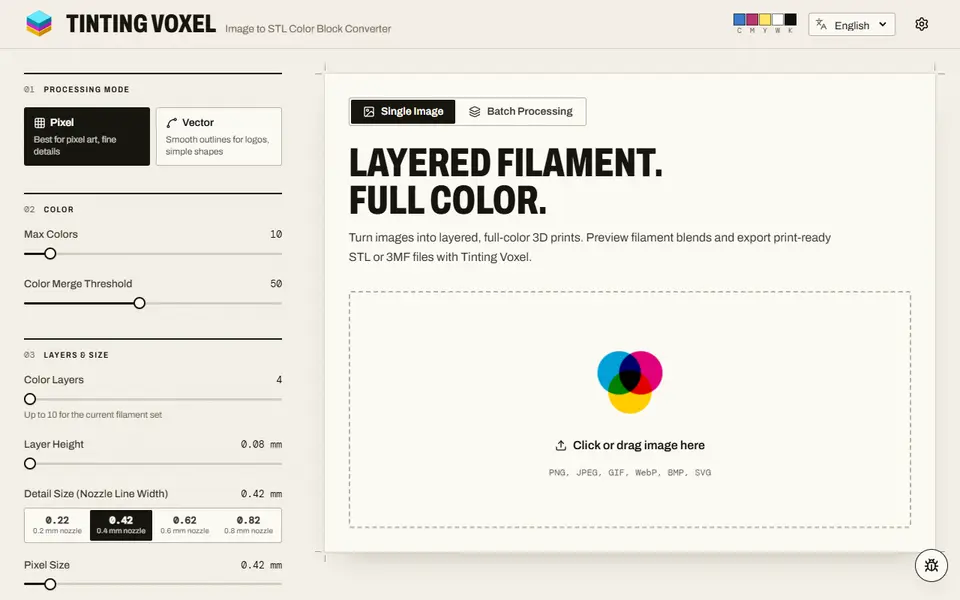
Image to Relief
Tinting Voxel
Free filament painting from a photo, pixel art or logo, mixing 4 to 16 of your filaments, as 3MF or STL, no account
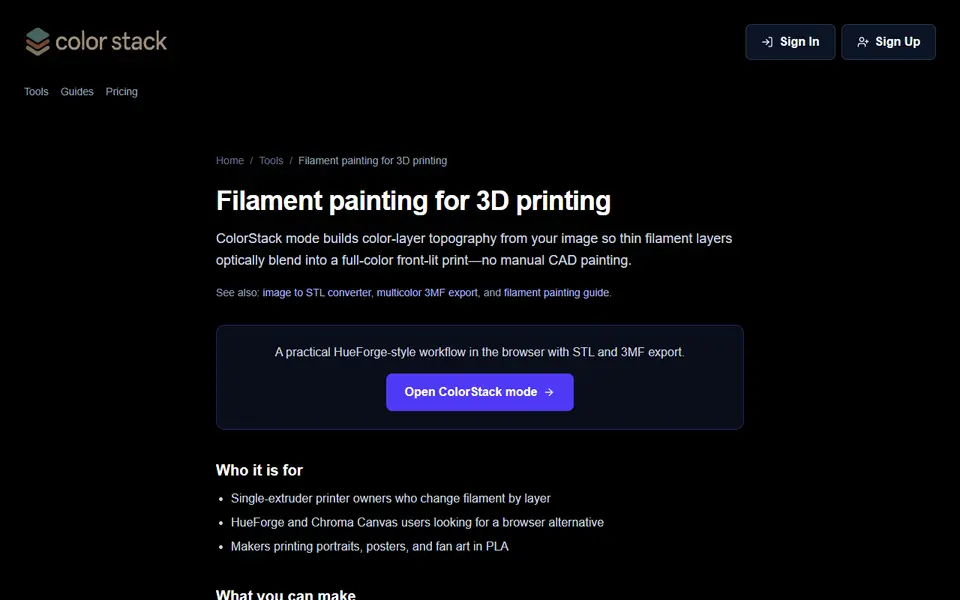
Image to Relief
ColorStack
Browser filament painting with 3MF export, plus flat multicolor and image to STL
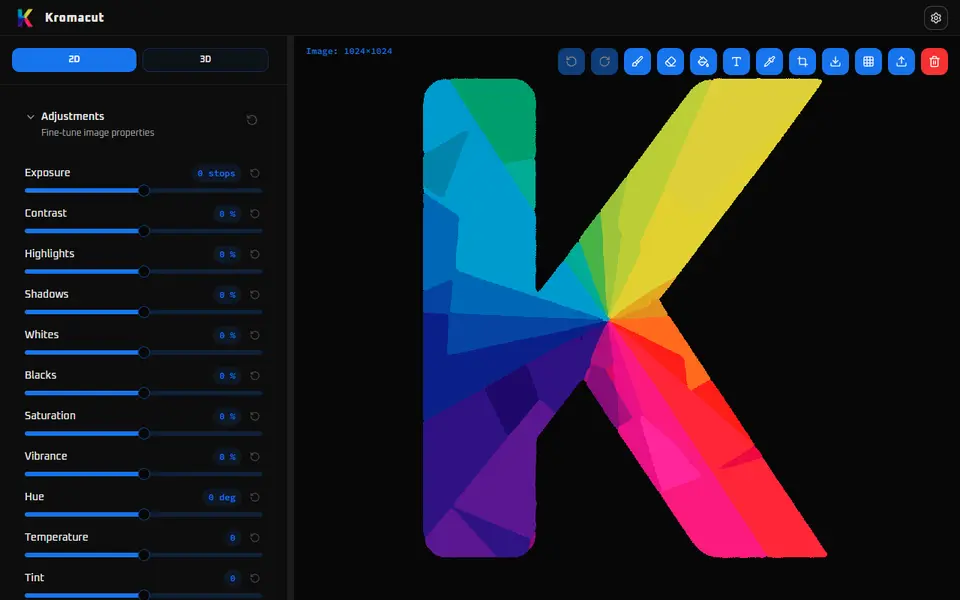
Image to Relief
Kromacut
Free open-source image to color-layer print tool with auto-paint and 3MF export
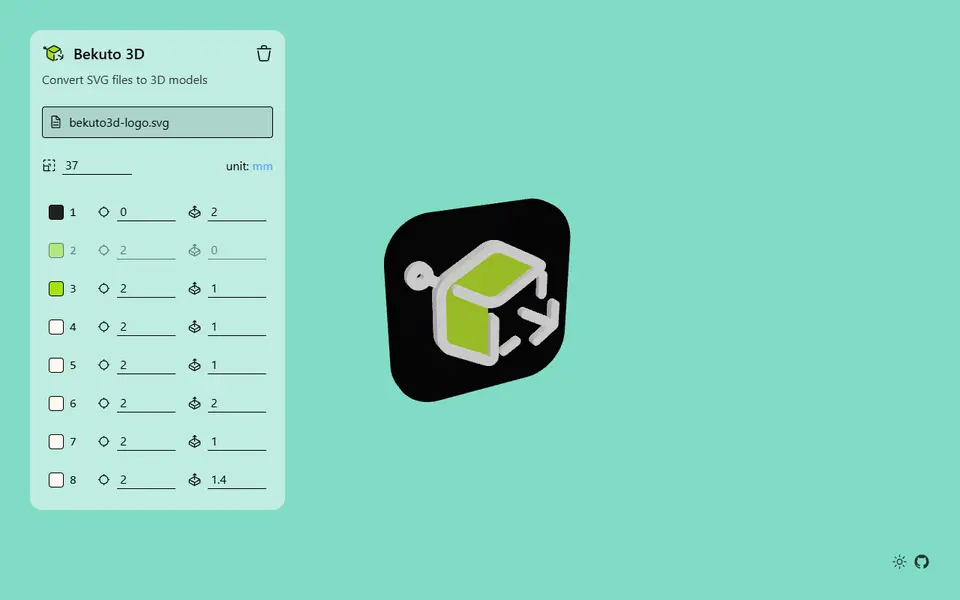
Image to Relief
Bekuto 3D
Turn SVG logos and simple images into layered, multi-color 3D models in your browser