ColorPlate
Free logo to multicolor plate: one STL per color plus a backing plate, or a filament-swap version, no account
ColorPlate is a free browser and desktop tool for a colored logo sign printed face down. Free, no account, optional tip. Exports STL, 3MF and PNG. Last checked .
Opens colorplate.spoolr.io
What is ColorPlate?
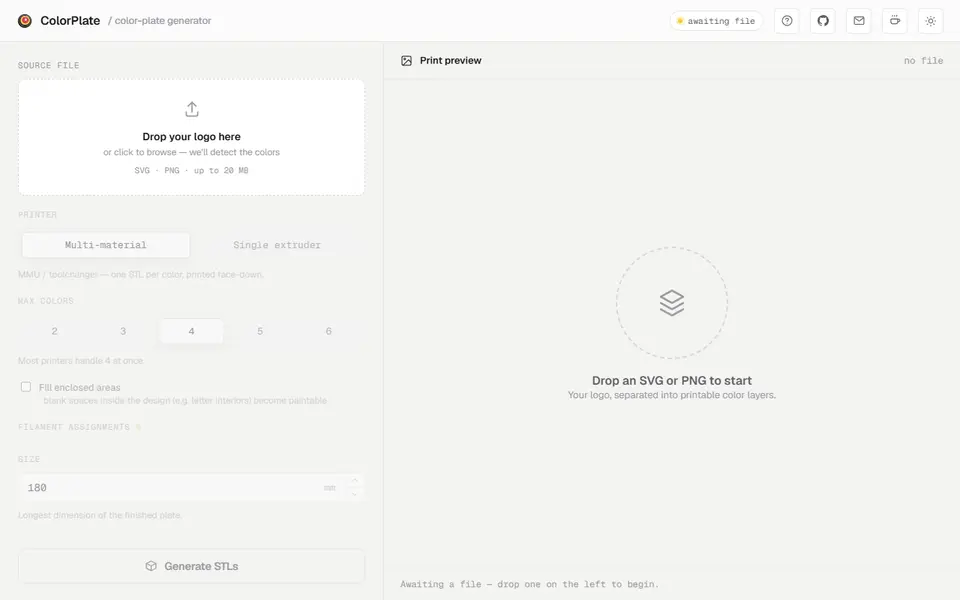
ColorPlate turns a logo or flat artwork (SVG or PNG, up to 20 MB) into a multicolor plate that prints face down. It finds the colors in the file, lets you pick up to six and assign a filament to each, and splits the design so the color areas sit side by side with no gaps or overlaps. A solid backing plate in one color goes behind them so the back of the print is clean.
You set the size (longest side), your nozzle width, the front and backing thickness and the backing color. A fill option turns enclosed blank areas, such as the inside of letters, into paintable areas. The tool warns when parts of a color are thinner than your nozzle can print and offers to increase the size. For a printer without AMS or MMU, Single extruder mode stacks the colors by height into one terraced STL with a list of the layers to change filament at.
The download is a ZIP with one STL per color, the backing STL, a 3MF, a preview PNG and a color manifest; the STLs share one origin so they line up when you load them together. It is free with no account, with an optional tip link. Your file is processed on its server. The code is open source under MIT and also runs as a Python command-line tool. It suits makers turning a company or club logo into a colored sign or badge.
What you can make
- Multicolor logo plates
- Colored signs and badges
- Terraced single-extruder color plates
How to use ColorPlate
- Drop an SVG or PNG logo
- Pick the number of colors and assign a filament to each
- Set size, thickness and backing color
- Generate and download the ZIP, then load the STLs together in your slicer
What you'll need to print it
Filament and parts that suit what you make with ColorPlate.
Multicolor PLA
Matte PLA
Multicolor filament systems
Some of these are affiliate links: we may earn a small commission, at no extra cost to you. More about that
ColorPlate pros
- Splits a logo into gap-free color areas with a backing plate
- Warns about features too thin for your nozzle
- Single extruder mode with a filament-change list
ColorPlate cons
- Best with clean, flat-colored artwork; photos do not work well
- Files are uploaded to its server for processing
Rate ColorPlate
One rating per account. Signing in takes one email link, no password.
Reviews
Made with ColorPlate
Read next
ColorPlate alternatives
Sign and text to STL generators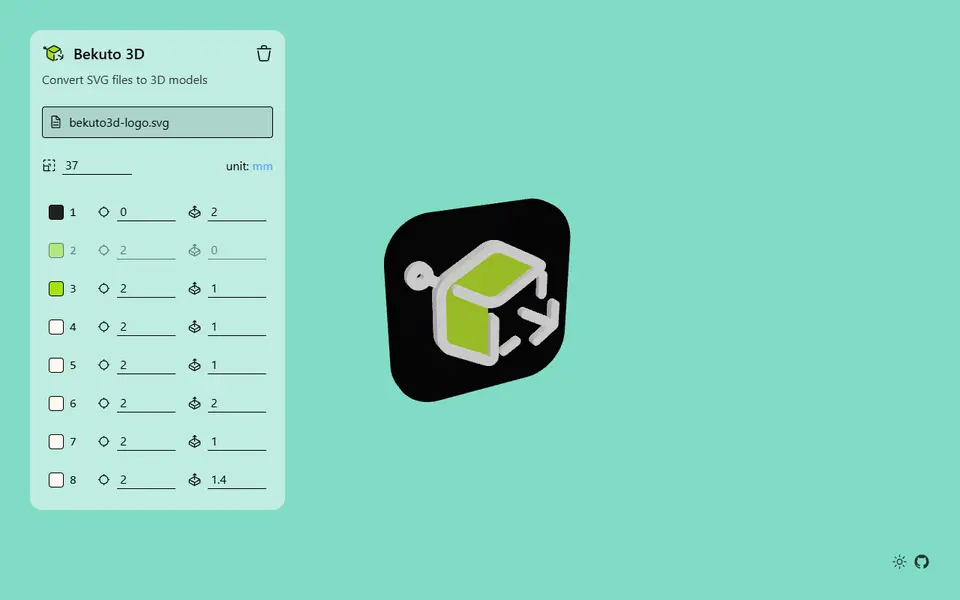
Image to Relief
Bekuto 3D
Turn SVG logos and simple images into layered, multi-color 3D models in your browser
Signs & Text
Make My Sign (MakerLab)
Bambu Lab's browser editor for flat name plates, badges, signs and tags
Signs & Text
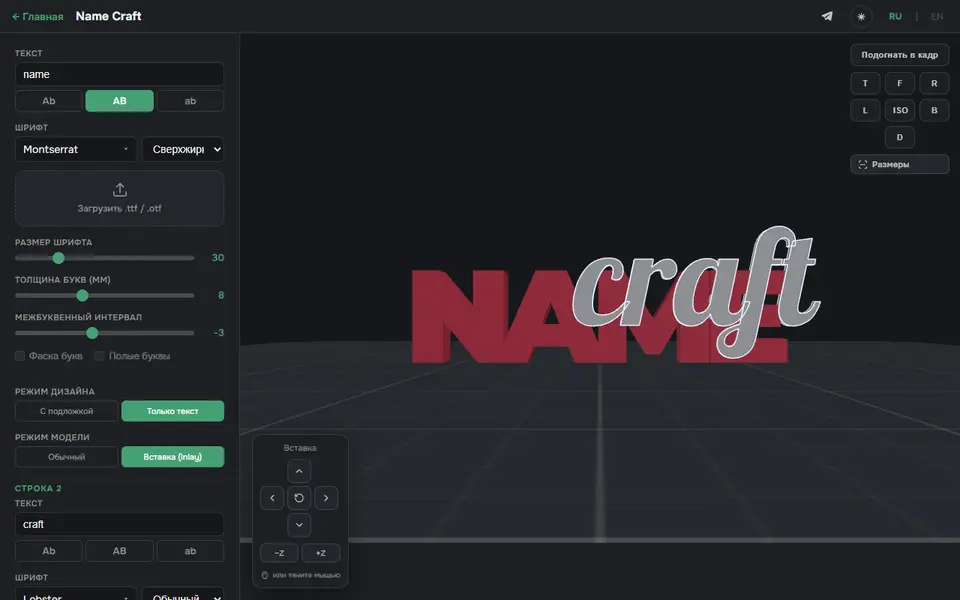
3D Name Craft (3D PrintCraft)
Type one or two lines of text and export a name sign as STL or a two-part inlay 3MF
Signs & Text
House / Office Number Plate Generator
Two-color house number and address plate generator with six styles