3D Name Craft (3D PrintCraft)
Type one or two lines of text and export a name sign as STL or a two-part inlay 3MF
3D Name Craft (3D PrintCraft) is a free browser tool for custom name signs and two-color inlay lettering. Name Craft is free with no account. Cut Craft is the site's only other free generator; the rest need PRO at 99 RUB a week, 299 RUB a month or 1,990 RUB a year, with a 3-day trial after sign-up. Exports STL and 3MF. Last checked .
Opens 3dcrafts.ru
What is 3D Name Craft (3D PrintCraft)?
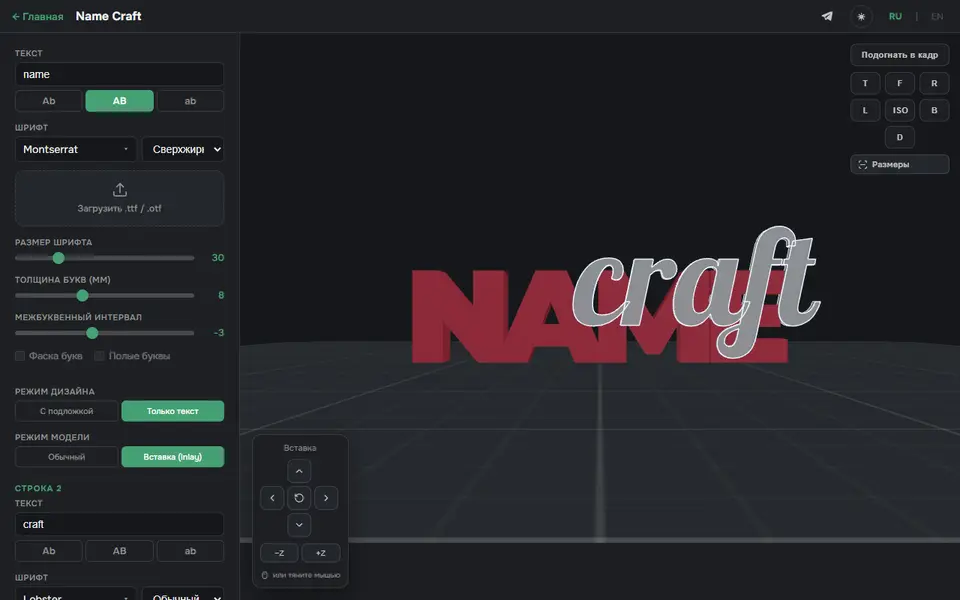
3D Name Craft is a free browser tool that turns one or two lines of text into a printable name sign, freestanding 3D lettering or a two-color inlay sign. It is one of two free generators on 3D PrintCraft, a small Russian site whose other generators mostly need a paid plan. The page opens in Russian, and an EN button switches the generator's controls to English.
You type your text, pick title, upper or lower case, and choose a font from the Google Fonts library (the site says more than 1800) or upload your own TTF or OTF file. Sliders set font size, letter thickness and spacing. You can bevel the letter edges, make the letters hollow to save plastic, and put the text on a backing plate with its own thickness, margin and corner radius, or keep the letters alone. The live 3D preview shows the sign on a printer bed, so you can check that it fits.
In inlay mode the second line becomes an insert: the tool cuts a matching pocket into the sign and builds the insert with an adjustable fit gap, so the two parts can be printed in different colors. Every mode exports STL or a 3MF in which the letters, the second line and the base are separate colored parts, ready for an AMS, also with the letter bevel on; inlay signs can also come as separate base and insert files. There is no account, watermark or usage limit.
What you can make
- Name signs on a backing plate
- Freestanding 3D letters and words
- Two-color inlay signs
- Hollow-letter signs
- Two-line plaques
How to use 3D Name Craft
- Open Name Craft and click EN to switch the controls to English
- Type your text, pick a font and choose one or two lines
- Set size, thickness, bevel and the backing plate, or switch to inlay mode
- Download the STL or the 3MF files and check them in your slicer
What you'll need to print it
Filament and parts that suit what you make with 3D Name Craft.
Matte PLA
- Bambu Lab PLA Matte (affiliate link) Amazon
- Polymaker Panchroma Matte PLA (formerly PolyTerra) (affiliate link) Polymaker EU: 3DJake (affiliate link)
Code gives 15% off your first order at Polymaker.
Multicolor filament systems
Some of these are affiliate links: we may earn a small commission, at no extra cost to you. More about that
3D Name Craft pros
- Free with no account, no watermark and no usage limit, and the site's terms let you sell what you print
- Every mode exports a 3MF with letters, second line and base as separate colored parts, and inlay mode builds a pocketed base with a matching insert
- Two lines with separate fonts, the Google Fonts library or your own TTF/OTF, plus bevel and hollow-letter options
3D Name Craft cons
- Russian-first site: English is only an in-page toggle, and the blog, terms and help pages are in Russian
- One-developer project with a small following and little outside coverage to learn from
Rate 3D Name Craft
One rating per account. Signing in takes one email link, no password.
Reviews
Made with 3D Name Craft
Read next
3D Name Craft alternatives
Sign and text to STL generators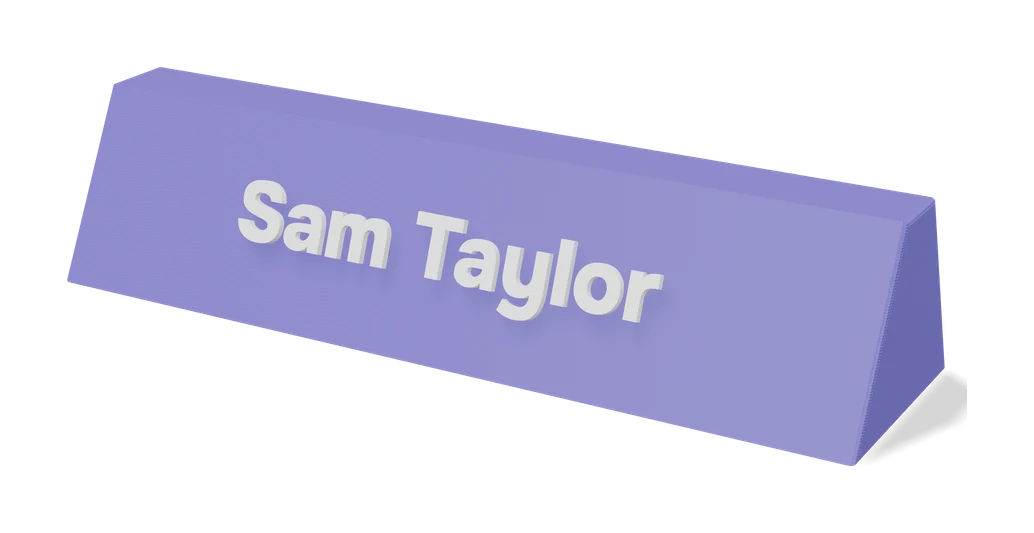
Signs & Text
Customizable Name Sign Generator
Layered name sign: a script name set into a big first letter
Signs & Text
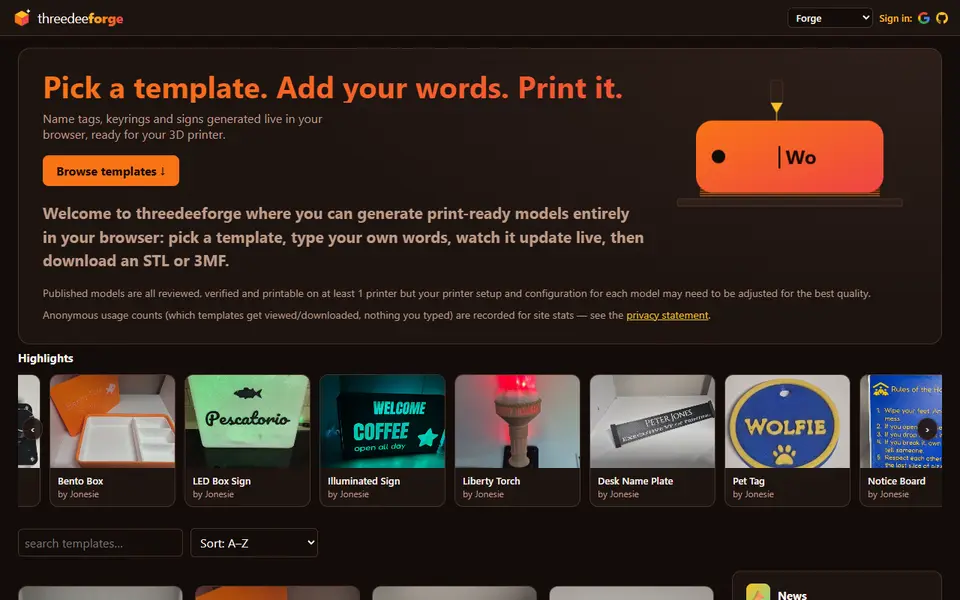
threedeeforge
Free gallery of 23 text templates (pet tags, keycaps, LED signs, desk plates) as STL or 3MF, no account
Signs & Text
Layered Initial and Name Sign
Big serif initial with a script name set into it, built from the name you type
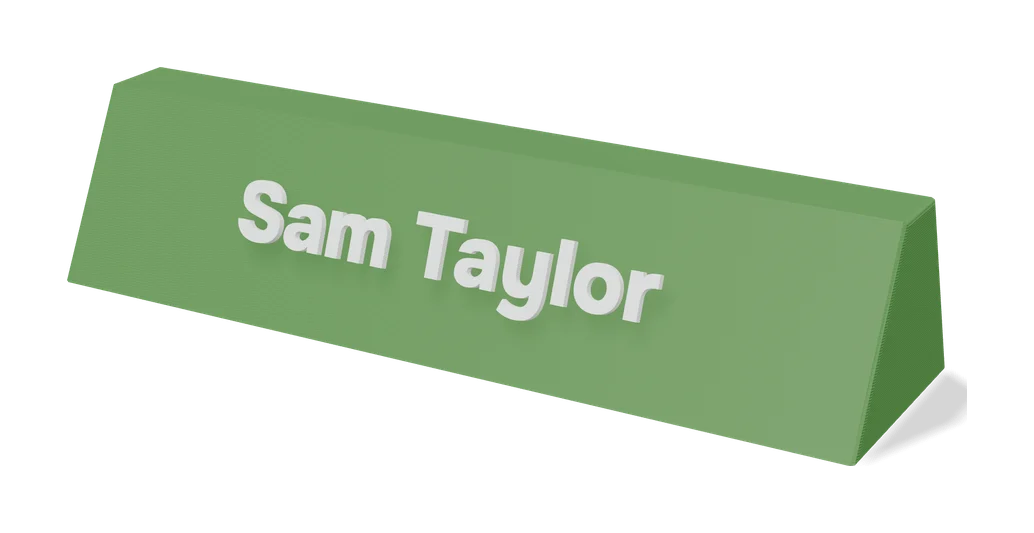
Signs & Text
Custom Minecraft Name Plate
Your name as Minecraft-style stone letters on a grass block base
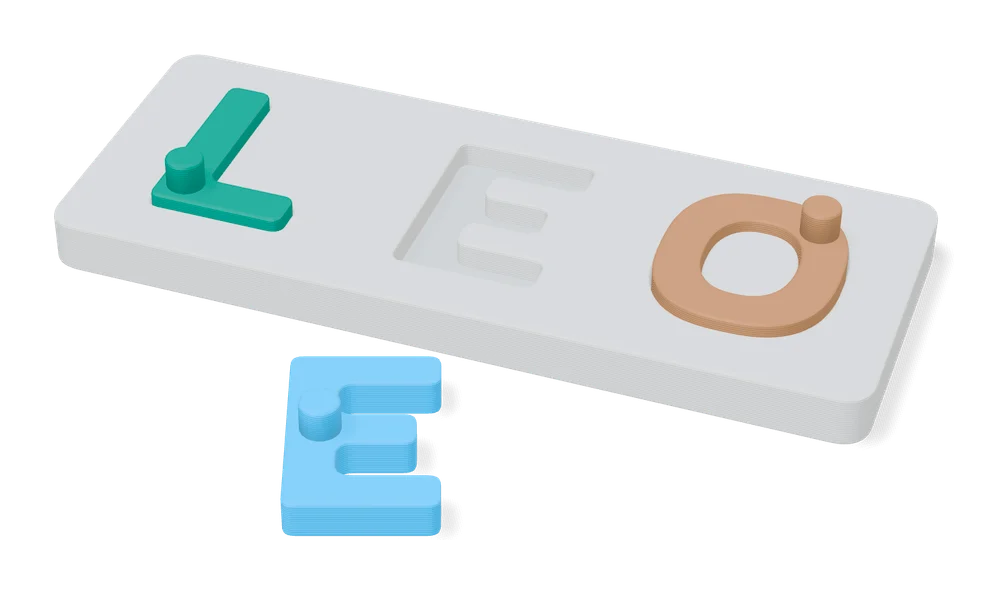
Signs & Text
Customizable Parametric Pencil Slide-On Name
Standing 3D name with a hole through it that slides onto a pencil or pen
Signs & Text
Customizable Parametric Lithophane Text
Slatted text card that shows different words as you tilt it