What is PixelSculpt?
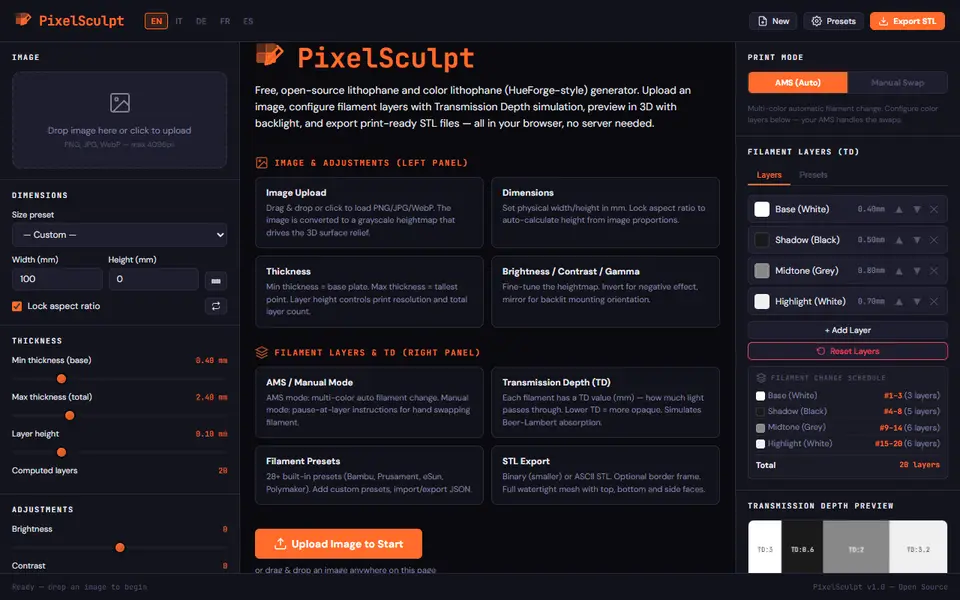
PixelSculpt makes classic and color lithophanes from a photo. Beyond the usual size and thickness settings, it has a filament layer stack: you list the filaments from base to top, each with a color, a height and a transmission distance (TD), and the 3D preview with backlight shows how light passing through those layers will look. It has 28 or more filament presets from Bambu, Prusament, eSun and Polymaker, and you can add your own and import or export them.
You set width and height with 15 size presets (photo, paper and aspect-ratio formats), minimum and maximum thickness, layer height, brightness, contrast, gamma, invert, mirror, pixel sampling and smoothing, or press Auto Optimize. AMS mode lets the printer change filament; Manual Swap mode gives a filament change schedule with exact layer numbers. You can print flat or standing up, with removable triangle supports or a stand base, and add a border frame.
The export is a single watertight STL (binary or ASCII); the colors come from the layer change schedule, not from separate parts. It is free, runs in your browser with no upload or account, and has five interface languages. It is open source, and its license explicitly allows selling the STL files and the printed products. It is a v1.0 beta. It suits people who want a color lithophane without paying for desktop software.
What you can make
- Classic white lithophanes
- Color lithophanes from layered filaments
- Standing lithophanes with stand or supports
How to use PixelSculpt
- Drop a photo and pick a size preset
- Set thickness and layer height, or press Auto Optimize
- Build the filament layer stack and choose AMS or Manual Swap
- Export the STL and add the color changes in your slicer
What you'll need to print it
Filament and parts that suit what you make with PixelSculpt.
White PLA
Multicolor PLA
Multicolor filament systems
Some of these are affiliate links: we may earn a small commission, at no extra cost to you. More about that
PixelSculpt pros
- Filament layers with TD values and a backlit preview
- Exact filament change schedule for AMS or manual swaps
- License allows selling the files and prints
PixelSculpt cons
- Beta software, flat panels only
- One STL; colors rely on setting the layer changes in your slicer
Rate PixelSculpt
One rating per account. Signing in takes one email link, no password.
Reviews
Made with PixelSculpt
Read next
PixelSculpt alternatives
Lithophane generators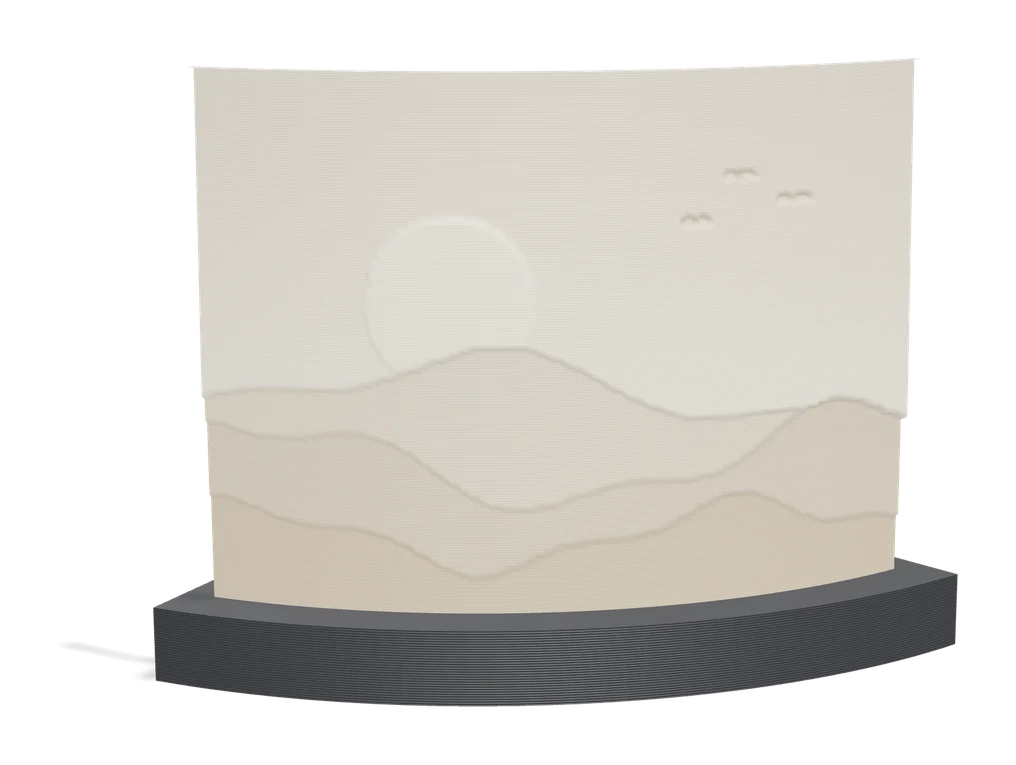
Lithophanes
PIXEstL
Free Java program that makes full-color lithophanes and pixel art from your filament palette
Lithophanes
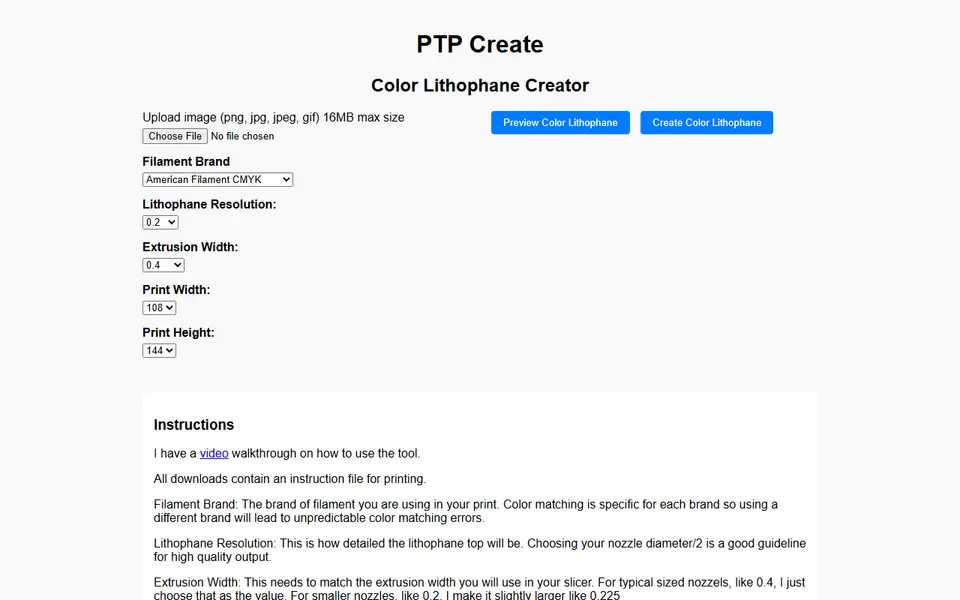
PTP Create Color Lithophane Creator
Turns a photo into a full-color CMYK lithophane for multi-material printers
Lithophanes
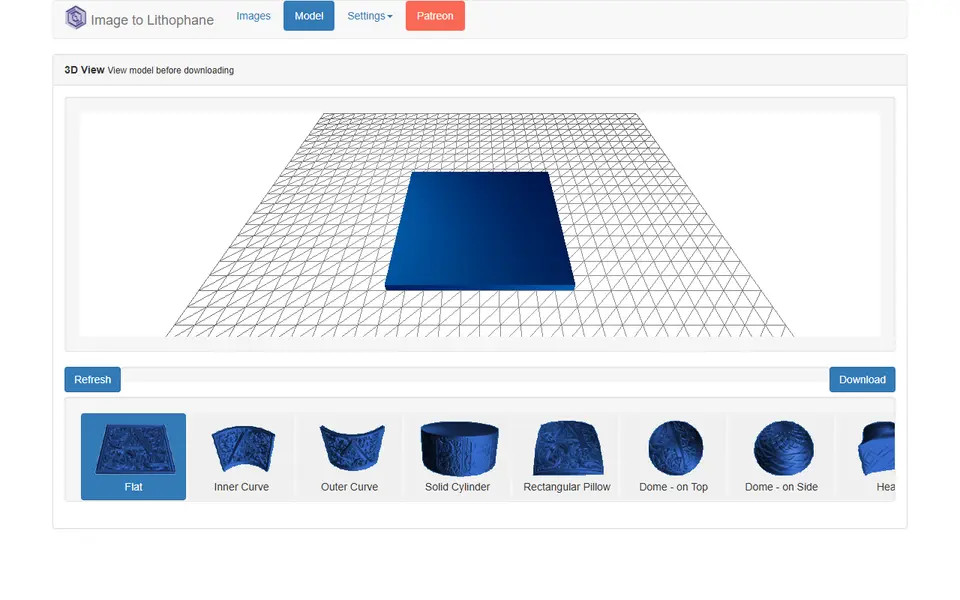
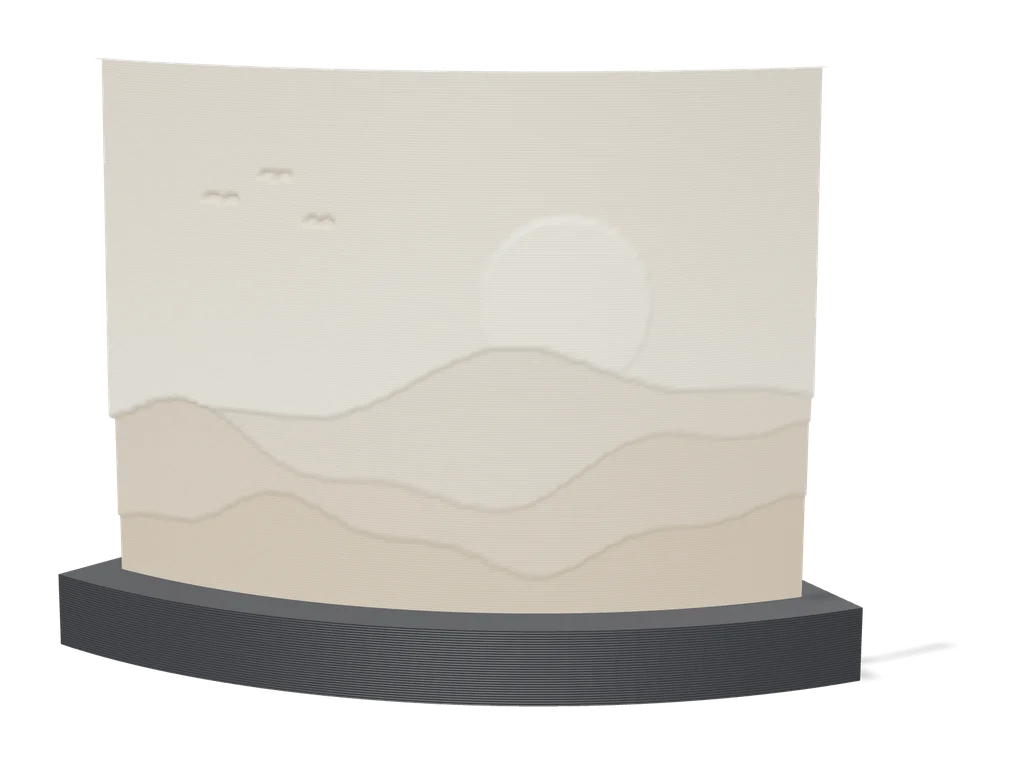
3dp.rocks Image to Lithophane
Classic free lithophane converter with flat, curved, dome and heart shapes
Lithophanes
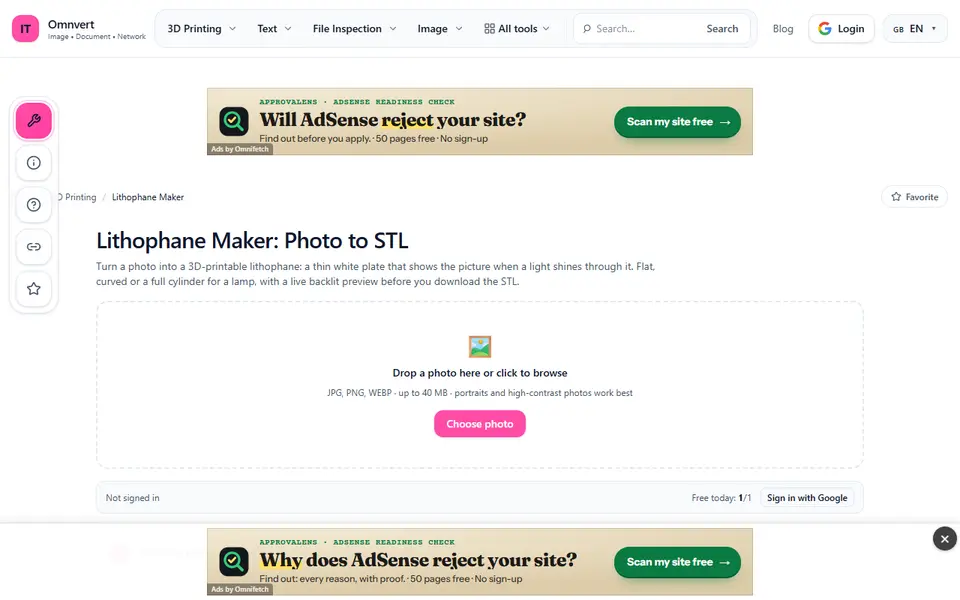
Omnvert 3D printing tools
Lithophane maker with small adaptive STL files (1 free a day), plus free image-to-STL and QR-to-STL tools
Lithophanes
Make My Lithophane (MakerLab)
Bambu Lab's free lithophane tool with mono and CMYK color modes and frames
Lithophanes
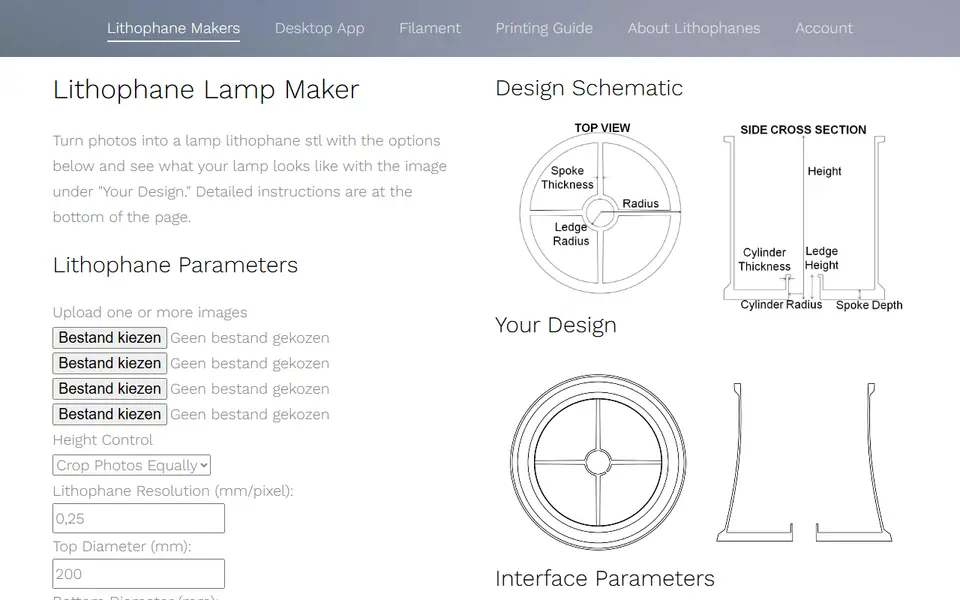
Lithophane Maker
Specialist lithophane site for lamps, night lights, globes and color lithophanes