Omnvert 3D printing tools
Lithophane maker with small adaptive STL files (1 free a day), plus free image-to-STL and QR-to-STL tools
Omnvert 3D printing tools is a freemium browser tool for lithophanes with small, quick-to-slice files. 1 free lithophane a day; $2.99 for 3, $4.99 day pass or $14.99/month; image and QR tools free. Exports STL and 3MF; no account needed. Last checked .
Opens omnvert.com
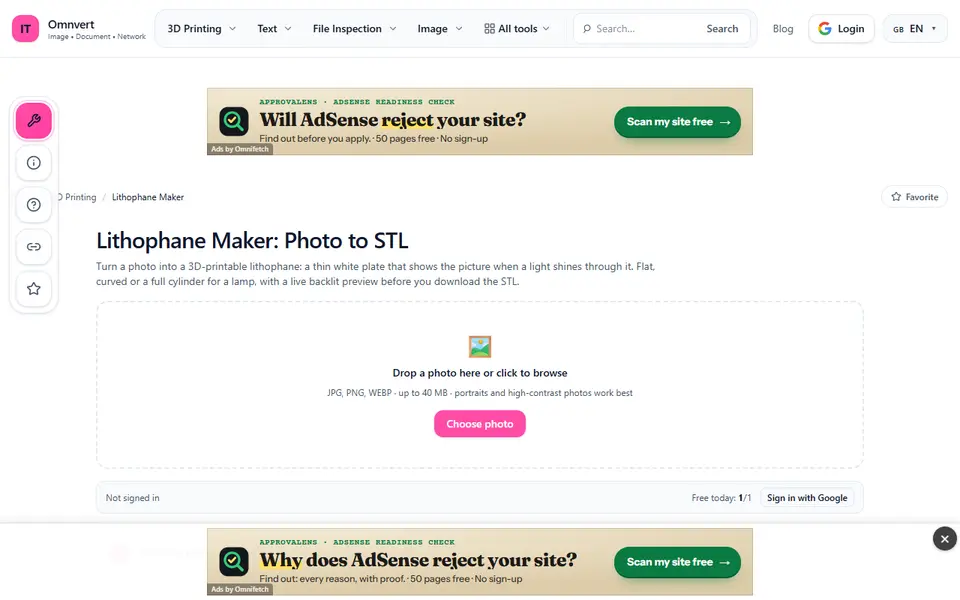
What is Omnvert 3D printing tools?
Omnvert is a general file-tools site with a 3D printing section. Three of its tools make printable files from scratch: a Lithophane Maker, an Image to STL converter and a QR Code to STL generator. The rest of the section repairs, shrinks, splits or converts existing models.
The Lithophane Maker makes flat, curved (30 to 300 degrees) or full cylinder lamp lithophanes, with the relief inside or outside, a frame, thinnest and thickest settings, brightness, contrast, gamma and auto levels, and a backlit preview with a warm lamp option. What sets it apart is the file: the mesh uses fewer triangles in flat areas, so our test plate came out at 0.3 MB where two browser lithophane makers gave about 12 MB for a similar plate. Thickness follows how light passes through white PLA, and a calibration strip in the guide lets you tune it. Image to STL extrudes a logo (SVG recommended) or turns a photo into a relief, and QR Code to STL makes a code plate as STL or 3MF, optionally split into base and code for two colors.
There is no account. The Lithophane Maker gives one free use a day; after that a $2.99 pack of 3 uses, a $4.99 day pass or $14.99 a month Pro, paid without an account. Image to STL and QR to STL are free. Lithophane and Image to STL files are built on Omnvert's server and deleted within 120 minutes; the QR tool runs in the browser. The site is ad-funded and the terms say nothing about selling prints. It suits people who want light, fast-slicing lithophane files.
What you can make
- Flat, curved and cylinder lamp lithophanes
- Extruded logos and photo reliefs
- QR code plates in one or two colors
How to use Omnvert 3D printing tools
- Open the Lithophane Maker and drop a photo
- Pick width, shape and thickness, and check the backlit preview
- Generate the STL and download it
- Use Image to STL or QR Code to STL for logos and codes
What you'll need to print it
Filament and parts that suit what you make with Omnvert 3D printing tools.
White PLA
LED bases and puck lights
- Bambu Lab LED Lamp Kit Bambu Lab
- Bambu Lab Remote Controlled 16-color RGBW Puck Lights (2 pcs) Bambu Lab
0.2 mm nozzle
Some of these are affiliate links: we may earn a small commission, at no extra cost to you. More about that
Omnvert 3D printing tools pros
- Small lithophane files from an adaptive mesh
- Flat, curved and lamp shapes with a backlit preview
- No account, even to pay
Omnvert 3D printing tools cons
- Only one free lithophane a day
- Photos are uploaded to its server, and the pages carry ads
Rate Omnvert 3D printing tools
One rating per account. Signing in takes one email link, no password.
Reviews
Made with Omnvert 3D printing tools
Read next
Omnvert 3D printing tools alternatives
Lithophane generators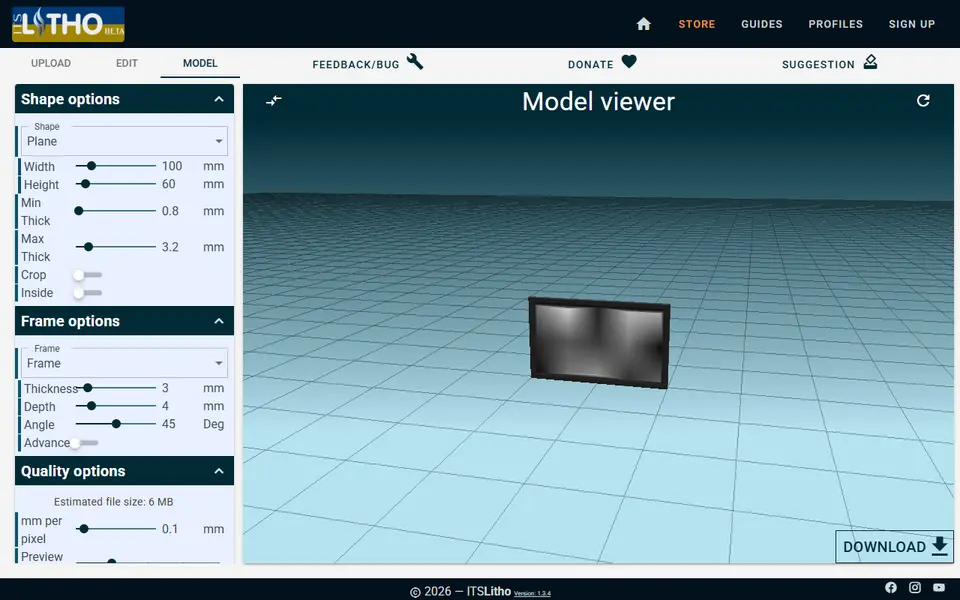
Lithophanes
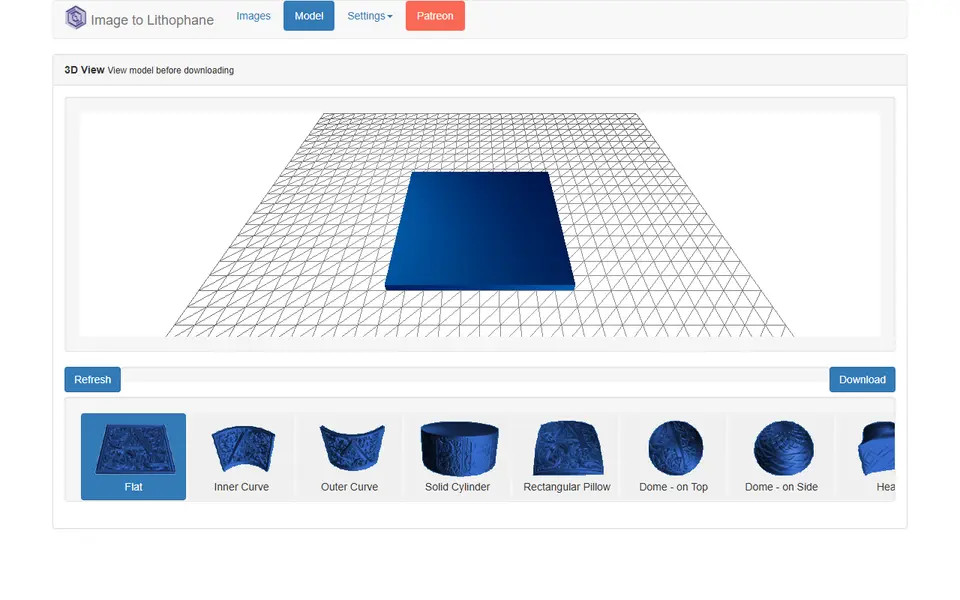
ItsLitho
Browser lithophane designer with many shapes, an image editor and a backlit preview
Lithophanes
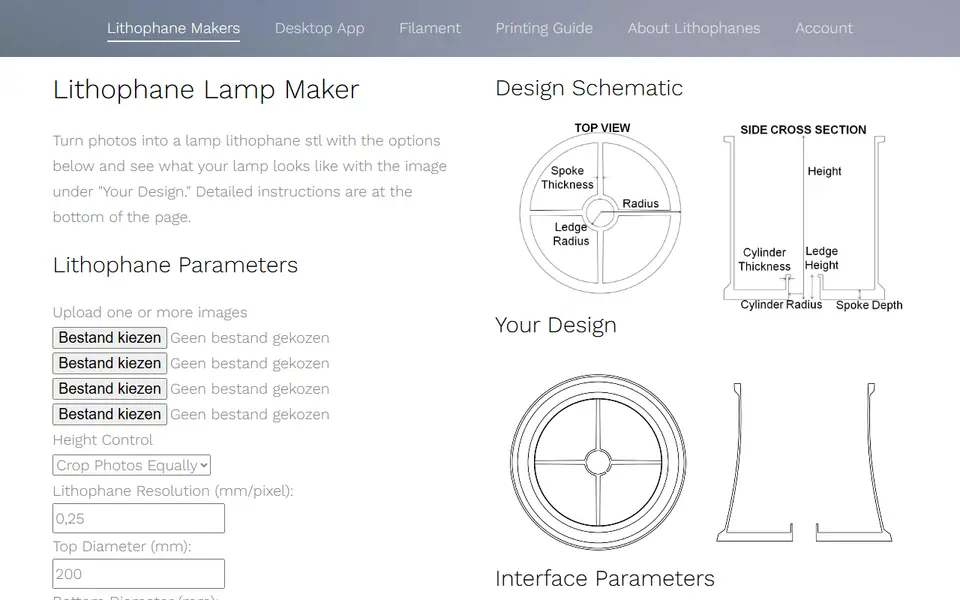
3dp.rocks Image to Lithophane
Classic free lithophane converter with flat, curved, dome and heart shapes
Lithophanes
Lithophane Maker
Specialist lithophane site for lamps, night lights, globes and color lithophanes
Lithophanes
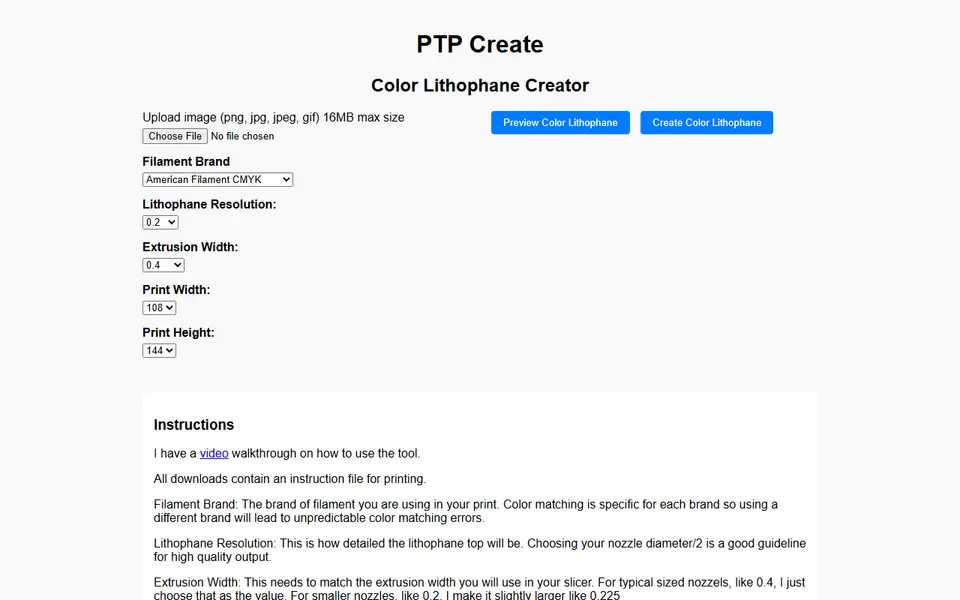
PTP Create Color Lithophane Creator
Turns a photo into a full-color CMYK lithophane for multi-material printers
Lithophanes
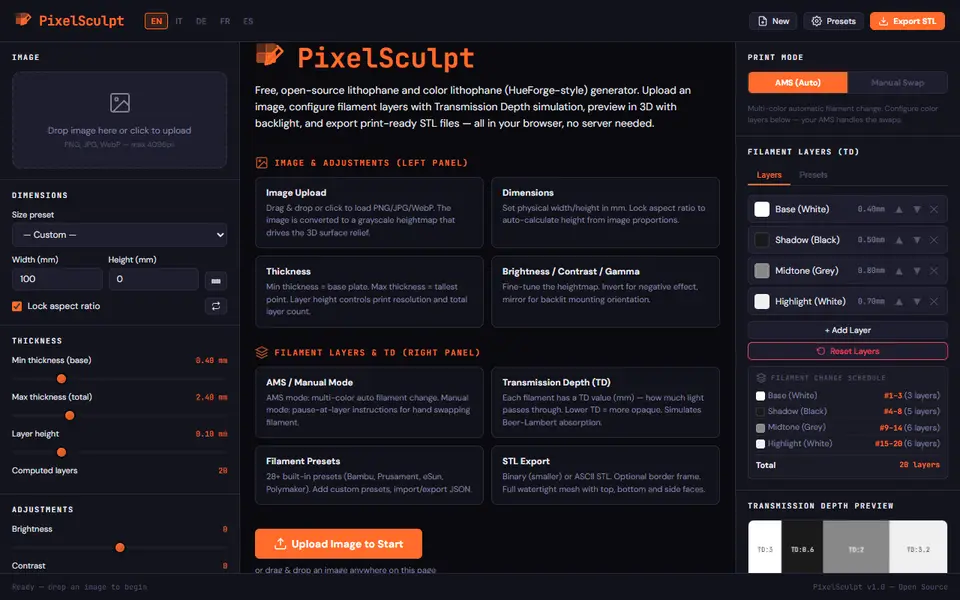
PixelSculpt
Free lithophane and color lithophane maker with filament TD layers and a swap schedule, STL, in your browser
Lithophanes
PIXEstL
Free Java program that makes full-color lithophanes and pixel art from your filament palette