Lithophanes · Comparison
Best Lithophane Generators: Photo to STL in Minutes
The best free lithophane makers compared: flat, curved, lamps, globes and colour (CMYK) lithophanes, plus the print settings that make photos pop when backlit.
Quick comparison
| Generator | Best for | Price | Files | Link |
|---|---|---|---|---|
| 01ItsLitho | Photo gifts, lamp shades and night lights | Freemium | STL | Open |
| 02Make My Lithophane (MakerLab) | Bambu Lab owners making colour photo lithophanes | Free | 3MF | Open |
| 033dp.rocks Image to Lithophane | Quick flat or curved photo panels | Free | STL | Open |
| 04Lithophane Maker | Lithophanes that fit an existing lamp or night light | Free | STL | Open |
| 05Lightbox Maker (MakerLab) | Light-up fan art and logo signs | Free | 3MF | Open |
| 063D-Lithophane.com | Photo cubes, lanterns and multi-photo gifts | Freemium | STL | Open |
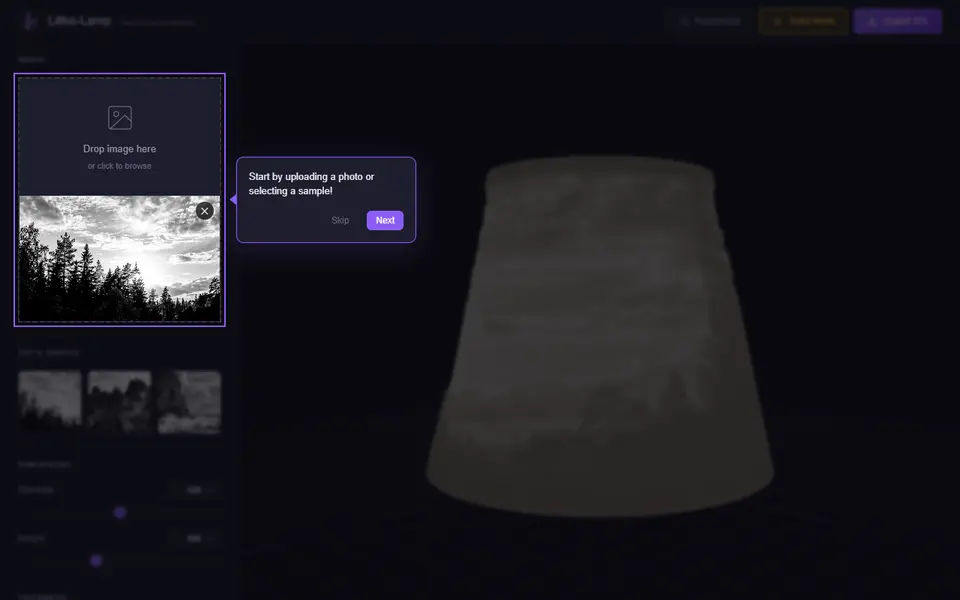
| 07Litho-Lamp | Photo lamp shade gifts | Free | STL | Open |
| 08Lithophane Folding Fan (MakerLab) | A lithophane gift that is also useful | Freemium | 3MF | Open |
A lithophane is the most surprising thing you can print for someone. In daylight it looks like a white plastic sheet with a vague texture. Hold it against a window or put a light behind it and a photo appears, with soft shading that looks almost like an old black-and-white print.
Making one needs no CAD at all. You upload a photo, choose a shape, and the generator turns brightness into thickness: dark areas get thicker plastic, light areas thinner.
Quick answer
- Best overall: ItsLitho. Many shapes, an image editor, a backlit preview, and free STL downloads.
- Best for colour lithophanes: Make My Lithophane (MakerLab). Free with a MakerWorld account, mono and CMYK colour modes, with frames.
- Simplest: 3dp.rocks. The classic free converter for flat, curved, dome and heart shapes.
- Best for lamps and globes: Lithophane Maker.
ItsLitho
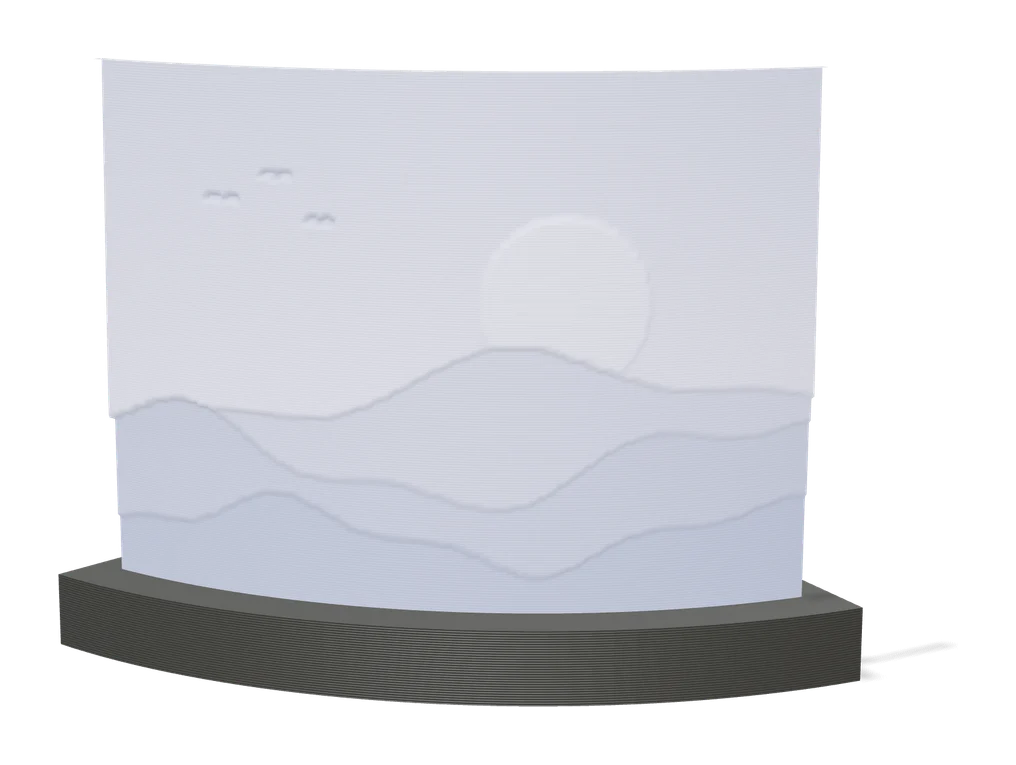
ItsLitho is where most people end up once they get serious about lithophanes. It offers many shapes, from flat panels to curved and framed designs, and includes an image editor so you can crop and adjust contrast before converting. The backlit preview shows what the print will look like with a light behind it, which saves a lot of test prints. Designing and downloading STL files is free; a few advanced settings are marked premium.
MakerLab Make My Lithophane
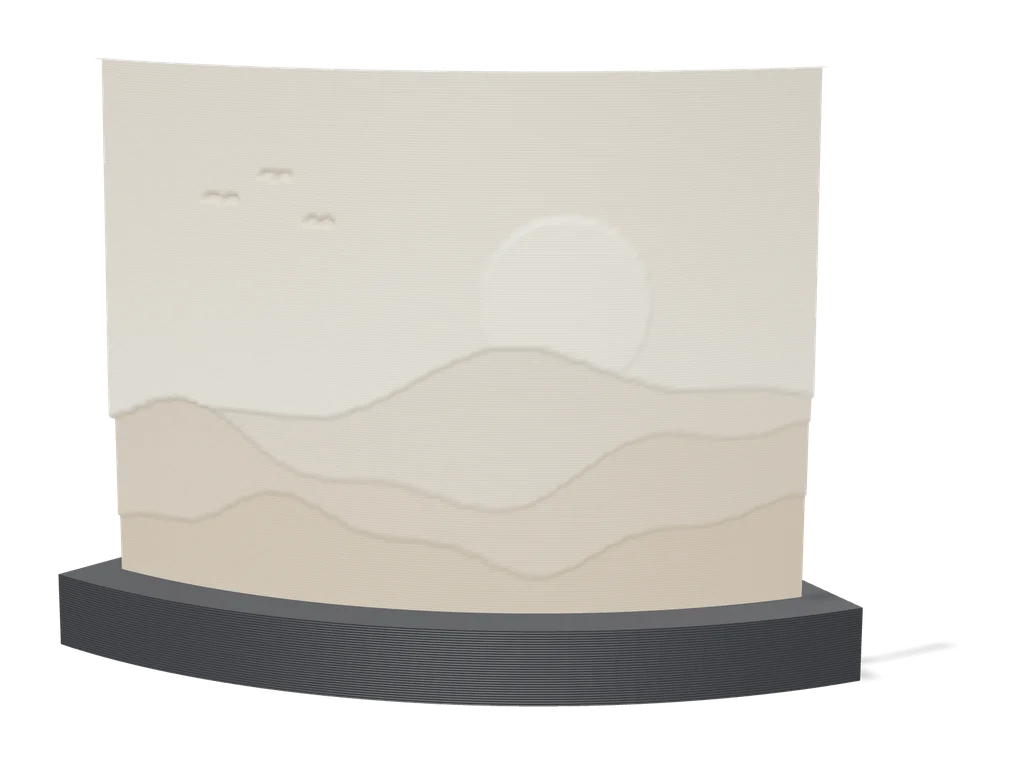
If you print on a Bambu Lab machine, Make My Lithophane is the easiest way into colour. It has a mono mode for classic white lithophanes and a CMYK mode that stacks cyan, magenta, yellow and white layers into a full-colour image. It exports a 3MF with the colours assigned and adds frames if you like. It is free with a MakerWorld account.
Bambu Lab’s Lightbox Maker goes one step further and builds a layered, multicolour LED light box from your images and text.
3dp.rocks
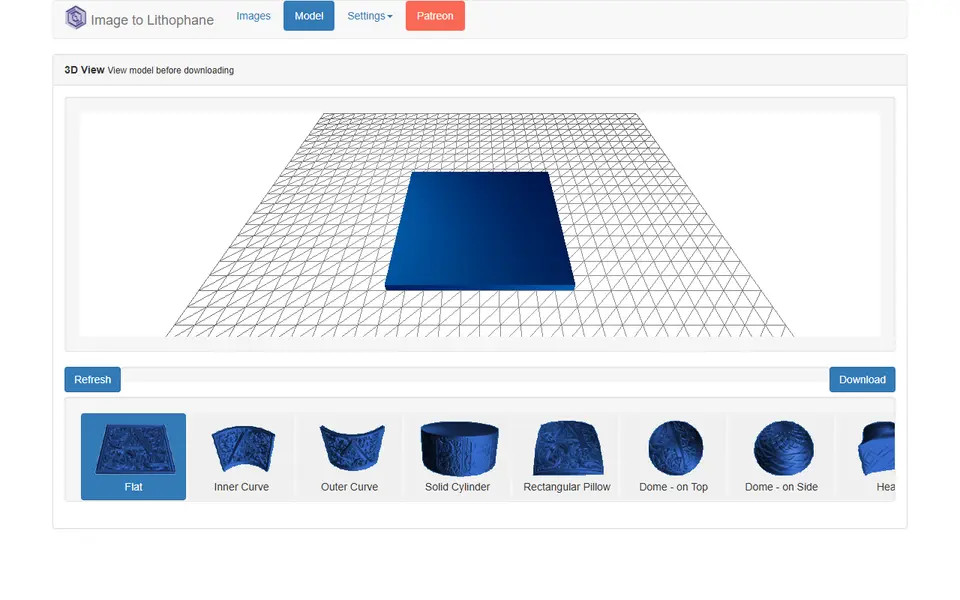
3dp.rocks has been around for years and still does the basics well. Upload a photo, choose flat, curved, dome or heart, set the thickness, download the STL. No account, no fuss.
Lamps, globes and night lights
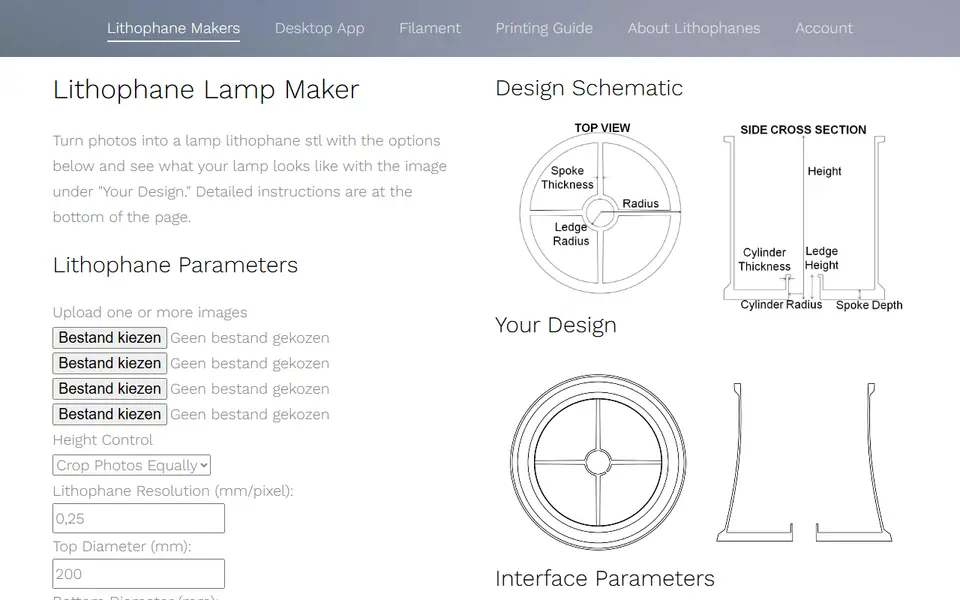
Lithophane Maker specialises in objects that hold a light: lamps, night lights, globes and colour lithophanes. The web tools are free and supported by Patreon. 3D-Lithophane.com covers panels, cubes, lanterns, globes and lampshades behind a free account. For a quick four-sided photo lamp shade, Litho-Lamp does one job and does it for free.
For something different, the MakerLab Lithophane Folding Fan turns an image into a hand fan with lithophane blades.
Settings that make a lithophane work
- Use white PLA that is evenly pigmented. Not silk, not glossy, not cream.
- Print with 100 percent infill so the thickness map is solid plastic.
- Use fine layers (0.12 mm or less) and slow outer walls for smooth gradients.
- Choose a contrast-rich photo. Faces in soft, even light work best; very dark photos turn into thick, dull slabs.
- Light it properly. A warm-white LED behind the print makes the photo come alive. Our picks are in the box below.
Frequently asked questions
What is the best free lithophane generator?
ItsLitho is the most complete free option, with many shapes, an image editor and a backlit preview. 3dp.rocks is the simplest classic. Bambu Lab users get colour (CMYK) lithophanes for free with MakerLab Make My Lithophane.
What filament should I use for a lithophane?
A plain, evenly pigmented white PLA. Avoid silk, glossy or off-white filament: they scatter light unevenly and show blotches when backlit. For colour lithophanes you need cyan, magenta, yellow and white.
What are the best print settings for a lithophane?
Print upright if your printer is stable, with 0.12 mm layers or finer, 100 percent infill and a slow outer wall. A thickness range of about 0.8 mm to 3 mm works for most photos.
Can I make a colour lithophane?
Yes. Tools such as MakerLab Make My Lithophane and Lithophane Maker create colour lithophanes that stack cyan, magenta, yellow and white layers. You need a multicolour printer or a lot of patience with manual filament swaps.
What you'll need
White PLA for lithophanes
A lithophane is only as good as the light passing through it. A neutral, evenly pigmented white gives smooth grey gradients, while an off-white or patchy batch shows up as blotches and colour casts once it is backlit.
- Bambu Lab PLA Basic Jade WhiteThe white Bambu uses in its own lithophane workflow; RFID presets make first prints predictable on Bambu printers.
- Polymaker PolyLite PLA Cold WhiteA cool-toned white (listed next to the warmer standard White) that keeps backlit photos crisp instead of yellowish.
- eSUN PLA+ WhiteAffordable and easy to find, good for large or batch lithophane panels.
LED bases and puck lights for lithophane lamps
A compact light inside the base is what turns a printed lithophane cylinder, moon or globe into a lamp. Warm white flatters photos, while remote-controlled pucks add colour and timers.
- Bambu Lab LED Lamp Kit5V, 3W warm-white lamp module with cable, designed for printed lamp bodies such as moon and kumiko lamps.
- Bambu Lab Remote Controlled 16-color RGBW Puck Lights (2 pcs)Battery-powered (AAA) pucks with IR remote, dimming and auto-off; no cable to route through the base.
- Warm white USB LED puck light (generic)Mains-free USB pucks suit lamps that stay on for hours; choose warm white (about 3000K) for photo lithophanes.
0.2 mm nozzle for fine detail
A 0.2 mm nozzle lays thinner lines, so tiny keychain text, small HueForge features and delicate edges come out sharp instead of blobby. Keep abrasive glow and wood filaments away from stainless 0.2 mm nozzles.
- Bambu Lab Hotend A1/A2 - 0.2 mm Stainless SteelDrop-in 0.2 mm hotend for the A1, A1 mini and A2L.
- Bambu Lab Multi-Size Hotends KitBundles a 0.2 mm hotend with larger sizes, with versions for H2, X2D/P2S, A-series and X1/P1 printers.
- Bambu Lab Hotend P1 Series - 0.2 mm Stainless SteelThe 0.2 mm option for P1S owners.
Some of these are affiliate links: we may earn a small commission, at no extra cost to you. More about that
Every generator in this guide
Lithophanes
ItsLitho
Browser lithophane designer with many shapes, an image editor and a backlit preview
Lithophanes
Make My Lithophane (MakerLab)
Bambu Lab's free lithophane tool with mono and CMYK colour modes and frames
Lithophanes
3dp.rocks Image to Lithophane
Classic free lithophane converter with flat, curved, dome and heart shapes
Lithophanes
Lithophane Maker
Specialist lithophane site for lamps, night lights, globes and colour lithophanes
Lithophanes
Lightbox Maker (MakerLab)
Build layered, multicolour LED light boxes from your images and text
Lithophanes
3D-Lithophane.com
Online lithophane designer for panels, cubes, lanterns, globes and lampshades
Lithophanes
Lithophane Folding Fan (MakerLab)
Turns an image into a printable folding hand fan with lithophane blades