HueForge / Chroma Canvas Custom Frame Generator
Press-fit frames sized to your HueForge or Chroma Canvas print, with hooks and stands
HueForge / Chroma Canvas Custom Frame Generator is a free browser tool on MakerWorld for framing HueForge and Chroma Canvas prints. Free to customize and download with a MakerWorld account. Exports STL and 3MF. Last checked .
Opens makerworld.com
About this generator
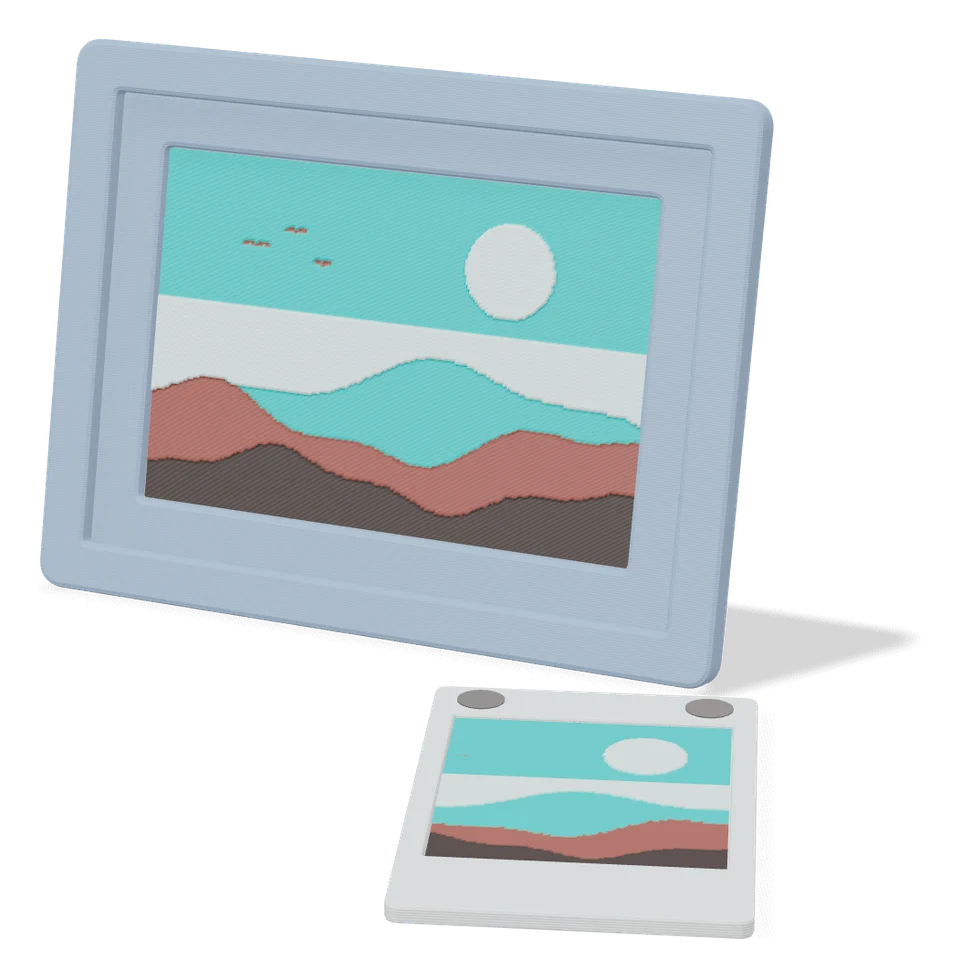
HueForge / Chroma Canvas Custom Frame Generator is a free MakerWorld customizer that builds a frame around the flat filament paintings made with HueForge or MakerLab Chroma Canvas. It is an OpenSCAD model by SnaKKo: you enter the exact width and height of your finished print and the frame opening is made to match, so the artwork presses in and holds without grooves. A drop of glue makes it permanent. It has been customized more than 13,000 times since February 2025.
In the Customize view you pick a rectangular or round frame, type the artwork size and adjust the thickness of the border and the back. A triangle or ring hook for wall hanging can be built into the frame. Holes on the back take separate clip-on parts: desk stands at 20, 30 or 40 degrees in lengths from 3 to 13 cm, loose hooks, and a connector that joins frames into a wall group. In December 2025 the designer raised the limit to 350 mm per side.
If your print is a common size, the included print profiles already hold 35 frames from 100 to 160 mm, each 9 to 18 g of PLA. It suits anyone making filament art who wants a clean, matching frame without opening a CAD program.
What you can make
- Rectangular frames for HueForge prints
- Round frames for circular filament paintings
- Built-in or clip-on wall hooks
- Angled desk stands
- Connectors for multi-frame wall groups
How to use HueForge / Chroma Canvas Custom Frame Generator
- Measure the width and height of your finished HueForge or Chroma Canvas print
- Log in to MakerWorld in a web browser, open the model and click Customize
- Pick a rectangular or round frame, enter the artwork size and set the border and hook options
- Generate and download the frame, plus any stands or connectors from the accessories profile
- Print it and press the artwork into the frame, with a little glue if you want it permanent
What you'll need to print it
Filament and parts that suit what you make with HueForge / Chroma Canvas Custom Frame Generator.
Matte PLA
Silk PLA
Some of these are affiliate links: we may earn a small commission, at no extra cost to you. More about that
HueForge / Chroma Canvas Custom Frame Generator pros
- The opening is sized from the artwork measurements you type, so the print presses in without glue or grooves
- Clip-on stands, hooks and a connector let you hang, stand or group frames
- 35 ready-made frame plates from 100 to 160 mm, each 9 to 18 g of PLA and 40 minutes or less on an A1 mini
HueForge / Chroma Canvas Custom Frame Generator cons
- Customize only works in a web browser with a MakerWorld login, not in the phone app
- The fit depends on measuring your print accurately; one 2026 rater had to sand a frame that was too snug
- A few commenters hit glitches, such as a failed generation in March 2026 and stands that would not clip on
Rate HueForge / Chroma Canvas Custom Frame Generator
One rating per account. Signing in takes one email link, no password.
Reviews
Made with HueForge / Chroma Canvas Custom Frame Generator
Read next
HueForge / Chroma Canvas Custom Frame Generator alternatives
Personalized gift generators
Gifts
Polaroid Frame Generator (MakerLab)
Personalized display frames for Instax Mini, Square and Wide photos
Image to Relief
MakerLab Chroma Canvas
Bambu Lab's free browser tool for HueForge-style filament paintings from any image
Image to Relief
HueForge
Desktop app that turns images into filament paintings using layered color swaps
Gifts
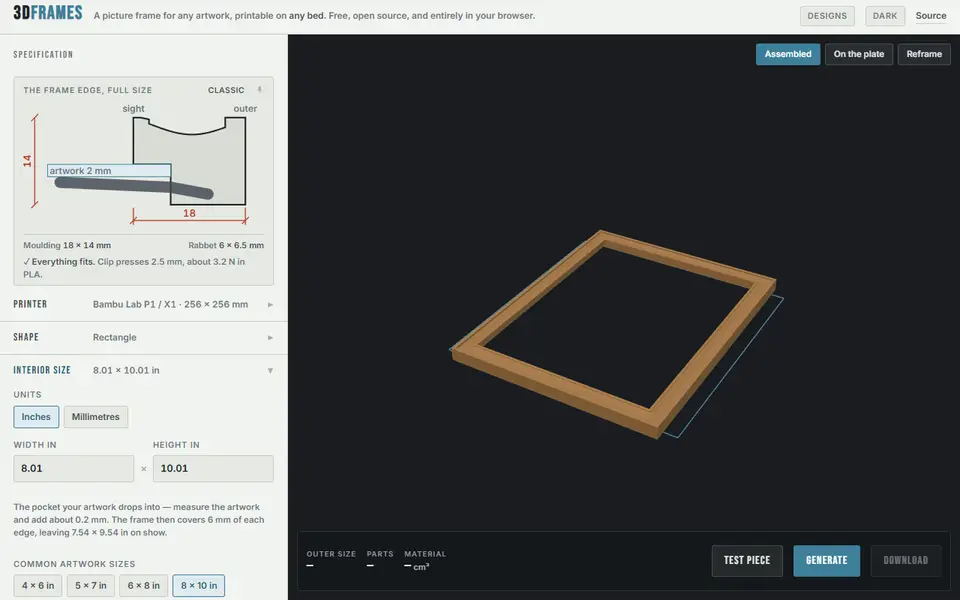
3DFrames
Free open-source picture frame generator for any artwork size, split into snap-together pieces for your bed
Gifts
Photo Frame Generator by WardCons
Picture frames sized to any photo, in 16 profile styles, with a stand, hanger or magnets