Gifts · Seasonal
Christmas 3D Prints Without CAD: Ornament Generators (2026)
Make Christmas ornaments, snowflakes, photo lithophanes, star maps, cards and cookie cutters with no-CAD generators, plus a print tip for each.
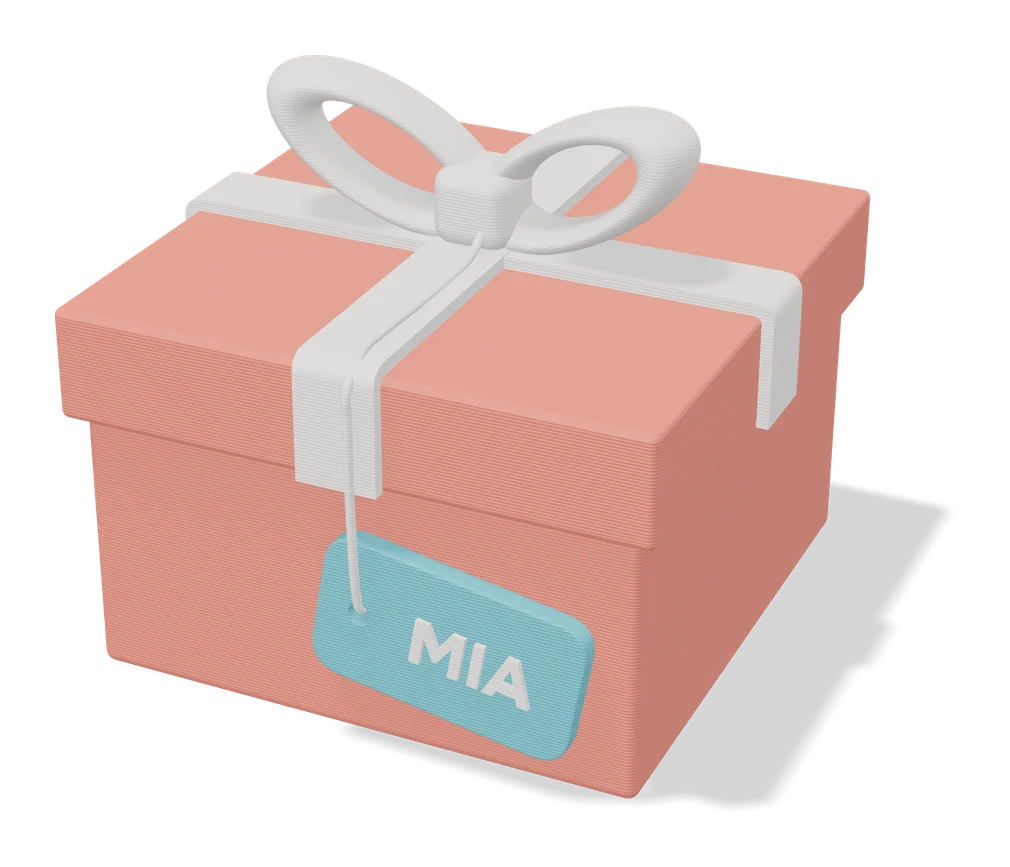
Quick comparison
| Generator | Best for | Price | Account | Exports | Multicolor | Link |
|---|---|---|---|---|---|---|
| 01 Christmas Ornament Maker (MakerLab) | Personalized family ornaments | Free Free with a MakerWorld account | Needed | 3MF | Yes | Open Christmas Ornament Maker (MakerLab) |
| 02 Customizable Christmas Tree Family Names | Family Christmas gifts | Free Free to customize and download on MakerWorld | Needed | STL, 3MF | Yes | Open Customizable Christmas Tree Family Names |
| 03 Infinite Unique Snowflake Generator | Batches of unique tree ornaments | Free Free to customize and download on MakerWorld | Needed | STL, 3MF | No | Open Infinite Unique Snowflake Generator |
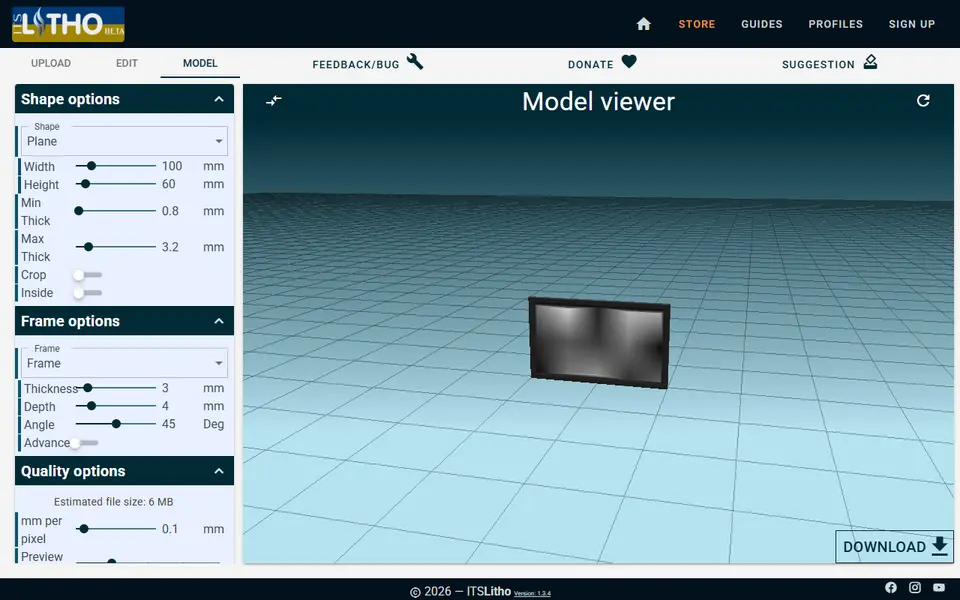
| 04 ItsLitho | Photo gifts, lamp shades and night lights | Freemium Free to design and download STL files, with optional donations | Not needed | STL | No | Open ItsLitho |
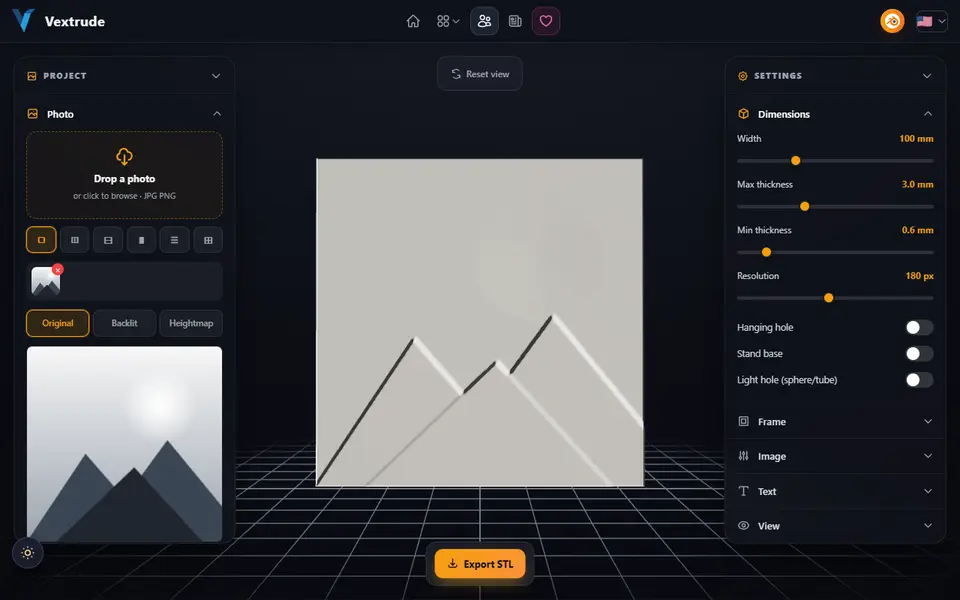
| 05 Vextrude Lithophane Maker | Shaped photo gifts, ornaments and small night lights | Free No sign-up | Not needed | STL | No | Open Vextrude Lithophane Maker |
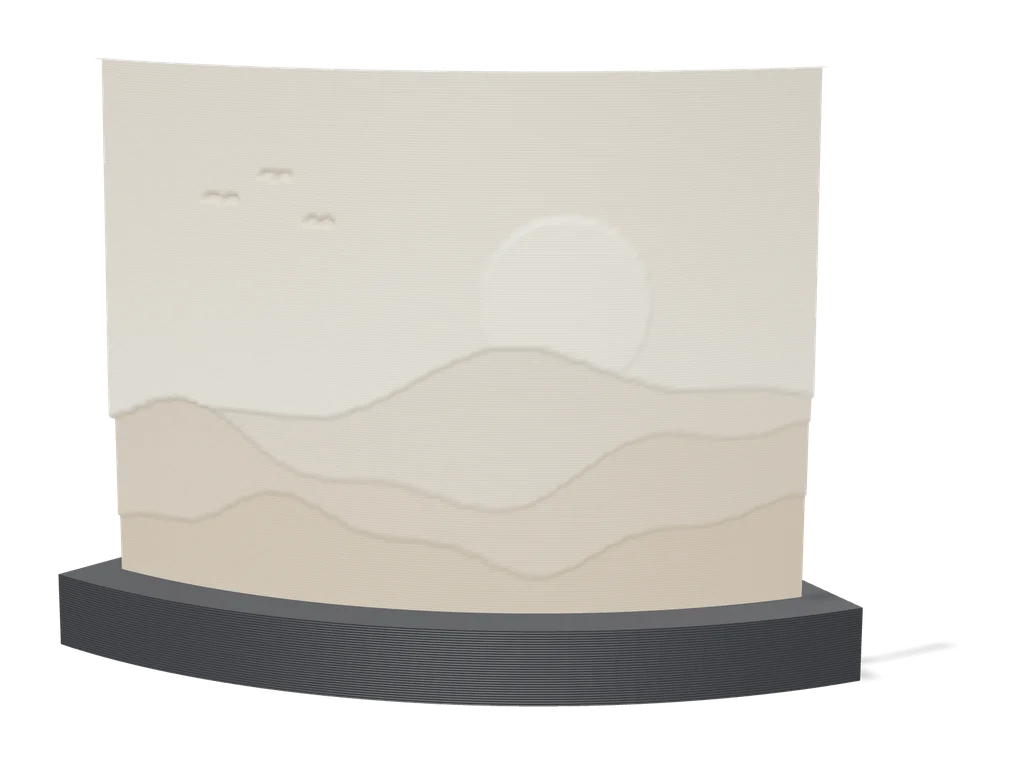
| 06 Make My Lithophane (MakerLab) | Bambu Lab owners making color photo lithophanes | Free Free with a MakerWorld account | Needed | 3MF | Yes | Open Make My Lithophane (MakerLab) |
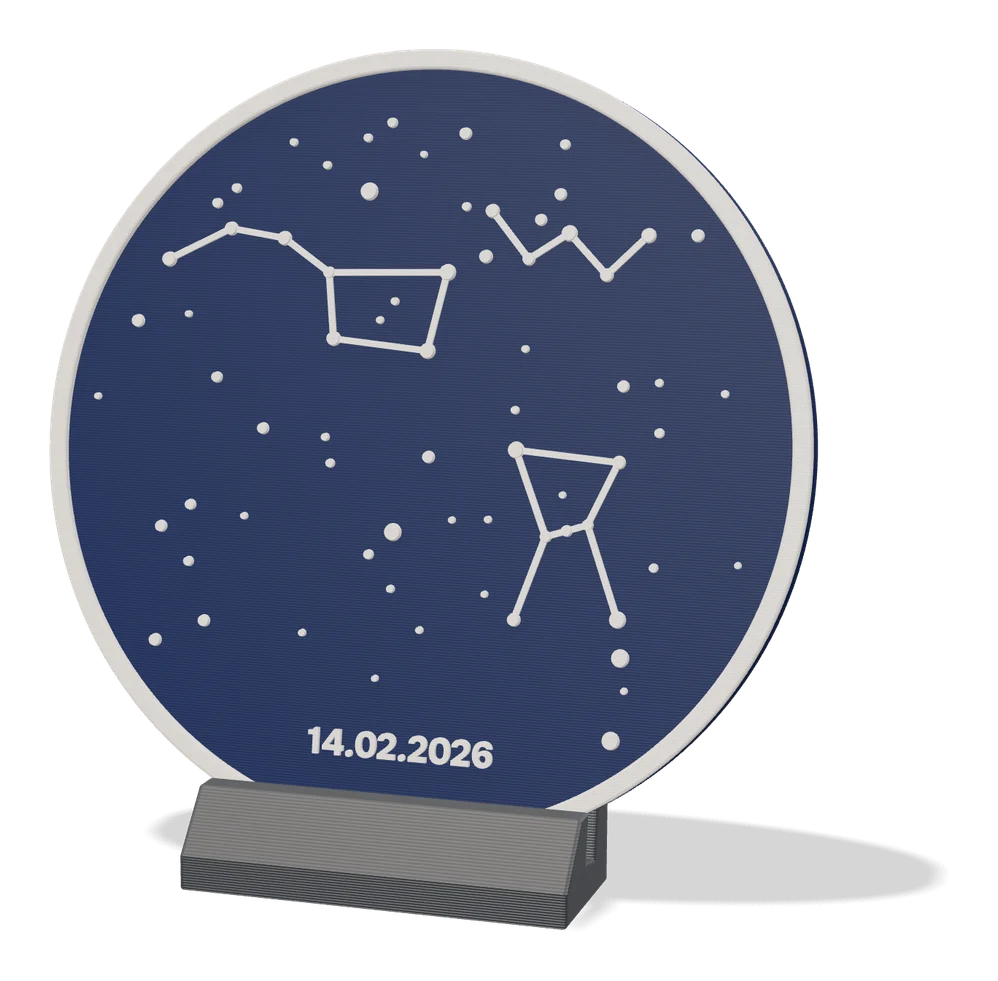
| 07 Star Map Generator (MakerLab) | Date-based sky map gifts | Freemium Classic Circle layout is free | Needed | 3MF | Yes | Open Star Map Generator (MakerLab) |
| 08 OrbitStudio Sky Made by us | Anniversary, birth and wedding gifts | Freemium STL downloads free, no account | Not needed | STL, 3MF | Yes | Open OrbitStudio Sky |
| 09 OrbitStudio Made by us | Space fans, science gifts and puzzle lovers | Paid Every STL or 3MF download uses a credit from a one-time pass | Needed | STL, 3MF | Yes | Open OrbitStudio |
| 10 Infinity Card (Fully Customizable) | Handmade birthday and holiday cards that double as a fidget | Free | Needed | 3MF | Yes | Open Infinity Card (Fully Customizable) |
| 11 Top Secret Spinning Top | Hidden-message gifts and optical desk toys | Free Free to print for yourself or as a gift | Needed | STL, 3MF | No | Open Top Secret Spinning Top |
| 12 Musical Fidget Generator | Playable song fidgets and musical gifts | Free Free to customize and download with a MakerWorld account | Needed | STL, 3MF | No | Open Musical Fidget Generator |
| 13 ImageToStl Cookie/Pastry Cutter | Fast cutters from a clean outline | Free No account | Not needed | STL, 3MF, OBJ, STEP | No | Open ImageToStl Cookie/Pastry Cutter |
Most personalized Christmas prints, such as name ornaments, snowflakes, photo ornaments, star maps, cards and cookie cutters, can be made in a browser without CAD. You type the names, pick a seed or upload a photo, and download a file for your slicer. SkipTheCAD has not printed these ornaments. The print times and filament weights below come from the designers’ print profiles on MakerWorld, the other tips come from the tools’ own pages or our other guides, and how we check explains what we did look at.
Quick answer
- Name and family ornaments: the Christmas Ornament Maker (MakerLab) while Bambu Lab offers it, or the Christmas Tree Family Names customizer at any time of year.
- Photo ornaments: ItsLitho for sphere and bell lithophanes with free STL downloads, the Vextrude Lithophane Maker for star and heart shapes, or Make My Lithophane for a framed color lithophane.
- A batch of tree decorations: the Infinite Unique Snowflake Generator. One of its profiles fits 13 snowflakes on a plate.
- A date that matters: the MakerLab Star Map Generator or OrbitStudio Sky (made by us).
- Space fans: Moon ornaments from OrbitStudio (also made by us).
- Cards and stocking stuffers: the Infinity Card, a Top Secret message top or a playable fidget from the Musical Fidget Generator, all free MakerWorld customizers.
- Cookie cutters: ImageToStl’s cookie cutter tool, free and without an account.
For gifts that are not tied to Christmas, see personalized 3D printed gift ideas and all gift generators.
How do you make a Christmas ornament without CAD?
- Pick a generator for the kind of ornament you want: names, a photo, a snowflake, a star map or a piece of the Moon.
- Sign in if it runs on MakerWorld. MakerLab tools and MakerWorld customizers need a free account. ItsLitho, Vextrude, ImageToStl and the OrbitStudio Sky STL do not.
- Enter your details, such as names, a random seed, a date and place, or a photo, and check the 3D preview.
- Export the file. Choose 3MF when the ornament has several colors, because it keeps them as separate parts. STL is enough for one color.
- Slice and print, then thread a ribbon or hook through the hanging loop.
Which generator makes name and family ornaments?
The MakerLab Christmas Ornament Maker is Bambu Lab’s own tool for flat ornaments that spin as they hang. MakerLab lists it as “Customize 2D spinning ornaments for Christmas”. Bambu Lab released it on 28 November 2024, and All3DP described it as a free, holiday-season-only tool. On 25 September 2026 it was still listed on the MakerLab page, but opening it asks you to sign in, so we could not look inside the editor. It is not among the features that use MakerLab credits in MakerWorld’s credit guide, which lists AI tools such as Image to 3D and PrintU.
Print tip: ornaments that other makers built with the tool and shared on MakerWorld list 1 h 21 min and 17 g in three colors and 1 h 55 min and 31 g in two colors. Both profiles are set up for an AMS, and the designer of the first one explains how to print it without one by changing filament at set layers.
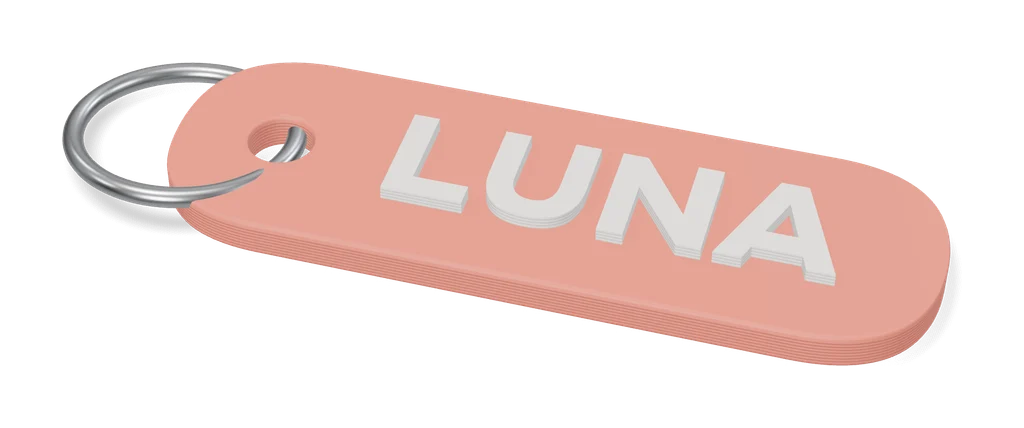
The Christmas Tree Family Names customizer by migueljeronimoa works all year. You type the names separated by an asterisk (Ana*David*Mom*Dad), add an optional year, and the script scales each line into a tree shape. The model page says to export a 3MF for multicolor prints and an STL for one color.
Print tip: the default three-color profile lists 3 h 41 min and 65 g and needs an AMS. A second “Split by parts” profile lists 2 h 25 min and 47 g and is marked as not needing one. The designer also suggests right-clicking the model in Bambu Studio and choosing Split to objects, because otherwise colors can leak into the infill.
How do you turn a photo into a lithophane ornament?
Upload the photo to ItsLitho and choose the sphere or bell shape. Both are among the shapes listed on the ItsLitho site, the tool has a backlit preview, and the STL download is free. A lithophane only shows its photo with light behind it, so hang it in front of a window or close to the tree lights.
For a star or a heart instead of a round shape, try the Vextrude Lithophane Maker. Both are among the 22 shapes on its page, along with a sphere, and it can add a hanger as a printed tab, a loop or a hole through the panel. It runs in the browser without an account, the page says your photos are not uploaded, and the download is a single-color STL.
If you print on a Bambu Lab machine and want color, Make My Lithophane makes mono and CMYK color lithophanes as a ready-to-print 3MF for the printer and nozzle you pick, and Bambu Lab’s wiki says the frame parts are included in that file. That makes it a framed photo for a shelf or a spot under the tree rather than an ornament for a branch. It needs a free MakerWorld account.
Print tip: use plain white PLA, 100 percent infill and 0.12 mm layers or finer. Our lithophane generator comparison has the rest of the settings.
How do you print a set of unique snowflakes?
Open the Infinite Unique Snowflake Generator by Juni on MakerWorld and change the “rand seed” value. The same seed always gives the same snowflake and a new seed gives a new one, so write down the seeds you like. The model page also lets you set the size, thickness, number of arms, branch levels and hanging loop, and says the flakes print without supports.
Print tip: the designer’s profile with 13 snowflakes and hanging loops lists 2 h 2 min and 23 g for the whole plate. The designer suggests 0.1 mm layers for the finest detail, a thickness of about 2 mm, a slightly slower first layer, and white, matte or marble PLA.
Can you print the night sky of a special date?
Yes. Both star map tools compute the real sky over a place at the moment you choose and turn it into a flat plate that prints in two or more colors, a good fit for a wedding, a birth or a first Christmas in a new home.
- The MakerLab Star Map Generator needs a MakerWorld account. Its Classic Circle layout is free, and the Gallery and Full Sky layouts are a paid Star Map Premium unlock that you can try before paying.
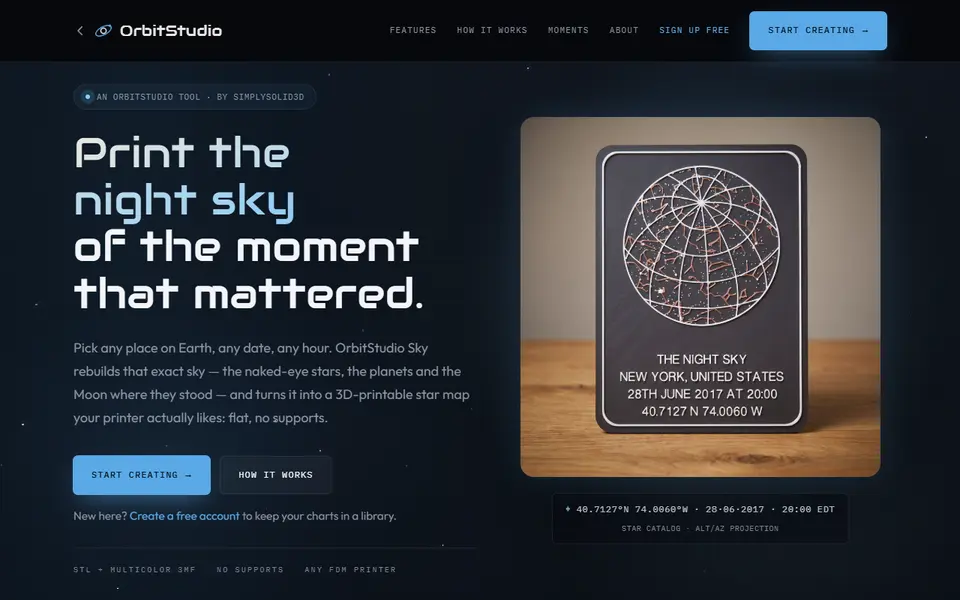
- OrbitStudio Sky is made by us. According to its own page, the STL is free with no account, the multicolor 3MF uses one credit from a paid pass, and any date from 1900 to 2100 works.
Print tip: neither tool publishes a print time, so check your slicer. On OrbitStudio Sky, dim stars are raised 0.4 mm and bright ones up to 1 mm. The stars are small, so a standard 0.4 mm nozzle or a finer one works best.
Can you print a piece of the Moon as an ornament?
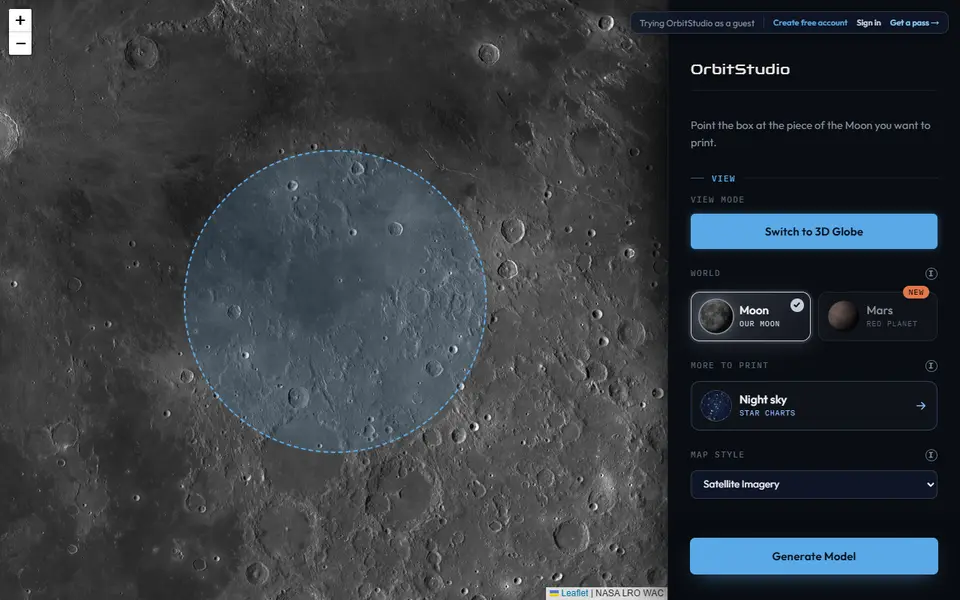
Yes. OrbitStudio, also made by us, turns NASA elevation data for any region of the Moon into a solid ornament shaped as a circle, square or hexagon, from 50 mm across. For hanging, it can cut a keyhole slot into the back that slides over a screw head. Generating is free, and downloading a Moon or Mars model uses one credit from a pass that you buy once on MakerWorld, from $12.
Print tip: OrbitStudio recommends 0.12 to 0.16 mm layers, 15 percent gyroid infill and no supports. Matte PLA hides layer lines; silk PLA brings out the curves of the terrain.
Can you print a Christmas card or a stocking stuffer?
Yes. Three popular MakerWorld customizers make small gifts that suit the season, and all three need a free MakerWorld account.
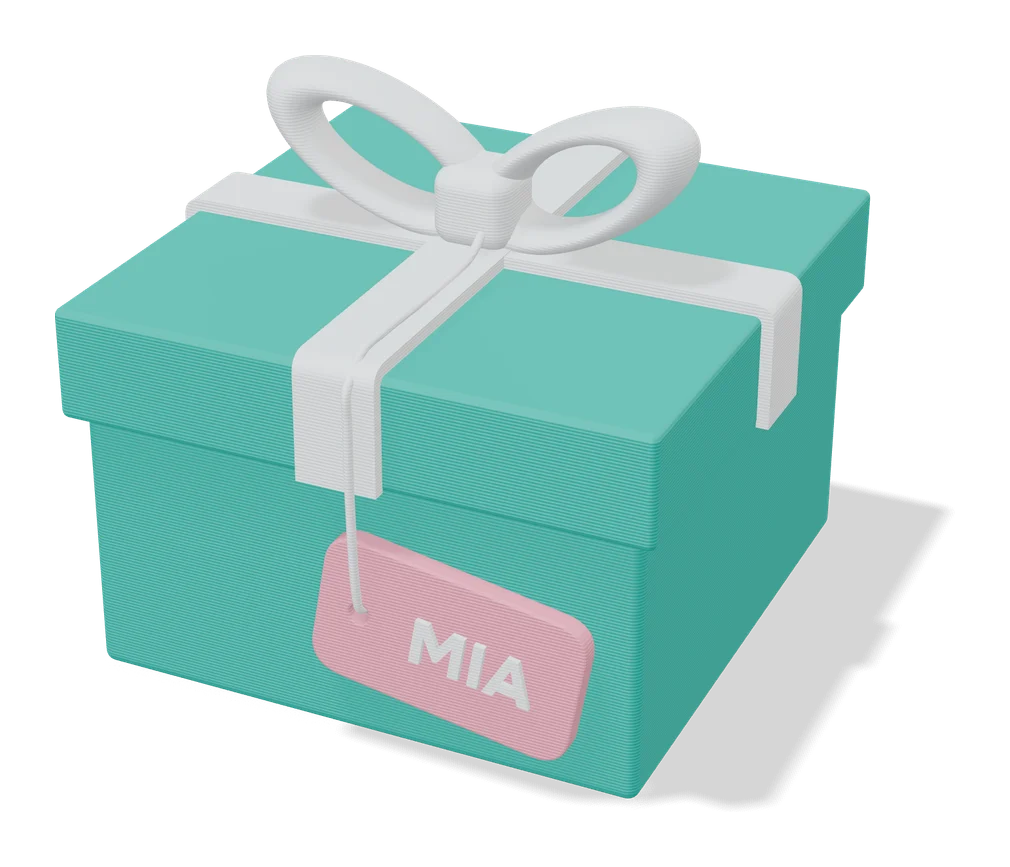
- The Infinity Card by InfinityAndBeyond is a greeting card made of square pages that snap together and keep flipping open to a new face. In the form you set the size, the color of each page, the fonts and the text on every page, and you can add one SVG drawing per page. You download a 3MF with each page on its own plate.
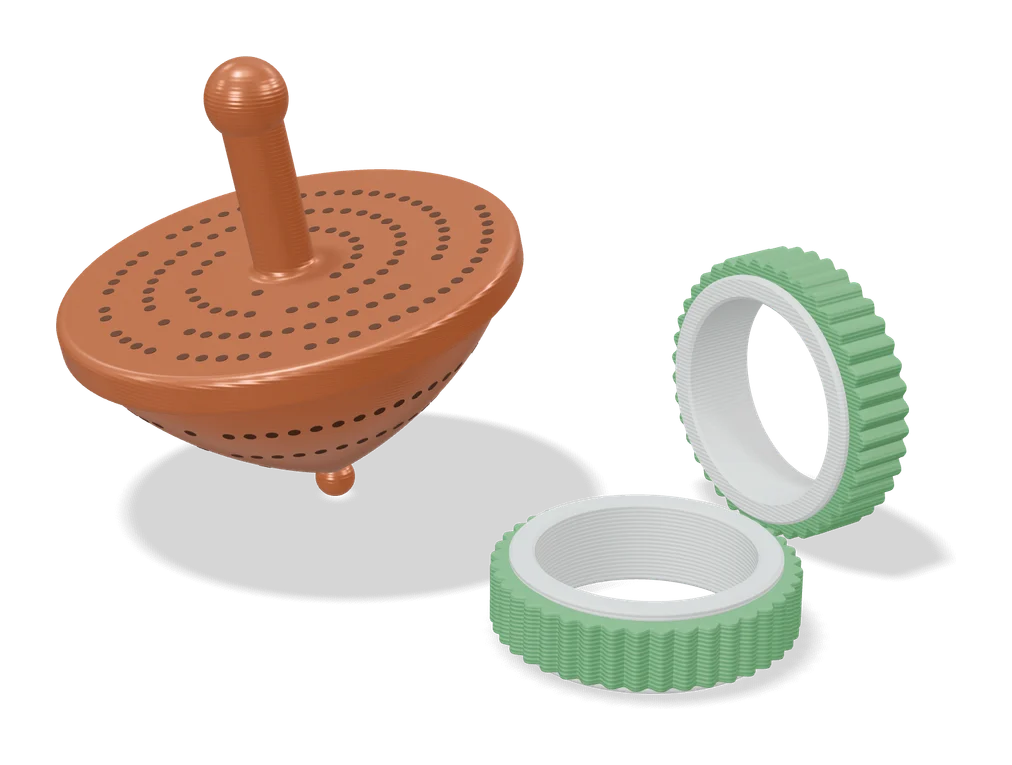
- Top Secret by Prime Tower Designs is a spinning top full of pinholes that shows a hidden message when you spin it under a bright light. One of its ready-made profiles already says MERRY X-MAS. For your own words, the designer’s message generator makes an STL that you add to the top as a negative part in your slicer.
- The Musical Fidget Generator by kida makes a pocket fidget that plays a tune as you push a slider along its tuned note bars. You enter the melody note by note, 8 to 33 notes between F and C2. A carol that sits too high or too low has to be transposed first, and the creator offers a printable note transposition wheel for that. One that needs a wider span of notes has to be simplified.
Print tip: Top Secret’s message reads most clearly with dark, dry filament, 0.1 mm layers and as little room light as possible. The fidget was tuned with stiff PLA (Bambu Sparkle PLA and Prusament PLA). Its creator advises against matte and other soft filament, and says other filaments change the notes it plays.
How do you make Christmas cookie cutters?
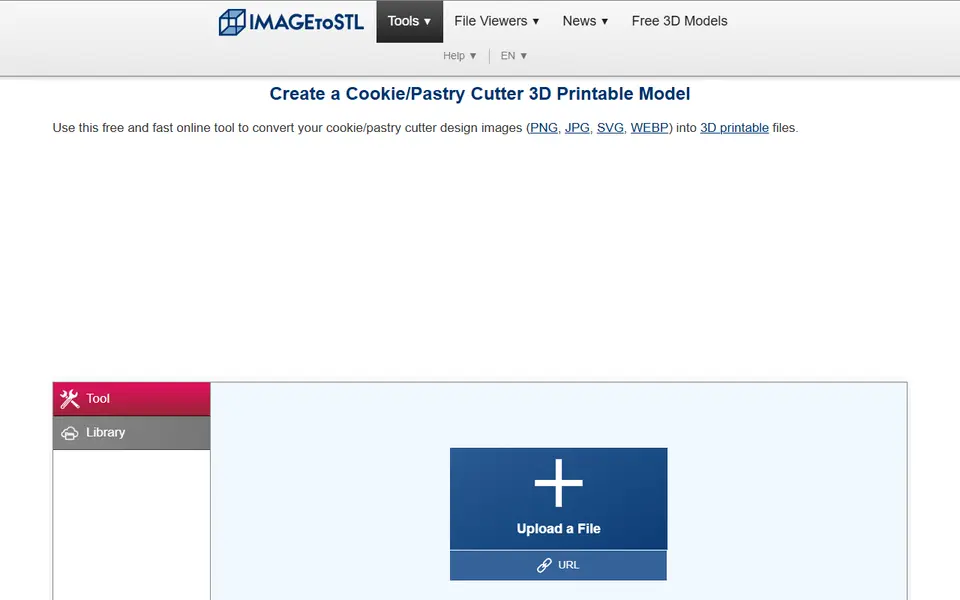
Draw a simple black outline of a tree, star or gingerbread figure and upload it to ImageToStl’s cookie cutter tool. The tool page asks for a plain black-and-white outline no larger than 2000 pixels and says a conversion usually takes around 5 seconds. For photo tracing, matching stamps and paid options, compare the cookie cutter generators.
Print tip: layer lines can trap dough, so use a printed cutter for one baking session and wash it by hand in cool water. The cookie cutter page has the full food-safety note.
What if a Thingiverse ornament customizer will not load?
Download the .scad file and customize it in your browser instead. Thingiverse has plenty of Christmas ornament designs, some of them OpenSCAD customizers, but on 25 September 2026 its Customizer page showed a notice that a brand-new Customizer is being built, and the old one has a history of outages. Take the .scad from the Thing’s files and open it in OpenSCAD Playground, which runs OpenSCAD in the browser with a Customizer panel. Older files can rely on fonts or libraries the playground does not have, so not every one will render. Our Thingiverse Customizer fix explains what breaks when you move a file, and how to use MakerWorld’s Parametric Model Maker instead.
Can you sell these ornaments at a Christmas market?
Only some of them. The license comes from each tool or model, not from your printer. This is a summary of what the vendor pages said on 25 and 26 September 2026, not legal advice, and licenses change.
- MakerWorld customizers follow the original model’s license. MakerWorld’s FAQ says so for the Parametric Model Maker. The family names tree, the snowflake generator and the Infinity Card all use MakerWorld’s Standard Digital File License, which rules out selling the file or printed copies without the designer’s permission. Top Secret and the Musical Fidget Generator use the same license, but their designers offer selling rights through a paid MakerWorld membership.
- Official MakerLab tools are more open. The same FAQ says that for most MakerLab tools the work you make belongs to you, with no commercial restrictions, apart from the Parametric Model Maker and third-party generators, which follow their providers’ own terms. That covers Make My Lithophane and seems to cover the Christmas Ornament Maker, but we found no note on its built-in illustrations, so ask MakerWorld before selling ornaments based on them. MakerLab labels the Star Map Generator “From Partner”, and we found no commercial terms for it, so ask before selling star maps made with it.
- ItsLitho and Vextrude allow commercial use. ItsLitho’s terms of use say lithophanes made with the web app can be used commercially without asking, and Vextrude’s terms say the models you make are yours to use in commercial projects. You still need the rights to the photo.
- OrbitStudio and OrbitStudio Sky (ours) include the right to sell prints only with the Merchant pass, $199 at full price.
For other generators, see can you sell prints made with generators, which lists the license for each tool with a source link.
Frequently asked questions
Is the MakerLab Christmas Ornament Maker available all year?
Bambu Lab released it on 28 November 2024 as a free tool for the holiday season. On 25 September 2026 it was still listed on the MakerLab page, and opening it asks you to sign in to MakerWorld. If it has gone when you look, the Christmas Tree Family Names customizer and the Infinite Unique Snowflake Generator are ordinary MakerWorld models, not seasonal tools.
Do I need a multicolor printer to make Christmas ornaments?
No. Snowflakes and mono lithophanes print in one color. The Christmas Tree Family Names customizer has a split-by-parts print profile that is marked as not needing an AMS, and some ornaments made with the Christmas Ornament Maker are printed by changing filament at set layers. A multicolor printer only saves you the manual swaps.
What filament looks best on 3D printed Christmas ornaments?
It depends on the ornament. The snowflake generator's designer suggests white, matte or marble PLA. Lithophanes need plain white PLA. OrbitStudio notes that matte PLA hides layer lines on Moon terrain, while silk PLA brings out the curves. Glow-in-the-dark PLA suits snowflakes and star maps.
What you'll need
Silk PLA for a glossy finish
Silk PLA's glossy, metallic sheen turns simple vase-mode prints and ornaments into gift-worthy pieces with no painting or post-processing.
- Bambu Lab PLA Silk+ (affiliate link) Stronger layer adhesion than typical silk blends, so thin-walled ornaments are less brittle.
- Polymaker Panchroma Silk PLA (affiliate link) Successor to PolyLite Silk, reformulated to print faster and more reliably. In Europe? Buy from 3DJake (affiliate link)
- eSUN PLA-Silk (affiliate link) Long-running, affordable silk with a strong shine in many colors. In Europe? Buy from 3DJake (affiliate link)
Multicolor PLA and color sets
Dual- and tri-color silks give a single-nozzle printer color shifts with no extra hardware, and a matched color set is what lets HueForge and color lithophanes blend thin layers into a full image.
- Bambu Lab PLA Silk Multi-Color (affiliate link) Co-extruded dual and tri colors that shift with the viewing angle; great for keychains and name tags.
- SUNLU Multi-Color Silk PLA (dual/tri/four-color) (affiliate link) Budget dual-, tri- and four-color silk for colorful prints without an AMS. In Europe? Buy from 3DJake (affiliate link)
- Bambu Lab PLA CMYK Lithophane Bundle (affiliate link) Four 1 kg spools (cyan, magenta, yellow, white) made for color lithophanes and handy for HueForge-style layering.
Glow-in-the-dark filament
Glow filament charges under daylight or UV and keeps signs, house numbers and keychains visible after dark. The glowing particles are abrasive, so pair it with a hardened-steel nozzle.
- Bambu Lab PLA Glow (affiliate link) Bright glow with RFID presets. Bambu requires a hardened-steel nozzle and lists it as not compatible with 0.2 mm nozzles or the AMS lite.
- Polymaker Panchroma Glow PLA (affiliate link) Formerly PolyLite Glow; looks natural-colored in daylight and glows at night. In Europe? Buy from 3DJake (affiliate link)
- eSUN PLA-Luminous (affiliate link) Affordable glow PLA, good value for larger signs. In Europe? Buy from 3DJake (affiliate link)
Also handy
Spare nozzles and hotends
Some of these are affiliate links: we may earn a small commission, at no extra cost to you. More about that
Every generator in this guide
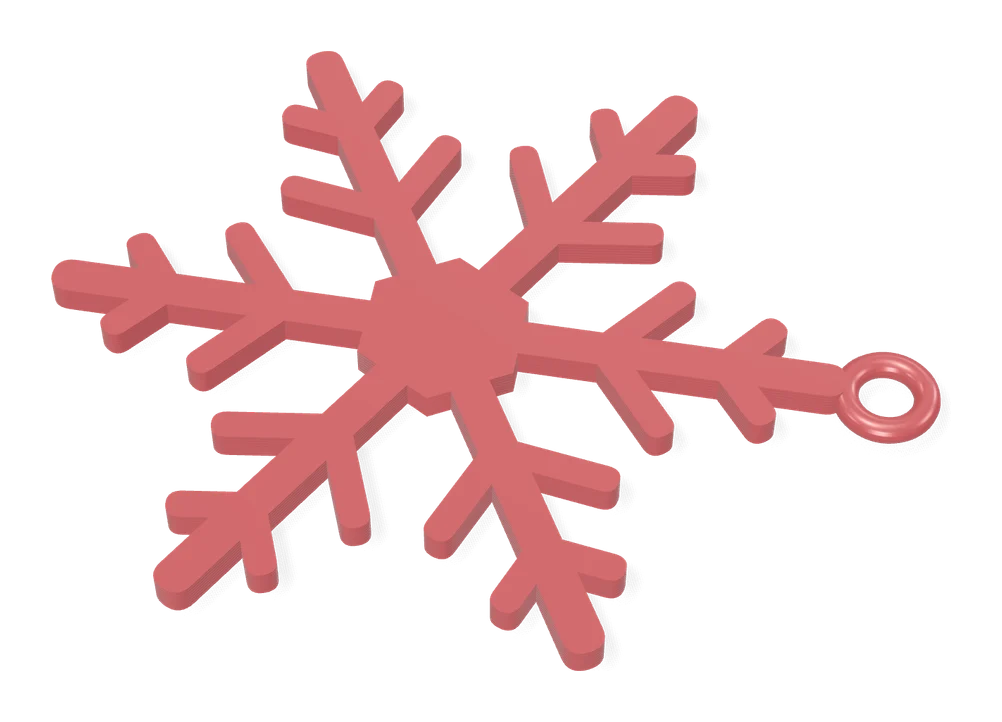
Gifts
Christmas Ornament Maker (MakerLab)
Bambu Lab's free MakerLab tool for multicolor spinning 2D Christmas ornaments
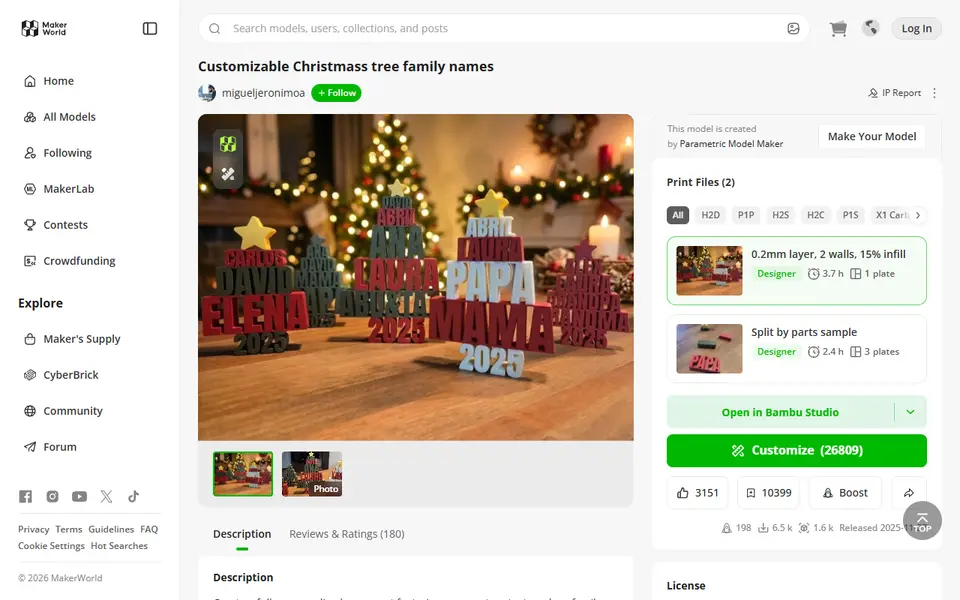
Gifts
Customizable Christmas Tree Family Names
Tree-shaped ornament that stacks family names in auto-scaled rows
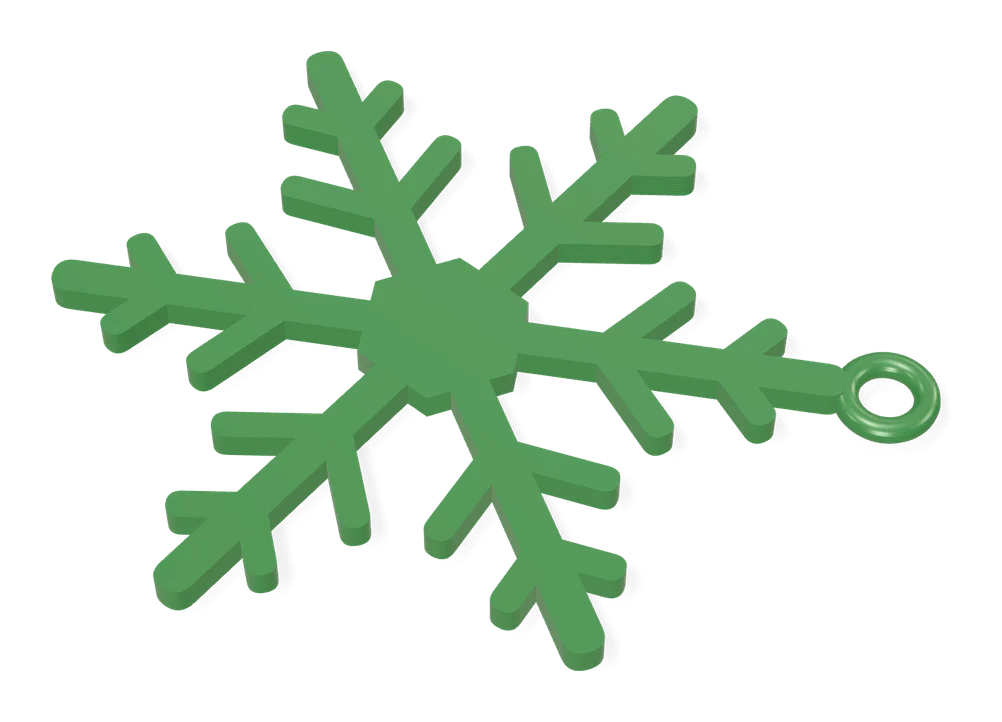
Gifts
Infinite Unique Snowflake Generator
Random snowflake ornament generator: change the seed, get a new design
Lithophanes
ItsLitho
Browser lithophane designer with many shapes, an image editor and a backlit preview
Lithophanes
Vextrude Lithophane Maker
Free browser tool that turns photos into lithophane STLs in 22 shapes, lamps included
Lithophanes
Make My Lithophane (MakerLab)
Bambu Lab's free lithophane tool with mono and CMYK color modes and frames
Maps & Terrain
Star Map Generator (MakerLab)
Printable two-color star map of the real sky for any place and date
 Made by us
  Made by us
 Maps & Terrain
OrbitStudio
Print any place on the Moon or Mars as a snap-together puzzle or ornament
Gifts
Infinity Card (Fully Customizable)
Snap-together flip greeting card with your own text, artwork, colors and size
Gifts
Top Secret Spinning Top
Spinning top full of pinholes that reveals your own hidden message when you spin it under a light
Puzzles & Games
Musical Fidget Generator
Pocket fidget with tuned note bars that plays a melody you enter note by note
Cookie Cutters
ImageToStl Cookie/Pastry Cutter
Free converter that turns a clean outline image into a cutter STL
Get the next guide in your inbox
Every two weeks: the newest no-CAD generators, one guide and a print tip. Free, no spam, unsubscribe any time.