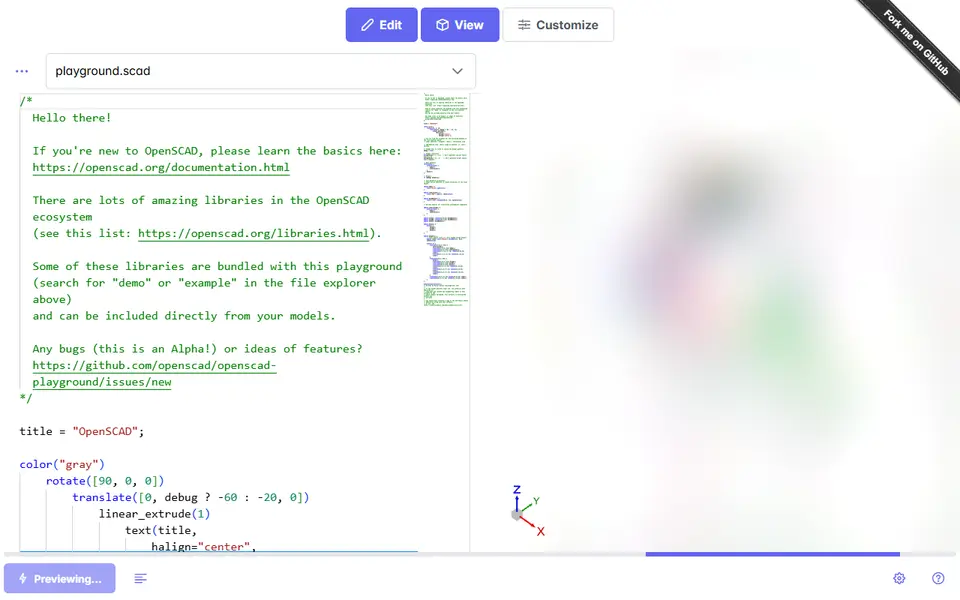
What is OpenSCAD Playground?
OpenSCAD Playground runs the full OpenSCAD engine inside your web browser. It is best known as a code editor, but it also includes a Customizer panel, and that is what makes it useful for people who never want to write code.
If you download a customizable .scad file from Thingiverse, Printables, MakerWorld or GitHub, you can open it in the playground, switch to the customizer and change the exposed parameters with form fields and sliders. The model renders on your own computer and you export an STL, a 3MF that can keep the model's colors as separate materials, or a GLB, with no install and no account. It can also be installed as an app for offline use.
It is free and open source and is maintained under the official OpenSCAD GitHub organization. The code editor is always visible, which can feel intimidating, and complex models render slowly in the browser. It is a handy fallback whenever a site's own customizer is down or a designer only shares the .scad file.
What you can make
- Custom versions of any .scad model
- Parametric parts from GitHub projects
- STL exports without installing OpenSCAD
How to use OpenSCAD Playground
- Open the playground
- Load or paste a customizable .scad file
- Switch to the Customizer and change values
- Render and export the STL
What you'll need to print it
Filament and parts that suit what you make with OpenSCAD Playground.
Matte PLA
- Bambu Lab PLA Matte (affiliate link) Amazon
- Polymaker Panchroma Matte PLA (formerly PolyTerra) (affiliate link) Polymaker EU: 3DJake (affiliate link)
Code gives 15% off your first order at Polymaker.
PETG
Some of these are affiliate links: we may earn a small commission, at no extra cost to you. More about that
OpenSCAD Playground pros
- Works with any customizable .scad file
- No install or account
- Can run offline as an installed web app
OpenSCAD Playground cons
- Code editor is always in view
- Large models render slowly
- You need to find the .scad file yourself
Rate OpenSCAD Playground
One rating per account. Signing in takes one email link, no password.
Reviews
Made with OpenSCAD Playground
Read next
OpenSCAD Playground alternatives
Online 3D model customizers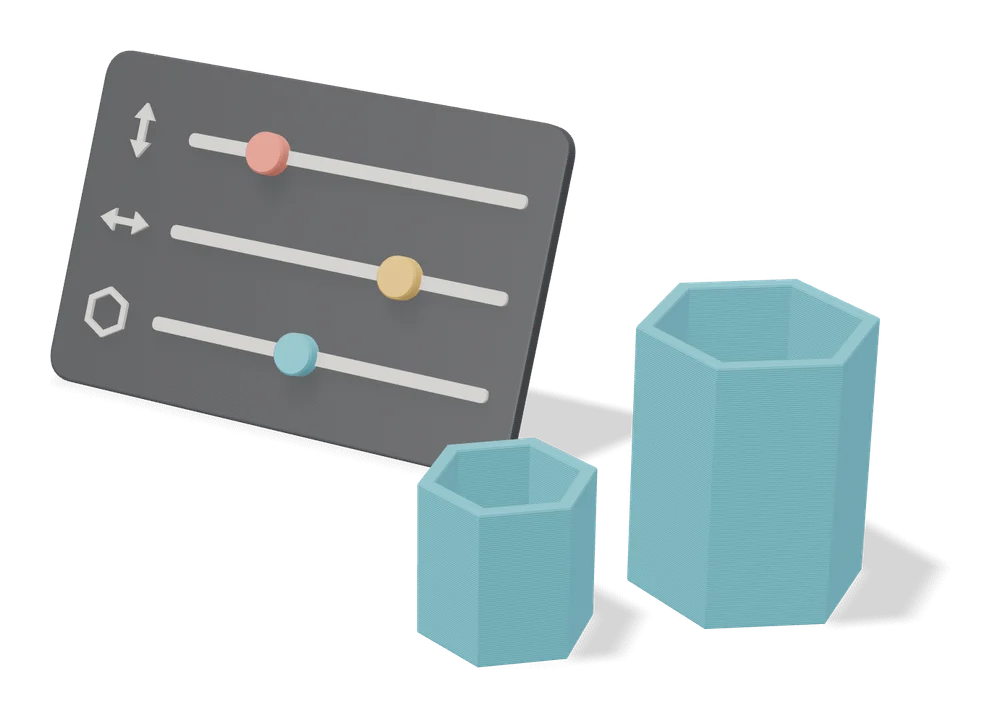
Customizers
MakerWorld Parametric Model Maker
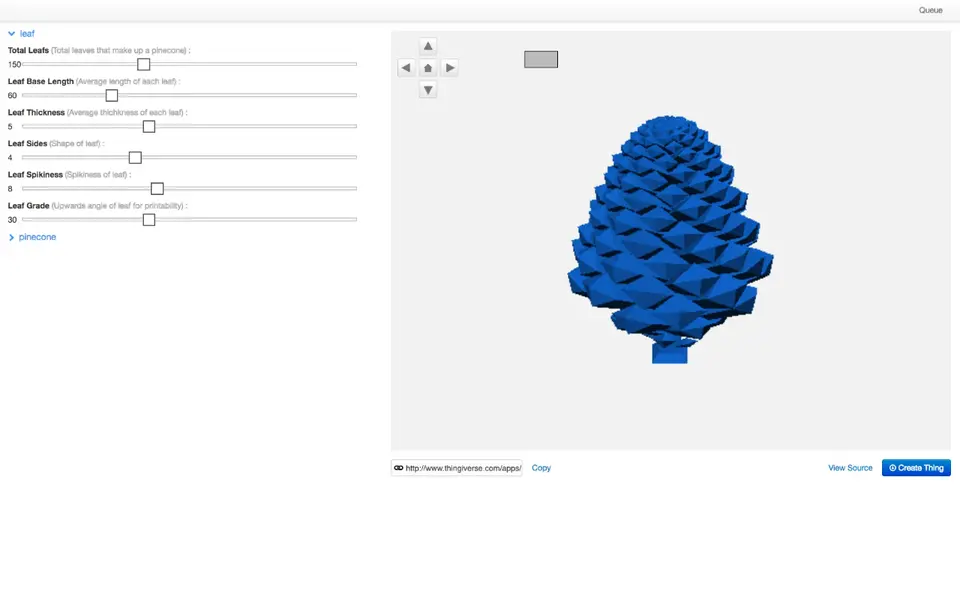
Customize button on thousands of MakerWorld models, powered by OpenSCAD and Fusion
Customizers
MakerWorld MakerLab
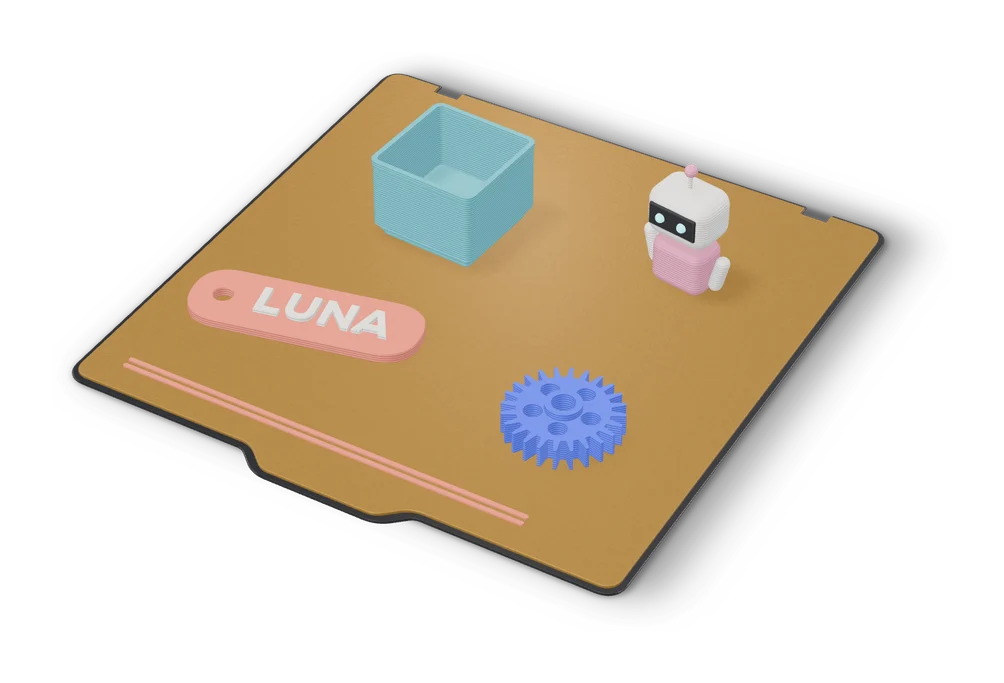
Bambu Lab's hub of no-CAD generators, from signs and vases to AI and community apps
Customizers
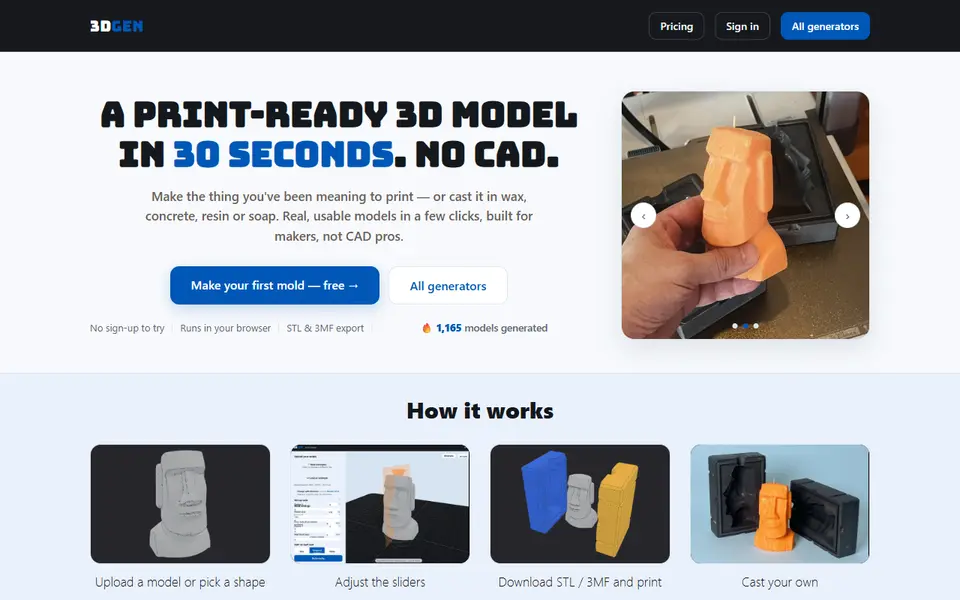
3DGEN
Browser generators for casting molds, cutters, keychains and lithophanes, STL or 3MF; free tier with a small mark
Customizers
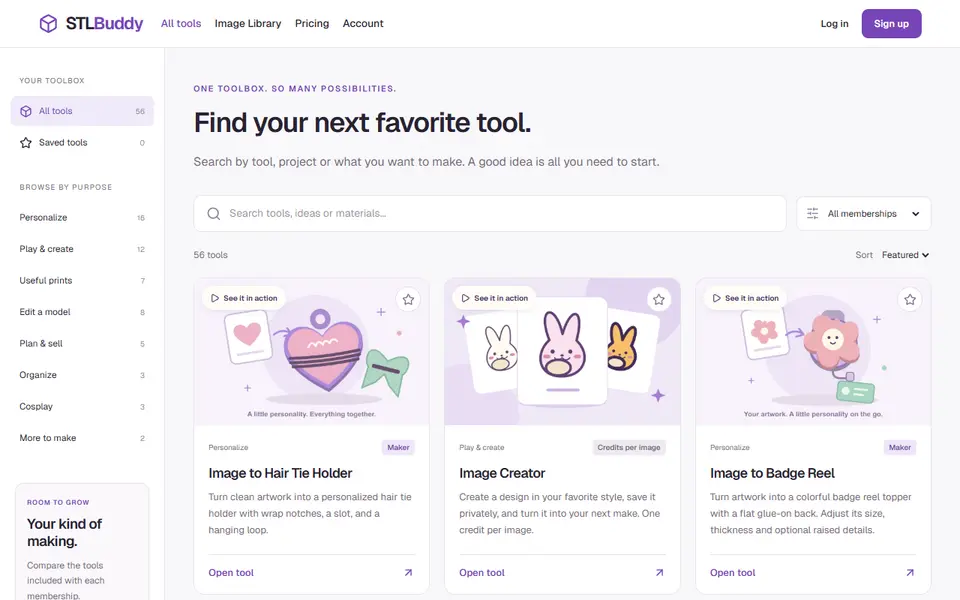
STL Buddy
A hub of about 50 form-based 3D generators for gifts, parts, trays and cosplay, in STL or 3MF
Customizers
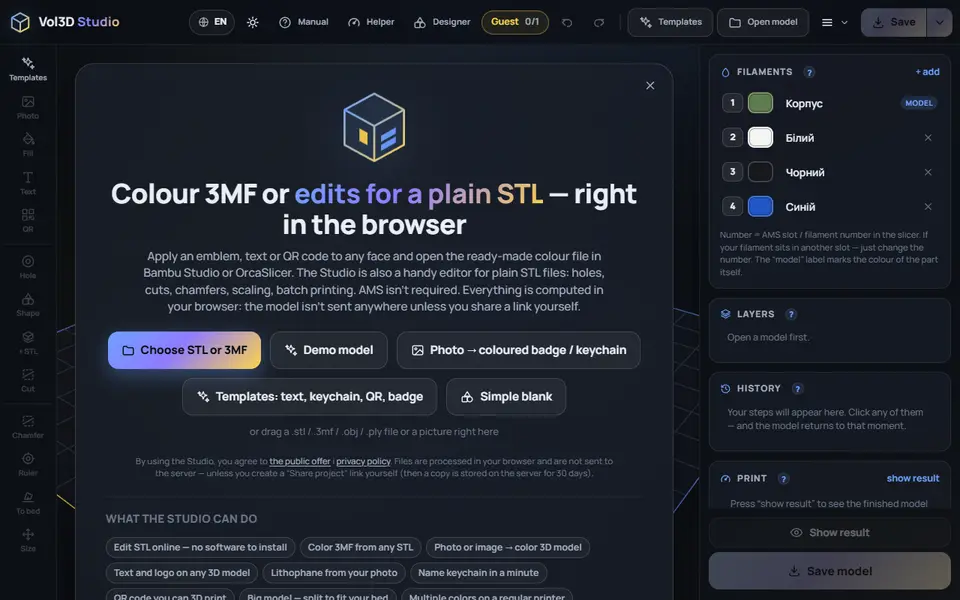
Vol3D Studio
166 templates for keychains, signs, QR plates and gifts, plus color 3MF from any STL; one free save as a guest