MakerWorld MakerLab
Bambu Lab's hub of no-CAD generators, from signs and vases to AI and community apps
MakerWorld MakerLab is a freemium browser tool on MakerWorld for Bambu Lab owners wanting quick personal prints. Parametric tools free with an account; AI tools give a few one-time free trial uses, then use credits ($3 for 350 up to $80 for 11,000, or 80 MakerWorld Points for 600); some community apps sell optional unlocks. Exports 3MF and STL. Last checked .
Opens makerworld.com
What is MakerWorld MakerLab?
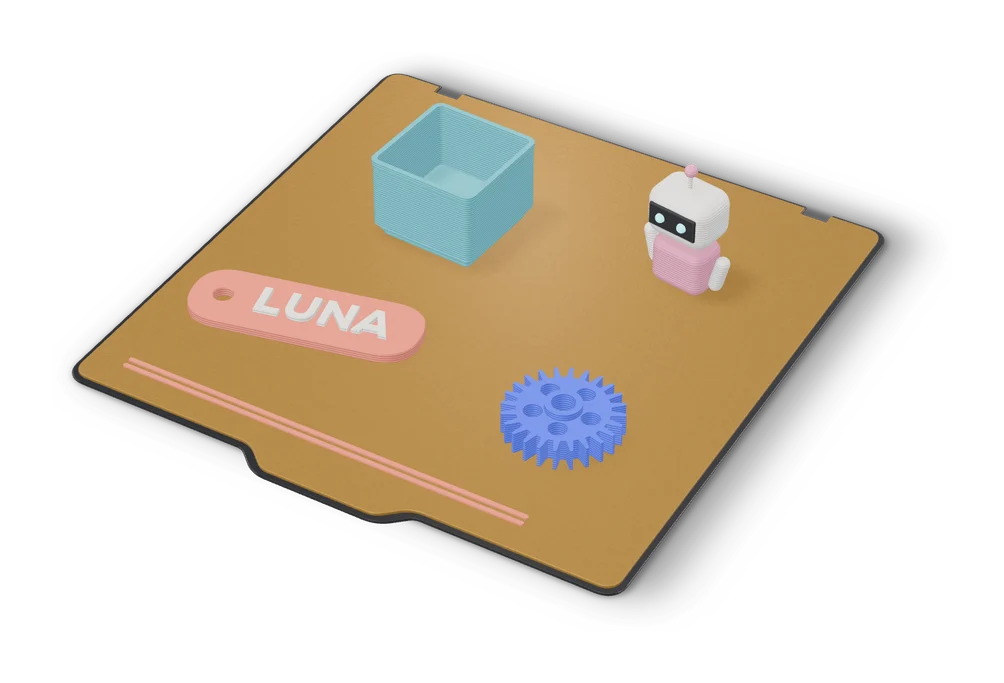
MakerLab is Bambu Lab's collection of generators on MakerWorld, and it is the biggest single hub of no-CAD tools for 3D printing. Official tools include Make My Sign, Make My Vase, Make My Lithophane, Make My Desk Organizer, Pixel Puzzle Maker, Lightbox Maker, Christmas Ornament Maker, Image to Keychain, Relief Sculpture Maker, Chroma Canvas and the Parametric Model Maker behind customizable models.
AI tools such as Image to 3D, Make My Statue and PrintU run on MakerLab credits. MakerWorld has replaced its monthly free credits with a few one-time free trial uses per AI tool; after that you buy credits or exchange MakerWorld points for them. MakerLab now also hosts community apps from independent developers, like Dice Studio, Star Map Generator, Clicker Generator and SnapFrames Lite. Many are free, while some sell optional premium unlocks.
Everything needs a free MakerWorld account, and downloads are tuned for Bambu Studio, though the files print on other machines too. It is the natural starting point for Bambu Lab owners who want to make something personal without opening a CAD program.
What you can make
- Signs and nameplates
- Vases and lanterns
- Pixel puzzles and lithophanes
- AI figurines
- Community generator apps
How to use MakerWorld MakerLab
- Sign in to MakerWorld and open MakerLab
- Pick a tool from the list
- Fill in text, sliders or upload an image
- Download and open in your slicer
What you'll need to print it
Filament and parts that suit what you make with MakerWorld MakerLab.
Multicolor PLA
Multicolor filament systems
Matte PLA
- Bambu Lab PLA Matte (affiliate link) Amazon
- Polymaker Panchroma Matte PLA (formerly PolyTerra) (affiliate link) Polymaker EU: 3DJake (affiliate link)
Code gives 15% off your first order at Polymaker.
Some of these are affiliate links: we may earn a small commission, at no extra cost to you. More about that
MakerWorld MakerLab pros
- Dozens of generators in one place
- MakerWorld's own parametric tools stay free
- Growing library of community apps
MakerWorld MakerLab cons
- Account required for every tool
- Some features sit behind credits or paid unlocks
- Best experience is with Bambu Studio
Rate MakerWorld MakerLab
One rating per account. Signing in takes one email link, no password.
Reviews
Made with MakerWorld MakerLab
Read next
MakerWorld MakerLab alternatives
Online 3D model customizers
Customizers
MakerWorld Parametric Model Maker
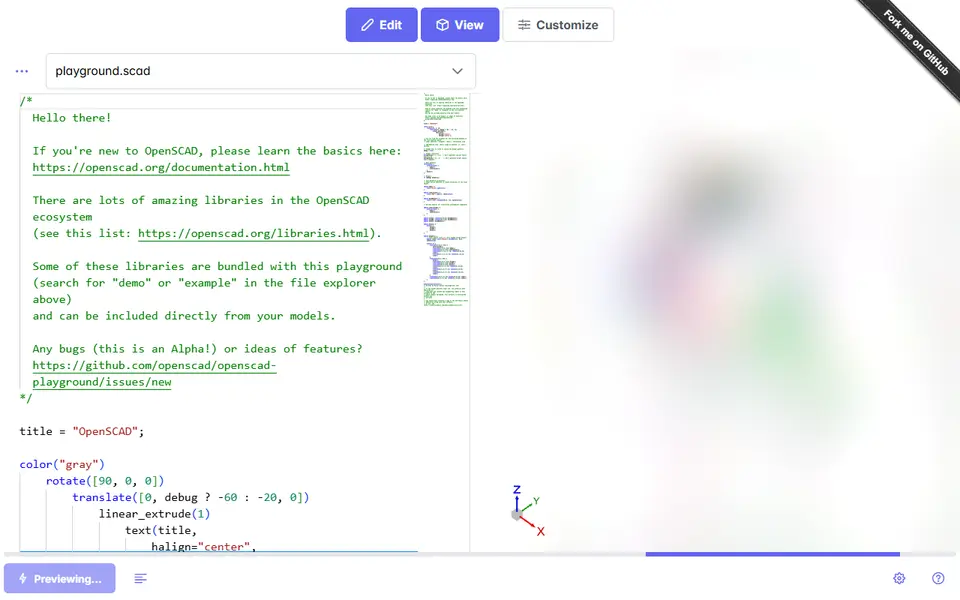
Customize button on thousands of MakerWorld models, powered by OpenSCAD and Fusion
Customizers
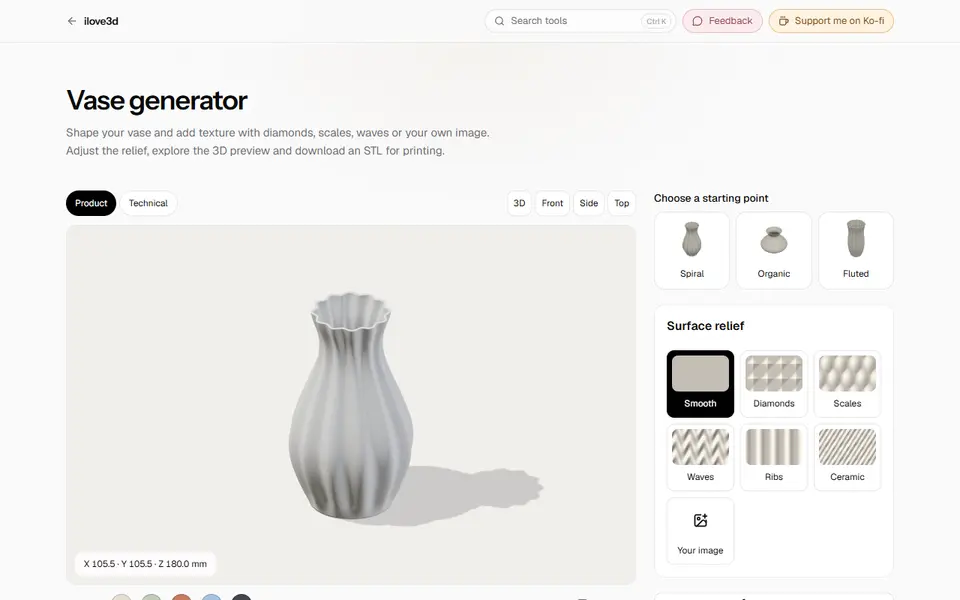
ilove3d
Free browser toolbox with about 20 print generators plus file tools, no account and no uploads
Customizers
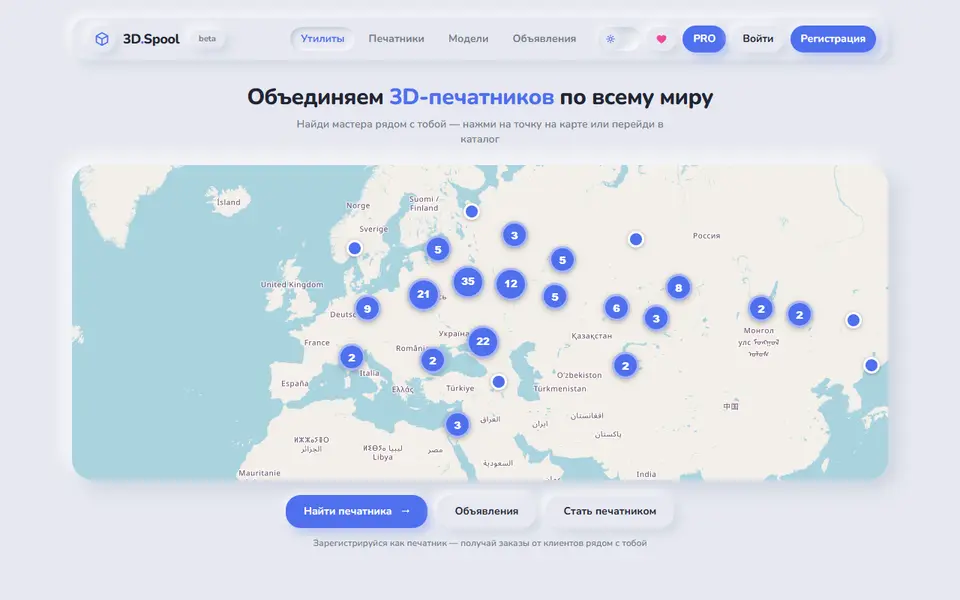
3D.Spool
Russian-language hub of browser STL generators for bins, tags, QR plates and lithophanes