Start here · Beginner guide
How to 3D Print Custom Things Without Learning CAD
You do not need Fusion, Blender or Tinkercad to print custom objects. A practical guide to generators, customizers and AI tools, with a four-step workflow.
Quick comparison
| Generator | Best for | Price | Files | Link |
|---|---|---|---|---|
| 01MakerWorld MakerLab | Bambu Lab owners wanting quick personal prints | Freemium | 3MF, STL | Open |
| 02MakerWorld Parametric Model Maker | Personalising community models | Free | 3MF | Open |
| 03ItsLitho | Photo gifts, lamp shades and night lights | Freemium | STL | Open |
| 04Perplexing Labs Gridfinity Generator | Custom Gridfinity and wall-storage parts in one place | Free | STL | Open |
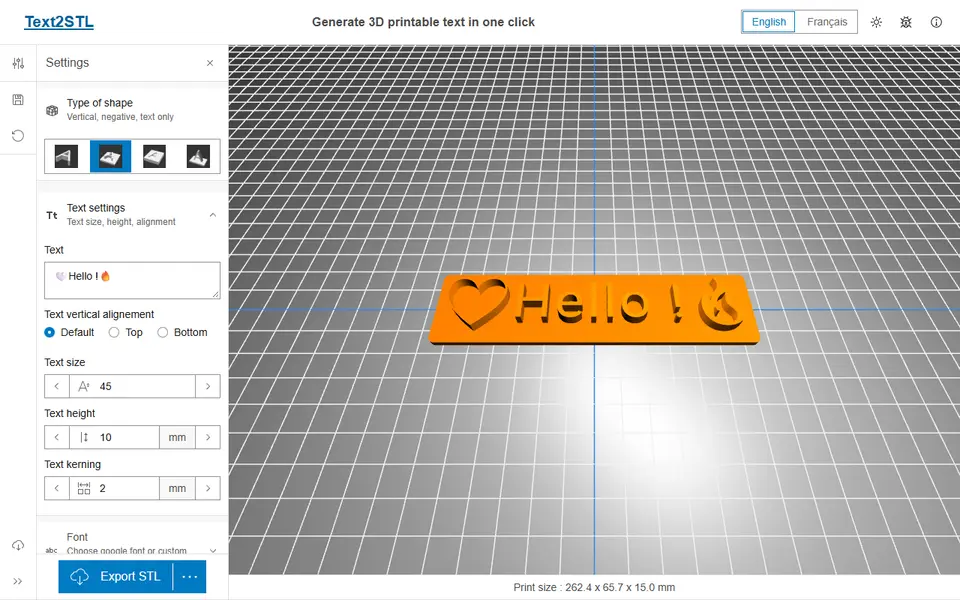
| 05Text2STL | Quick 3D lettering and simple name plates | Free | STL | Open |
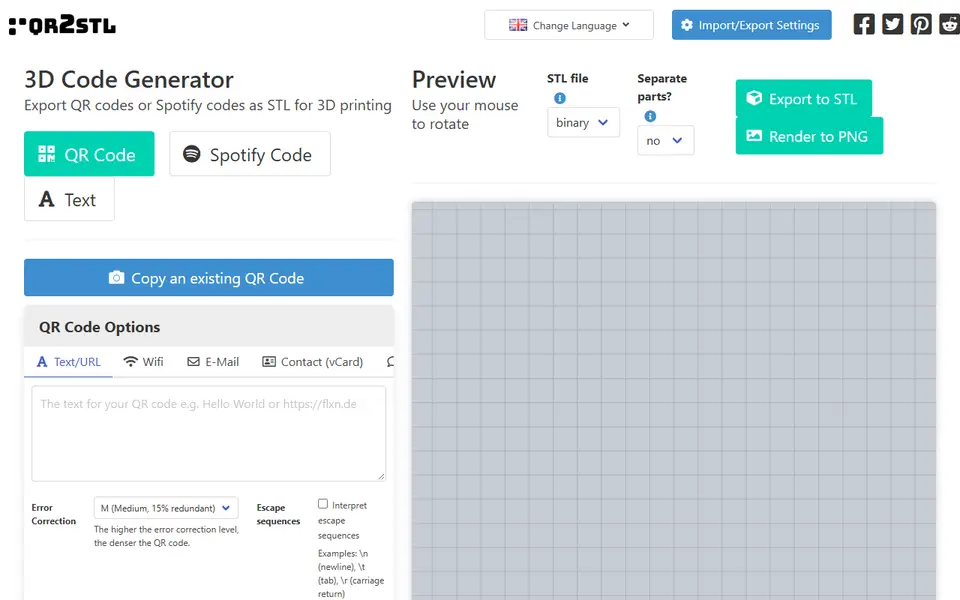
| 06QRCode2STL | WiFi signs and QR keychains | Free | STL, PNG | Open |
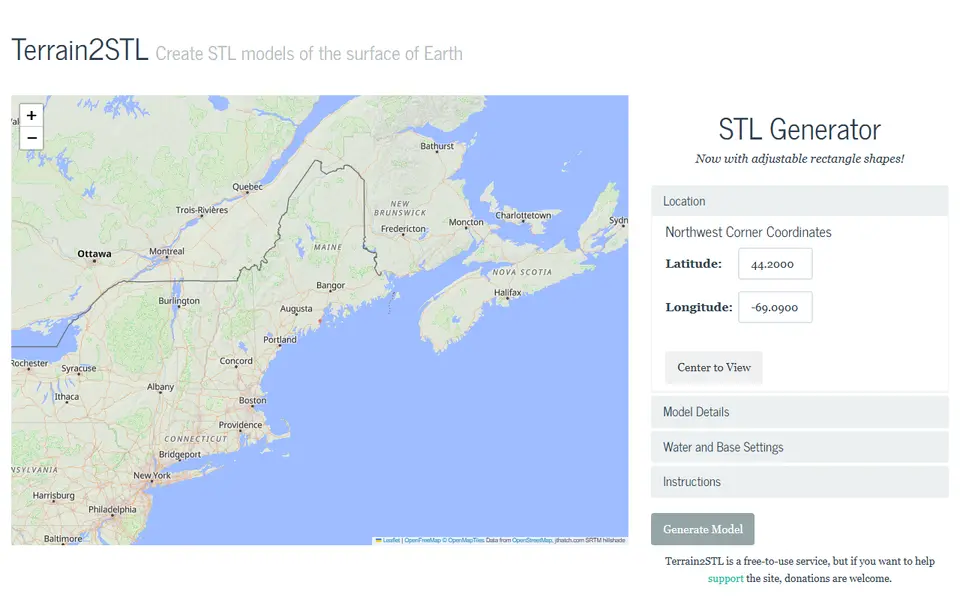
| 07Terrain2STL | Quick mountain and island relief prints | Free | STL | Open |
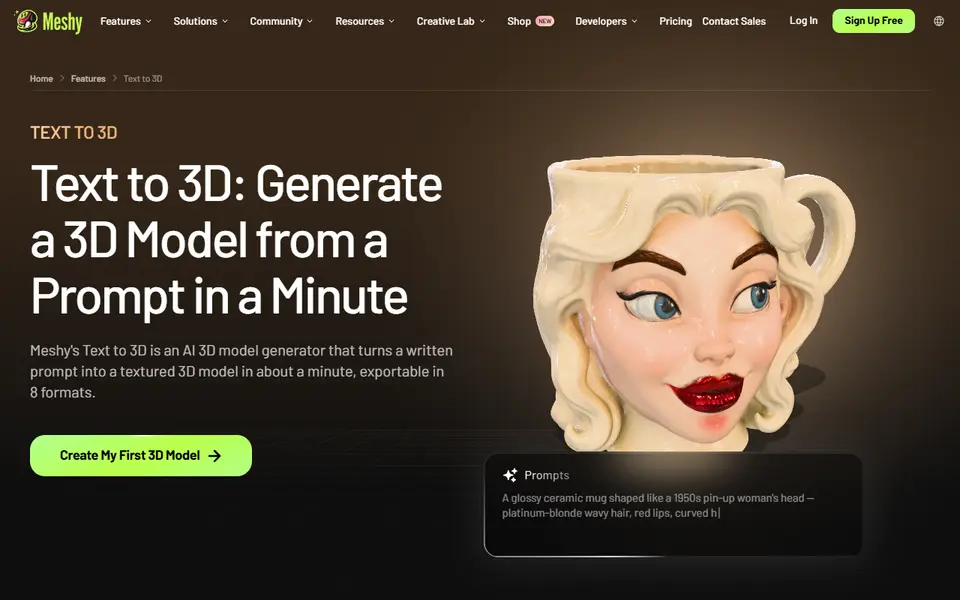
| 08Meshy | Figurines and multicolor AMS prints from a prompt or photo | Freemium | STL, 3MF, OBJ, GLB, FBX | Open |
| 09HueForge | Serious filament painting and wall art | Paid | STL, 3MF | Open |
| 10CookieCAD | Custom cookie cutters and stamps from artwork | Freemium | STL, OBJ, 3MF | Open |
Here is a secret most 3D printing tutorials skip: you can print a huge range of custom, personal, useful objects without ever opening a CAD program. No sketches, no constraints, no extrudes. You fill in a form, and a generator does the modelling for you.
This guide explains the three kinds of no-CAD tools, when to use which, and a simple workflow from idea to print.
The three kinds of no-CAD tools
1. Dedicated generators. A website or app that makes one kind of object really well: a lithophane from a photo, a Gridfinity bin, a sign from text, a QR code, a mountain from map data. These give the best results for their job.
2. Customizers. A regular model with settings you can change. On MakerWorld, thousands of models have a Customize button powered by the Parametric Model Maker. You change the text, the size or the number of compartments and download your own version. Bambu Lab’s MakerLab collects dozens of these tools in one place.
3. AI generators. Describe an object or upload a photo, and a tool like Meshy creates a 3D model. Great for figurines and decorations; less suited to parts that must fit exactly.
Which tool for which job?
| You want to make | Use |
|---|---|
| A photo gift that glows | A lithophane generator |
| Drawer and desk organisers | A Gridfinity or storage generator |
| Name plates, signs, keychains | A sign or keychain generator |
| A picture in colour | A filament painting tool such as HueForge |
| Cookie cutters and stamps | A cookie cutter generator such as CookieCAD |
| A figurine or character | An AI 3D generator |
| A real place, route or crater | A terrain or map generator |
| A replacement knob, gear or cap | A mechanical part generator |
The four-step workflow
- Find the generator. Search our directory by what you want to make. Check the “Exports” line on each listing: STL works everywhere, 3MF keeps colours and settings.
- Fill in the form. Measure what you need to measure (drawer size, shaft diameter, photo crop) before you start. Most tools show a live 3D preview.
- Download and slice. Open the file in your slicer. Check the size, the orientation and, for multicolour files, that each part has the colour you want.
- Print a small test first. For anything that has to fit, print a thin slice or a single bin and check it before committing to a four-hour print.
When you do need CAD
Generators have limits. If you need a part that fits an odd shape, combines several functions, or has to be tweaked many times, a beginner CAD tool is worth learning eventually. But start with generators: you will print more, learn what makes a good print, and find out what you actually want to design.
Next steps
- Browse all categories to see what can be made.
- Read our comparison of the best lithophane generators.
- No printer yet? See the best 3D printers for beginners.
Frequently asked questions
Can I 3D print without knowing CAD?
Yes. Generators and customizers turn a form, a photo or a line of text into a printable file. Together with model libraries such as MakerWorld and Printables, they cover most of what people want to print at home.
What is the difference between a generator and a customizer?
A generator is a tool built for one kind of object, such as lithophanes or Gridfinity bins. A customizer is a model that exposes its settings, such as size or text, so you can change them in the browser before you download it.
Do I need special software to print a generated file?
You need a slicer, which is free: Bambu Studio, OrcaSlicer, PrusaSlicer, Cura or the one that came with your printer. It turns the STL or 3MF file into instructions for your printer.
Are these generators free?
Most of them are. In our directory the majority are completely free; some have a paid plan for extra features, and a few, like HueForge, are paid software.
What you'll need
Matte PLA for signs and Gridfinity
Matte filament hides layer lines and cuts glare, so raised lettering on signs and nameplates stays readable from any angle and a drawer full of bins looks uniform.
- Bambu Lab PLA MatteWide colour range with AMS-ready RFID, ideal for multi-colour signs.
- Polymaker Panchroma Matte PLA (formerly PolyTerra)The former PolyTerra line under a new name: soft matte look and good value for printing Gridfinity in bulk.
- SUNLU Matte PLALow-cost matte option for large batches of bins and baseplates.
Multicolour PLA for keychains and HueForge
Dual- and tri-colour silks give a single-nozzle printer colour shifts with no extra hardware, and a matched colour set is what lets HueForge and colour lithophanes blend thin layers into a full image.
- Bambu Lab PLA Silk Multi-ColorCo-extruded dual and tri colours that shift with the viewing angle; great for keychains and name tags.
- SUNLU Multi-Color Silk PLA (dual/tri/four-colour)Budget dual-, tri- and four-colour silk for colourful prints without an AMS.
- Bambu Lab PLA CMYK Lithophane BundleFour 1 kg spools (cyan, magenta, yellow, white) made for colour lithophanes and handy for HueForge-style layering.
PETG for functional and outdoor prints
PETG handles heat, sunlight and repeated flexing better than PLA, so Gridfinity bins in a hot garage or signs mounted outdoors keep their shape.
- Bambu Lab PETG BasicUpgraded formula that Bambu says matches PLA Basic for strength while staying impact-tough; low price per spool in multi-roll bundles.
- Polymaker PETGHigh-flow replacement for PolyLite PETG: strong, low-odour and quick to print.
- Overture High Speed PETGGood-value PETG in a large colour range for functional parts in bulk.
Some of these are affiliate links: we may earn a small commission, at no extra cost to you. More about that
Every generator in this guide
Customizers
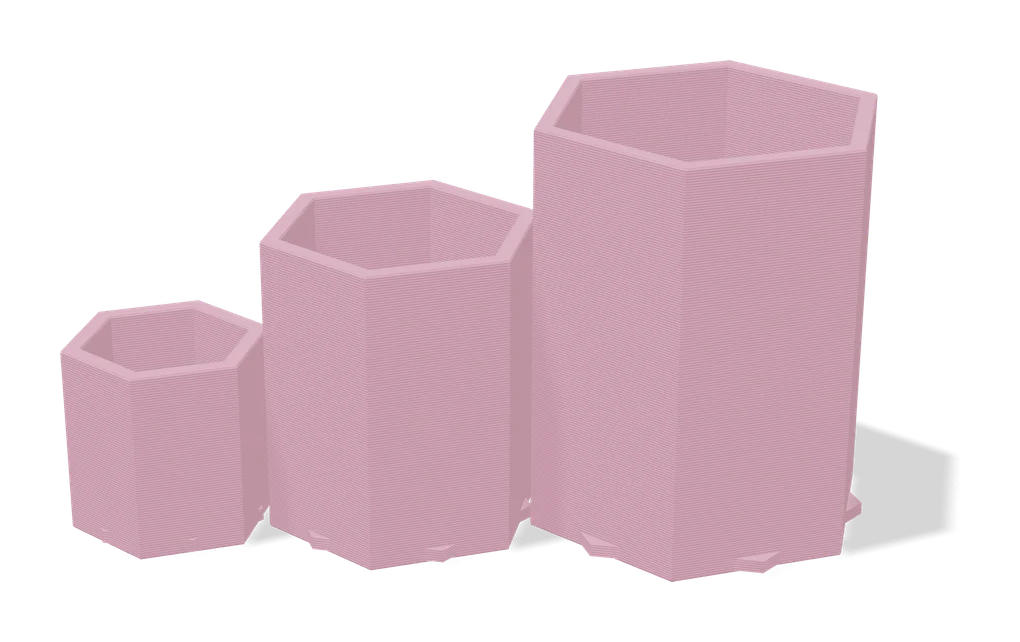
MakerWorld MakerLab
Bambu Lab's hub of no-CAD generators, from signs and vases to AI and community apps
Customizers
MakerWorld Parametric Model Maker
Customize button on thousands of MakerWorld models, powered by OpenSCAD and Fusion
Lithophanes
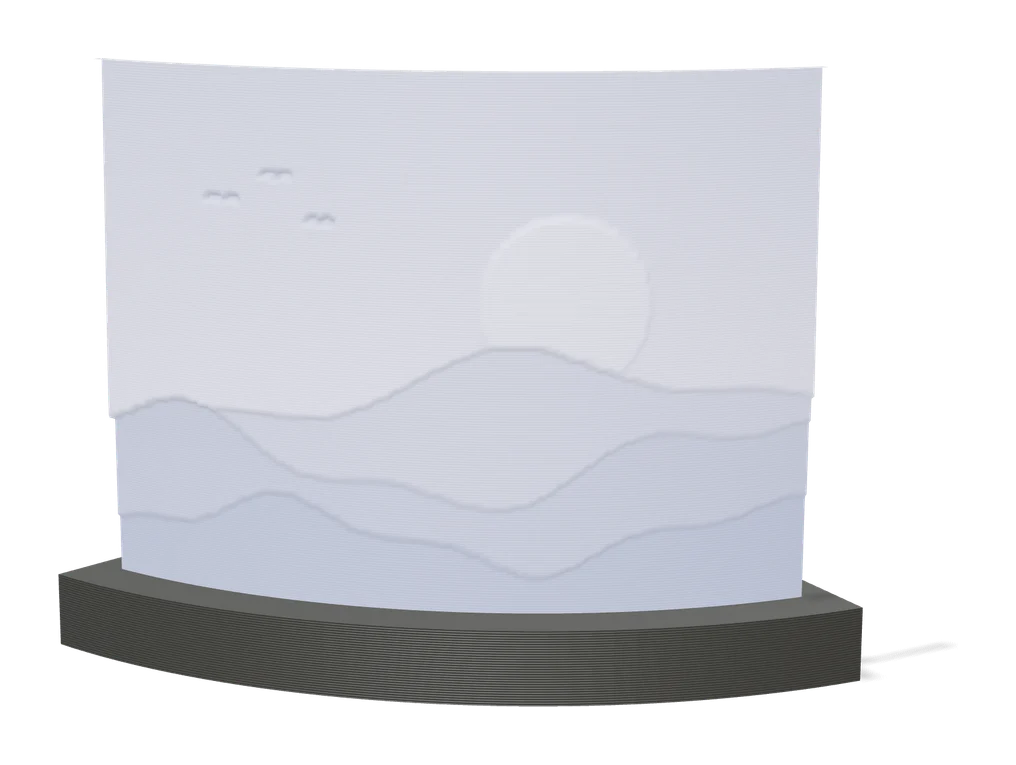
ItsLitho
Browser lithophane designer with many shapes, an image editor and a backlit preview
Storage
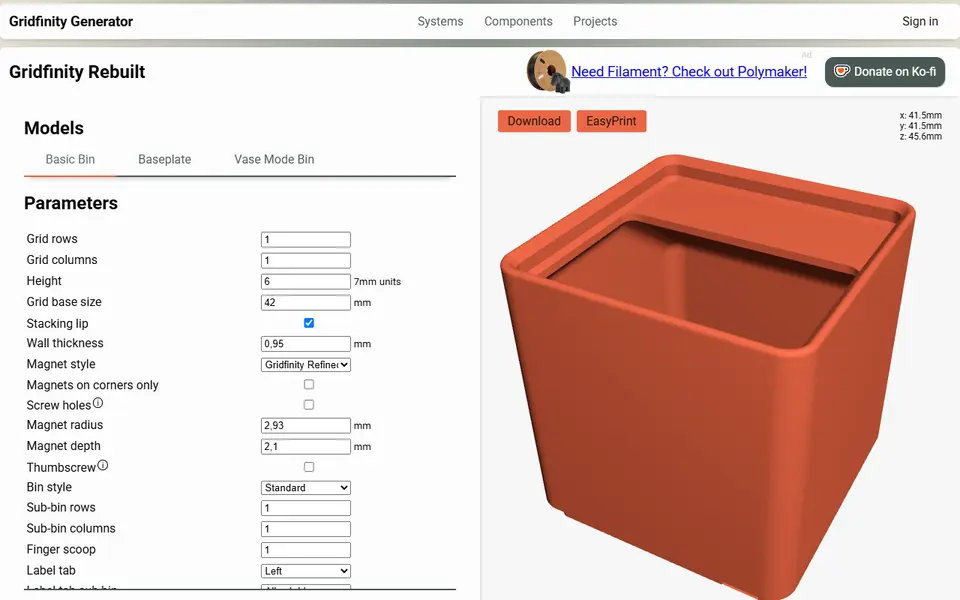
Perplexing Labs Gridfinity Generator
Browser generator for Gridfinity bins, baseplates, openGrid, Multiboard and HSW parts