BumpMesh by CNC Kitchen
Adds knurling, wood grain, weave or your own image as real texture to any STL
BumpMesh by CNC Kitchen is a free browser tool for adding grip, wood or fabric textures to models you already have. Free to use, including commercial work; optional tips via PayPal or Ko-fi. Exports STL and 3MF; no account needed. Last checked .
Opens bumpmesh.com
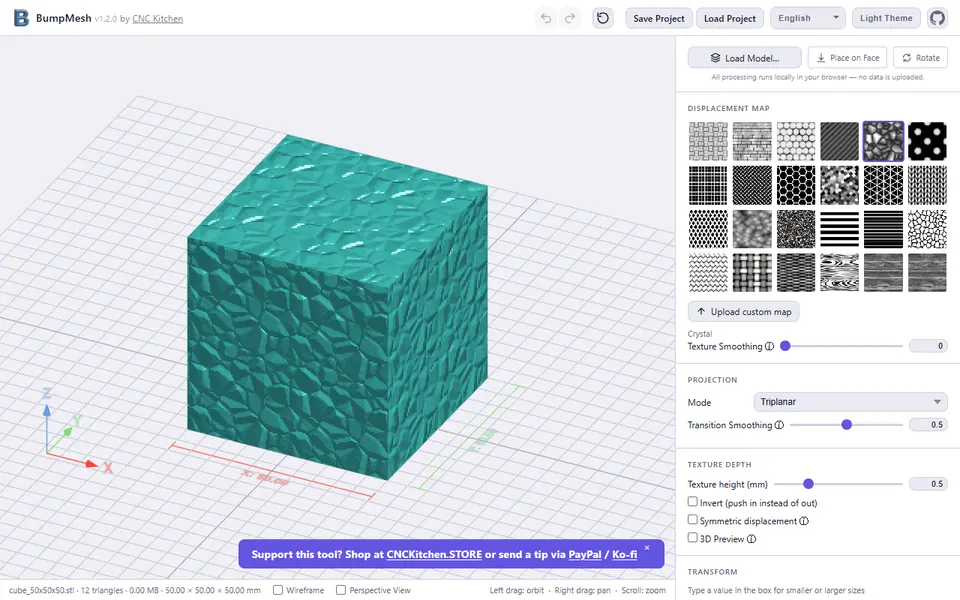
What is BumpMesh by CNC Kitchen?
BumpMesh is a free browser tool from CNC Kitchen that puts a surface texture on a 3D model you already have. You drop in an STL, OBJ, 3MF or STEP file, pick one of 24 built-in patterns such as knurling, wood grain, carbon fiber, leather, basket, weave or hexagons, and the tool pushes that pattern into the actual geometry. You can also upload your own image and it is used as a height map.
Sliders set the texture height, the pattern size in both directions, offset and rotation, and you choose how the pattern wraps around the part: triplanar, box, cylindrical, spherical or flat from one side. Angle filters, a paint brush and a fill tool keep the bottom, the top or any chosen area smooth, which helps with bed contact or leaving a plain spot for a label. The result exports as STL or 3MF, and you can save a project file to pick up later.
Everything runs in your browser, so your files are not uploaded anywhere, and the code is open source under AGPL-3.0. It suits makers who want grippy handles, textured vases or a wood look without learning displacement in Blender. You do need a model to start from, because it does not design one for you.
What you can make
- Textured versions of your own STL models
- Knurled and grip surfaces on handles and knobs
- Wood, leather and fabric-look finishes
- Surfaces embossed from your own image
How to use BumpMesh by CNC Kitchen
- Drop in an STL, OBJ, 3MF or STEP file
- Pick a preset texture or upload your own image
- Set the projection mode, texture height and pattern size
- Mask faces that should stay smooth, such as the bottom
- Export as STL or 3MF and slice it
What you'll need to print it
Filament and parts that suit what you make with BumpMesh by CNC Kitchen.
Matte PLA
Silk PLA
Some of these are affiliate links: we may earn a small commission, at no extra cost to you. More about that
BumpMesh by CNC Kitchen pros
- Runs locally in the browser, so models never leave your computer
- 24 preset textures plus your own image as a displacement map
- Masking by angle, by painted area or with a fill tool keeps chosen faces smooth
BumpMesh by CNC Kitchen cons
- Needs an existing model; it only adds texture, it does not create shapes
- Fine textures need a high triangle count, so exports get large and processing can be slow
- The 3MF export is one plain object with no color or multi-material data
Rate BumpMesh by CNC Kitchen
One rating per account. Signing in takes one email link, no password.
Reviews
Made with BumpMesh by CNC Kitchen
Read next
- How to 3D Print Without CAD: Generators, Customizers, AI
- Free HueForge Alternatives (2026): Filament Painting Tools
- Can You Sell Prints Made with Generators? Licenses Checked
- HueForge vs Chroma Canvas: Price, Licenses and Printers
- Best Image to STL Converters: Relief, Logo or Real 3D?
- Best SVG to STL Converters: Turn a Logo into a 3D Print
BumpMesh by CNC Kitchen alternatives
Image to STL and relief generators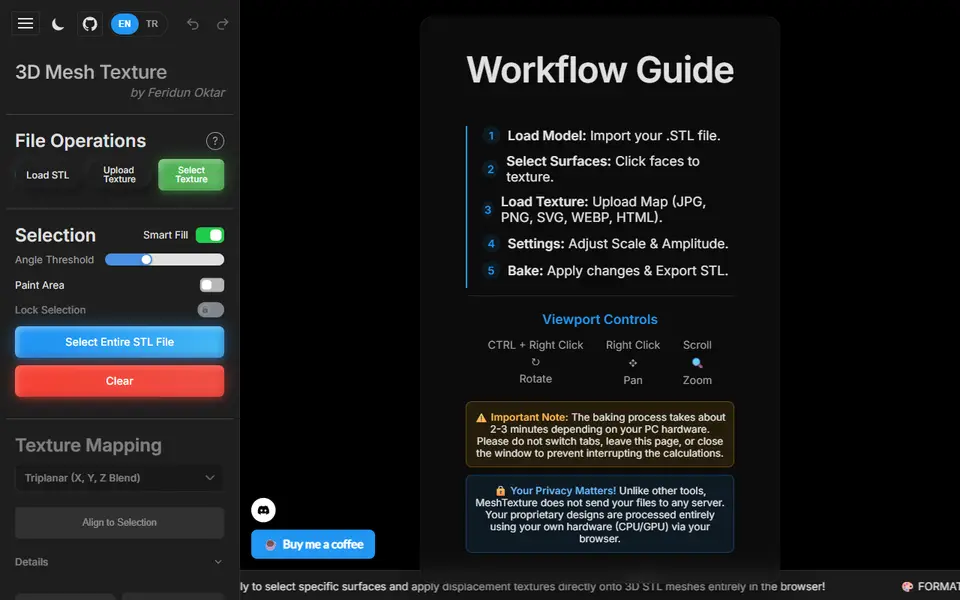
Image to Relief
Mesh Texture
Presses grip, wood, hexagon or your own image patterns into chosen faces of an STL
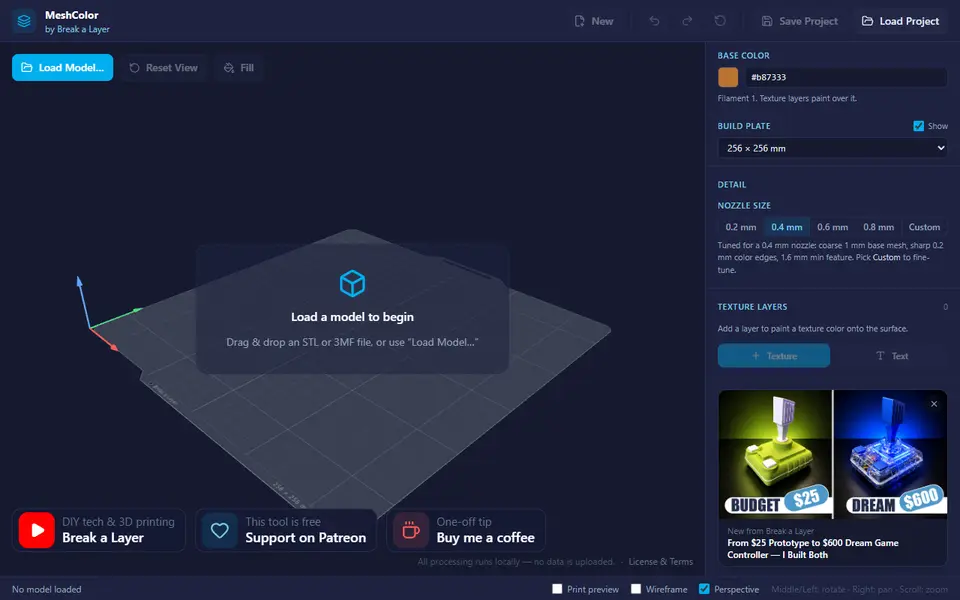
Image to Relief
MeshColor
Paints color textures, logos and text onto your own model and exports a multicolor 3MF
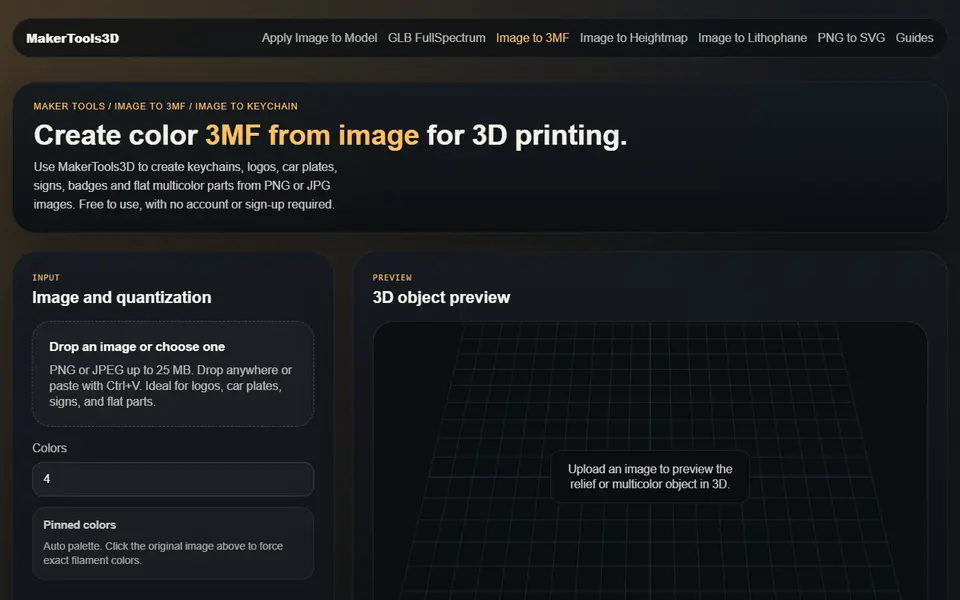
Image to Relief
MakerTools3D
Turns PNG and JPG images into multicolor 3MF plates, keychains and decals
Image to Relief
ColorStack
Browser filament painting with 3MF export, plus flat multicolor and image to STL
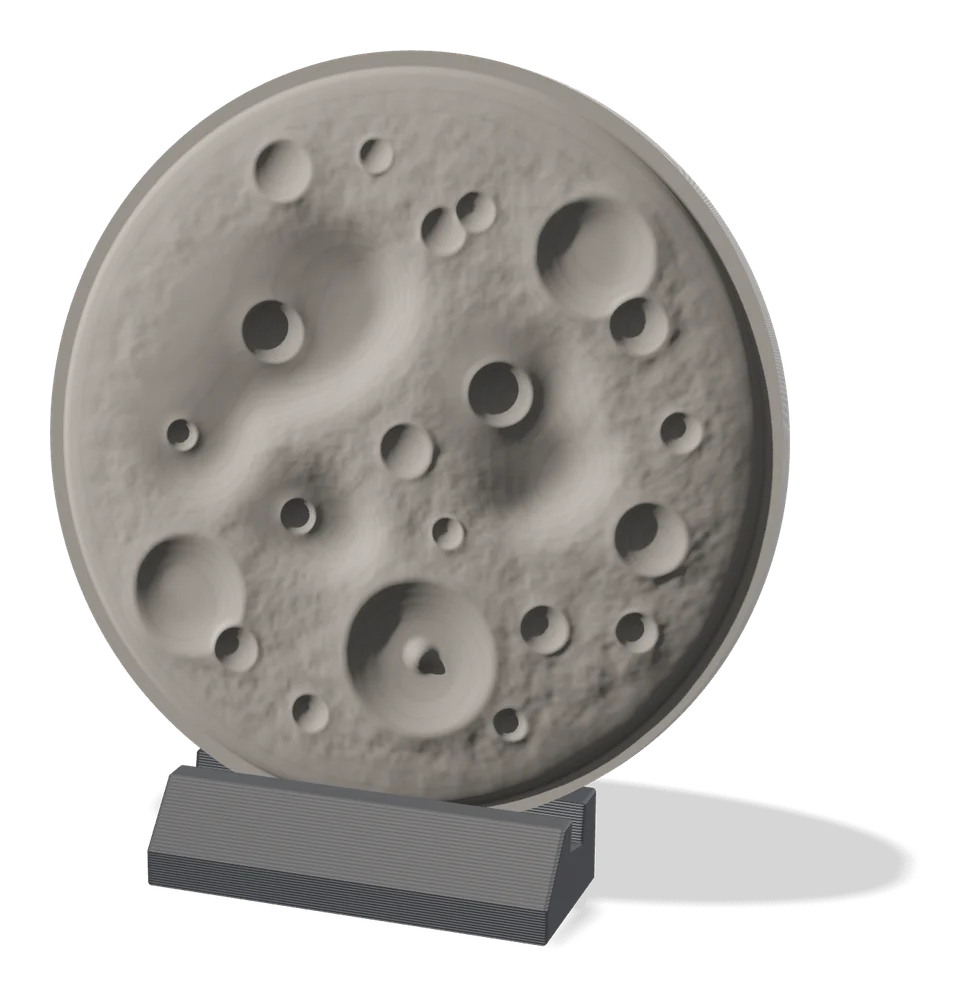
Image to Relief
MakerLab Relief Sculpture Maker
AI tool that turns photos or 3D models into printable bas-relief plaques
Image to Relief
ImageToStl
Free online converter that turns PNG or JPG images into heightmap or extruded STL