Mesh Texture
Presses grip, wood, hexagon or your own image patterns into chosen faces of an STL
Mesh Texture is a free browser tool for adding grip or surface patterns to selected faces of an existing STL. Free with no account; optional tips through Buy Me a Coffee. Exports STL. Last checked .
Opens meshtexture.com
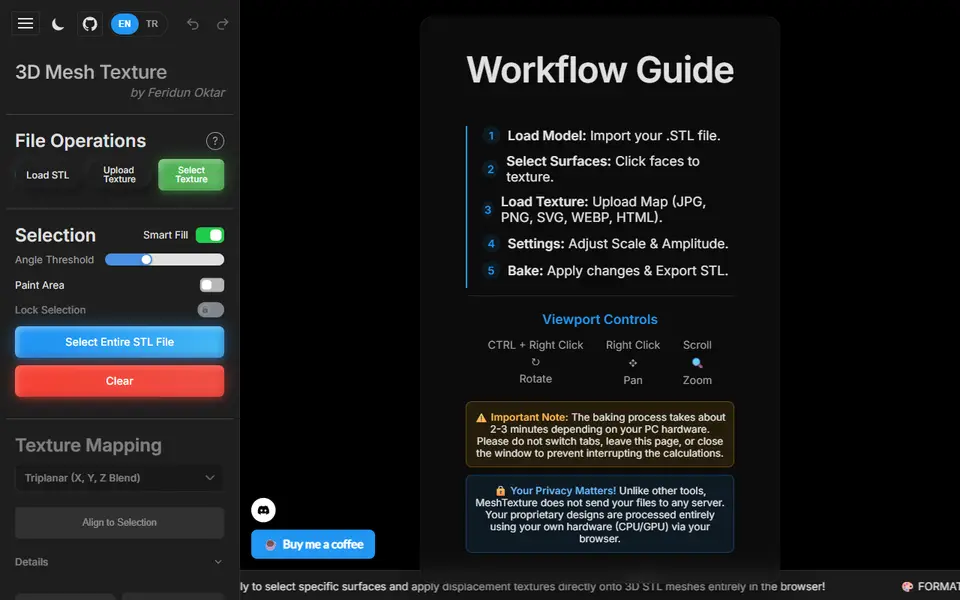
What is Mesh Texture?
Mesh Texture is a free browser tool that turns a smooth STL into a textured one. You load your model, choose which faces should get the pattern, and the tool pushes that pattern into the real geometry, so it prints as raised and recessed detail instead of only looking textured on screen.
Face selection is its strong point. Smart Fill grabs connected faces within an angle you set, a brush lets you paint or erase areas by hand, and you can also select the whole model at once. For the pattern you pick one of 12 presets, such as carbon fiber, hexagons, two grip patterns, leather, wood grain, brick or cement, or you upload your own image as a height map. Projection can be triplanar, cubic, spherical, cylindrical or planar along one axis, and sliders set scale, depth, sharpness, offset, rotation and a triangle budget. Apply bakes the result and Export STL saves it.
The site says your files are processed in your own browser and never uploaded, and the source code is on GitHub under the GPL-3.0 license. It suits makers who want grip on a handle or a wood look on one side of a box without learning Blender. The author called it a trial version as of September 2026, and a bake can take a few minutes on a slower graphics card.
What you can make
- Textured versions of your own STL models
- Grip patterns on handles, knobs and grips
- Wood, leather and carbon fiber look surfaces
- Faces embossed from your own image
How to use Mesh Texture
- Load your STL file
- Use Smart Fill, the brush or Select Entire STL to pick the faces to texture
- Pick a preset texture or upload your own image
- Set the mapping mode, scale and amplitude
- Click Apply (Bake), then Export STL and slice it
What you'll need to print it
Filament and parts that suit what you make with Mesh Texture.
Matte PLA
Multicolor PLA
Multicolor filament systems
Some of these are affiliate links: we may earn a small commission, at no extra cost to you. More about that
Mesh Texture pros
- Smart Fill and a paint brush let you texture only the faces you pick
- 12 preset textures plus your own image as a height map
- Free, needs no account, and the GPL-3.0 source code is public on GitHub
Mesh Texture cons
- Accepts only STL files and exports only STL, with no 3MF or color output
- Labeled a trial version as of September 2026; a bake can take minutes and you must stay on the tab until it finishes
- Needs an existing model to start from; it adds texture but does not create shapes
Rate Mesh Texture
One rating per account. Signing in takes one email link, no password.
Reviews
Made with Mesh Texture
Read next
Mesh Texture alternatives
Image to STL and relief generators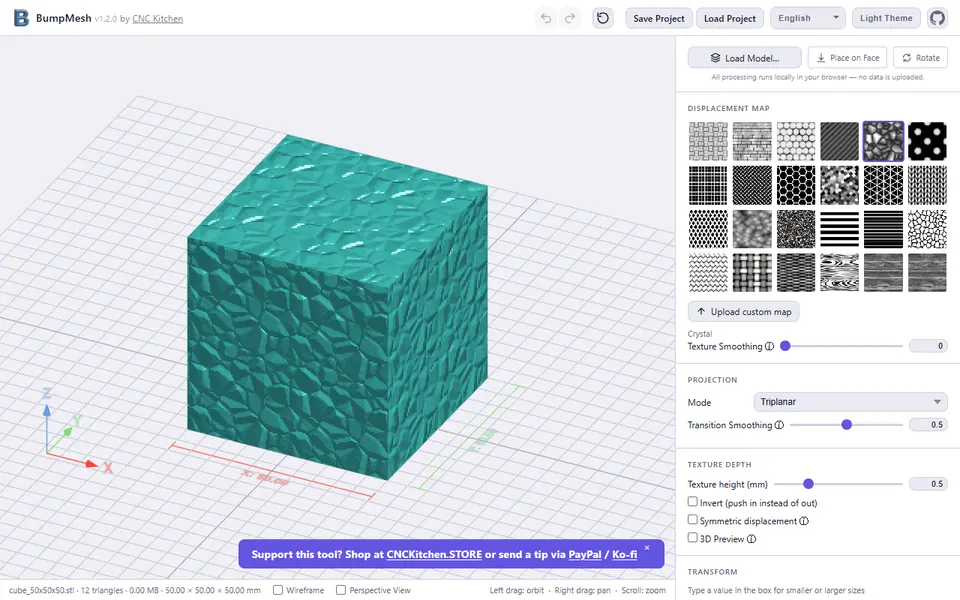
Image to Relief
BumpMesh by CNC Kitchen
Adds knurling, wood grain, weave or your own image as real texture to any STL
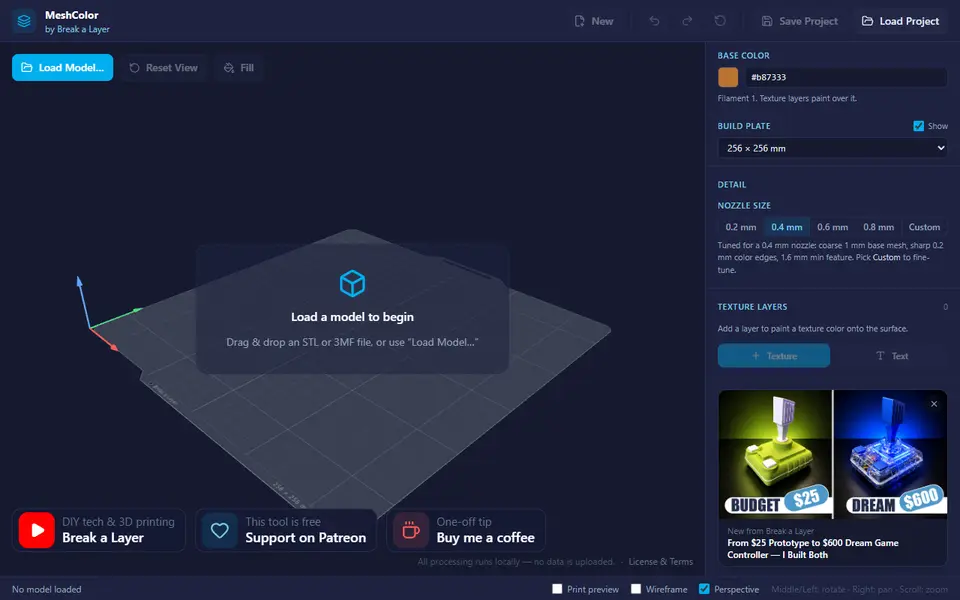
Image to Relief
MeshColor
Paints color textures, logos and text onto your own model and exports a multicolor 3MF
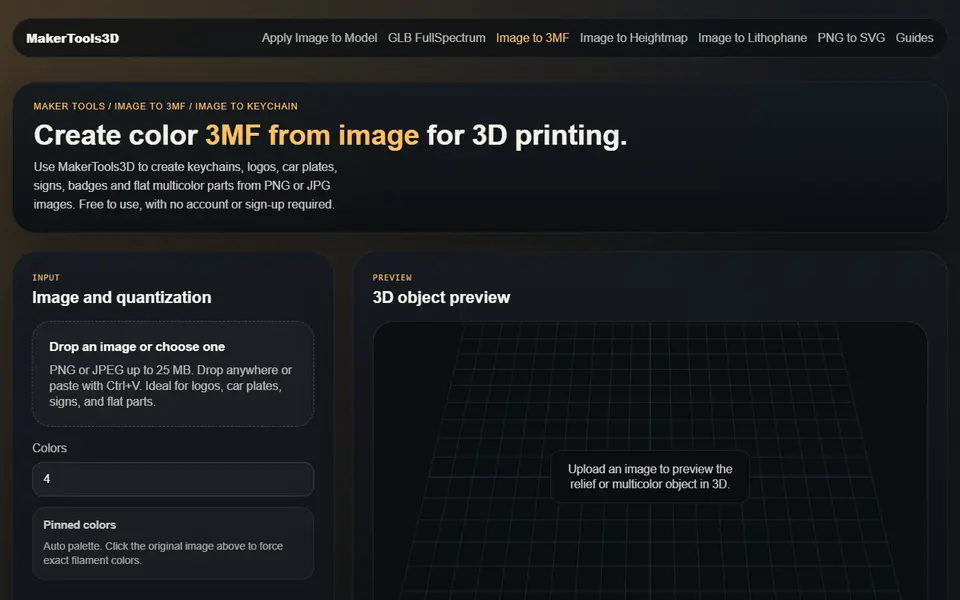
Image to Relief
MakerTools3D
Turns PNG and JPG images into multicolor 3MF plates, keychains and decals
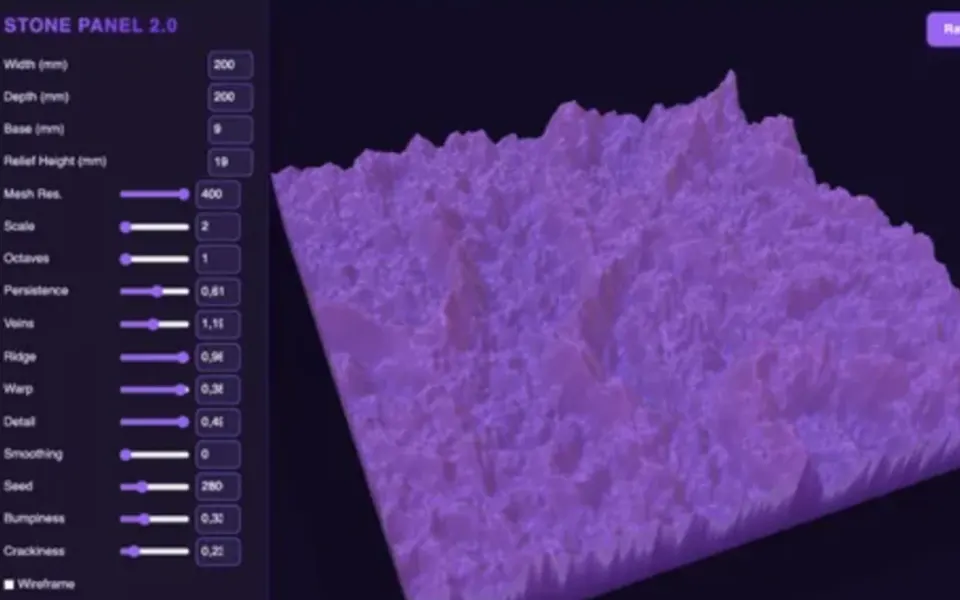
Image to Relief
STONE PANEL 2.0 (AV_Creator)
Paid downloadable HTML generator for stone-textured relief panels in any size, exported as STL
Image to Relief
ColorStack
Browser filament painting with 3MF export, plus flat multicolor and image to STL

Image to Relief
AutoForge
Open-source optimizer that picks filament colors and swap layers for a HueForge-style picture print