Genstrio
Free, open-source hub of 12 parametric generators for enclosures, gears, Gridfinity and more, as STL, 3MF or STEP
Genstrio is a free browser tool for exact workshop parts, enclosures and gears without CAD. Free and open source, no account. Exports STL, 3MF and STEP. Last checked .
Opens technikweber.github.io
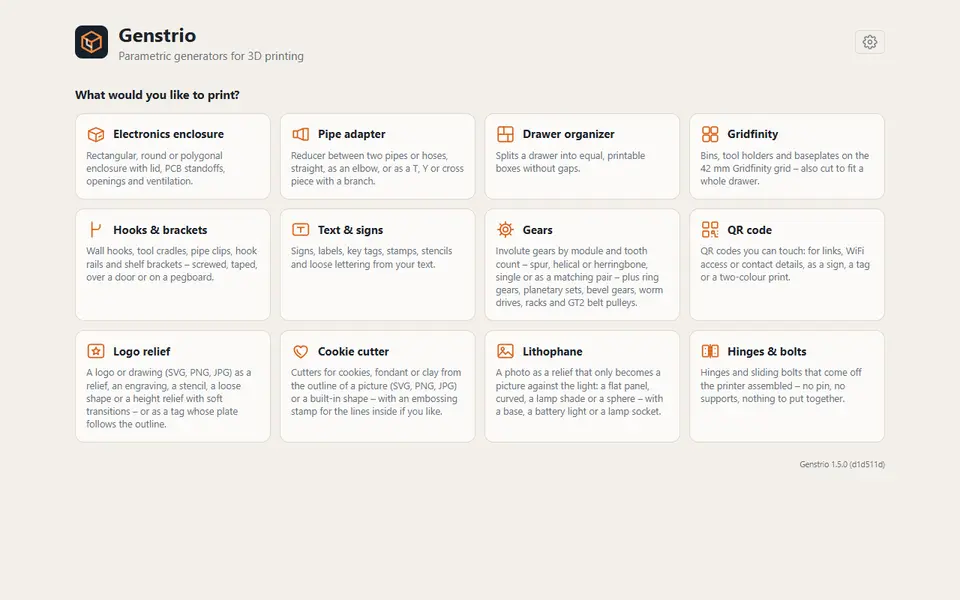
What is Genstrio?
Genstrio is a free, open-source set of 12 parametric generators that runs in the browser on a real CAD kernel. You enter dimensions, watch the model build in 3D, and download it. Nothing is uploaded and there is no account.
The generators make electronics enclosures (with templates for Raspberry Pi, Arduino, ESP32 and other boards, connector cutouts, screw or snap lids, vents and DIN rail clips), pipe and hose adapters (reducers, elbows, T and Y pieces, garden hose and pipe thread sizes), drawer organizers, Gridfinity bins, holders and baseplates cut to fit a drawer, hooks, pipe clips and shelf brackets, text signs, tags, stamps and stencils, gears (spur, helical, herringbone, planetary sets, bevel, worm drives, racks and GT2 pulleys), QR code plates, logo reliefs from an SVG or image, cookie cutters with an optional embossing stamp, lithophanes (flat, curved, lamp shade or sphere, with a base for a battery light), and print-in-place hinges and sliding bolts.
Downloads are STL, 3MF with each part as a separate object for a second color, or STEP with the exact geometry for further editing in FreeCAD or Fusion (lithophanes are STL or 3MF only). Settings include millimeters or inches, your bed size and a fit allowance, and you can save templates, export a project file or copy a link with all values.
The code is AGPL-3.0, and the README says the models you generate are yours without restriction. It has many options per tool, so it suits makers who want practical, exact parts rather than quick gifts.
What you can make
- Electronics enclosures for Raspberry Pi, Arduino and ESP32
- Gears, planetary sets and GT2 pulleys
- Gridfinity bins and drawer-fitting baseplates
- Pipe adapters, hooks and print-in-place hinges
- Lithophanes, cookie cutters and QR plates
How to use Genstrio
- Open Genstrio and pick what you want to print
- Load a template or enter your dimensions
- Check the 3D preview and any notes
- Download STL, 3MF or STEP
What you'll need to print it
Filament and parts that suit what you make with Genstrio.
PETG
M3 heat-set inserts
6 x 2 mm magnets
Also handy
Digital calipers
Filament dryers and dry boxes
Some of these are affiliate links: we may earn a small commission, at no extra cost to you. More about that
Genstrio pros
- STEP export for editing in a CAD program, besides STL and 3MF
- Deep options, such as board templates for enclosures and planetary gear sets
- Free, open source, no account, and models are yours to use
Genstrio cons
- So many options that some tools take a while to learn
- The CAD engine is a large first download, and the site is new
Rate Genstrio
One rating per account. Signing in takes one email link, no password.
Reviews
Made with Genstrio
Read next
Genstrio alternatives
Online 3D model customizers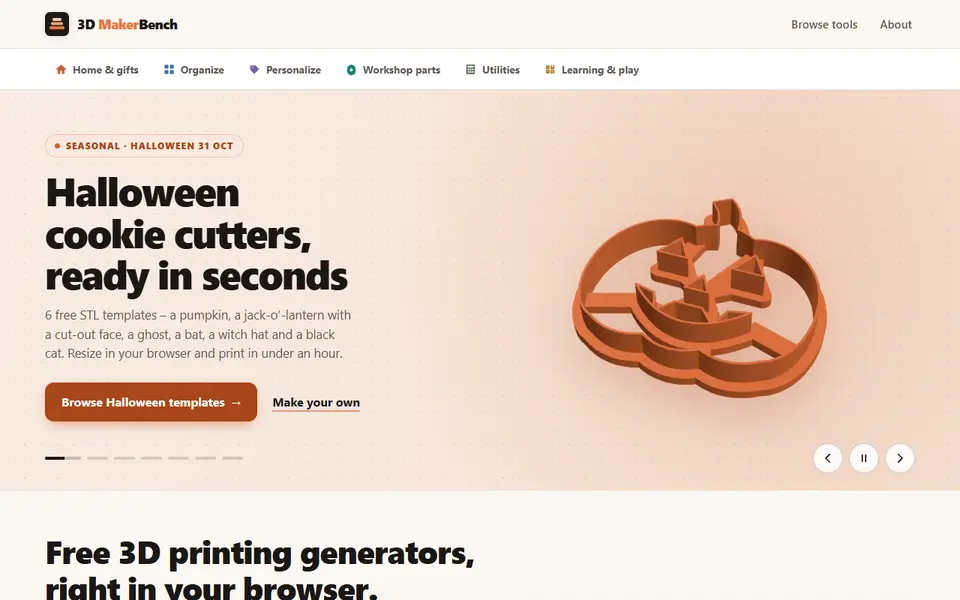
Customizers
3D MakerBench
Free hub of 23 browser generators for cookie cutters, lithophanes, Gridfinity bins, gears and more, exporting STL
Customizers
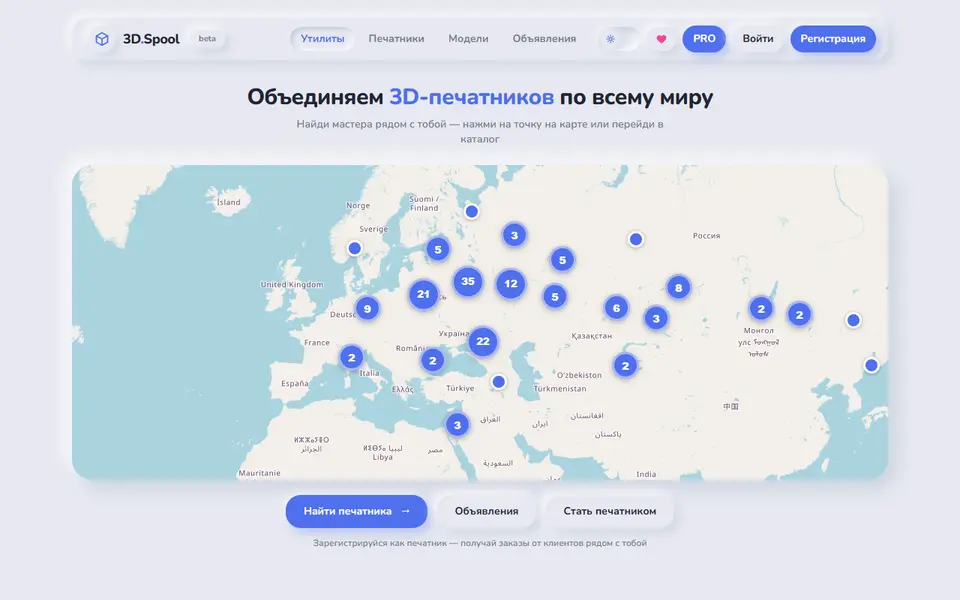
3D.Spool
Russian-language hub of browser STL generators for bins, tags, QR plates and lithophanes
Customizers
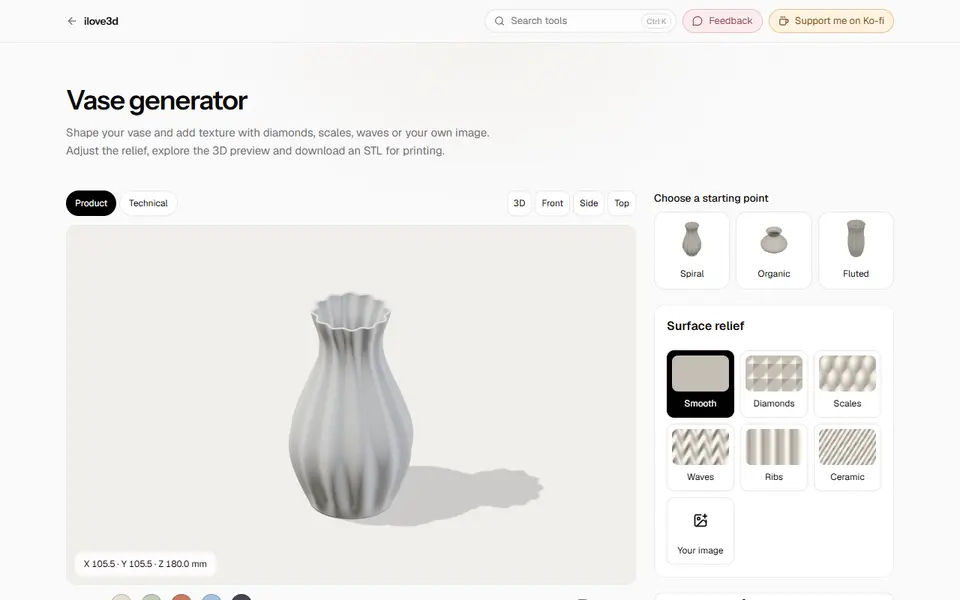
ilove3d
Free browser toolbox with about 20 print generators plus file tools, no account and no uploads
Customizers
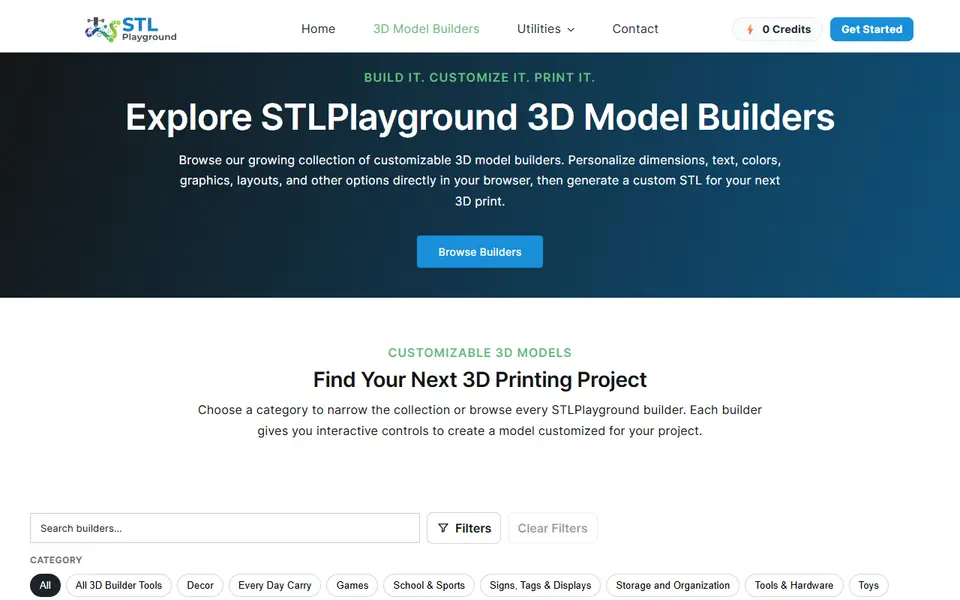
STL Playground
30+ browser builders for name plates, tags, storage, lithophanes and cutters, with 3MF export
Customizers
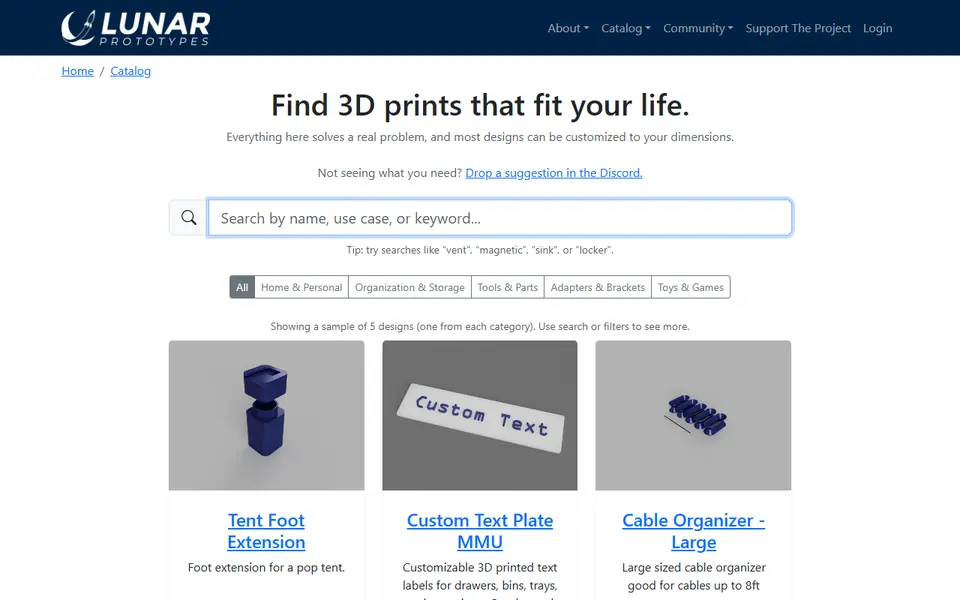
Lunar Prototypes
Fit-to-measure brackets, bins, repair parts and toys you size with a web form
Customizers
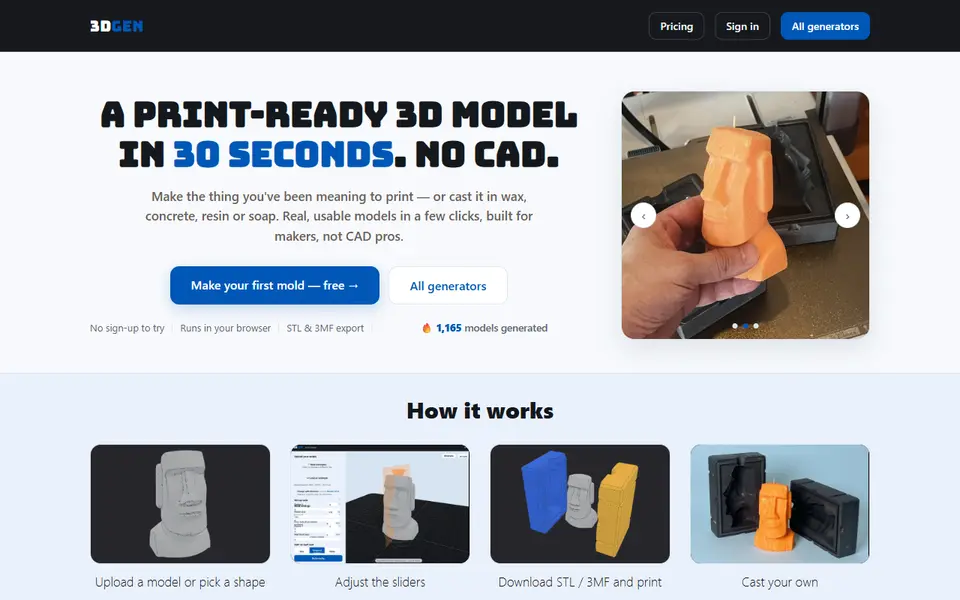
3DGEN
Browser generators for casting molds, cutters, keychains and lithophanes, STL or 3MF; free tier with a small mark