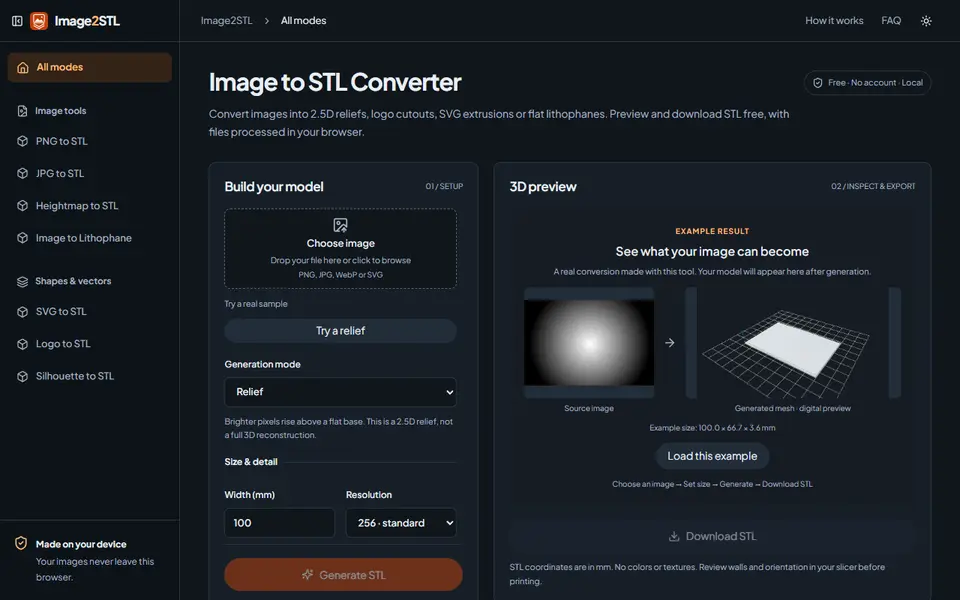
What is Image2STL?
Image2STL turns a PNG, JPG, WebP or SVG into a printable STL in four ways. Relief raises brighter pixels above a flat base, Lithophane makes a flat panel where darker areas are thicker so they block more light, Silhouette uses the transparent background of an image to cut out its outline, and SVG Vector Extrude turns filled vector shapes into a crisp solid.
You set the width in millimeters, a resolution of 128, 256 or 512, the base thickness and relief depth (or the panel or extrusion thickness), contrast and smoothing, and generate a 3D preview you can rotate before you download. The site is open about its limits: a relief is 2.5D, not a full 3D model of the object, and the STL has no colors. It checks that the mesh is closed, and its example files show the dimensions, triangle count and number of shells they produced.
It is free, needs no account, and the conversion runs in your browser, so your images are not uploaded. Separate pages cover PNG, JPG, heightmap, logo and silhouette to STL. It suits logo signs, keychains, coasters and simple photo plaques; for curved or lamp lithophanes, use a dedicated lithophane tool.
What you can make
- Photo and heightmap reliefs
- Flat lithophane panels
- Logo and icon cutouts
- Extruded SVG shapes for signs and keychains
How to use Image2STL
- Upload a PNG, JPG, WebP or SVG
- Pick relief, lithophane, silhouette or SVG extrude
- Set width, resolution and thickness, then generate
- Check the 3D preview and download the STL
What you'll need to print it
Filament and parts that suit what you make with Image2STL.
Matte PLA
- Bambu Lab PLA Matte (affiliate link) Amazon
- Polymaker Panchroma Matte PLA (formerly PolyTerra) (affiliate link) Polymaker EU: 3DJake (affiliate link)
Code gives 15% off your first order at Polymaker.
Multicolor PLA
Multicolor filament systems
Some of these are affiliate links: we may earn a small commission, at no extra cost to you. More about that
Image2STL pros
- Four modes in one tool: relief, lithophane, silhouette and SVG extrusion
- Runs in the browser, so images are not uploaded
- Checks for a closed mesh and is clear about what a 2.5D relief can and cannot do
Image2STL cons
- Flat lithophanes only, no curved or lamp shapes
- STL only, so no colors or multicolor 3MF
- Nothing is said about selling the prints
Rate Image2STL
One rating per account. Signing in takes one email link, no password.
Reviews
Made with Image2STL
Read next
Image2STL alternatives
Image to STL and relief generators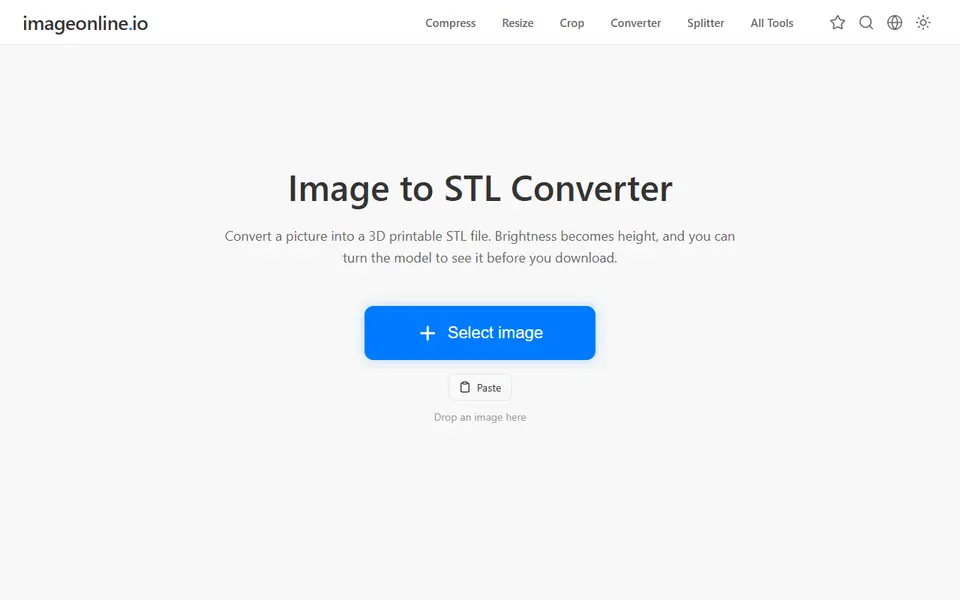
Image to Relief
Image Online Image to STL
Free image to STL relief, lithophane or extruded logo, made in your browser with no upload or account
AI to 3D
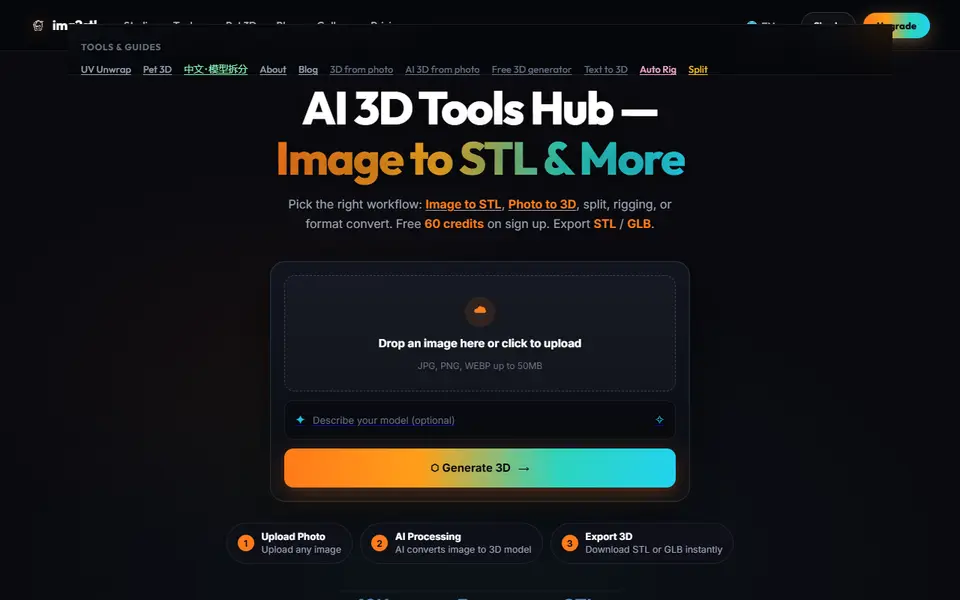
Img2STL
AI photo and text to 3D model as STL or GLB, plus model splitting, texturing and auto-rigging, paid with credits
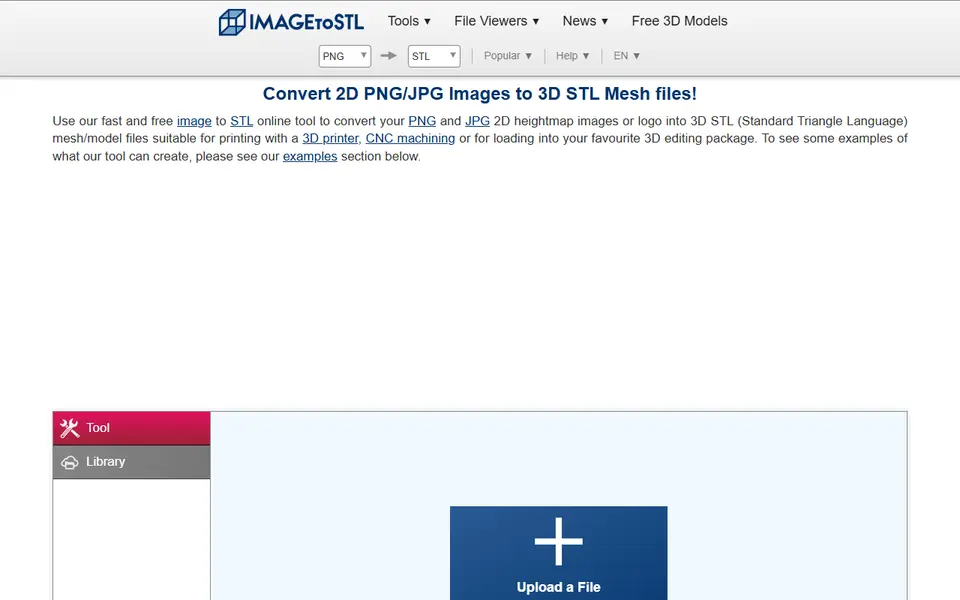
Image to Relief
ImageToStl
Free online converter that turns PNG or JPG images into heightmap or extruded STL
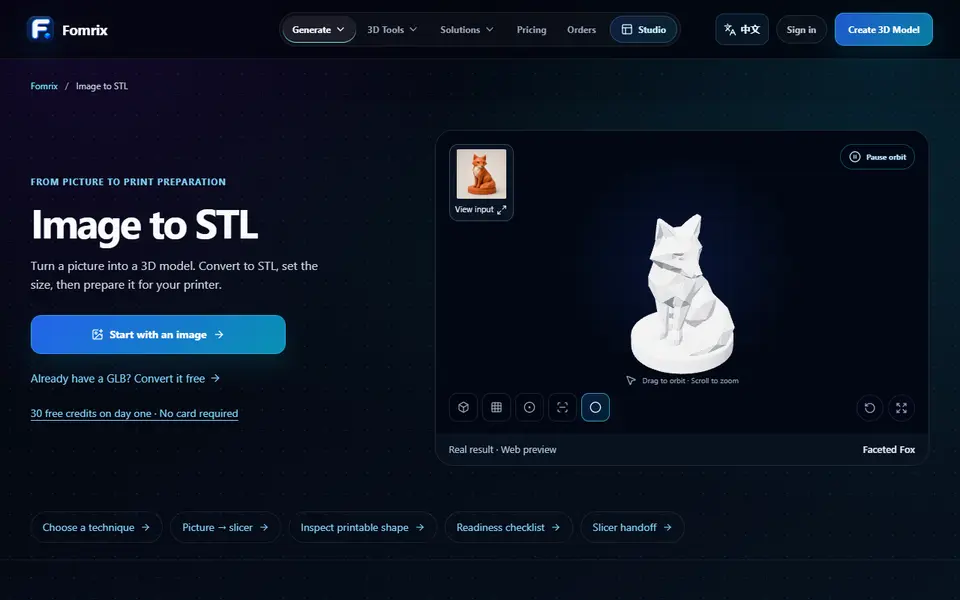
AI to 3D
Fomrix
AI photo-to-3D on credits, plus free browser tools to turn a GLB into an STL and check it
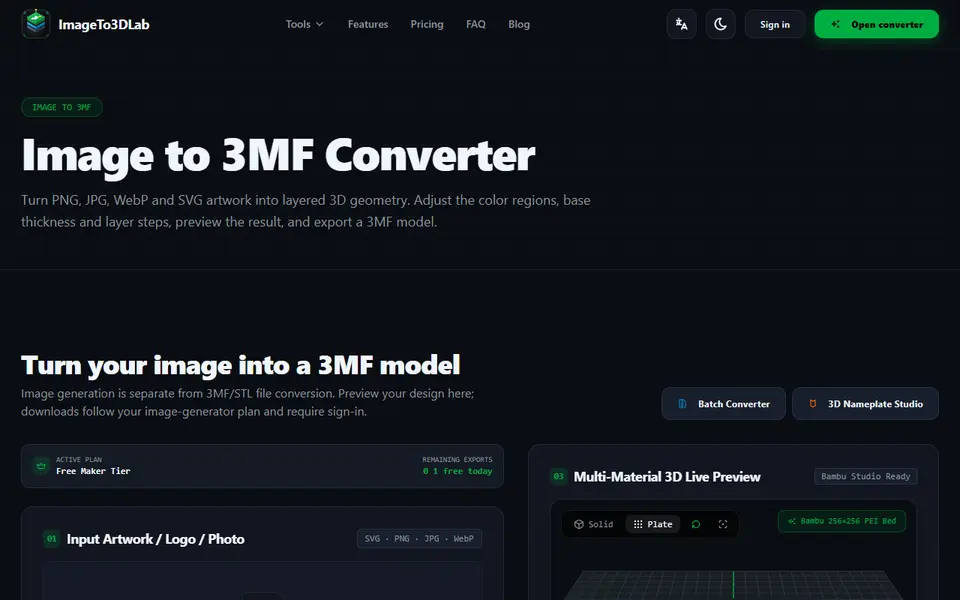
Image to Relief
ImageTo3DLab
Logos and photos as layered multicolor 3MF for an AMS, plus free in-browser 3MF and STL converters
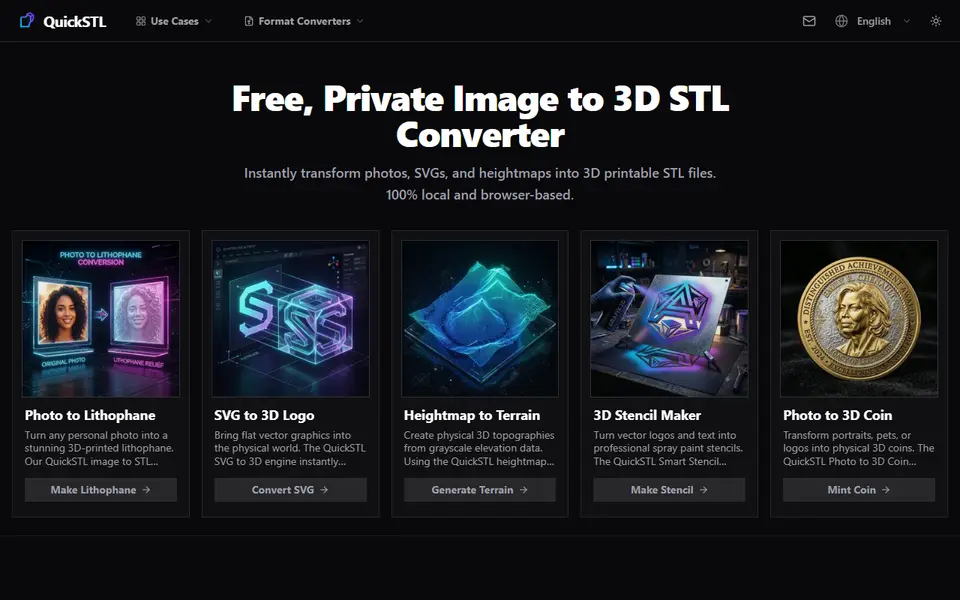
Image to Relief
QuickSTL Image to STL
Free browser converters for photo lithophanes, relief coins, SVG logos and heightmap terrain