Quady3D
One workspace for Rodin, Meshy, Tripo, Hunyuan3D and more: image, text, sketch or multi-view to 3D
Quady3D is a freemium browser tool for comparing AI 3D engines on the same photo or prompt. 30 free credits once after email verification, for previewing. Downloads need credits: packs of 200 for $9.99, 1,500 for $29.99, 3,000 for $57.99 or 5,000 for $94.99, or a monthly plan from about $12 (less when billed yearly). Exports STL, OBJ, GLB and FBX; an account is needed to download. Last checked .
Opens quady3d.com
What is Quady3D?
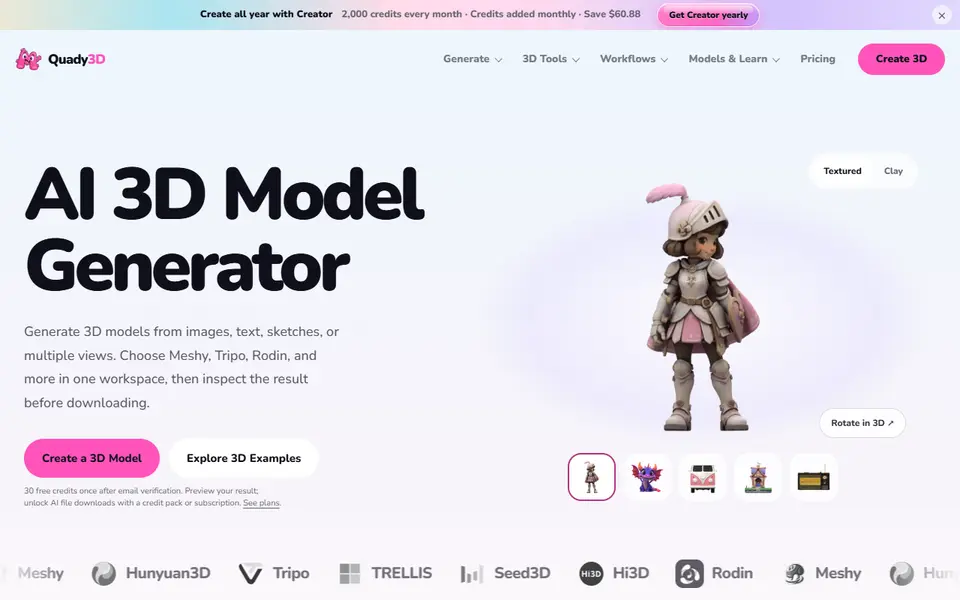
Quady3D is a browser workspace that puts several AI 3D models side by side: Rodin, Meshy, Tripo, Hunyuan3D, TRELLIS, Seed3D and Hi3D. You start from one image, a text prompt, a sketch or several views of the same object, pick the model and its settings (quality tier, mesh detail, file format), and inspect the result in 3D before you download it. The same model can be tried with different engines to compare how each interprets your input.
Around the generators there are extra tools, some AI and some not: character and low-poly generators, texture and PBR material tools, a 3D text generator, SVG and logo to 3D, image to STL and lithophane, and converters such as OBJ, GLB and STL with a viewer.
A new account gets 30 free credits once after email verification, enough to preview results; downloading AI files needs a credit pack or a subscription. Packs start at $9.99 for 200 credits and plans at about $12 a month. The terms say generated output may need repair before printing, and that rights in it depend on the law and on the terms of the AI provider you picked.
What you can make
- AI models from a photo or a prompt
- Models from a sketch or several photos
- Figurines and characters
- Textured models for printing or games
How to use Quady3D
- Sign up and verify your email to get the free credits
- Pick an input (image, text, sketch or several views) and an AI model
- Generate and inspect the result in 3D
- Buy credits, download the file and check it in your slicer
What you'll need to print it
Filament and parts that suit what you make with Quady3D.
Matte PLA
- Bambu Lab PLA Matte (affiliate link) Amazon
- Polymaker Panchroma Matte PLA (formerly PolyTerra) (affiliate link) Polymaker EU: 3DJake (affiliate link)
Code gives 15% off your first order at Polymaker.
Resin
- Siraya Tech Fast ABS-like Resin (affiliate link) Siraya Tech
- Siraya Tech Blu Tough Resin (affiliate link) Siraya Tech
Some of these are affiliate links: we may earn a small commission, at no extra cost to you. More about that
Quady3D pros
- Several AI 3D engines in one place, so you can compare results
- Image, text, sketch and multi-view inputs
- Free conversion and viewer tools alongside
Quady3D cons
- The free credits are for previews; downloads need a paid pack or plan
- AI meshes need checking and often repair before printing
- Rights in the output depend on the AI provider, and selling isn't addressed directly
Rate Quady3D
One rating per account. Signing in takes one email link, no password.
Reviews
Made with Quady3D
Read next
Quady3D alternatives
AI text and image to 3D generators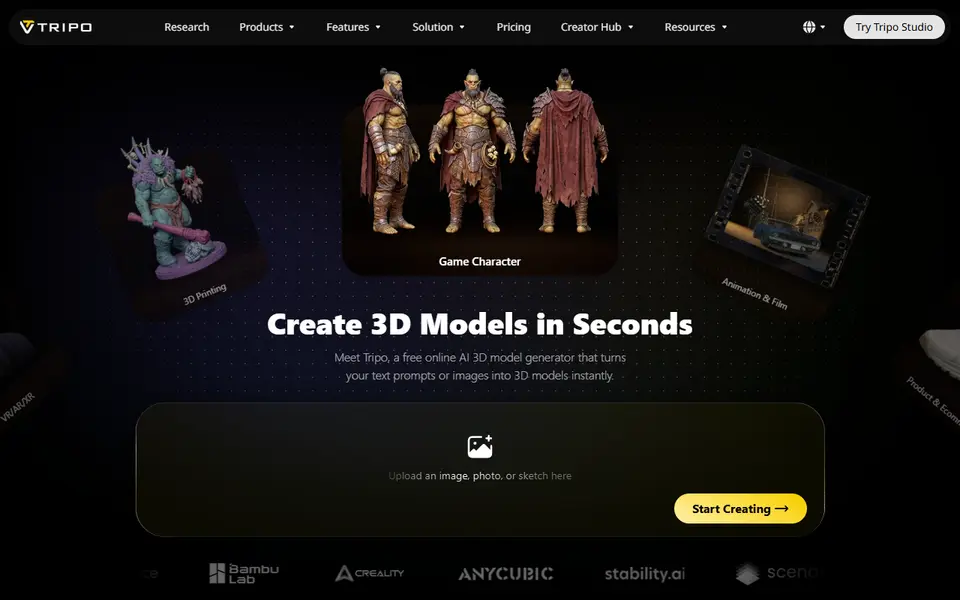
AI to 3D
Tripo AI
Turn text, images or sketches into detailed 3D models with STL, 3MF and OBJ export
AI to 3D
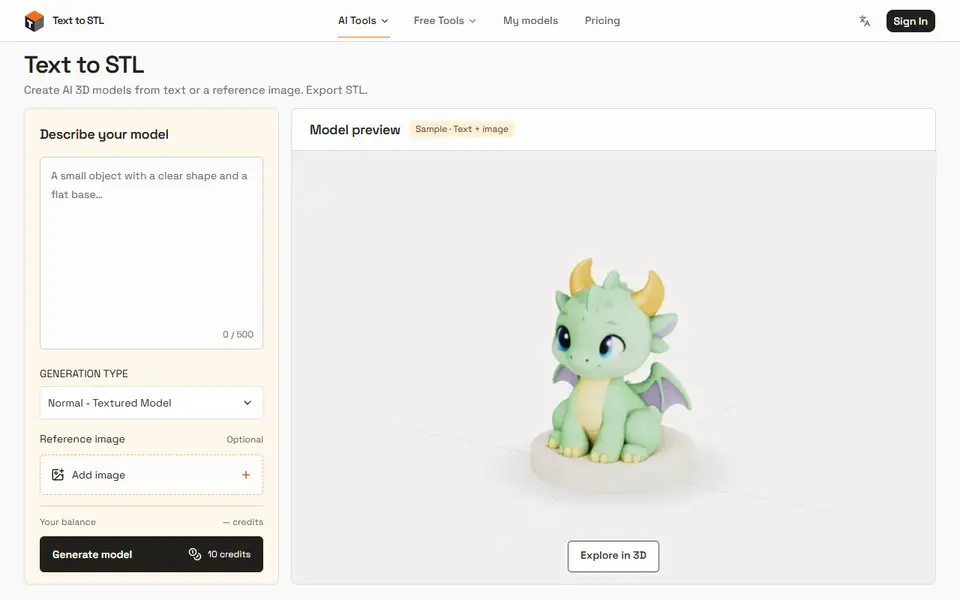
Text to STL (texttostl.net)
AI 3D models from a text prompt or a reference image, sized and downloaded as STL
AI to 3D
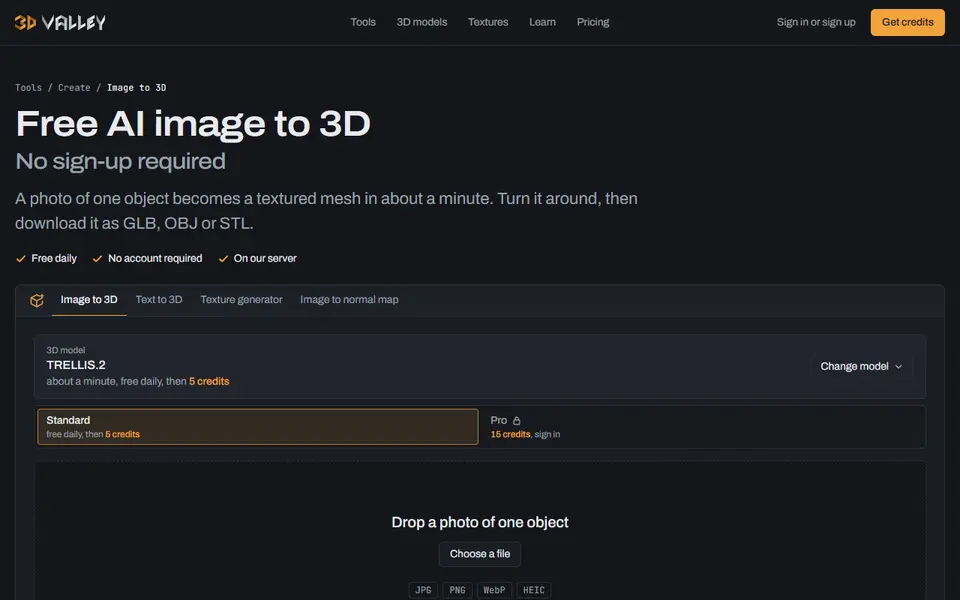
3D Valley
Free photo or text to 3D with no sign-up, plus repair for printing and pay-per-model credits
AI to 3D
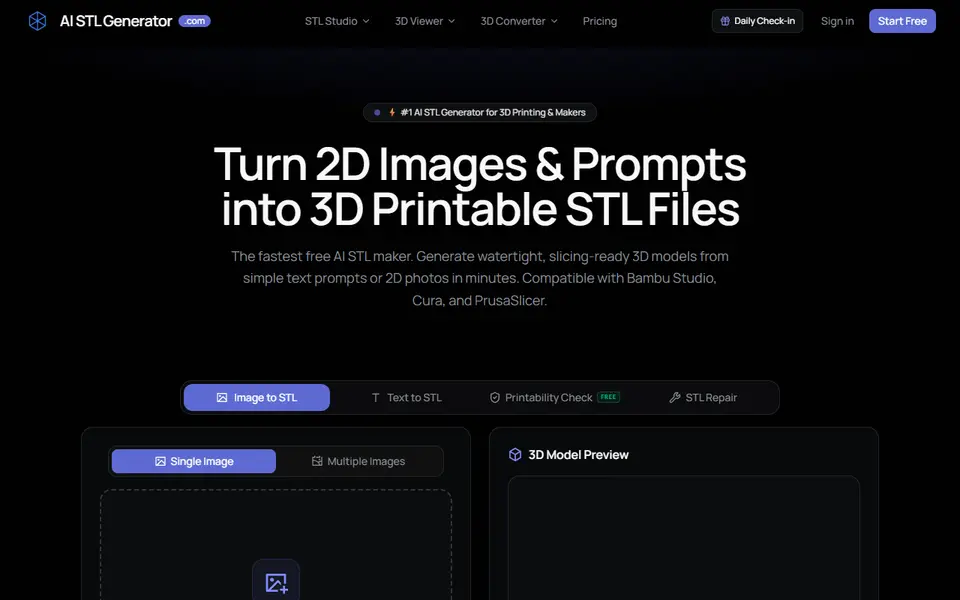
AI STL Generator
Text or photo to STL or 3MF, with a print check, repair tool and 5 free credits a day
AI to 3D
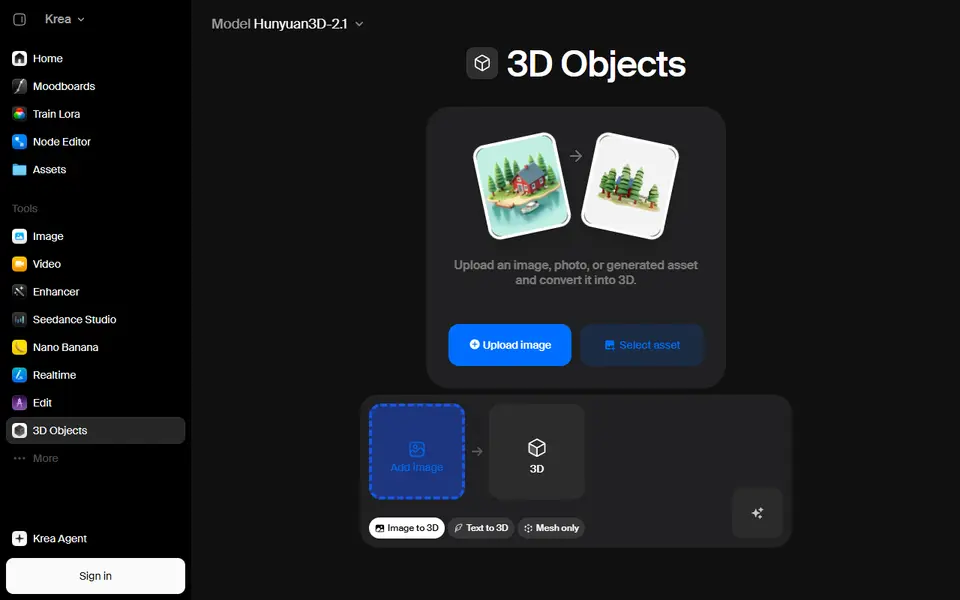
Krea 3D
Turn a photo or text prompt into an STL, choosing from about ten AI 3D models in one menu