Krea 3D
Turn a photo or text prompt into an STL, choosing from about ten AI 3D models in one menu
Krea 3D is a freemium browser tool for comparing several AI 3D generators from one account. Free plan with 100 compute units a day, limited 3D model access and no commercial license. The cheapest paid plan is Pro at $35/month ($21/month billed yearly) with 20,000 units and a commercial license; Max, Business and Enterprise plans sit above it. A 3D generation costs from about 10 to about 900 units depending on the model. Exports STL, OBJ, GLB, FBX and PLY; an account is needed to download. Last checked .
Opens krea.ai
What is Krea 3D?
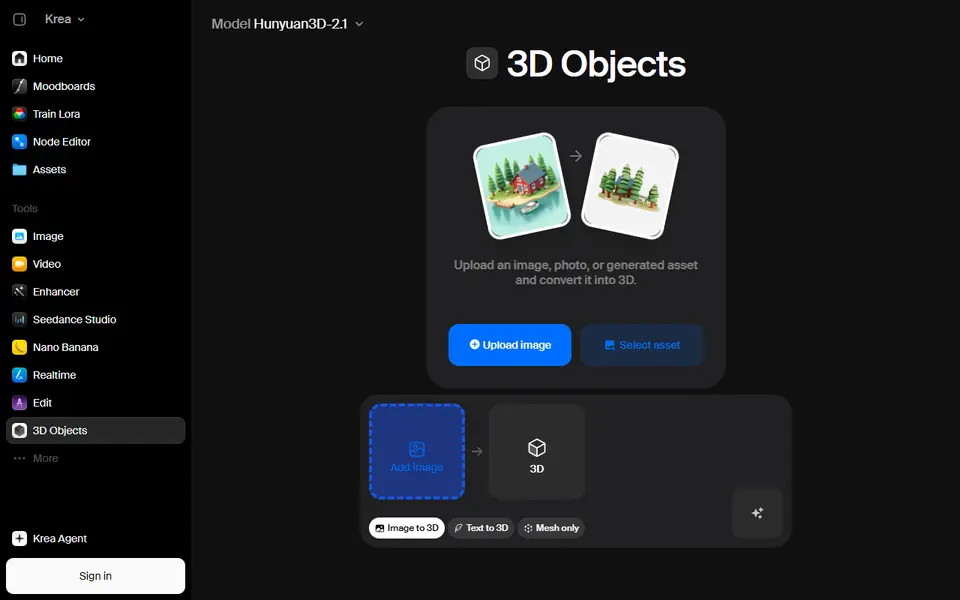
Krea 3D is a browser tool inside the Krea AI suite that turns a photo, sketch or text prompt into a 3D model you can download as an STL. You add an image under Image to 3D, or switch to Text to 3D and describe the object, then pick a model and press Generate. The result opens in a 3D preview with a Download button.
What sets it apart from single-model sites is the model menu. One page lists around ten generators from different labs, including Hunyuan3D 3.1, TRELLIS 2, Tripo H3.1, Rodin V2.5 and Meshy V7, each with its compute cost. On a paid plan that makes it easy to try an image on a cheap model first and a heavier one after. Hunyuan3D 3.1 Pro also takes several views of one object and lets you set the face count, and most models offer a Mesh only option that skips the texture step a single-color print does not need. Downloads include STL for your slicer, plus OBJ, FBX, GLB and PLY.
It suits people who already pay for Krea, or who want to compare AI 3D models from one account. The free plan has only limited access to the 3D models and no commercial license, and AI meshes are worth checking for holes and thin walls before printing.
What you can make
- Figurines and character models
- Objects rebuilt from a single photo or sketch
- Props, decor and display pieces
- Textured GLB models for viewers and game engines
How to use Krea 3D
- Open krea.ai/3d and sign in with a free or paid account
- Choose Image to 3D and add a clear photo, or switch to Text to 3D and type a description
- Pick a model from the Model menu, check its unit cost and turn on Mesh only if you do not need textures
- Press Generate, check the preview, then download the STL and slice it
What you'll need to print it
Filament and parts that suit what you make with Krea 3D.
Matte PLA
Resin
- Siraya Tech Fast ABS-like Resin (affiliate link) Siraya Tech
- Siraya Tech Blu Tough Resin (affiliate link) Siraya Tech
Some of these are affiliate links: we may earn a small commission, at no extra cost to you. More about that
Krea 3D pros
- Around ten 3D models from different labs in one menu, with the unit cost shown next to each
- Works from a photo or a text prompt, and Hunyuan3D 3.1 Pro accepts several views of one object with an adjustable face count
- Exports STL for slicing as well as OBJ, FBX, GLB and PLY, and most models have a Mesh only option that skips textures
Krea 3D cons
- You need an account, and the free plan has only limited 3D model access, so most of the menu needs a paid plan, which starts at $35 a month
- The stronger models use a lot of units (nearly 300 for Hunyuan3D 3.1 Pro and about 900 for Meshy V7), so credits go fast
- No commercial license on the free plan, and AI meshes may need repair before printing
Rate Krea 3D
One rating per account. Signing in takes one email link, no password.
Reviews
Made with Krea 3D
Read next
Krea 3D alternatives
AI text and image to 3D generators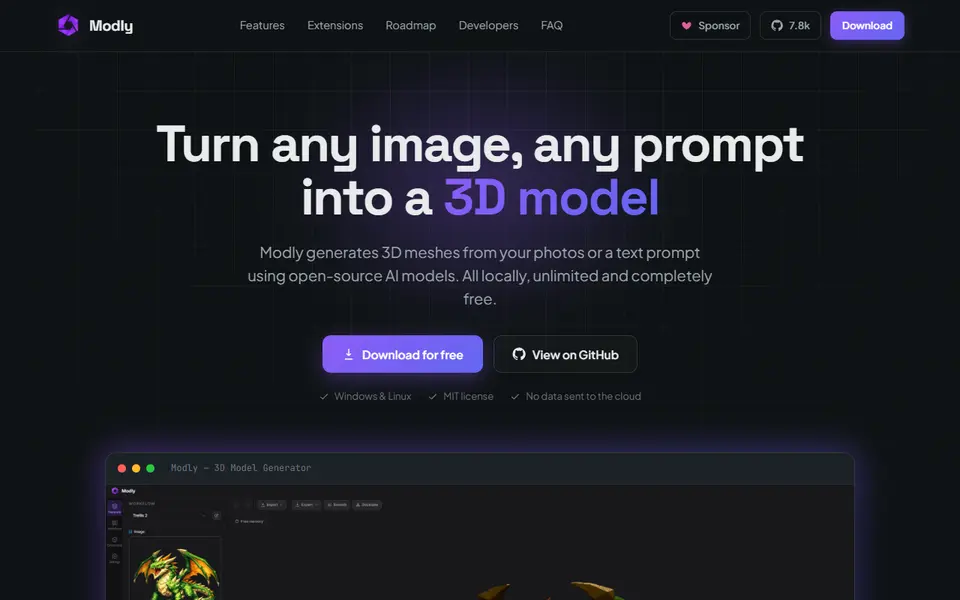
AI to 3D
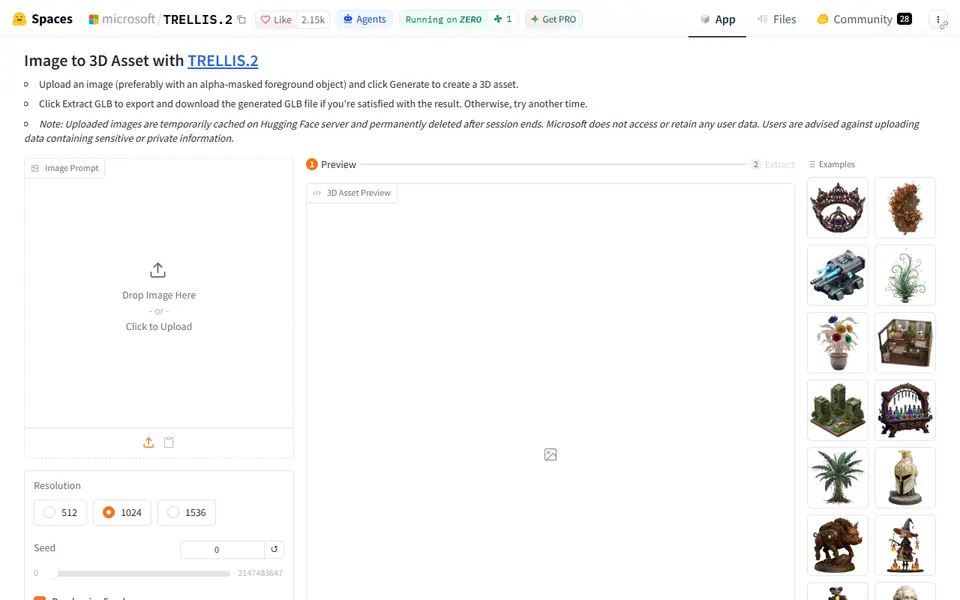
Microsoft TRELLIS.2
Free open-source image-to-3D demo from Microsoft that exports textured GLB models
AI to 3D
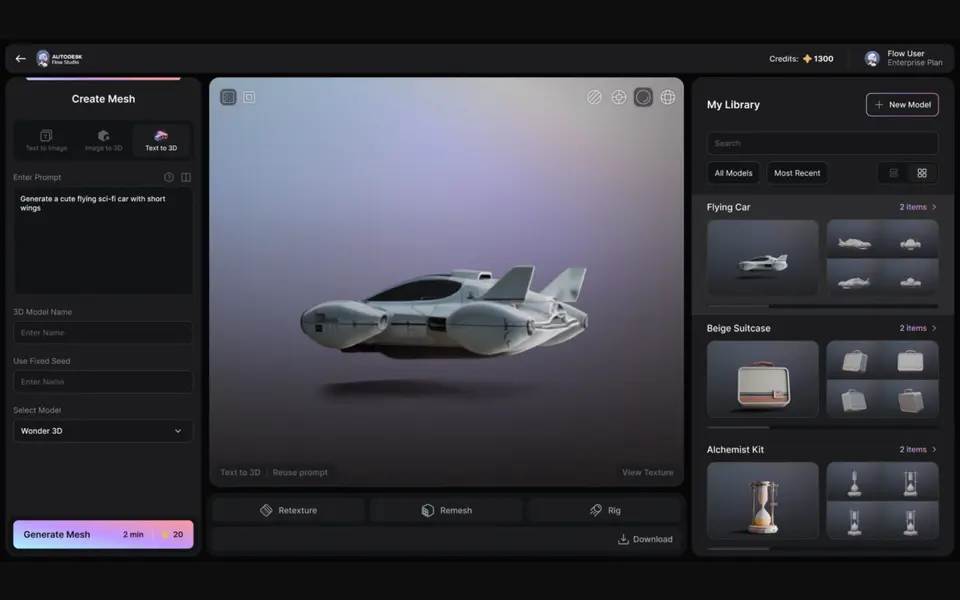
Autodesk Wonder 3D (Flow Studio)
Autodesk's AI model that turns a text prompt or one image into a 3D mesh you can save as STL
AI to 3D
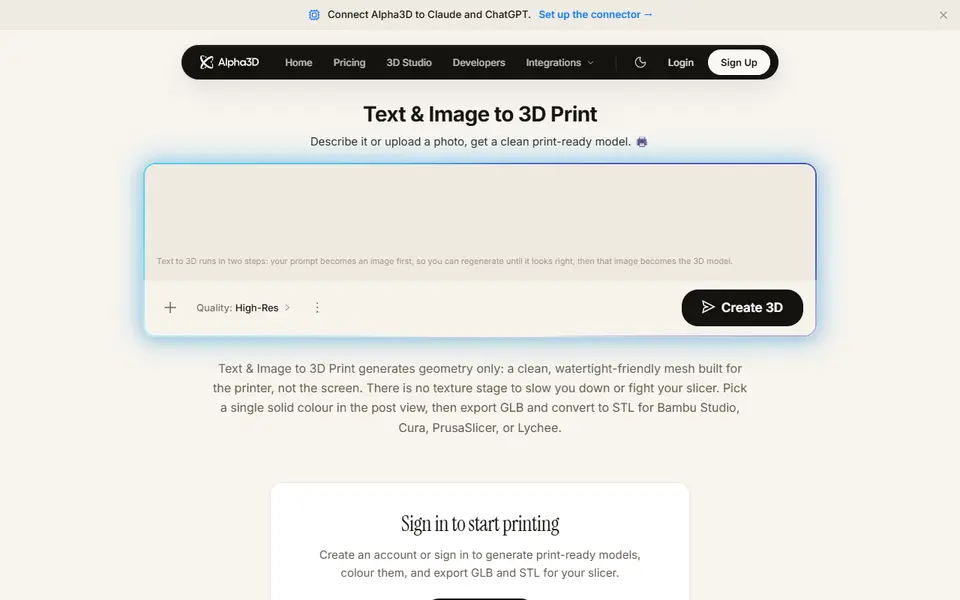
Alpha3D
Paid AI tool that turns a prompt or photo into a shape-only mesh you convert to STL
AI to 3D
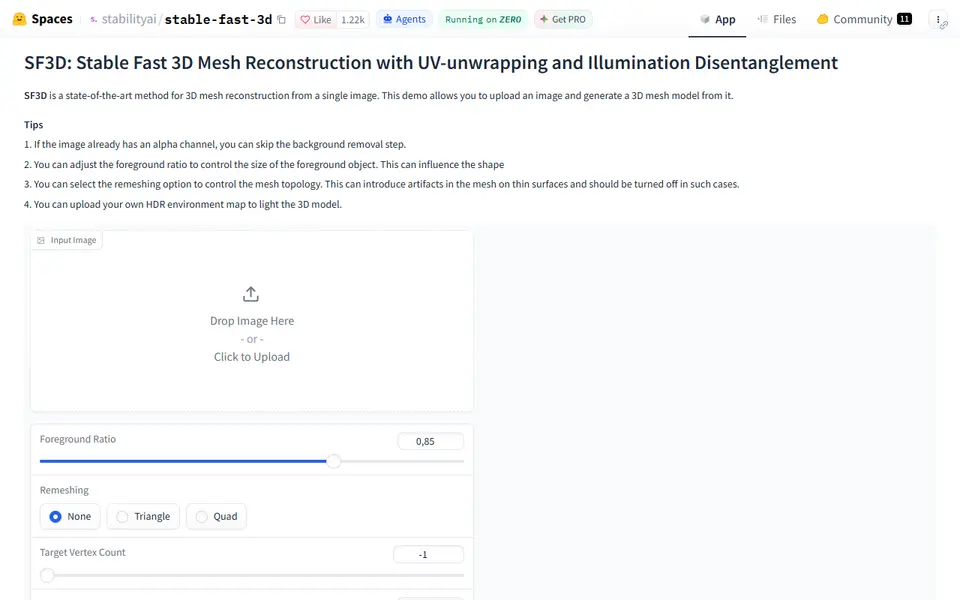
Stable Fast 3D
Stability AI's fast single-image to textured 3D mesh demo, free on Hugging Face