Autodesk Wonder 3D (Flow Studio)
Autodesk's AI model that turns a text prompt or one image into a 3D mesh you can save as STL
Autodesk Wonder 3D (Flow Studio) is a freemium browser tool for figurines and props from a prompt or a picture. Free tier available; paid Lite, Standard, Pro and Enterprise tiers allow more generations at once (1 on Free, up to 20 on Enterprise). Autodesk priced each Wonder 3D generation at 20 credits on every plan at the March 2026 launch; Flow Studio's August 2026 release notes add pricing per model and configuration, so the cost may differ. Autodesk cut Lite to $10 in August 2025. The pricing page blocks automated access, so prices and credit allowances could not be confirmed at our September 2026 check. Exports STL, OBJ and GLB; an account is needed to download. Last checked .
Opens flowstudio.autodesk.com
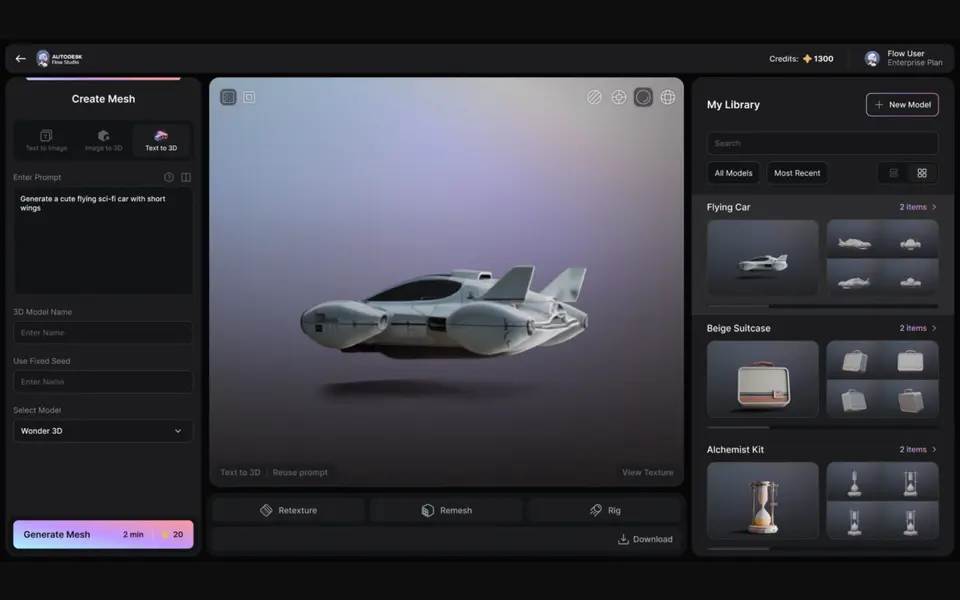
About this generator
Autodesk Wonder 3D is a browser-based AI generator that turns a text prompt or a single image into a 3D mesh you can download as an STL. It is part of Autodesk Flow Studio, the cloud platform that used to be called Wonder Studio, and sits under Wonder Tools in the web app. Text to 3D builds a mesh from a written description, Image to 3D rebuilds an object from one photo, sketch or piece of concept art, and a Text to Image tool can make a reference picture first.
The result opens in a 3D viewer where you can rotate it, then remesh or texture it if you want. Remeshing gives you triangle or quad topology, with adaptive quality levels or a fixed count between 10,000 and 200,000 vertices. For Image to 3D you can also switch to the Trellis 2 model for more detail, although that model does not fully support remeshing. Downloads come as STL, OBJ, GLB or USD, and Autodesk names 3D printing as one of the intended uses.
Flow Studio is mainly a VFX and animation suite, so Wonder 3D leans toward characters, creatures and props rather than functional parts. It suits makers who want a figurine or display piece from an idea and do not mind signing up for an Autodesk account. At launch Autodesk put it on every plan, Free included, at 20 credits per generation. Thin details can come out noisy, so inspect the mesh in your slicer before you print.
What you can make
- Character figurines
- Creatures and monsters
- Props and decorative objects
- Models from a photo, sketch or concept art
How to use Autodesk Wonder 3D
- Sign in to Autodesk Flow Studio at flowstudio.autodesk.com
- Open Wonder Tools and choose Text to 3D or Image to 3D
- Type a clear prompt or upload an image of one object on a simple background
- Check the mesh in the 3D viewer and remesh or texture it if needed
- Download the STL and slice it
What you'll need to print it
Filament and parts that suit what you make with Autodesk Wonder 3D.
Resin
- Siraya Tech Fast ABS-like Resin (affiliate link) Siraya Tech
- Siraya Tech Blu Tough Resin (affiliate link) Siraya Tech
Matte PLA
Some of these are affiliate links: we may earn a small commission, at no extra cost to you. More about that
Autodesk Wonder 3D pros
- Works from a text prompt or from a single image, sketch or concept drawing
- Built-in remeshing with triangle or quad topology and a vertex count you can set
- Exports STL directly as well as OBJ, GLB and USD, and is included on the Free tier
Autodesk Wonder 3D cons
- Needs an Autodesk account, and every generation spends credits (20 each at launch)
- Tucked inside a VFX and animation suite, so the 3D tools take a little finding under Wonder Tools
- Aimed at game and film assets, so thin parts and fine accessories may need cleanup before printing
Rate Autodesk Wonder 3D
One rating per account. Signing in takes one email link, no password.
Reviews
Made with Autodesk Wonder 3D
Read next
Autodesk Wonder 3D alternatives
AI text and image to 3D generators
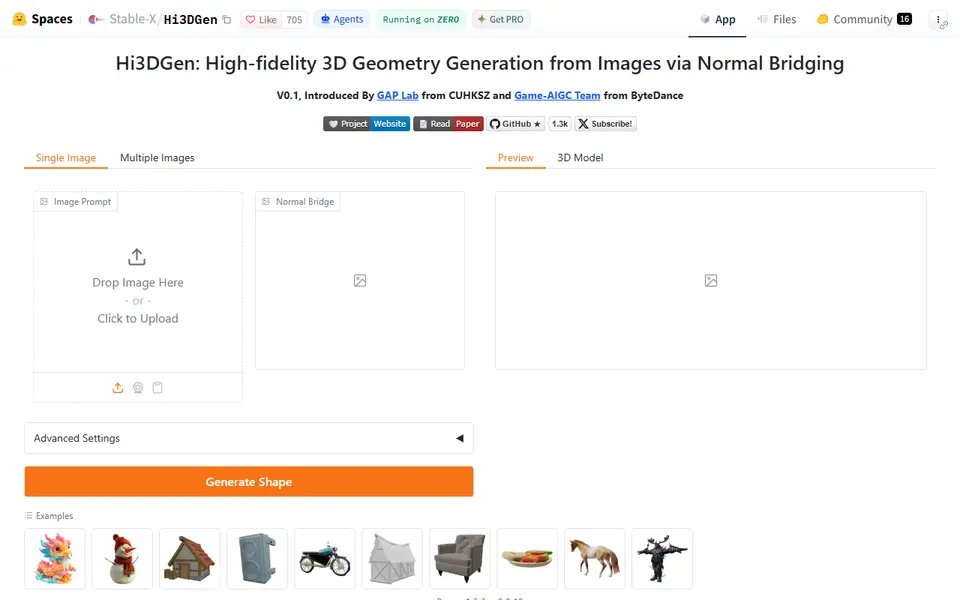
AI to 3D
Hi3DGen
Free research demo that turns one photo into a detailed, untextured mesh you can export as STL
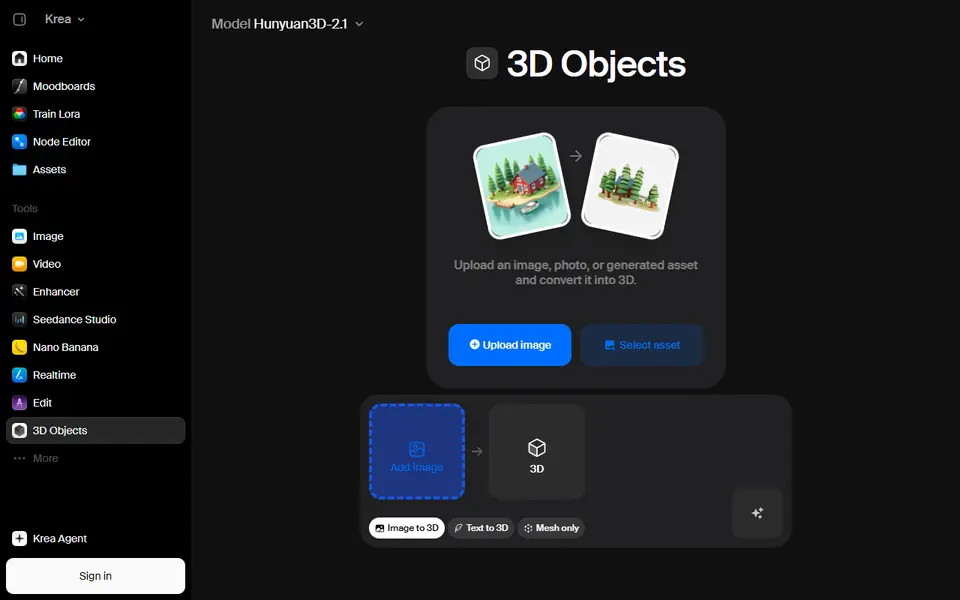
AI to 3D
Krea 3D
Turn a photo or text prompt into an STL, choosing from about ten AI 3D models in one menu
AI to 3D
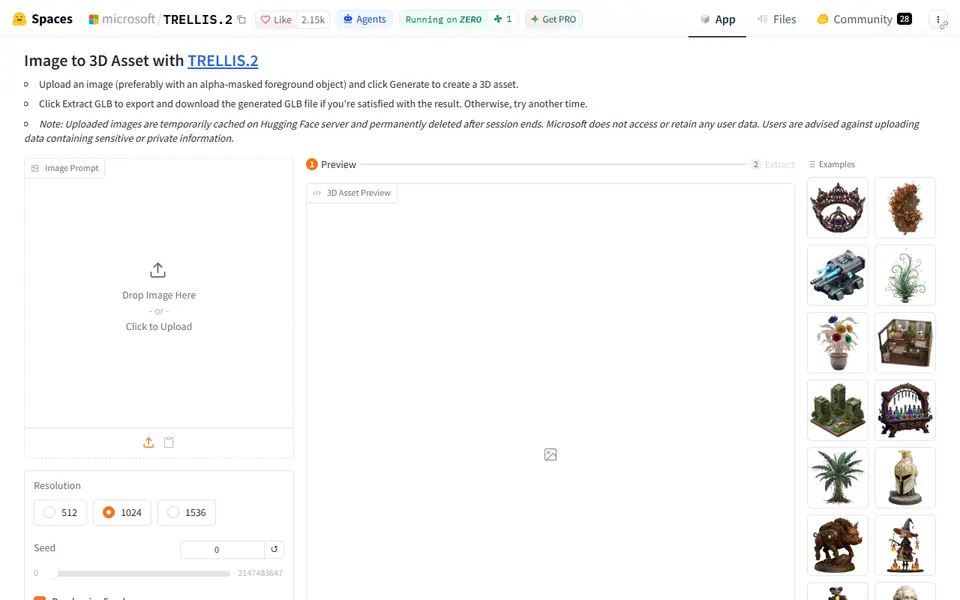
Microsoft TRELLIS.2
Free open-source image-to-3D demo from Microsoft that exports textured GLB models
AI to 3D
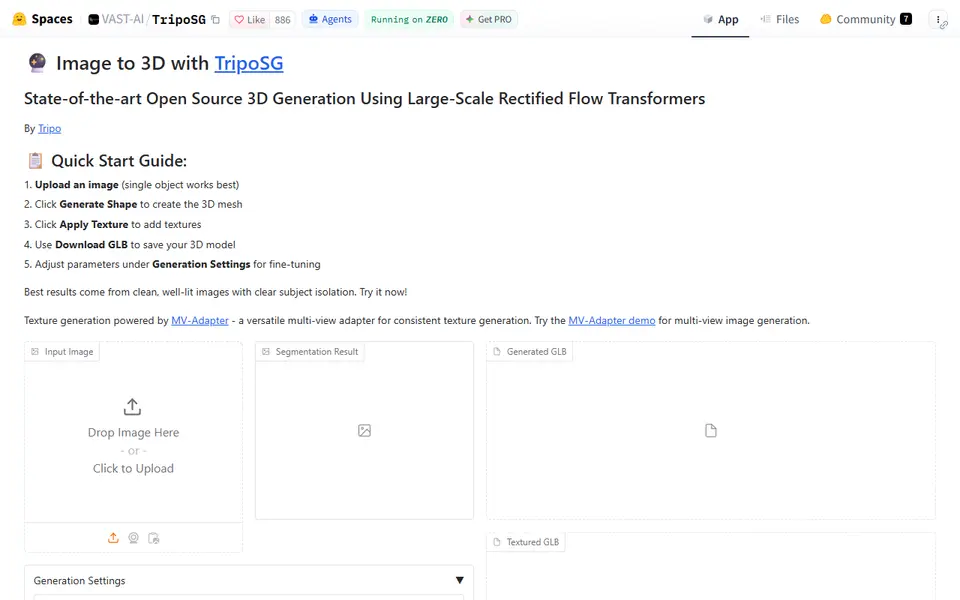
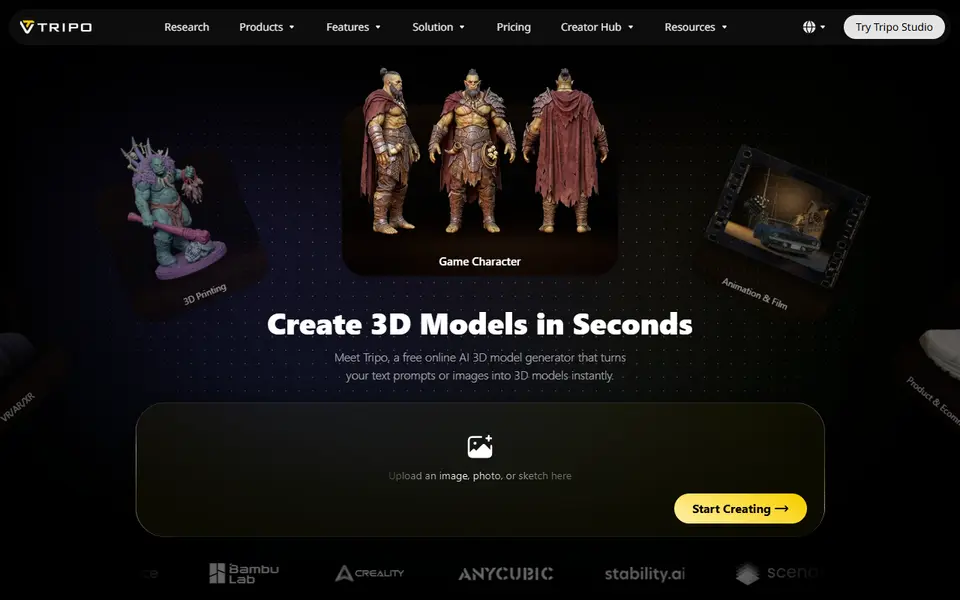
Tripo AI
Turn text, images or sketches into detailed 3D models with STL, 3MF and OBJ export