Hi3DGen
Free research demo that turns one photo into a detailed, untextured mesh you can export as STL
Hi3DGen is a free browser tool for free single-color figurines and sculpts from one photo. Free. It runs on Hugging Face ZeroGPU, which gives a daily GPU allowance of 2 minutes without an account, 5 minutes with a free account and 40 minutes with a paid PRO account. Exports STL, OBJ, PLY and GLB. Last checked .
Opens huggingface.co
What is Hi3DGen?
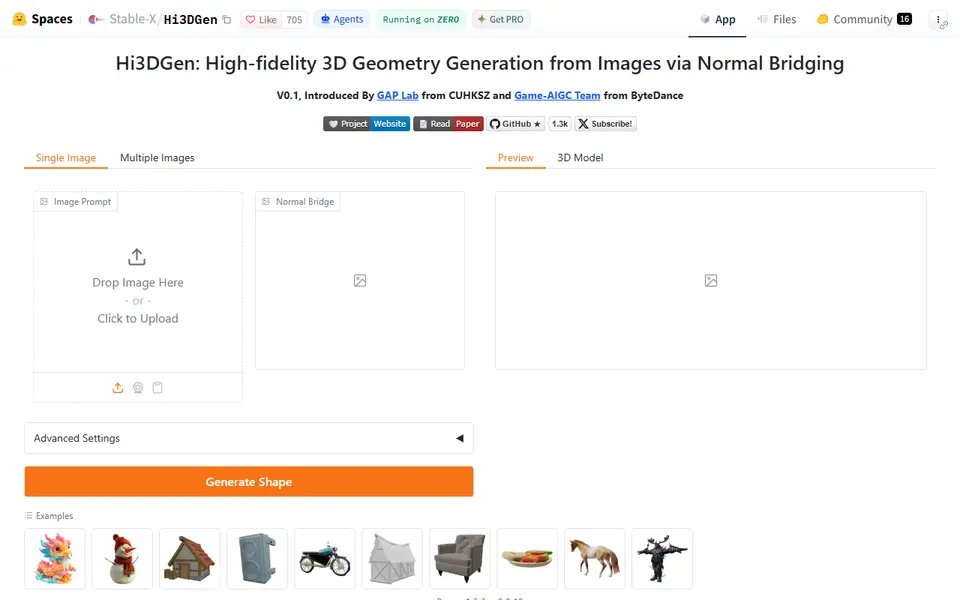
Hi3DGen is a free browser tool that turns a single picture of an object into a detailed 3D mesh you can download as STL. It is a research demo from the GAP Lab at CUHK Shenzhen and ByteDance's Game-AIGC team, hosted as a Hugging Face Space, and its model is fine-tuned from Microsoft's TRELLIS.
You upload an image, the app strips the background, and Generate Shape starts a GPU job. Along the way it estimates a normal map of your picture, shown as the Normal Bridge, and uses it to steer the shape toward sharper surface detail. When the job finishes you get eight preview renders and a 3D Model tab with a format menu for GLB, STL, OBJ or PLY. Advanced Settings holds the seed plus guidance and step sliders for both generation stages, and you can leave it closed on a first try.
The result is shape only with no color, which suits single-color prints anyway. The app itself warns that each mesh is about 40 MB, so plan on scaling and simplifying before you slice. The code and weights are MIT licensed if you would rather run it on your own GPU.
What you can make
- Single-color figurines from a photo
- Character and creature sculpts
- Props and decorative objects
- Base meshes to clean up, paint or remix
How to use Hi3DGen
- Open the Space and upload one clear image of a single object
- Press Generate Shape and wait for the preview renders
- Optionally change the seed or guidance under Advanced Settings and run it again
- Open the 3D Model tab, pick stl in the File Format menu and click Export Mesh
- Scale, repair or simplify the mesh, then slice and print
What you'll need to print it
Filament and parts that suit what you make with Hi3DGen.
Matte PLA
Resin
- Siraya Tech Fast ABS-like Resin (affiliate link) Siraya Tech
- Siraya Tech Blu Tough Resin (affiliate link) Siraya Tech
Some of these are affiliate links: we may earn a small commission, at no extra cost to you. More about that
Hi3DGen pros
- Free in the browser with no sign-up, and the format menu exports STL, OBJ, PLY or GLB directly
- Removes the photo background for you, then uses a normal-map step designed to keep folds, edges and small details
- MIT-licensed code and weights (about 1.3k GitHub stars) that you can also run on your own NVIDIA GPU
Hi3DGen cons
- Shared ZeroGPU time: only 2 minutes a day without an account, queues at busy times, and a research demo can go offline
- Geometry only with no color, and from a single photo the unseen back of the object is guessed
- Heavy meshes of about 40 MB with no size or base options, so scaling and repair happen in your slicer or a mesh tool
Rate Hi3DGen
One rating per account. Signing in takes one email link, no password.
Reviews
Made with Hi3DGen
Read next
Hi3DGen alternatives
AI text and image to 3D generators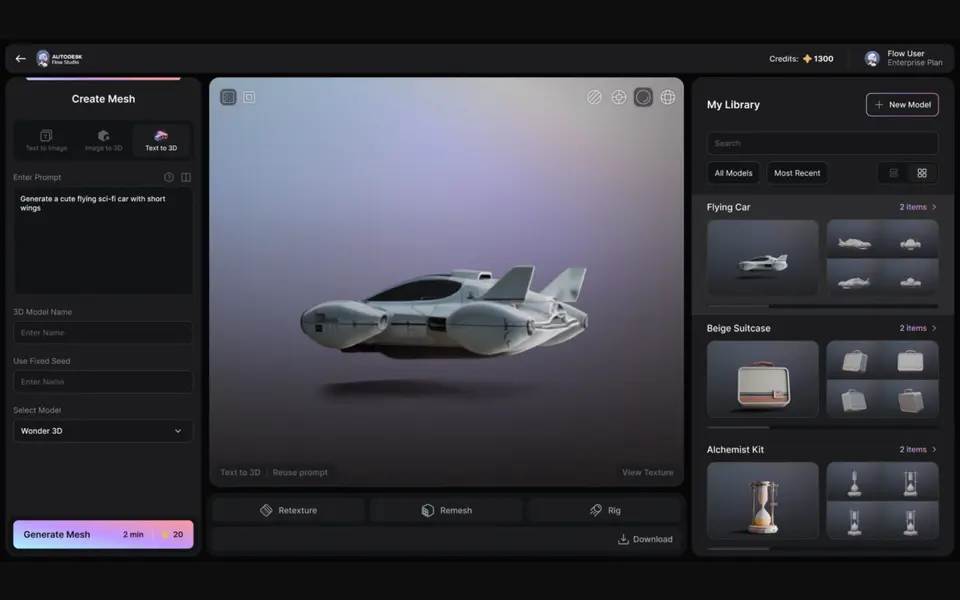
AI to 3D
Autodesk Wonder 3D (Flow Studio)
Autodesk's AI model that turns a text prompt or one image into a 3D mesh you can save as STL
AI to 3D
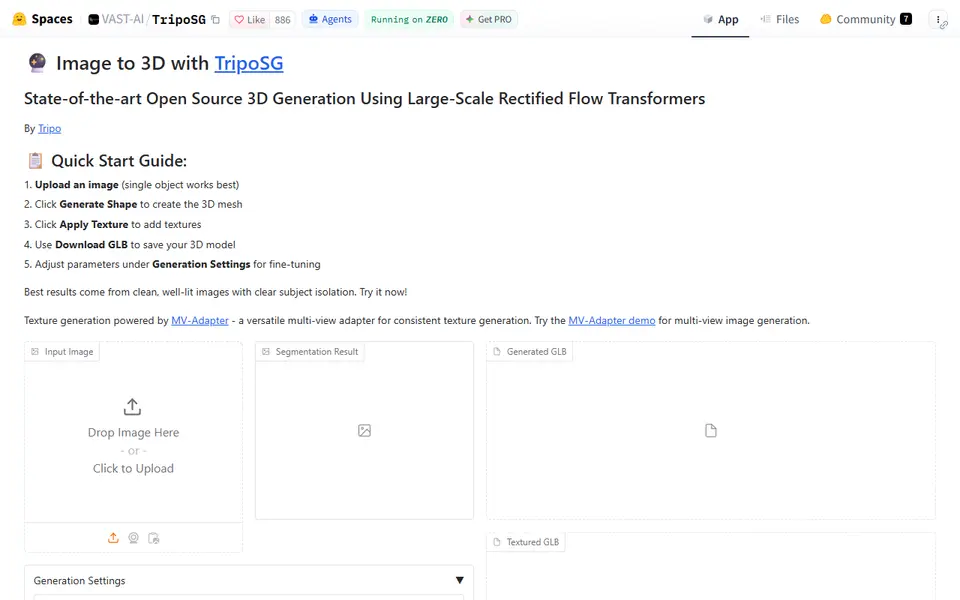
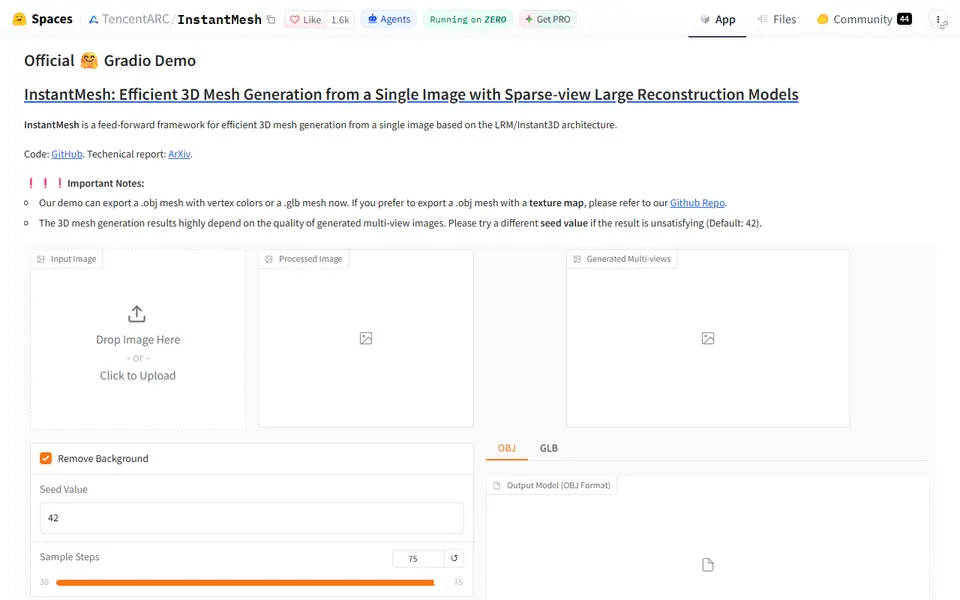
InstantMesh
Free Tencent ARC Lab demo that turns one photo into a colored 3D mesh you download as OBJ or GLB
AI to 3D
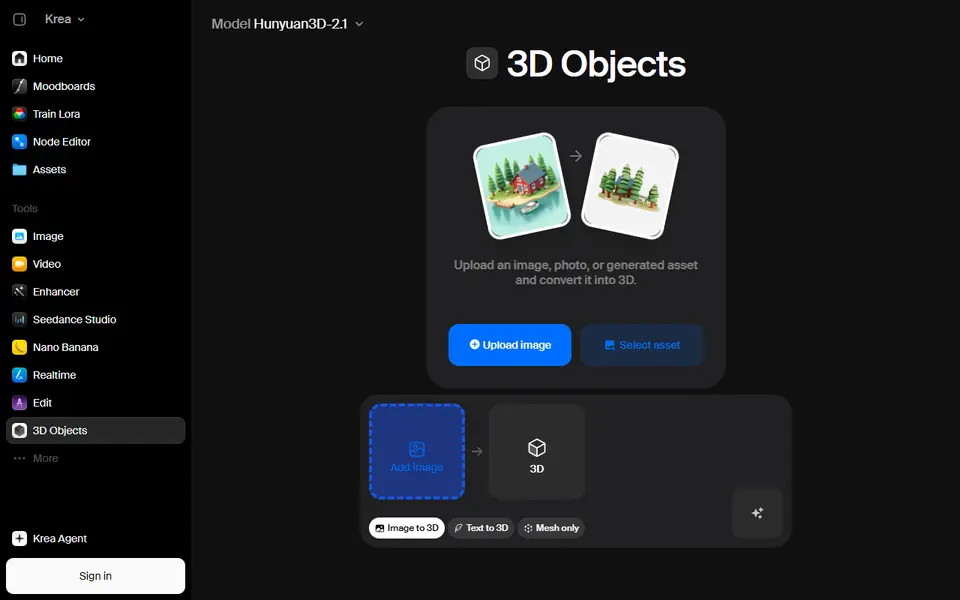
Krea 3D
Turn a photo or text prompt into an STL, choosing from about ten AI 3D models in one menu