InstantMesh
Free Tencent ARC Lab demo that turns one photo into a colored 3D mesh you download as OBJ or GLB
InstantMesh is a free browser tool for free image-to-3D tests on simple objects and toys. Free demo on shared Hugging Face ZeroGPU hardware with a daily GPU quota (2 minutes without an account, 5 minutes with a free Hugging Face account); code and InstantMesh weights are Apache 2.0. Exports OBJ and GLB. Last checked .
Opens huggingface.co
What is InstantMesh?
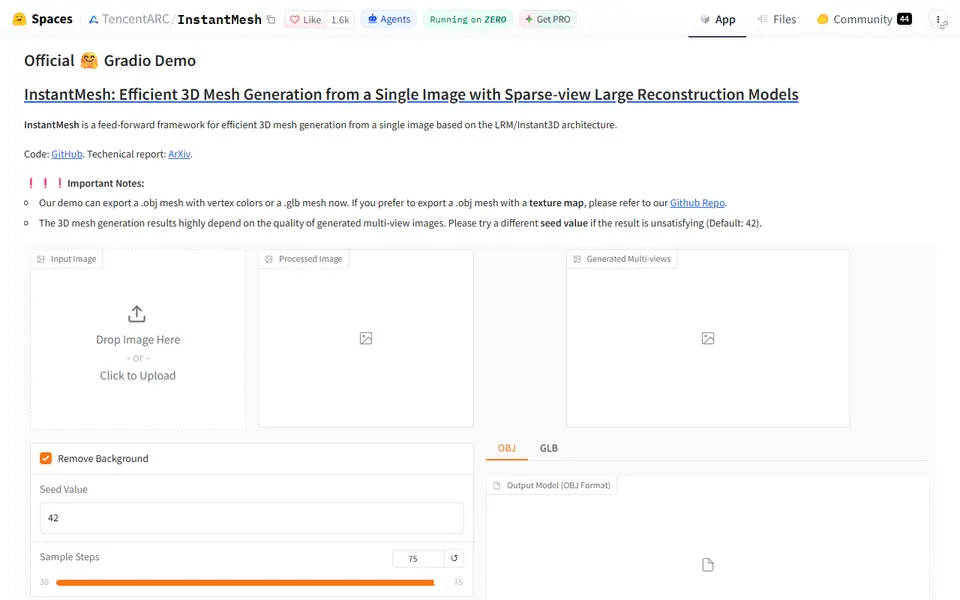
InstantMesh is a free browser demo from Tencent's ARC Lab that turns a single photo of an object into a colored 3D mesh. You upload one picture, leave background removal on and press Generate. The demo first draws six views of your object from different angles and shows them as a grid, then builds the mesh from those views.
There are only two settings: a seed number and a sample steps slider from 30 to 75. If the shape comes out wrong, the page suggests trying another seed, which gives you a fresh set of views to build from. The mesh carries vertex colors and downloads as OBJ or GLB. The page warns that the OBJ comes out flipped, so the GLB is the safer download.
The model dates from spring 2024, so it is older than TRELLIS.2 or Hunyuan3D, but the demo costs nothing and the InstantMesh code and weights are Apache 2.0, so you can also run it on your own GPU. Before printing, convert the file to STL, scale it and check for thin or open areas in your slicer. It suits makers who want a free second opinion on an image-to-3D idea.
What you can make
- Figurines and toys from a photo
- Small props and objects
- Vertex-colored OBJ and GLB meshes
How to use InstantMesh
- Open the InstantMesh Space on Hugging Face
- Upload a clear image of one object and keep Remove Background ticked
- Press Generate and check the six generated views
- Download the GLB, or try another seed if the shape looks off
- Convert it to STL, scale it and check it in your slicer
What you'll need to print it
Filament and parts that suit what you make with InstantMesh.
Matte PLA
Resin
- Siraya Tech Fast ABS-like Resin (affiliate link) Siraya Tech
- Siraya Tech Blu Tough Resin (affiliate link) Siraya Tech
Some of these are affiliate links: we may earn a small commission, at no extra cost to you. More about that
InstantMesh pros
- Official TencentARC demo that opens in the browser without an account
- Very few settings: one image, a background removal checkbox, a seed and a steps slider
- Shows the six generated views, so you can see why a shape failed and retry with another seed
InstantMesh cons
- Exports OBJ or GLB only, and the OBJ is flipped, so expect a conversion step before slicing
- A 2024 model; newer free demos such as TRELLIS.2 often capture more detail
- Runs on shared ZeroGPU hardware, so you may wait in a queue, and anonymous visitors get only 2 minutes of GPU time a day
Rate InstantMesh
One rating per account. Signing in takes one email link, no password.
Reviews
Made with InstantMesh
Read next
InstantMesh alternatives
AI text and image to 3D generators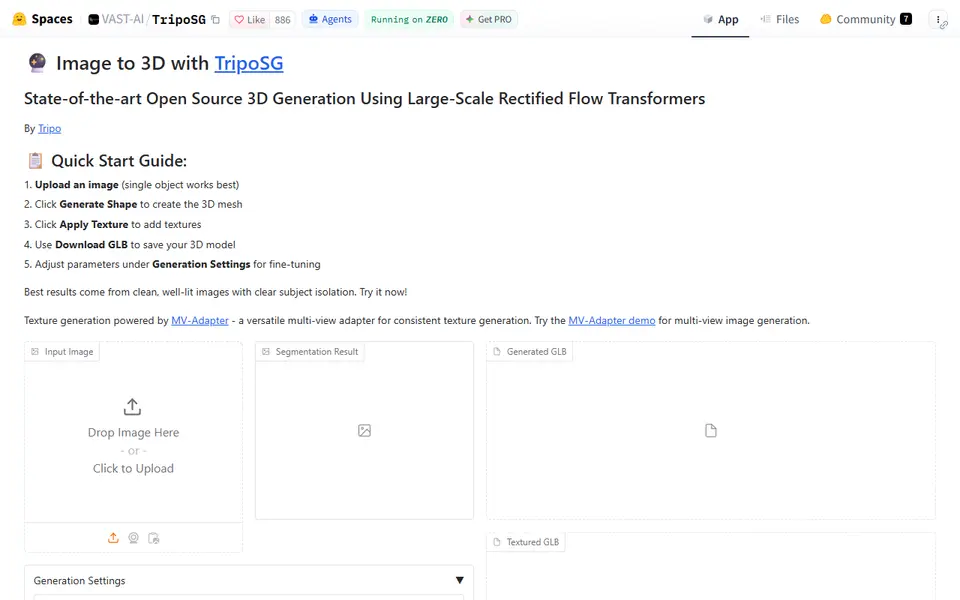
AI to 3D
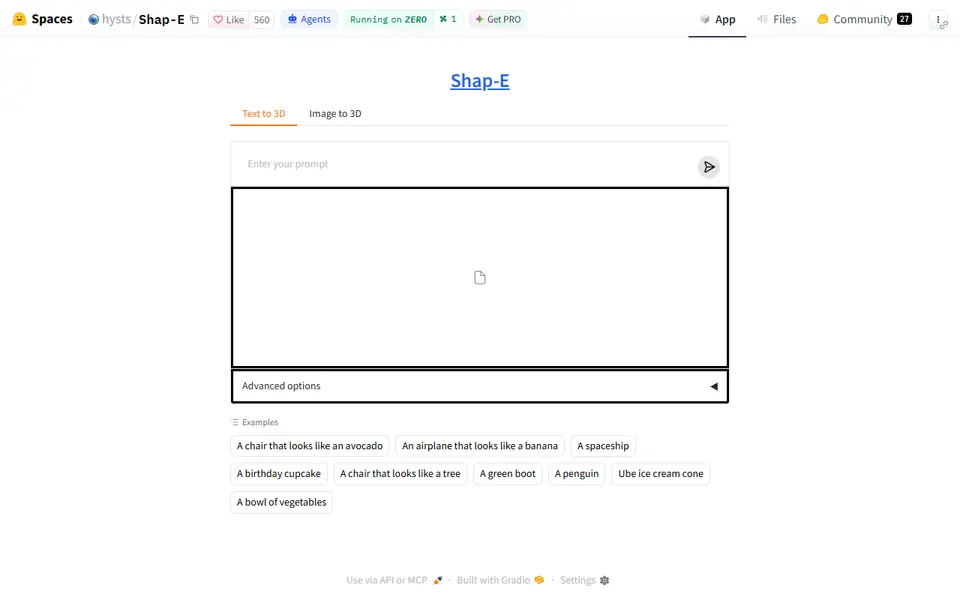
Shap-E
Free demo of OpenAI's 2023 Shap-E model that turns a text prompt or a picture into a rough GLB mesh
AI to 3D
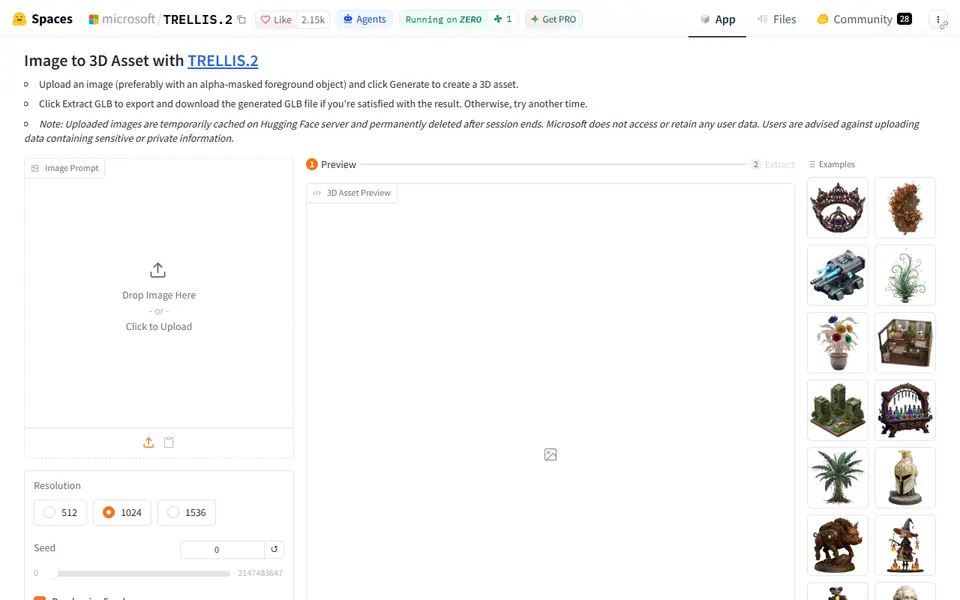
Microsoft TRELLIS.2
Free open-source image-to-3D demo from Microsoft that exports textured GLB models
AI to 3D
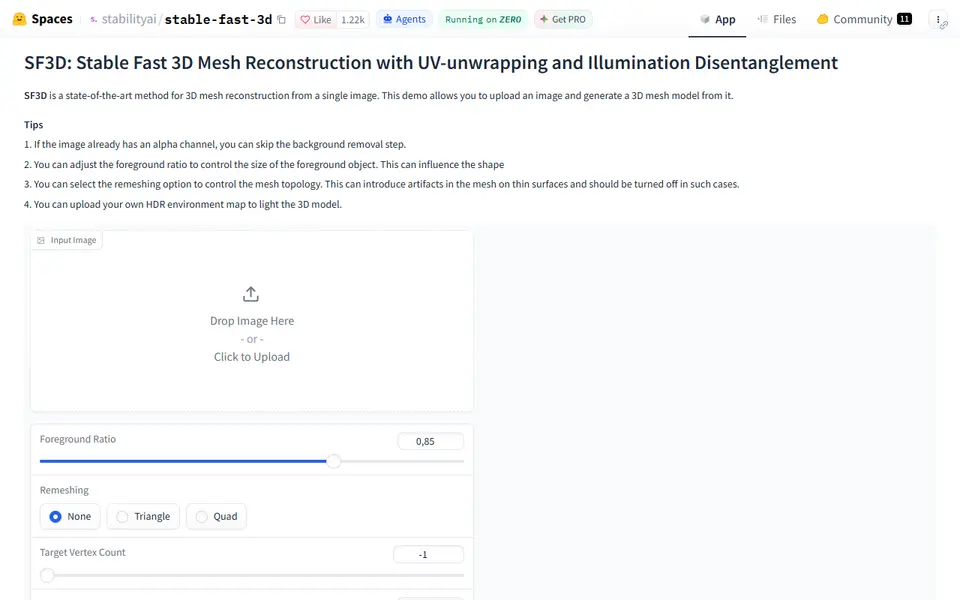
Stable Fast 3D
Stability AI's fast single-image to textured 3D mesh demo, free on Hugging Face
AI to 3D
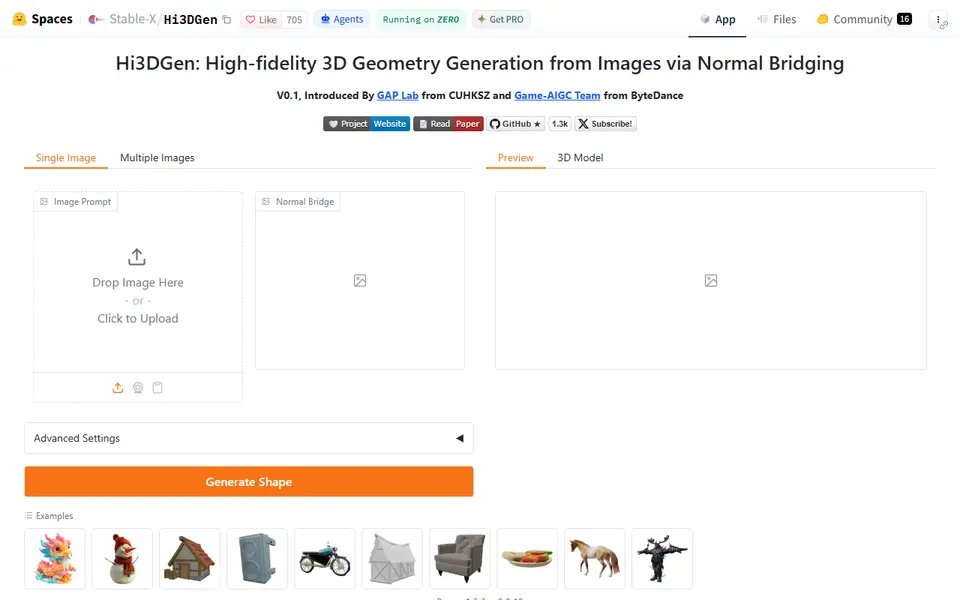
Hi3DGen
Free research demo that turns one photo into a detailed, untextured mesh you can export as STL