Shap-E
Free demo of OpenAI's 2023 Shap-E model that turns a text prompt or a picture into a rough GLB mesh
Shap-E is a free browser tool for quick free text-to-3D tests of simple shapes. Free on shared Hugging Face ZeroGPU hardware; visitors without an account get about 2 minutes of GPU time a day, a free account 5 minutes. Exports GLB. Last checked .
Opens huggingface.co
What is Shap-E?
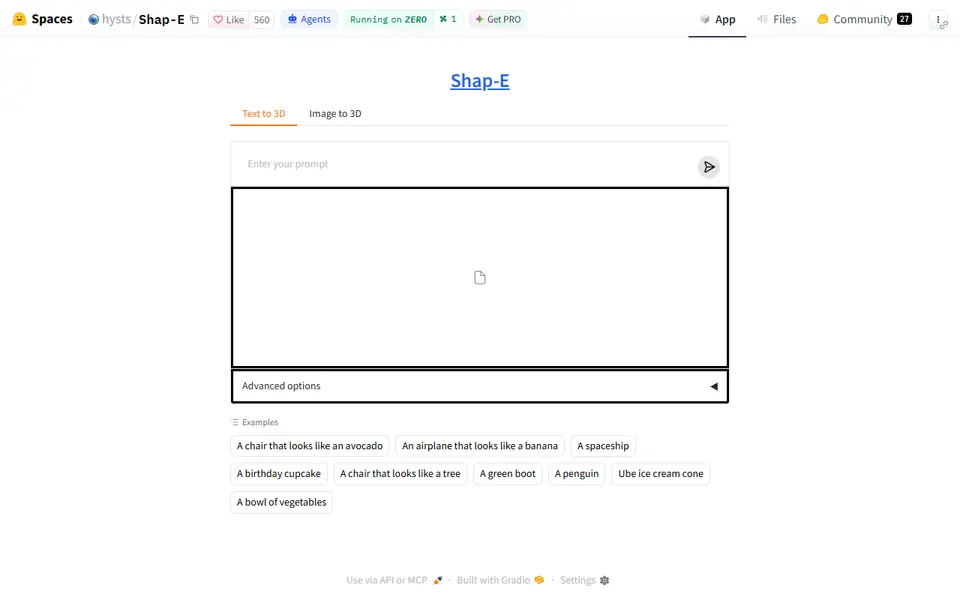
Shap-E is a free browser tool that runs OpenAI's 2023 text-to-3D and image-to-3D model on Hugging Face, so you can turn a short prompt or one picture into a 3D mesh without an account. In the Text to 3D tab you type something like a penguin or a birthday cupcake and press enter; in the Image to 3D tab you upload a picture and click Run. The result appears in a 3D viewer you can rotate and download as a GLB file, with seed, guidance and step sliders under Advanced options.
Shap-E is from 2023, older than the engines most makers use in 2026, and it shows. Shapes come out soft and toy-like with little fine detail, and OpenAI's own model card warns that results can have rough edges, holes and blurry surfaces. OpenAI only evaluated the image model on synthetic renders, so real photos tend to give weaker results. The mesh is only about two units across with colors stored per vertex, so convert it to STL, scale it up and check for holes before slicing.
The demo is maintained by Hugging Face developer hysts and runs on shared ZeroGPU hardware with a small daily GPU allowance. The model and the demo code are MIT licensed. It suits curious makers who want a quick, free way to turn an idea into a rough shape.
What you can make
- Simple objects from a text prompt
- Rough 3D shapes from a single picture
- Toy-like animals, food and props
- Vertex-colored GLB meshes
How to use Shap-E
- Open the Shap-E Space on Hugging Face
- Type a short prompt in the Text to 3D tab, or upload a picture in the Image to 3D tab
- Rotate the preview and run it again with a new seed if you want a variation
- Download the GLB, convert it to STL, scale it up and repair any holes before slicing
What you'll need to print it
Filament and parts that suit what you make with Shap-E.
Matte PLA
Resin
- Siraya Tech Fast ABS-like Resin (affiliate link) Siraya Tech
- Siraya Tech Blu Tough Resin (affiliate link) Siraya Tech
Some of these are affiliate links: we may earn a small commission, at no extra cost to you. More about that
Shap-E pros
- Works from a text prompt or a single picture, with no account needed
- Free, and both the model and the demo code are MIT licensed
- Nine example prompts plus seed, guidance and step sliders for quick variations
Shap-E cons
- Blobby, low-detail results, and OpenAI notes meshes can have rough edges and holes
- GLB only, at a tiny scale, so you convert it to STL and scale it up
- Small daily GPU allowance and a shared queue on the free demo
Rate Shap-E
One rating per account. Signing in takes one email link, no password.
Reviews
Made with Shap-E
Read next
Shap-E alternatives
AI text and image to 3D generators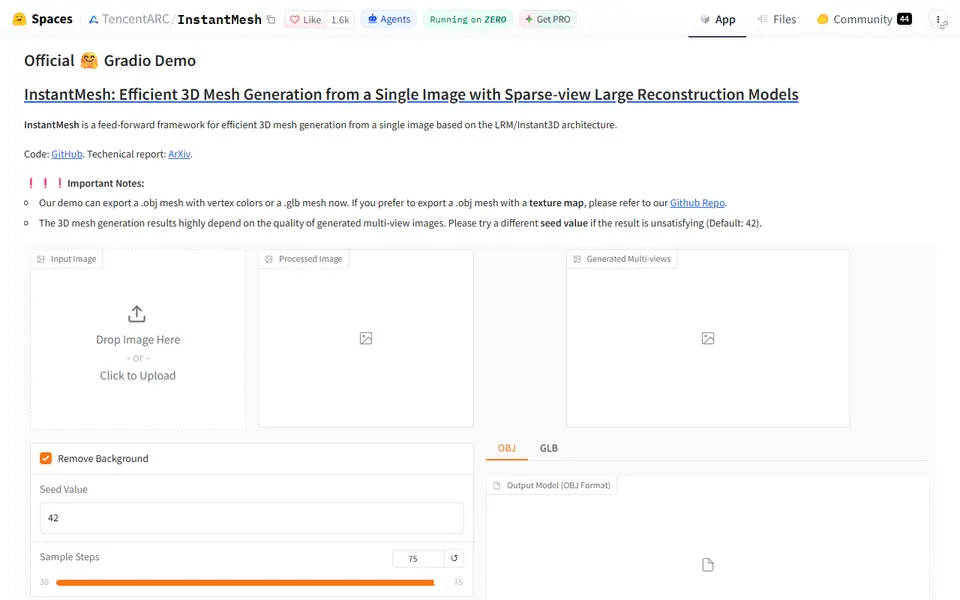
AI to 3D
InstantMesh
Free Tencent ARC Lab demo that turns one photo into a colored 3D mesh you download as OBJ or GLB
AI to 3D
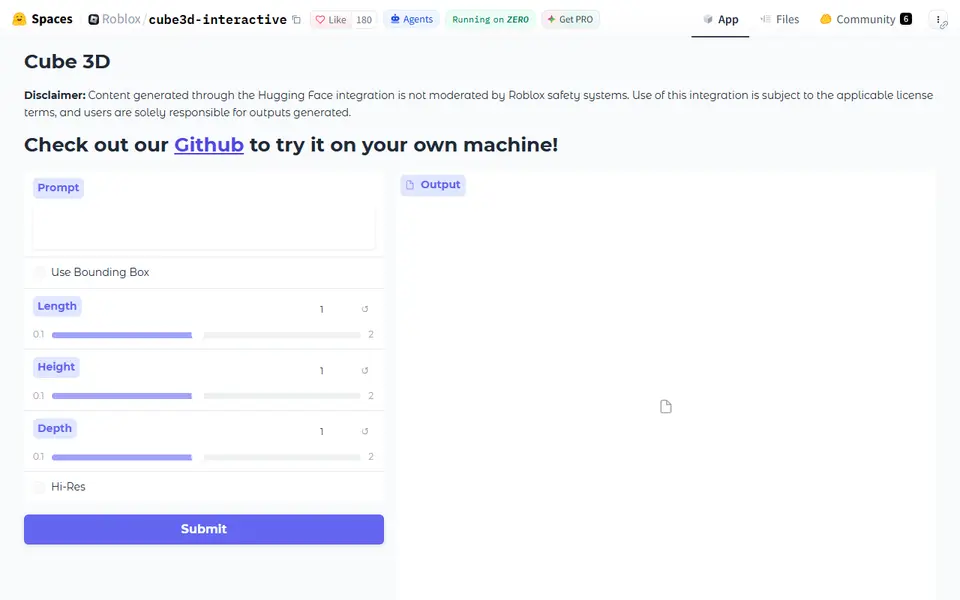
Roblox Cube 3D
Roblox's free text-to-3D demo that turns a short prompt into an untextured GLB shape
AI to 3D
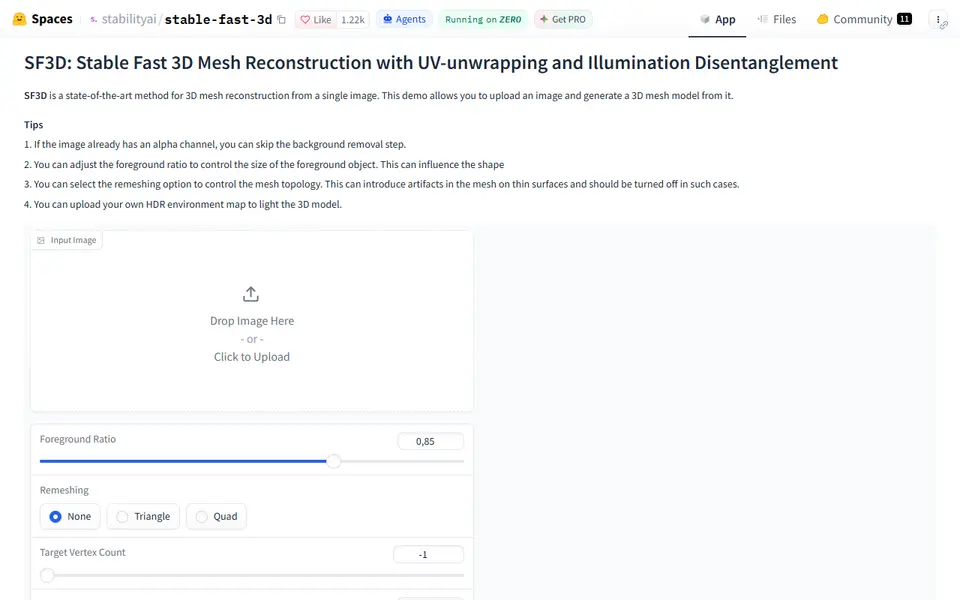
Stable Fast 3D
Stability AI's fast single-image to textured 3D mesh demo, free on Hugging Face