Roblox Cube 3D
Roblox's free text-to-3D demo that turns a short prompt into an untextured GLB shape
Roblox Cube 3D is a free browser tool for free text-to-shape experiments. Free demo on Hugging Face's shared ZeroGPU hardware; logged-out visitors get a limited number of runs, a free Hugging Face login adds more, and Hugging Face PRO ($9/month) gives 8x the daily quota. Exports GLB; no account needed. Last checked .
Opens huggingface.co
What is Roblox Cube 3D?
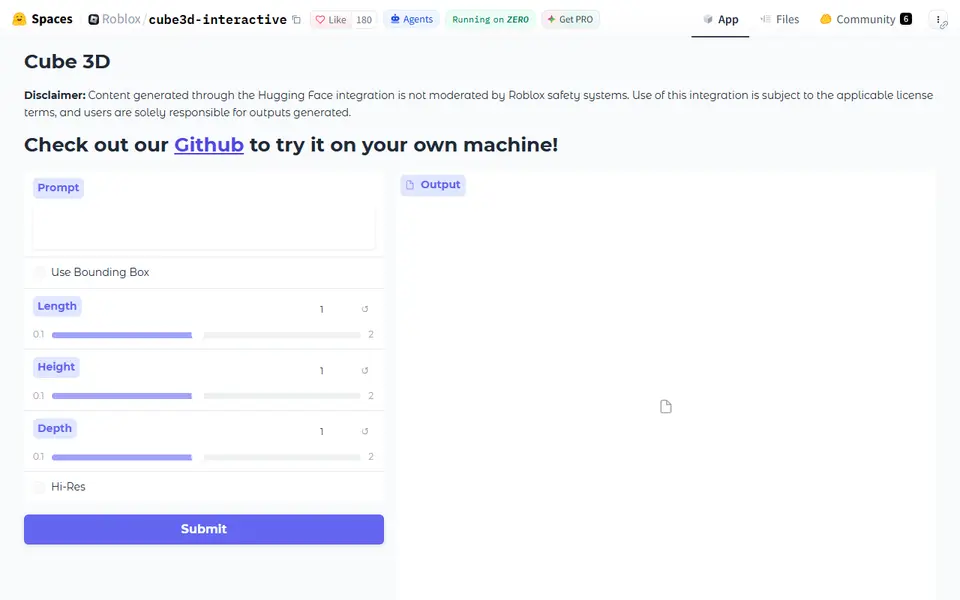
Roblox Cube 3D is a free browser demo that turns a short text prompt into a 3D shape you can download as a GLB file. It is the official Hugging Face Space for Cube 3D, the text-to-shape model Roblox released in 2025, and it runs the v0.5 weights. There is no image upload, which sets it apart from the photo-to-3D demos in this category.
Two options sit under the prompt box. Use Bounding Box unlocks Length, Height and Depth sliders from 0.1 to 2 that set the rough proportions. Hi-Res decodes the shape on a finer grid. The result is geometry only, with no color or texture, and the detail is modest next to the newer paid engines. You then convert the GLB to STL, check that the mesh is closed and scale it.
You can try it without logging in, but it runs on Hugging Face's shared ZeroGPU pool: visitors who are not logged in get a limited number of runs, and signing in with a free Hugging Face account raises that limit. Roblox publishes the code and weights, but the license in the GitHub repo is research-only while the v0.5 model card lists OpenRAIL, so check the terms before selling prints. It suits makers who want a free way to turn a text idea into a rough shape.
What you can make
- Untextured shapes from a text prompt
- Simple props and decorative objects
- Stylized figures, animals and toys
- Shapes stretched to a chosen length, height and depth ratio
How to use Roblox Cube 3D
- Open the Cube 3D Space on Hugging Face
- Type a short prompt that describes one object
- Optionally tick Use Bounding Box to set Length, Height and Depth, or tick Hi-Res
- Press Submit, wait for the preview and download the GLB from the Output viewer
- Convert it to STL, repair and scale it, then slice
What you'll need to print it
Filament and parts that suit what you make with Roblox Cube 3D.
Matte PLA
Resin
- Siraya Tech Fast ABS-like Resin (affiliate link) Siraya Tech
- Siraya Tech Blu Tough Resin (affiliate link) Siraya Tech
Some of these are affiliate links: we may earn a small commission, at no extra cost to you. More about that
Roblox Cube 3D pros
- Works from a text prompt alone, so you do not need a photo or drawing of the object
- Optional bounding-box sliders let you steer the length, height and depth proportions
- Free to try without a login, and Roblox publishes the code and model weights
Roblox Cube 3D cons
- Shape only, with modest detail and no texture compared with paid AI 3D engines
- Exports GLB only, so you need to convert it and check that the mesh is closed before slicing
- Logged-out runs on the shared GPU pool are limited, and the code license on GitHub is research-only
Rate Roblox Cube 3D
One rating per account. Signing in takes one email link, no password.
Reviews
Made with Roblox Cube 3D
Read next
Roblox Cube 3D alternatives
AI text and image to 3D generators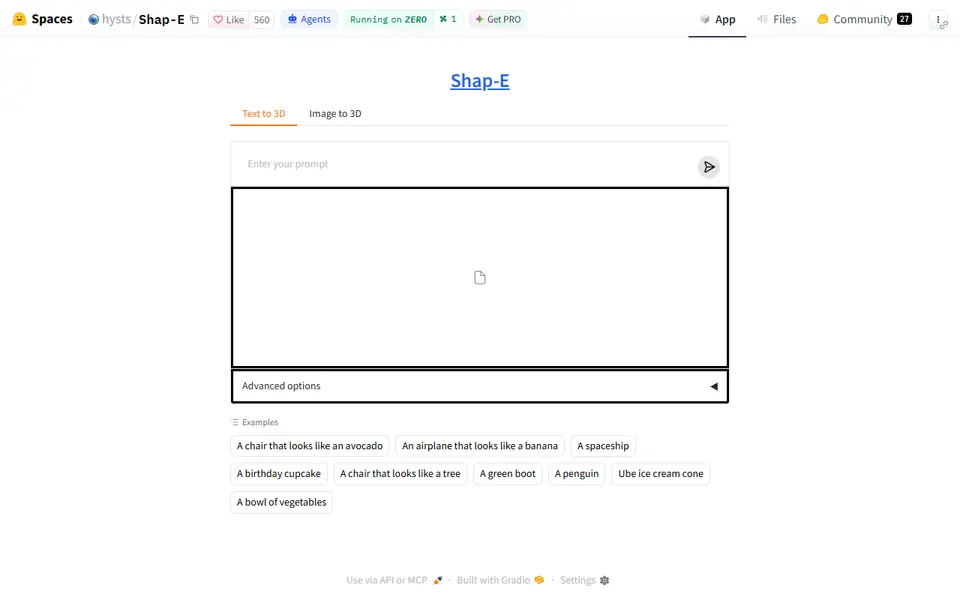
AI to 3D
Shap-E
Free demo of OpenAI's 2023 Shap-E model that turns a text prompt or a picture into a rough GLB mesh
AI to 3D
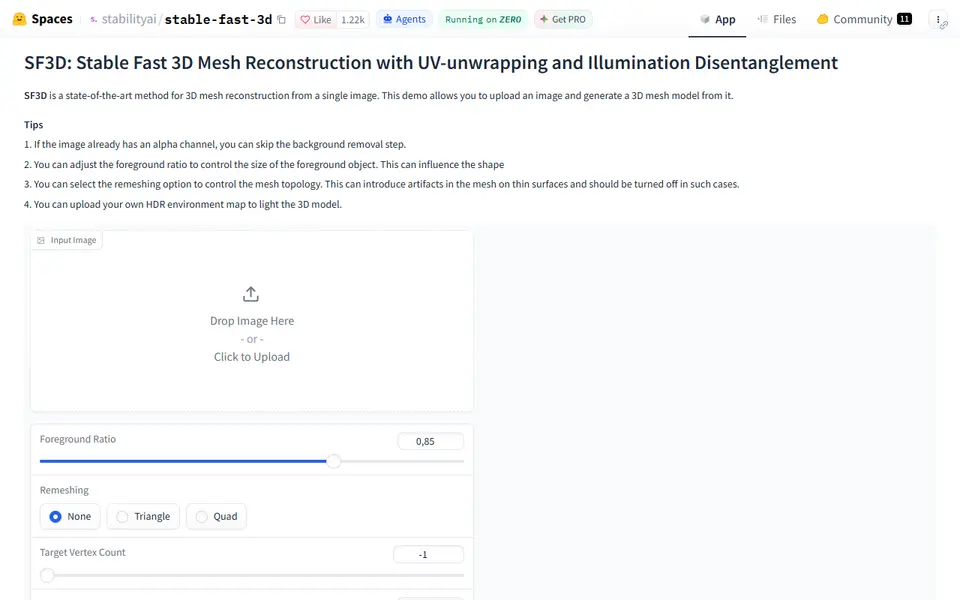
Stable Fast 3D
Stability AI's fast single-image to textured 3D mesh demo, free on Hugging Face
AI to 3D
Tencent Hunyuan3D
Tencent's AI text, image and sketch-to-3D studio with free daily generations
AI to 3D
InstantMesh
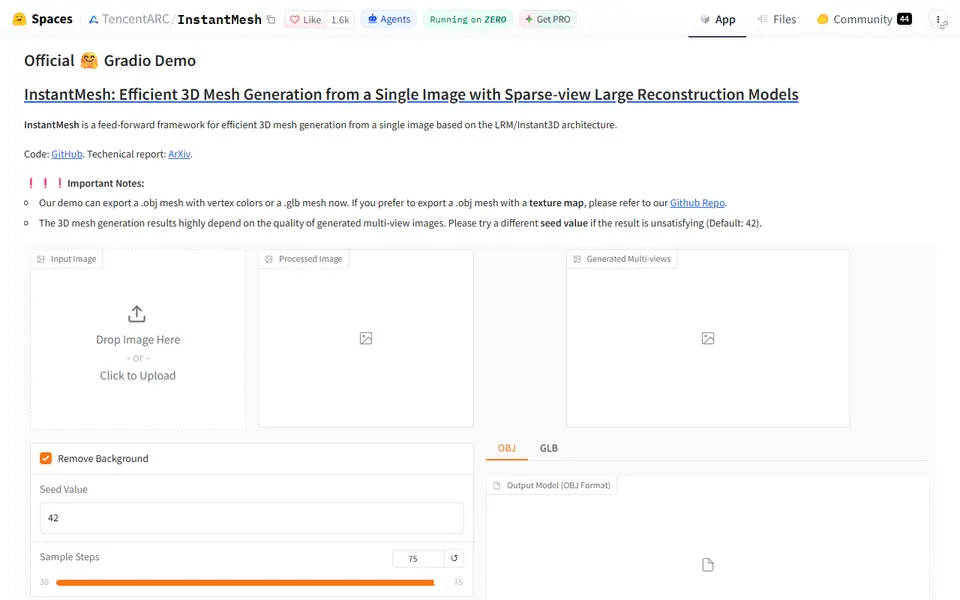
Free Tencent ARC Lab demo that turns one photo into a colored 3D mesh you download as OBJ or GLB