Modly
Free desktop app that turns a photo into a printable 3D mesh on your own GPU
Modly is a free desktop app for unlimited photo-to-3D figures on your own PC, offline. Free and open source under the MIT license, with no credits or subscriptions. You provide the GPU; optional donations go through GitHub Sponsors. Exports STL, OBJ, GLB and PLY; no account needed. Last checked .
Opens modly3d.app
What is Modly?
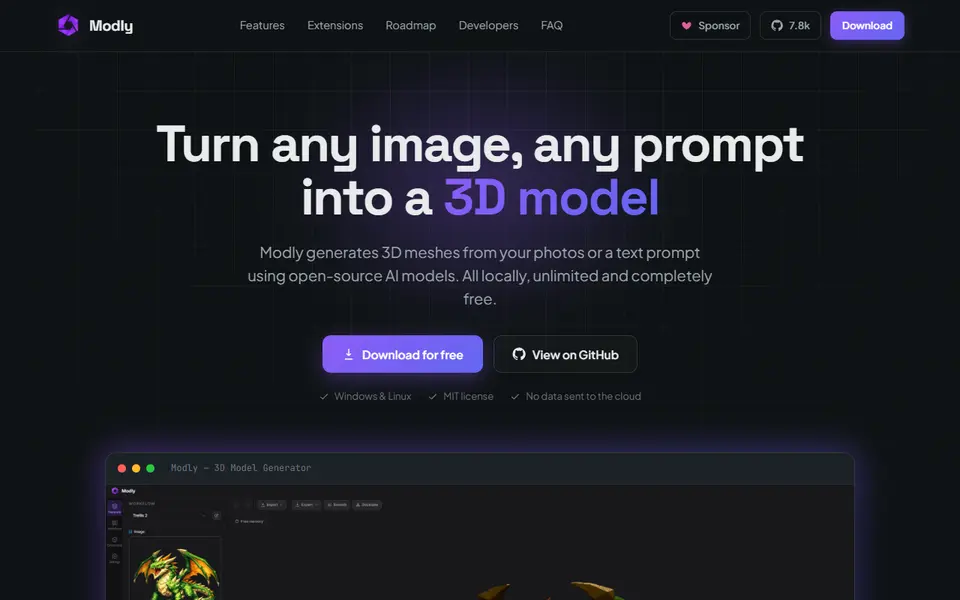
Modly is a free desktop app by Lightning Pixel that turns a photo into a 3D mesh with open-source AI models running on your own graphics card. Nothing is uploaded, there is no account and there are no credits, so you can generate as many models as your hardware allows. It removes the image background for you, shows the result in a built-in 3D viewer and exports GLB, OBJ, STL or PLY files.
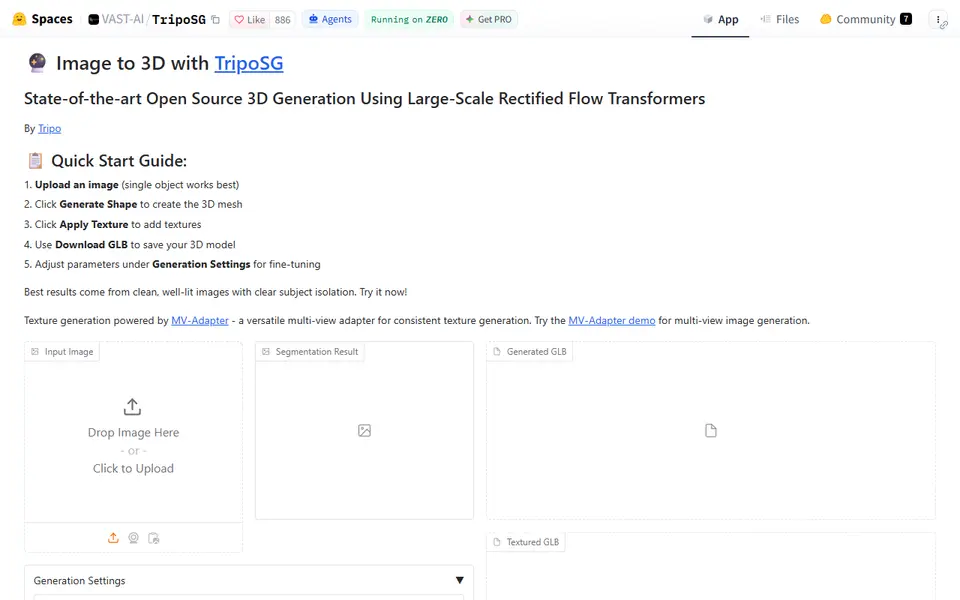
The AI models come as extensions. Official ones, such as Hunyuan3D 2 Mini in three speed variants, TripoSG and a TRELLIS.2 build, install from the Models page, and community extensions install by pasting a GitHub link. The community has added many more, including Trellis Text for turning a written prompt into a model. Meshes can be smoothed and simplified inside the app, and a community PyMeshLab extension can clean and repair them before printing.
It suits makers with a capable PC who print figures, busts or props and would rather not pay for cloud credits. The site lists an NVIDIA card with CUDA as the requirement and recommends 6 GB or more of VRAM, and there is also a newer build for Apple Silicon Macs. The app was labeled beta as of September 2026, setup takes longer than a website, and AI meshes still need a check in your slicer.
What you can make
- Printable figurines and characters from a single photo
- Busts, props and decor objects
- Textured GLB meshes for Blender or game engines
- Models from a text prompt through a community extension
How to use Modly
- Download the installer for Windows, Linux or Apple Silicon Mac from modly3d.app
- On the Models page, install an extension such as Hunyuan3D 2 Mini and download its weights
- On the Workflows tab, connect a basic Image, Generate Mesh and Add to Scene workflow
- On the Generate tab, drop in a clear PNG, JPG or WebP photo and click Generate 3D Model
- Check the mesh in the viewer, export it as STL and slice it
What you'll need to print it
Filament and parts that suit what you make with Modly.
Matte PLA
Resin
- Siraya Tech Fast ABS-like Resin (affiliate link) Siraya Tech
- Siraya Tech Blu Tough Resin (affiliate link) Siraya Tech
Some of these are affiliate links: we may earn a small commission, at no extra cost to you. More about that
Modly pros
- Unlimited generations with no account, credits or photo uploads, since everything runs on your own machine
- Lets you switch between several open-source models such as Hunyuan3D 2 Mini, TripoSG and TRELLIS.2
- Exports STL for your slicer, and meshes can be smoothed and simplified in the app
Modly cons
- Built for NVIDIA cards with CUDA and 6 GB or more of VRAM; AMD cards are not officially supported and the Apple Silicon build is new
- More setup than a website: you install a model extension, download its weights and set up a simple workflow before your first model, and the app was labeled beta as of September 2026
- The license depends on the model: Hunyuan3D 2 Mini's does not apply in the EU, UK or South Korea, while TripoSG is MIT
Rate Modly
One rating per account. Signing in takes one email link, no password.
Reviews
Made with Modly
Read next
Modly alternatives
AI text and image to 3D generators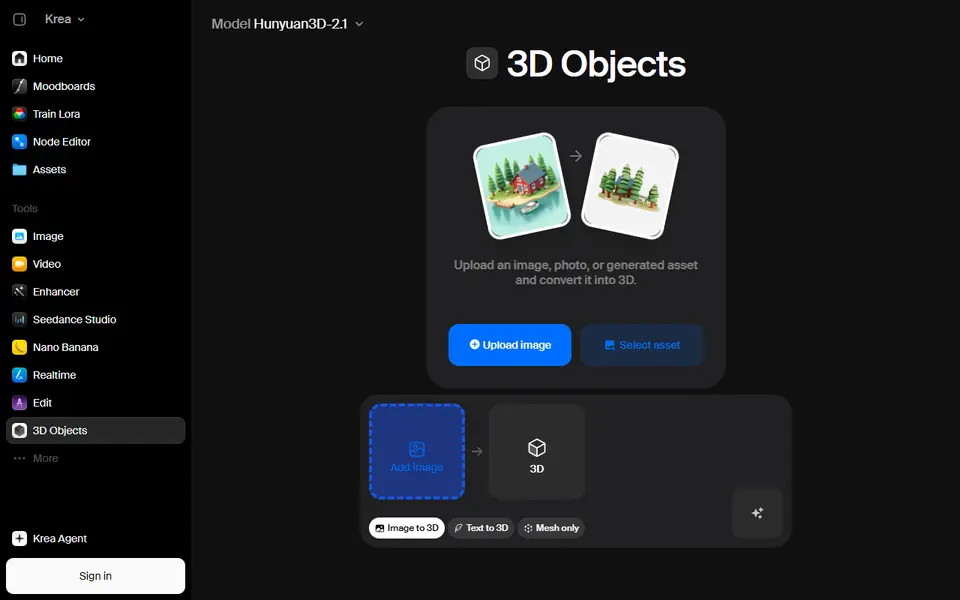
AI to 3D
Krea 3D
Turn a photo or text prompt into an STL, choosing from about ten AI 3D models in one menu
AI to 3D
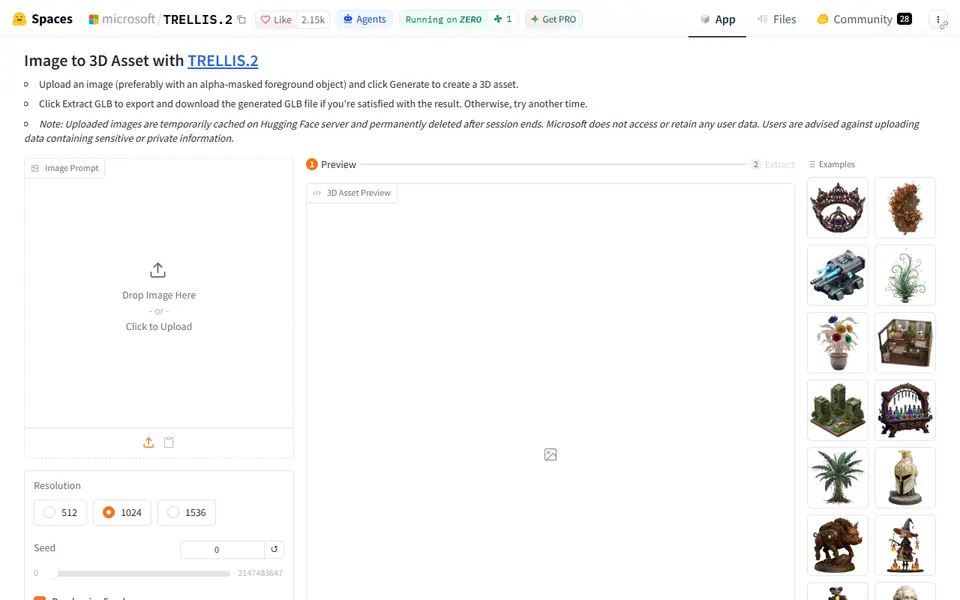
Microsoft TRELLIS.2
Free open-source image-to-3D demo from Microsoft that exports textured GLB models
AI to 3D
Alpha3D
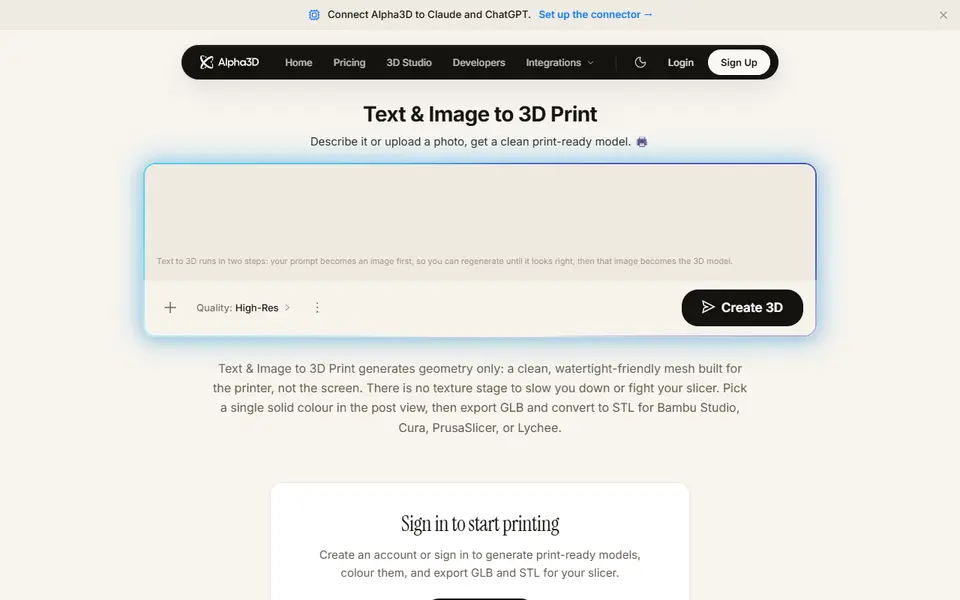
Paid AI tool that turns a prompt or photo into a shape-only mesh you convert to STL
AI to 3D
Fomrix
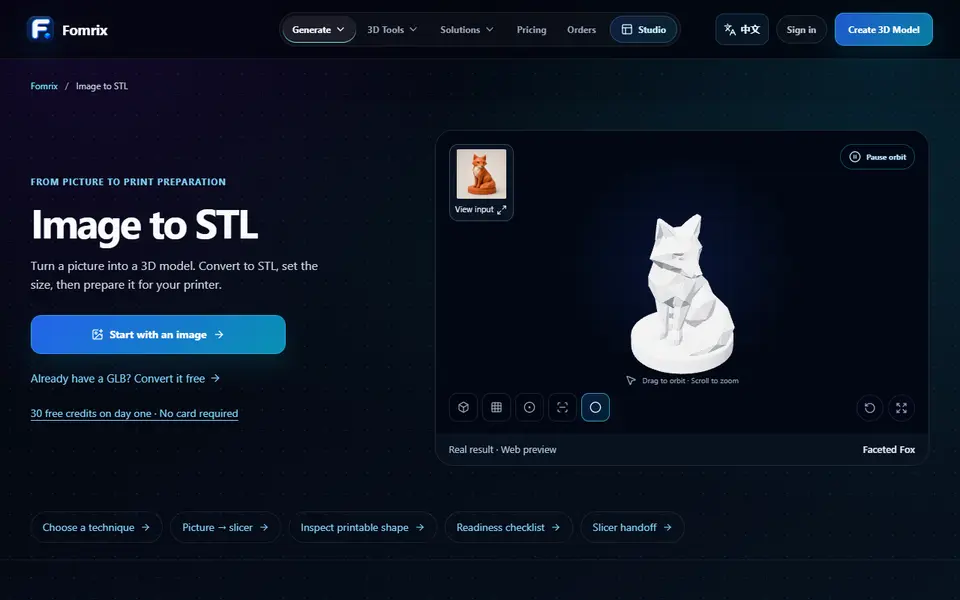
AI photo-to-3D on credits, plus free browser tools to turn a GLB into an STL and check it