Loreform
AI tool that turns a text prompt or picture into a printable tabletop miniature
Loreform is a freemium browser tool for custom D&D minis, monsters and terrain props. Free tier with 20 credits (about one miniature, non-commercial use). Creator $19.99/month (400 credits) and Pro $39.99/month (1,000 credits) add commercial use; yearly billing is 20% off (Creator works out to $15.99/month). Monthly credits reset every 30 days. Exports STL, GLB and FBX; an account is needed to download. Last checked .
Opens loreform.ai
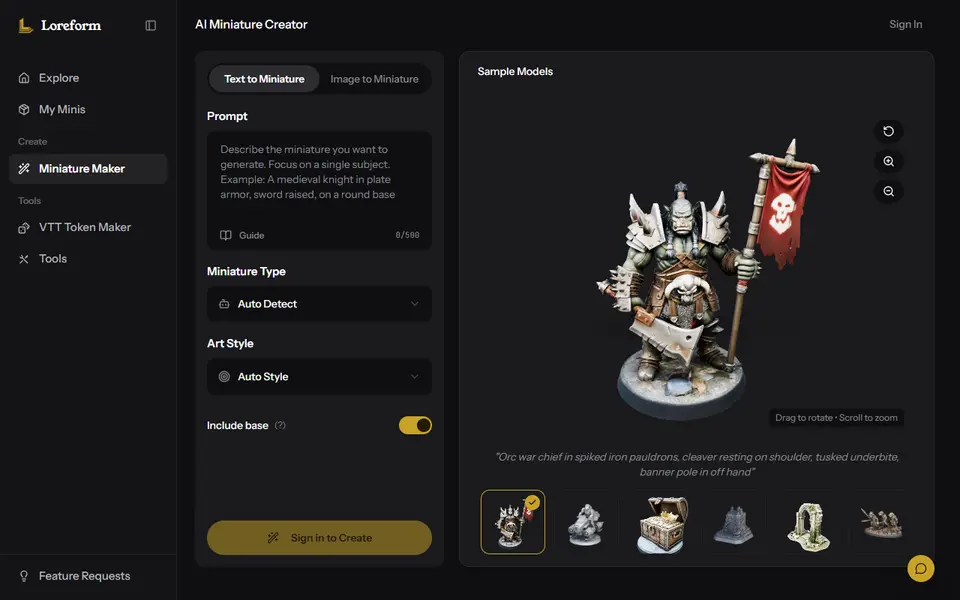
What is Loreform?
Loreform is a browser tool that uses AI to turn a written description or a reference picture into a 3D model of a tabletop miniature. You type something like a dwarf cleric holding a lantern, pick one of the concept sketches it draws, and it builds a 3D model from the one you chose. It covers heroes, monsters, mounts, vehicles, buildings, props and terrain pieces such as altars, ruins and treasure chests.
Unlike a general AI 3D tool, Loreform is built around gaming figures. At download you pick a height (28, 32, 54 or 75 mm, or a custom size) and can add a round, square or hex base. Files come as STL, GLB or FBX, together with a print-readiness report that checks for a watertight, manifold mesh and thin walls. A Party Forge mode turns one character into up to five matching variants, and a free in-browser STL checker works without an account.
It suits D&D and Pathfinder players who want their own character on the table, game masters who need a one-off monster, and wargamers looking for proxies. Generating needs an account, and the free credits cover about one miniature for personal use.
What you can make
- D&D and Pathfinder character minis
- Monster and creature minis
- Terrain props and scatter pieces
- Mounts and vehicles
- Style-matched party sets
How to use Loreform
- Sign in and open the Miniature Creator
- Describe a character, creature or terrain piece, or upload a reference image
- Pick one of the concept sketches and refine it if needed
- Generate the 3D model, then choose the print height and base
- Download the STL, look over the readiness report and slice it for your resin or FDM printer
What you'll need to print it
Filament and parts that suit what you make with Loreform.
Resin
- Siraya Tech Fast ABS-like Resin (affiliate link) Siraya Tech
- Siraya Tech Blu Tough Resin (affiliate link) Siraya Tech
0.2 mm nozzle
Some of these are affiliate links: we may earn a small commission, at no extra cost to you. More about that
Loreform pros
- Made for tabletop scale, with 28, 32, 54 and 75 mm height presets and optional round, square or hex bases
- Works from a text prompt or an uploaded image, and concept sketches cost no credits
- Each export comes with a report on watertightness, manifold edges and wall thickness at your print height
Loreform cons
- Account required, and the free credits only cover about one miniature for personal use
- Commercial use needs the Creator plan at $19.99 a month, and unused monthly credits do not roll over
- The terms make no promise that a model prints without fixes, so check the report and your slicer preview
Rate Loreform
One rating per account. Signing in takes one email link, no password.
Reviews
Made with Loreform
Read next
Loreform alternatives
AI text and image to 3D generators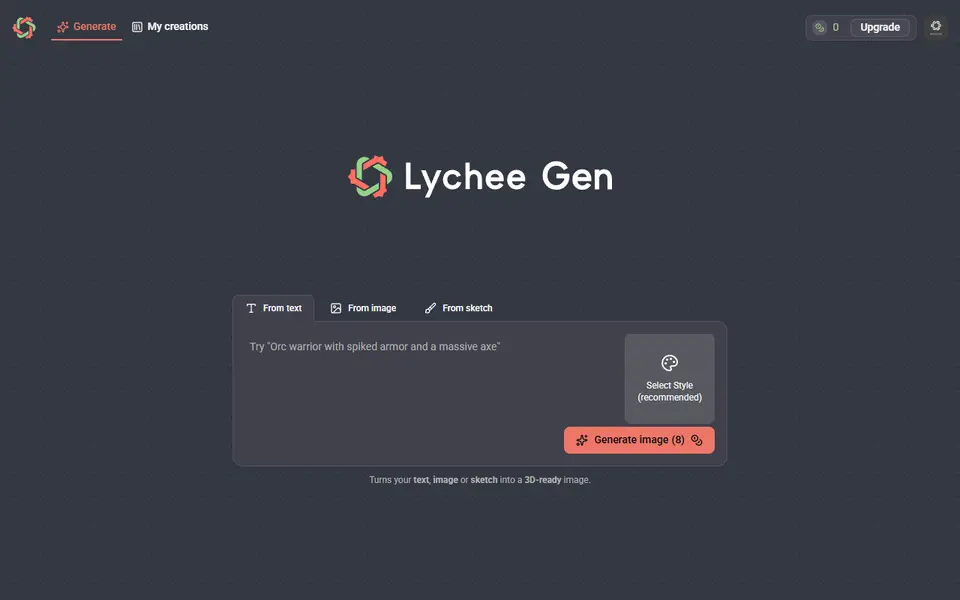
AI to 3D
Lychee Gen
Turns a prompt, photo or sketch into a printable 3D figure, made by the team behind Lychee Slicer
AI to 3D
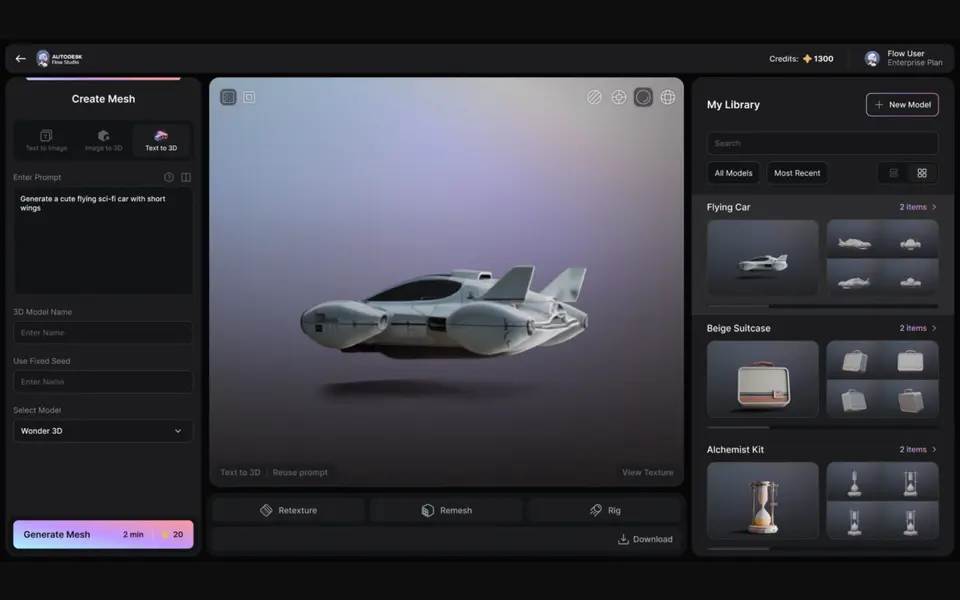
Autodesk Wonder 3D (Flow Studio)
Autodesk's AI model that turns a text prompt or one image into a 3D mesh you can save as STL
AI to 3D
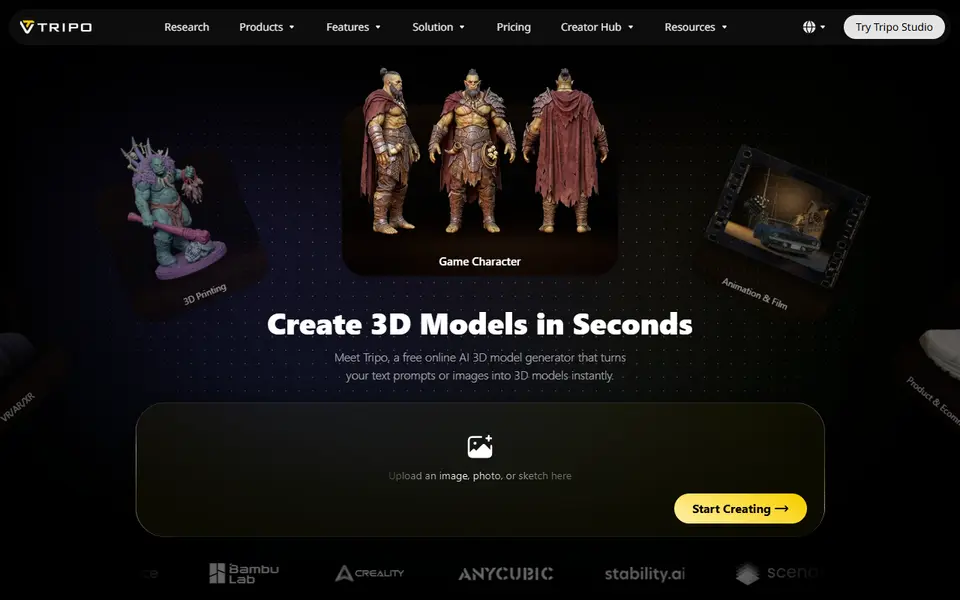
Tripo AI
Turn text, images or sketches into detailed 3D models with STL, 3MF and OBJ export
AI to 3D
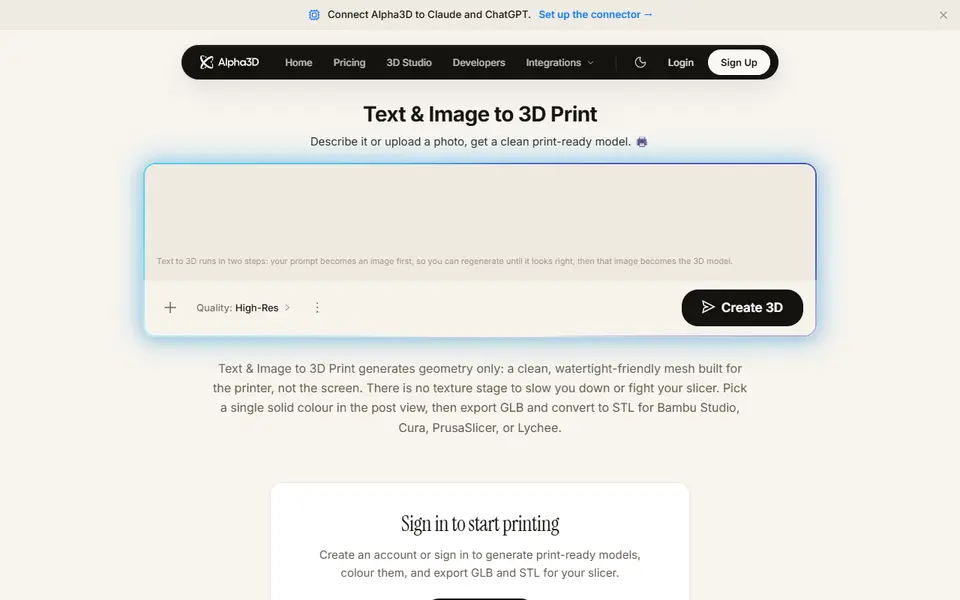
Alpha3D
Paid AI tool that turns a prompt or photo into a shape-only mesh you convert to STL
AI to 3D
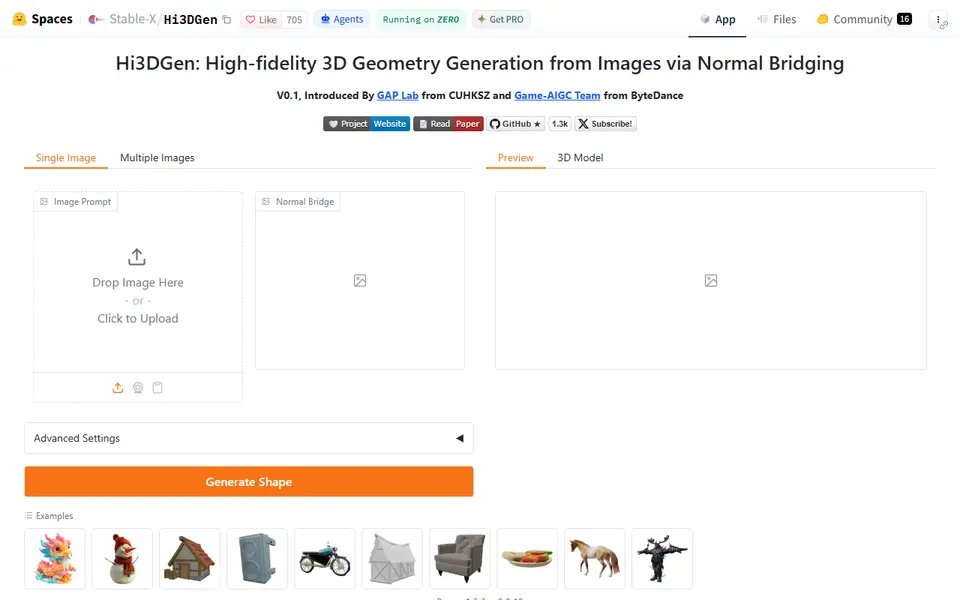
Hi3DGen
Free research demo that turns one photo into a detailed, untextured mesh you can export as STL
AI to 3D
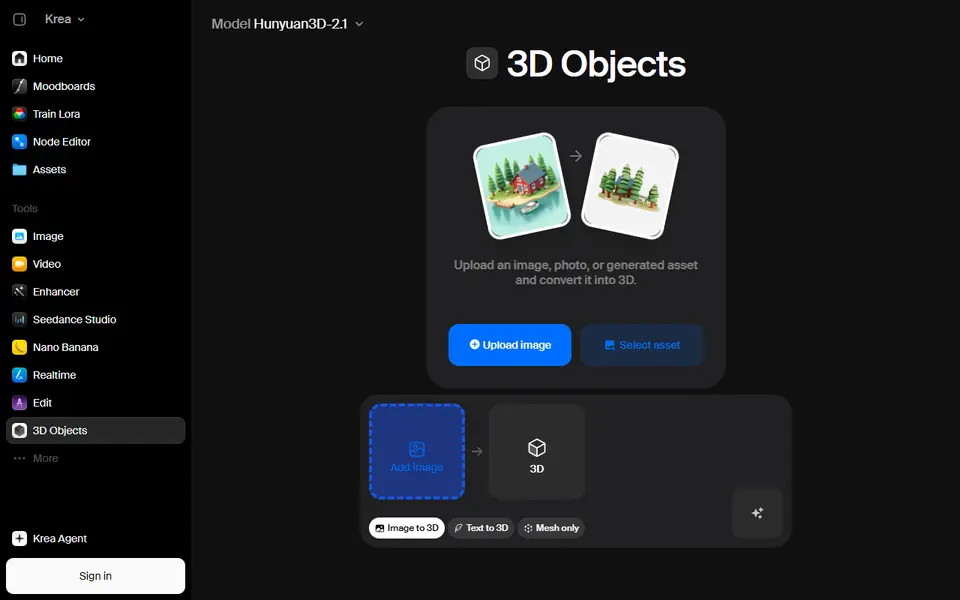
Krea 3D
Turn a photo or text prompt into an STL, choosing from about ten AI 3D models in one menu