PrintPal CAD Agent
AI chat that turns a plain description or sketch into a functional part with size sliders
PrintPal CAD Agent is a freemium browser tool for functional parts like brackets, mounts and gears described in plain words. The editor, two starter templates (a parametric box and a phone stand) and all exports are free without an account. AI turns use credits: about $0.08 for a basic part, $0.40 for a detailed one and $0.40 to $0.80 for a complex design. Credit packs start at $10 for 1,000 credits and never expire, or the membership is $20 a month for 2,500 credits ($192 a year billed annually). No free AI allowance for the agent is listed. Exports STL, 3MF and STEP. Last checked .
Opens printpal.io
What is PrintPal CAD Agent?
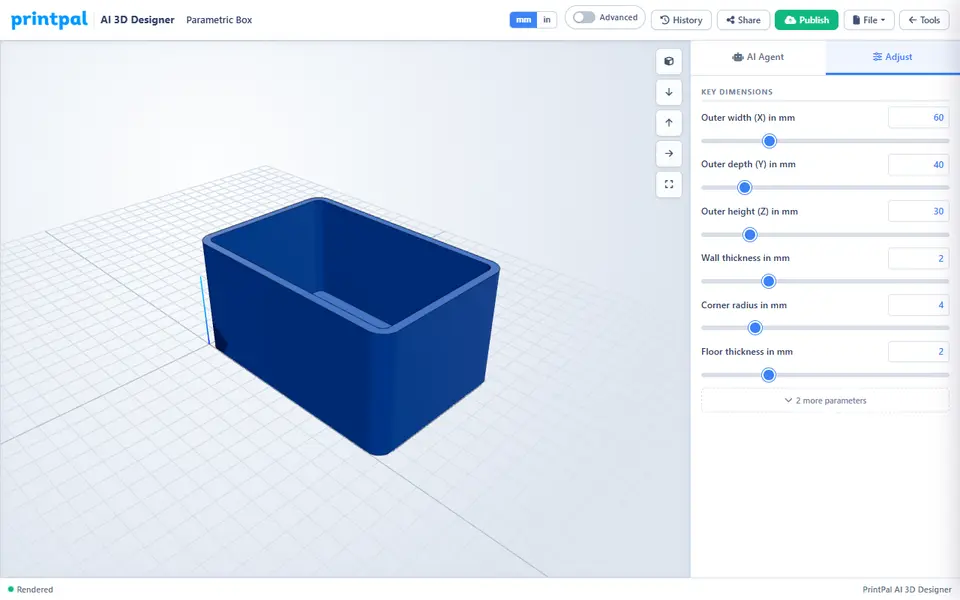
PrintPal CAD Agent is a pay-per-use AI assistant inside PrintPal's free browser CAD editor that turns a plain-English description, photo or sketch into a printable functional part. You describe something like a wall mount for a router or a 60 by 40 mm plate with M3 holes, and if the request is vague it asks a few short questions first. It then writes OpenSCAD code, renders the model in your browser and turns the main sizes into sliders in an Adjust tab, so you can resize the part without prompting again.
The page opens in a simple chat-first layout. The code editor, modeling toolbars and extra export formats stay hidden until you switch on Advanced mode. After each render the agent compares the size with its plan, checks that the mesh is watertight and warns about thin walls or overhangs. Exports run in your browser, need no account and cost nothing: STL and 3MF in the simple view, plus a faceted STEP and the .scad source in Advanced mode.
It suits makers who need brackets, gears, stands or desk organizers and would rather describe them than learn CAD. The AI only works with an account and paid credits, and complex parts can take a few rounds, so check key dimensions before printing.
What you can make
- Brackets and mounting plates with screw holes
- Spur gears with a shaft bore
- Phone stands and desk organizers
- Name tag keychains with raised letters
- Parts recreated from a photo or sketch
How to use PrintPal CAD Agent
- Open printpal.io/cad-agent, log in and buy a credit pack or the membership
- Describe the part in the AI Agent chat, with sizes if you know them, or attach a photo or sketch
- Answer any follow-up questions and check the 3D preview
- Fine-tune the sizes with the sliders in the Adjust tab
- Use File > Export to download an STL or 3MF and slice it
What you'll need to print it
Filament and parts that suit what you make with PrintPal CAD Agent.
Matte PLA
PETG
M3 screws
Also handy
Some of these are affiliate links: we may earn a small commission, at no extra cost to you. More about that
PrintPal CAD Agent pros
- Opens in a simple chat view, with the code editor and CAD toolbars hidden until you switch on Advanced mode
- Asks follow-up questions and checks size, watertightness and wall thickness after each render
- Editing and exports are free, including 3MF, a faceted STEP and the editable OpenSCAD file
PrintPal CAD Agent cons
- Every AI turn uses paid credits, and the chat stays locked until you log in
- Complex parts can need several rounds of prompting before the sizes are right
- The 3MF export is a single mesh, so colors in the preview do not become separate parts
Rate PrintPal CAD Agent
One rating per account. Signing in takes one email link, no password.
Reviews
Made with PrintPal CAD Agent
Read next
PrintPal CAD Agent alternatives
AI text and image to 3D generators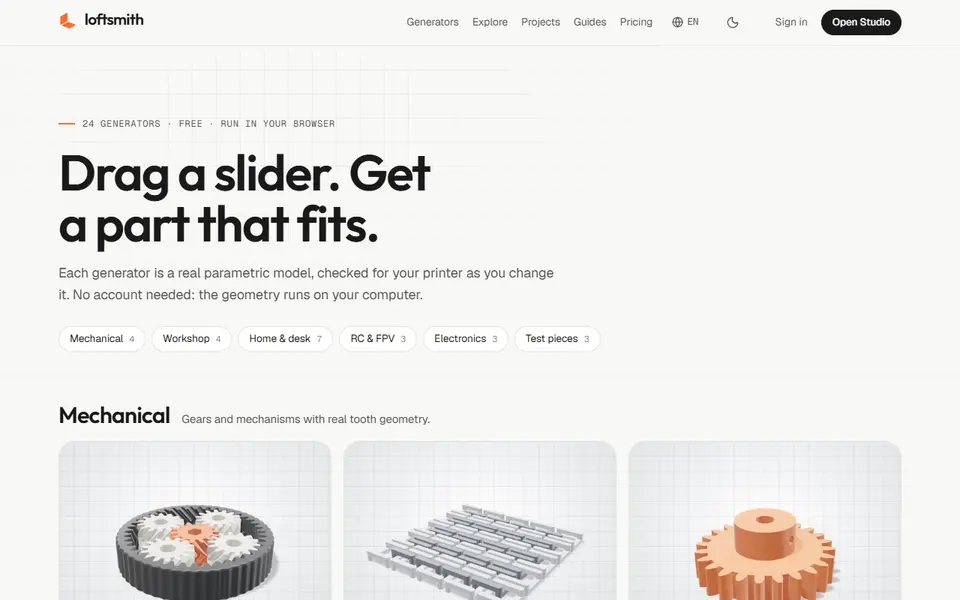
AI to 3D
Loftsmith
Describe a functional part in a sentence and get an editable, print-checked parametric model
AI to 3D
Prompt2CAD
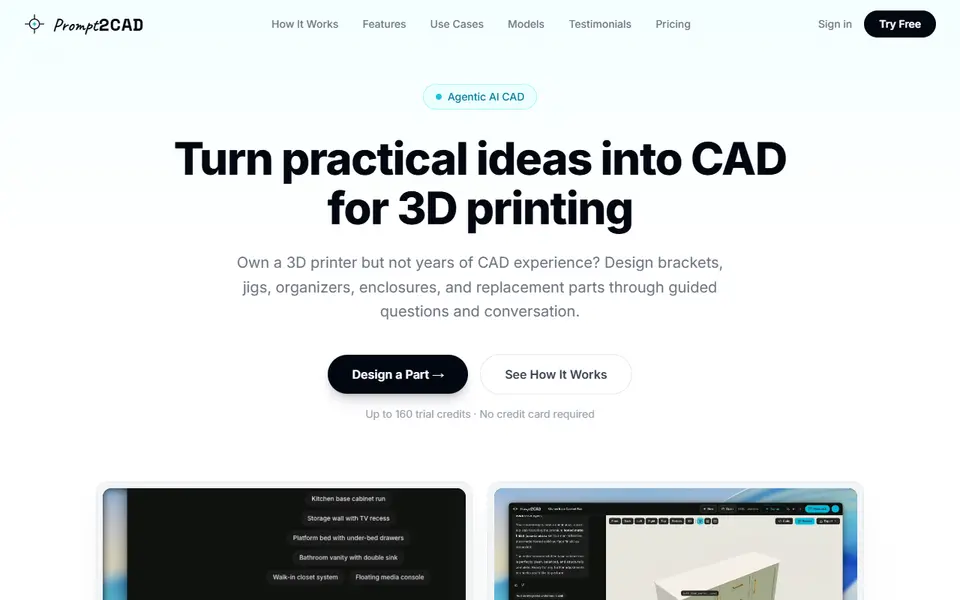
Describe a functional part in plain words and get a dimensioned CAD model to print
AI to 3D
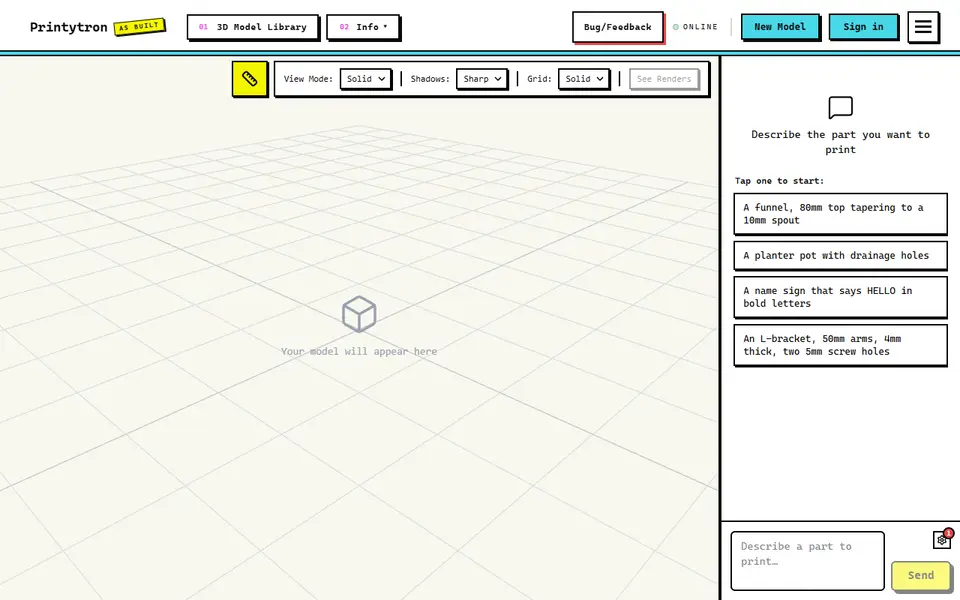
Printytron
Describe a part in plain English and get a printable STL built to your measurements
AI to 3D
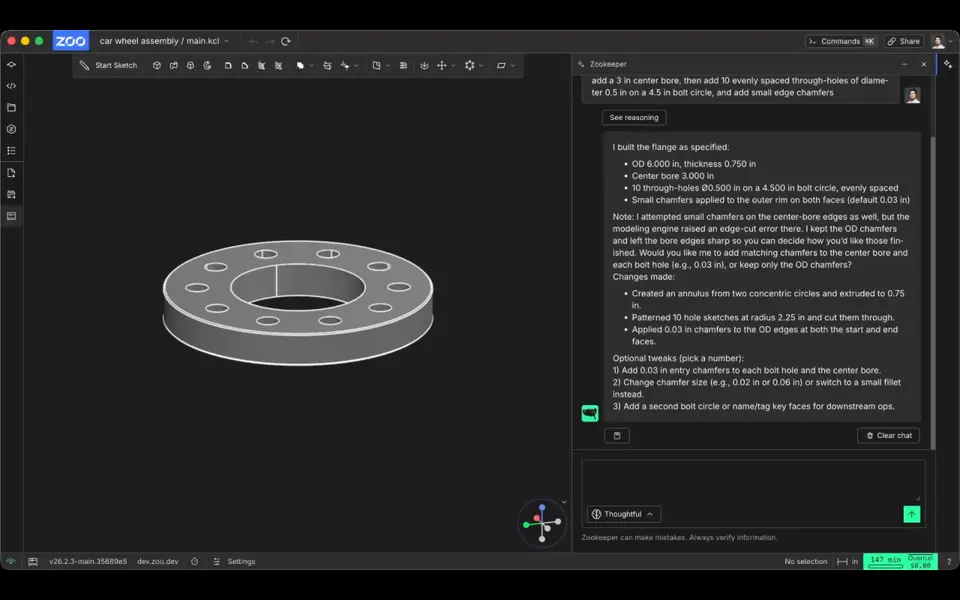
Zookeeper (Zoo Text-to-CAD)
Describe a part with its measurements and get an editable CAD model to export as STL