Prompt2CAD
Describe a functional part in plain words and get a dimensioned CAD model to print
Prompt2CAD is a paid browser tool for functional printed parts described in plain words with exact measurements. Free trial: up to 160 credits on Google sign-in (a new model is typically about 100, an update about 50), PNG export only. STL, 3MF and the other 3D exports unlock for good after your first top-up, from $10 for 1,000 credits; $25 or more adds 10 to 20% bonus credits. Credits expire after 3 months. No subscription. Exports STL, 3MF, STEP, OBJ and GLB. Last checked .
Opens prompt2cad.com
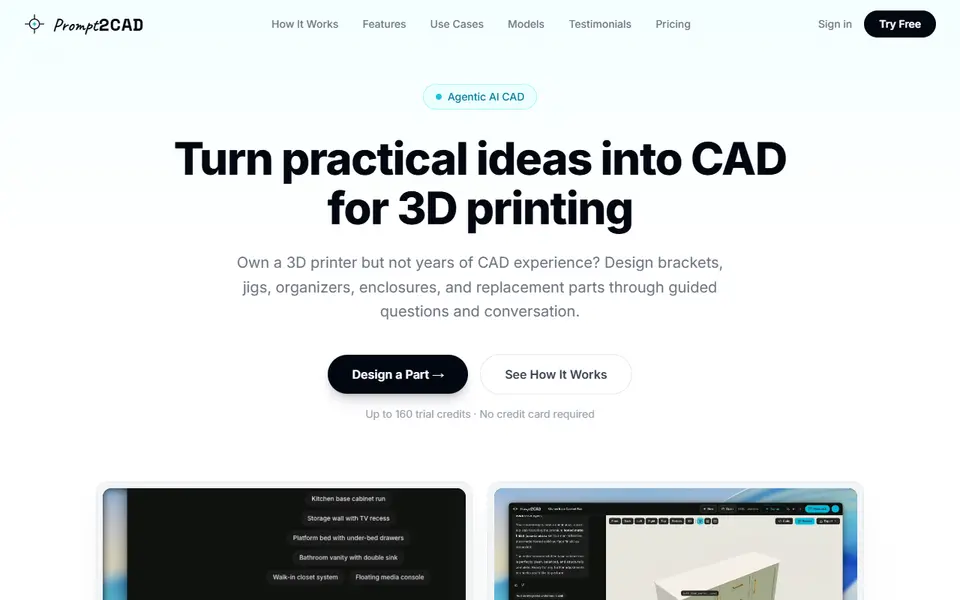
What is Prompt2CAD?
Prompt2CAD is a pay-as-you-go browser app from a two-person Lisbon team that turns a written brief into a dimensioned CAD model you can export for printing. You describe the object and its measurements, paste a photo or sketch, or open an existing STL, OBJ or GLB file. An AI agent built on Google Gemini plans the part, builds the geometry and checks its own work from several angles. You then adjust it with the sliders and switches it creates, which cost no credits, or by typing requests such as making a slot 1 mm wider.
For 3D printing there is a guided setup that asks what the part has to fit, hold or mount, aimed at brackets, drill jigs, replacement knobs, cable clips and electronics enclosures. Exports include STL and 3MF for your slicer, plus STEP, OBJ, GLB and DXF for other CAD software. The main focus is furniture and built-ins, and it is not made for figures or sculptures.
It suits printer owners who know the measurements they need but not a CAD program. The catch is cost: trial credits let you design and save PNG images, but every 3D download stays locked until your first top-up of at least $10. Use the 3MF, which is in millimeters; the STL is written in meters.
What you can make
- Wall brackets and mounts
- Drill guides and workshop jigs
- Replacement knobs and cable clips
- Electronics enclosures with lids
- Organizers and small furniture parts
How to use Prompt2CAD
- Sign in with Google at prompt2cad.com and open the app
- Choose Guided setup or describe the part with its measurements, adding a photo if you have one
- Check the dimensions, then move the sliders or ask for changes in the chat
- Top up at least $10 once to unlock exports, then download the 3MF or STL and slice it
What you'll need to print it
Filament and parts that suit what you make with Prompt2CAD.
Matte PLA
PETG
M3 screws
Also handy
Some of these are affiliate links: we may earn a small commission, at no extra cost to you. More about that
Prompt2CAD pros
- Builds real dimensioned geometry you can check by clicking each part, not a sculpted mesh
- Guided setup asks about fit, holes, clearances and wall thickness before it generates
- Exports 3MF in millimeters for the slicer and STEP for a final pass in Fusion or FreeCAD
Prompt2CAD cons
- No printable download at all until you top up at least $10 once
- Google sign-in is the only way in, and the trial credits cover roughly one model and one change
- Built mainly for furniture, weak on organic shapes, and the docs say meshes can have open edges that need a slicer repair
Rate Prompt2CAD
One rating per account. Signing in takes one email link, no password.
Reviews
Made with Prompt2CAD
Read next
Prompt2CAD alternatives
AI text and image to 3D generators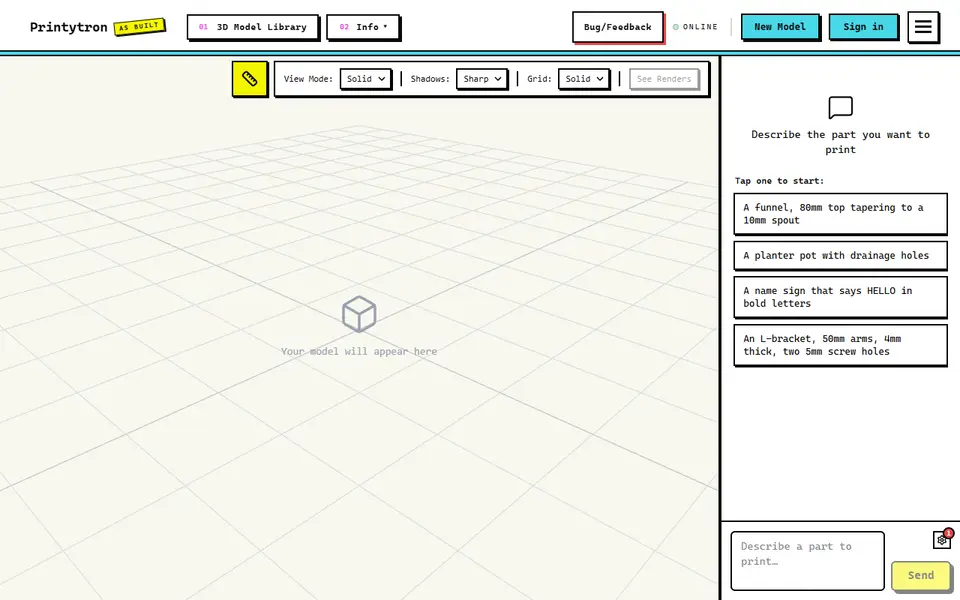
AI to 3D
Printytron
Describe a part in plain English and get a printable STL built to your measurements
AI to 3D
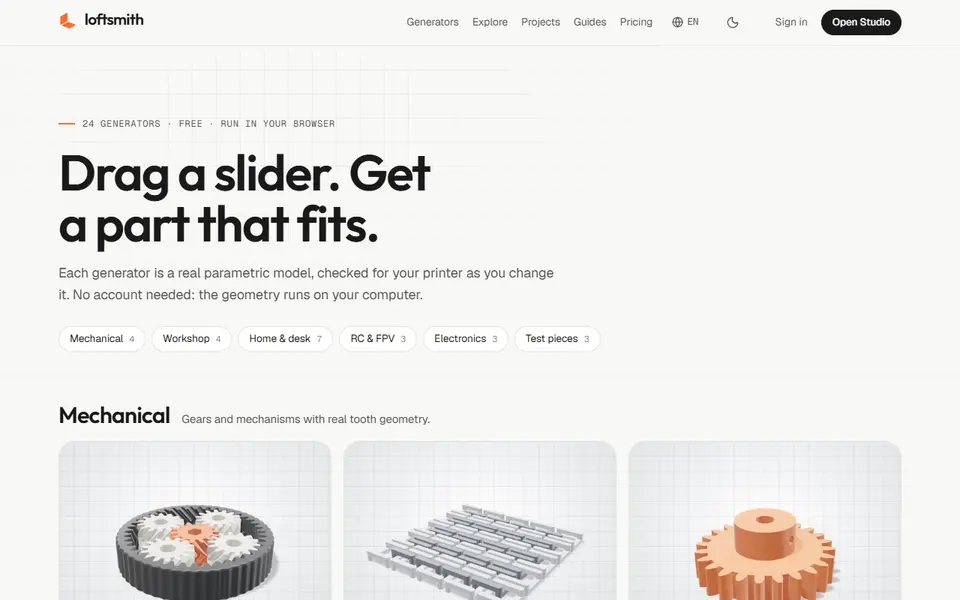
Loftsmith
Describe a functional part in a sentence and get an editable, print-checked parametric model
AI to 3D
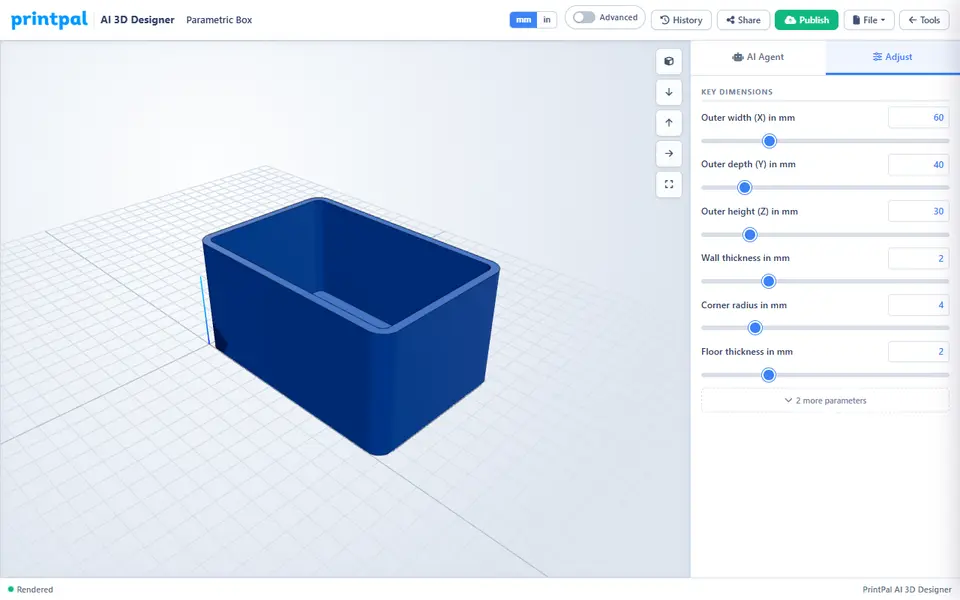
PrintPal CAD Agent
AI chat that turns a plain description or sketch into a functional part with size sliders
AI to 3D
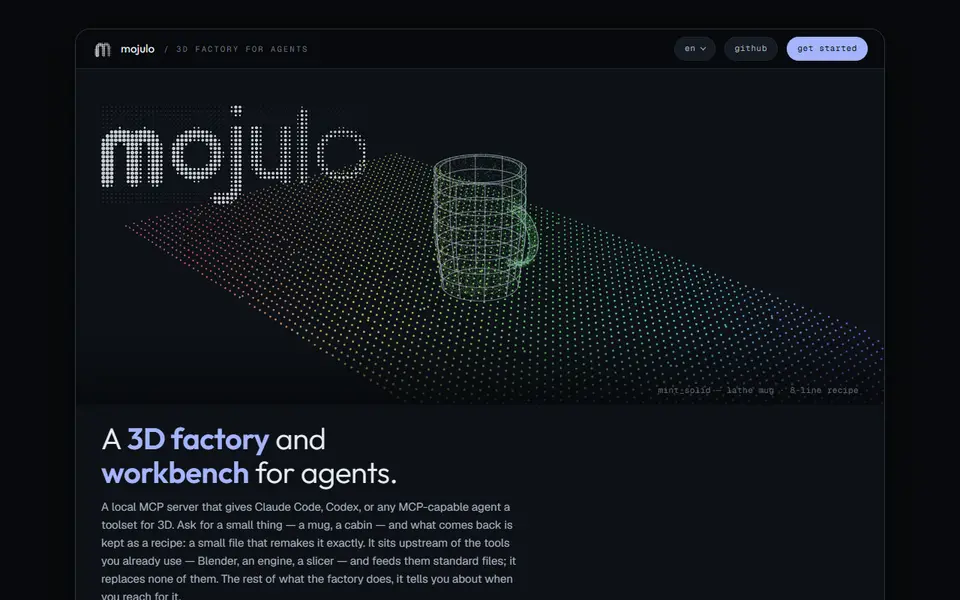
Mojulo
Free open-source add-on that lets Claude, ChatGPT or Codex build printable 3D models from a chat
AI to 3D
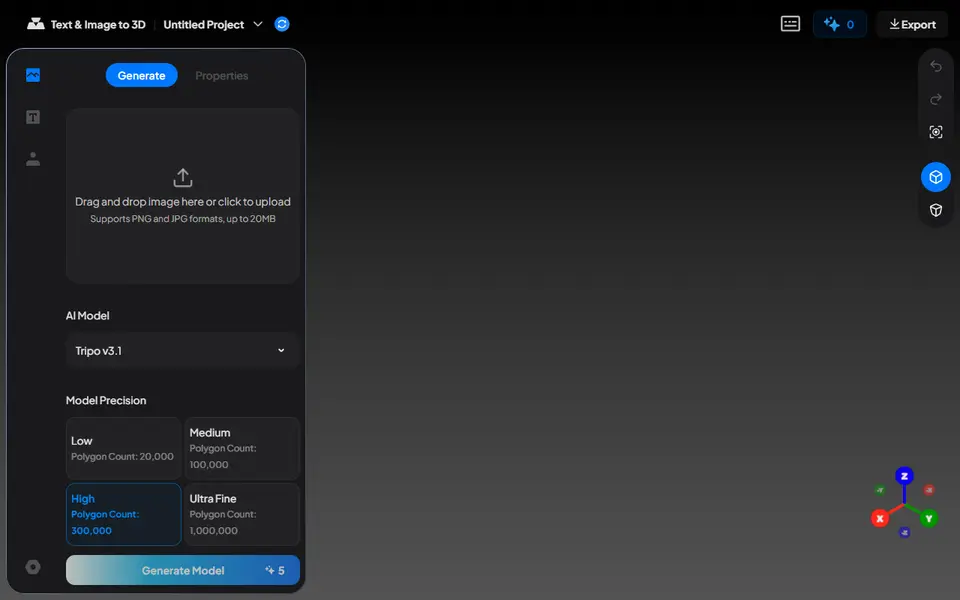
Nexprint Text & Image to 3D
Turn a photo or text prompt into a single-color or four-color 3MF on ELEGOO's Nexprint
AI to 3D
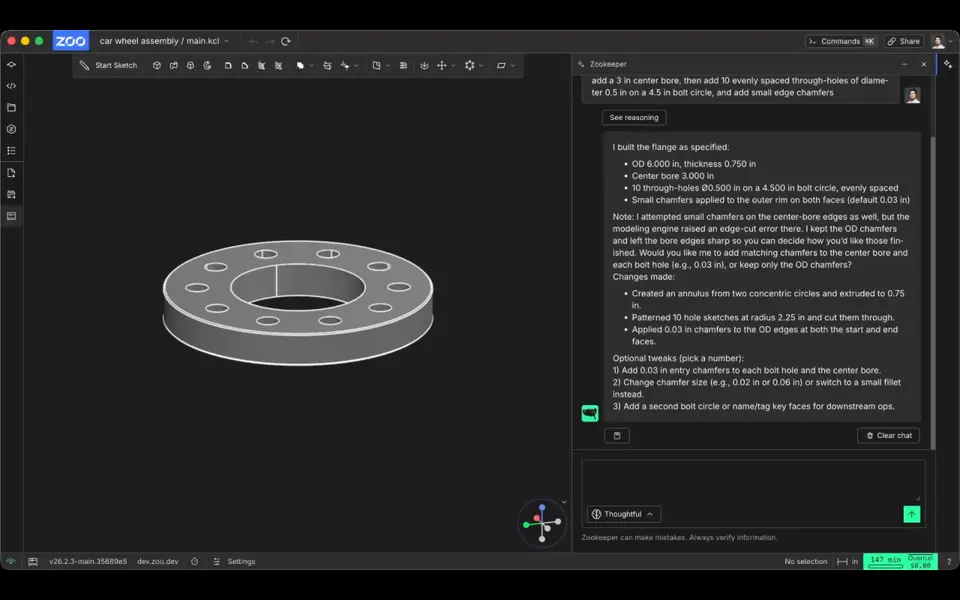
Zookeeper (Zoo Text-to-CAD)
Describe a part with its measurements and get an editable CAD model to export as STL