Loftsmith
Describe a functional part in a sentence and get an editable, print-checked parametric model
Loftsmith is a freemium browser tool for functional parts such as enclosures, mounts and jigs that you want to keep editing. Free: all generators, sliders, print checks and STL download, plus a starting batch of design credits (public projects only). Maker $12/month (50 credits, private projects, 3MF, commercial use), Pro $32/month (160 credits, assemblies, STEP beta), Business $149/month; yearly billing gives two months free. Exports STL, 3MF and STEP; no account needed. Last checked .
Opens loftsmith.com
What is Loftsmith?
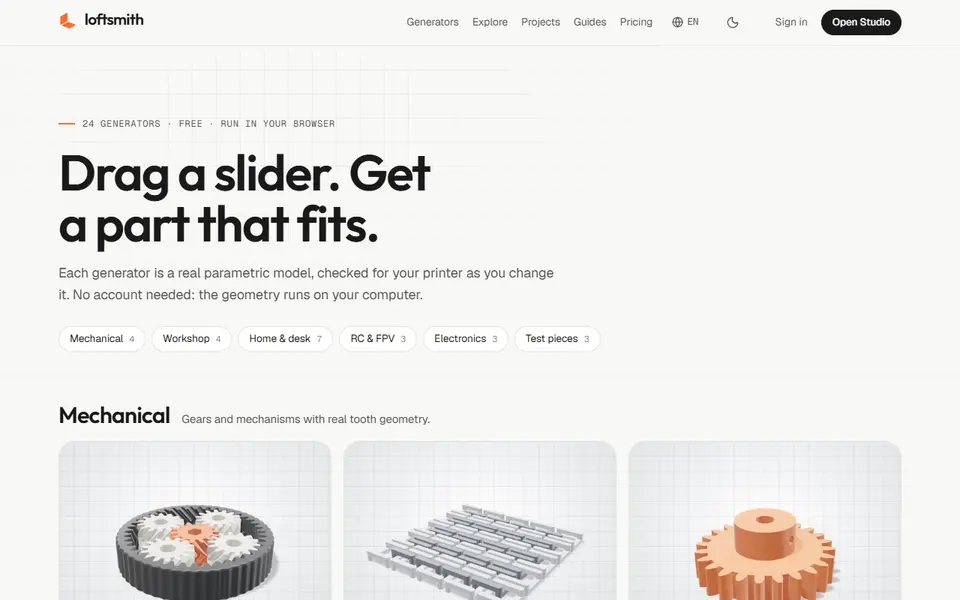
Loftsmith is a browser-based design co-pilot for functional 3D printing. Instead of sculpting a mesh like most AI 3D tools, it builds parametric CAD: you type the part you need in one sentence, it creates the model, and you then fine-tune it with sliders for the dimensions. Before you export, it checks the design for bed fit, thin walls and overhangs, so problems show up before the first layer goes down. It handles multi-part projects such as enclosures, mounts, jigs and RC parts.
There are also 24 ready-made generators that run without an account, because the geometry is built on your own computer. They include a planetary gear bearing, print-in-place chainmail, a spur gear, a hinged box, a hex bit holder, a wall hook, a cable organizer, a phone charging stand, a fluted planter, a Raspberry Pi 5 case, an electronics enclosure, an FPV motor mount, an RC flying wing and tolerance and hinge test pieces.
The free plan covers all generators, sliders, print checks and STL downloads, plus a starting batch of credits for designing your own parts; projects on the free plan are public. Paid plans start at $12 a month (Maker) and add private projects, 3MF export with plate layout, printer profiles and commercial use; Pro at $32 a month adds multi-part assemblies, version history and STEP export in beta. It suits makers who print useful parts and want something they can still edit, not a one-off mesh.
What you can make
- Electronics enclosures and project boxes
- Mounts, brackets and wall hooks
- Gears, bearings and print-in-place mechanisms
- RC and FPV parts
- Desk and home organizers
How to use Loftsmith
- Open a generator, or sign up and type the part you need in the Studio
- Adjust the dimensions with the sliders
- Check the print warnings for bed fit, walls and overhangs
- Download the STL (or 3MF on a paid plan) and slice it
What you'll need to print it
Filament and parts that suit what you make with Loftsmith.
PETG
M3 heat-set inserts
Also handy
Filament dryers and dry boxes
Some of these are affiliate links: we may earn a small commission, at no extra cost to you. More about that
Loftsmith pros
- Makes editable parametric CAD from a sentence, not a fixed mesh, so dimensions stay adjustable
- Checks bed fit, thin walls and overhangs before you export
- 24 free generators run without an account, in your browser
Loftsmith cons
- Designing your own parts uses credits; the free plan only has a starting batch
- 3MF, private projects and commercial use need a paid plan
Rate Loftsmith
One rating per account. Signing in takes one email link, no password.
Reviews
Made with Loftsmith
Read next
Loftsmith alternatives
AI text and image to 3D generators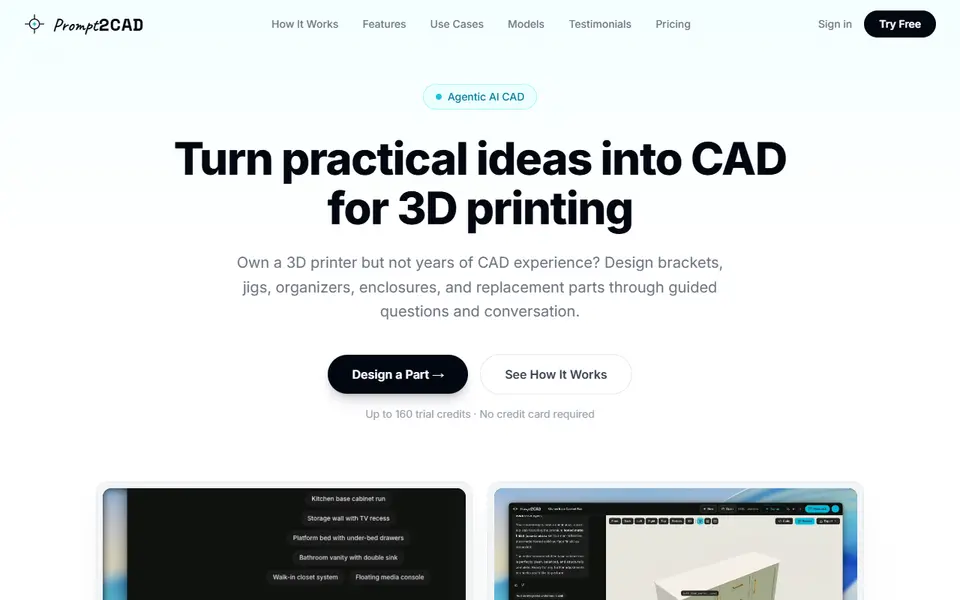
AI to 3D
Prompt2CAD
Describe a functional part in plain words and get a dimensioned CAD model to print
AI to 3D
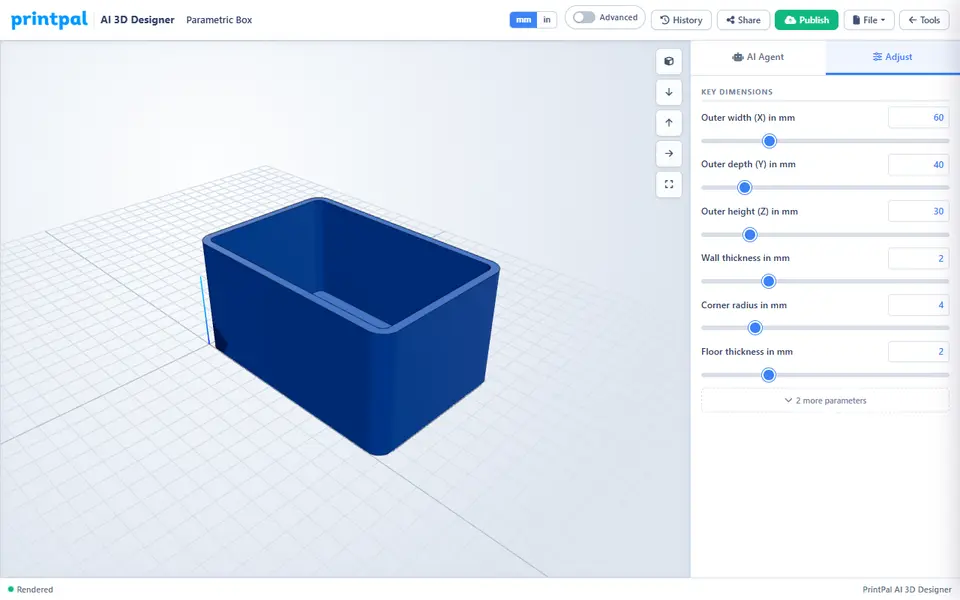
PrintPal CAD Agent
AI chat that turns a plain description or sketch into a functional part with size sliders
AI to 3D
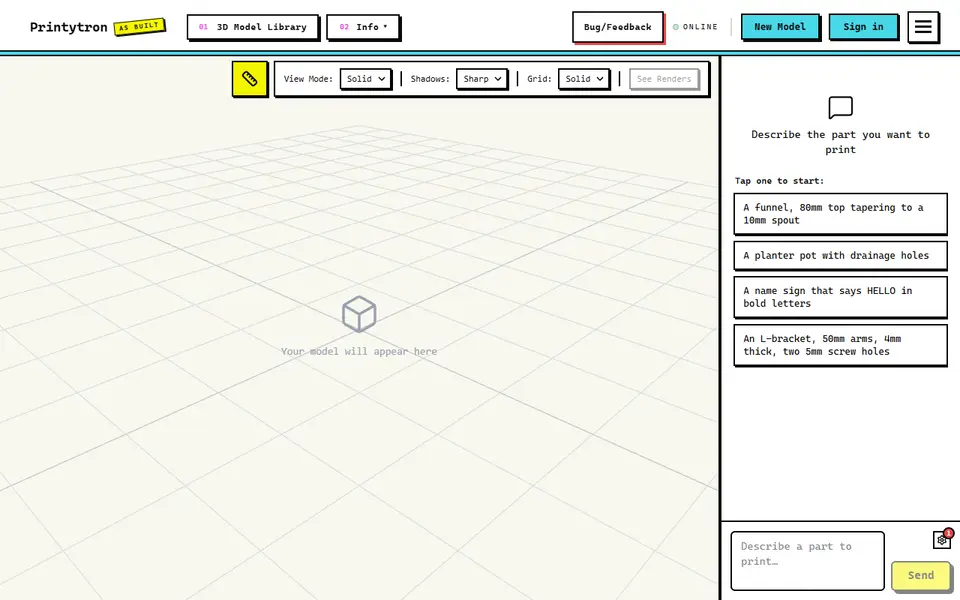
Printytron
Describe a part in plain English and get a printable STL built to your measurements
AI to 3D
Zookeeper (Zoo Text-to-CAD)
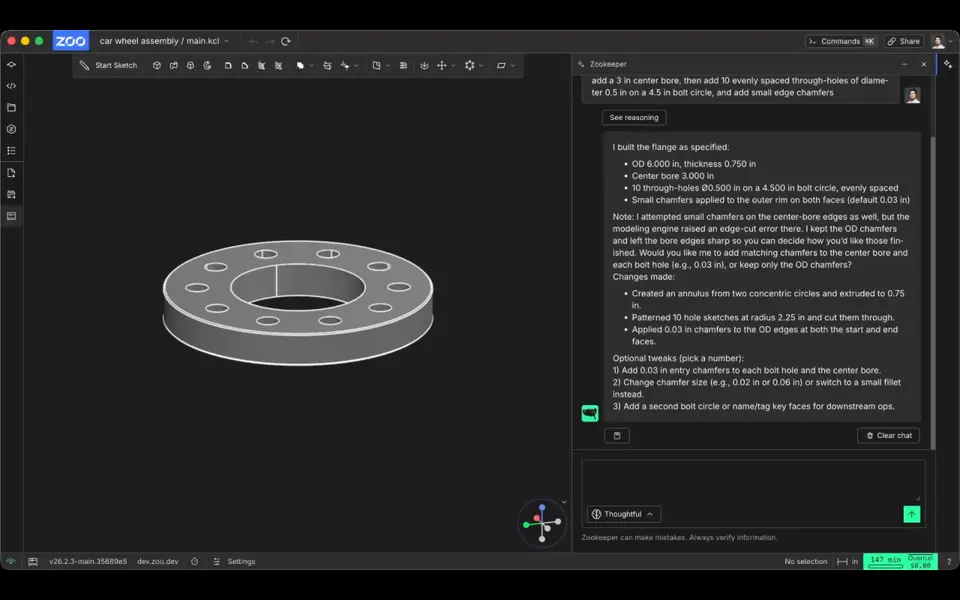
Describe a part with its measurements and get an editable CAD model to export as STL


AI to 3D
Mojulo
Free open-source add-on that lets Claude, ChatGPT or Codex build printable 3D models from a chat