Mojulo
Free open-source add-on that lets Claude, ChatGPT or Codex build printable 3D models from a chat
Mojulo is a free desktop app for makers who already use Claude Code or Codex and want editable functional parts by chat. Free and open source (Apache-2.0); you need your own AI assistant that can use MCP tools, which usually means a paid Claude, ChatGPT or Grok plan. Exports STL and 3MF; no account needed. Last checked .
Opens mojulo.ai
What is Mojulo?
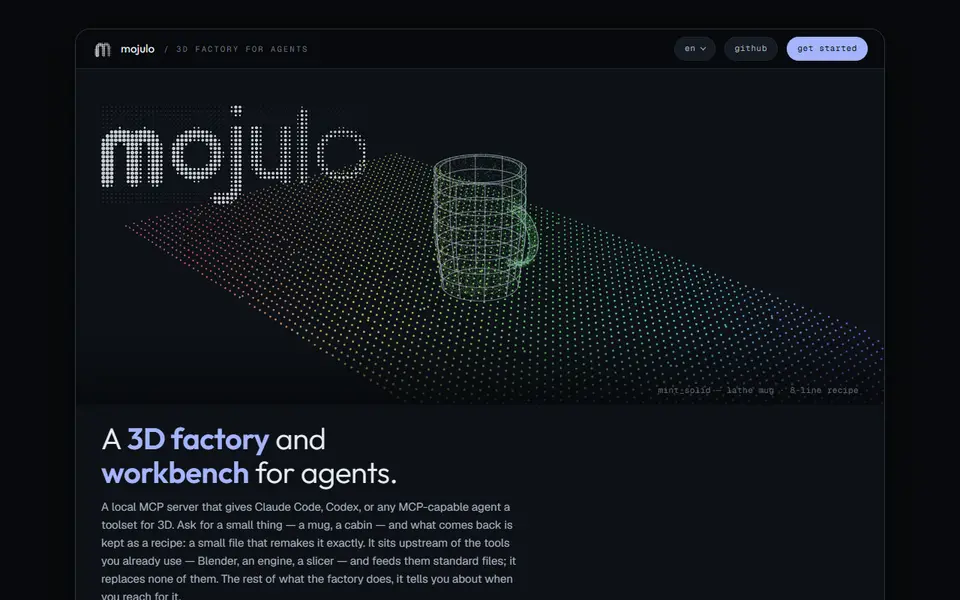
Mojulo is not a website you fill in but an add-on for the AI assistant you already use. It is an open-source MCP server, a plug-in that gives a coding agent such as Claude Code, Codex or the Claude app a set of 3D tools. You describe what you need in plain language, for example a Raspberry Pi case with given dimensions, and the agent builds it; you ask for changes in the same chat until it is right. You never write CAD code yourself.
Every design is stored as a small recipe, a few hundred bytes of JSON or an OpenSCAD program, that always rebuilds to exactly the same geometry, so you can tweak one number and get a new version. For printing it exports STL or 3MF at true millimeter scale, and if PrusaSlicer or Bambu Studio is installed it slices the model in the background and reports layer count, print time and filament use. It also exports to glTF, Blender and game engines, because it is just as much aimed at game worlds as at printed parts.
It is free under the Apache-2.0 license, needs no account and sends no telemetry. The catch is the setup: you need an AI assistant that can use tools (usually a paid Claude, ChatGPT or Grok plan) and you install it from a terminal with npx mojulo init, which needs Node 22.14 or newer and about 230 MB of disk space. It can also run inside the Linux sandbox that some chat apps open for you. It suits makers who already use an AI coding agent and want functional parts they can keep editing by talking.
What you can make
- Functional parts and enclosures from a description
- OpenSCAD models you can edit by chat
- Print-ready STL and 3MF at true scale
- 3D scenes and game assets
How to use Mojulo
- Run npx mojulo init in a terminal (Node 22.14 or newer)
- Open a new chat in Claude Code, Codex or another MCP-capable agent
- Describe the part with its dimensions and ask for changes until it fits
- Ask for an STL or 3MF export and slice it
What you'll need to print it
Filament and parts that suit what you make with Mojulo.
PETG
Digital calipers
Also handy
Filament dryers and dry boxes
Some of these are affiliate links: we may earn a small commission, at no extra cost to you. More about that
Mojulo pros
- Free and open source, runs locally with no account or telemetry
- Designs stay editable: tell the agent what to change instead of starting over
- STL and 3MF at true scale, with a background slice for print time and filament
Mojulo cons
- Needs an AI coding agent such as Claude Code or Codex, usually on a paid plan
- Installed from a terminal (Node 22.14+, about 230 MB); there is no form or website to use
Rate Mojulo
One rating per account. Signing in takes one email link, no password.
Reviews
Made with Mojulo
Read next
Mojulo alternatives
AI text and image to 3D generators
AI to 3D
Loftsmith
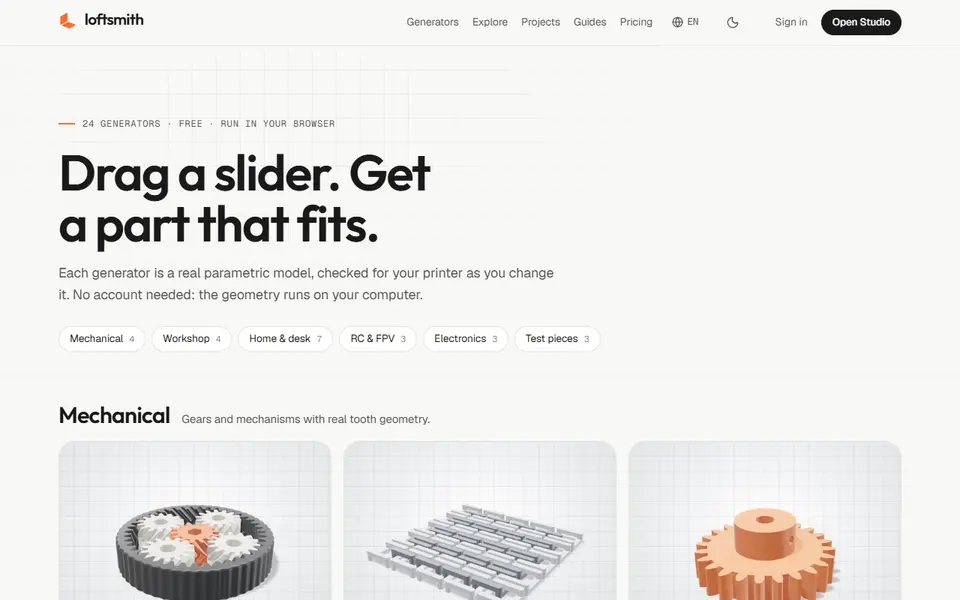
Describe a functional part in a sentence and get an editable, print-checked parametric model
AI to 3D
Printytron
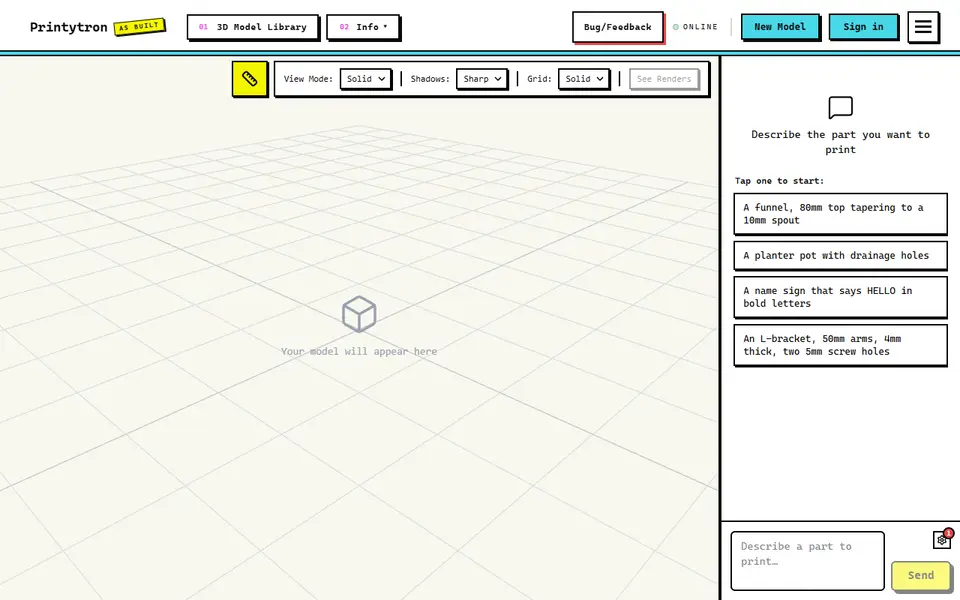
Describe a part in plain English and get a printable STL built to your measurements
AI to 3D
MakerLab Image to 3D Model
MakerWorld's AI photo-to-3D tool with a choice of Meshy, Tripo, Rodin and more
AI to 3D
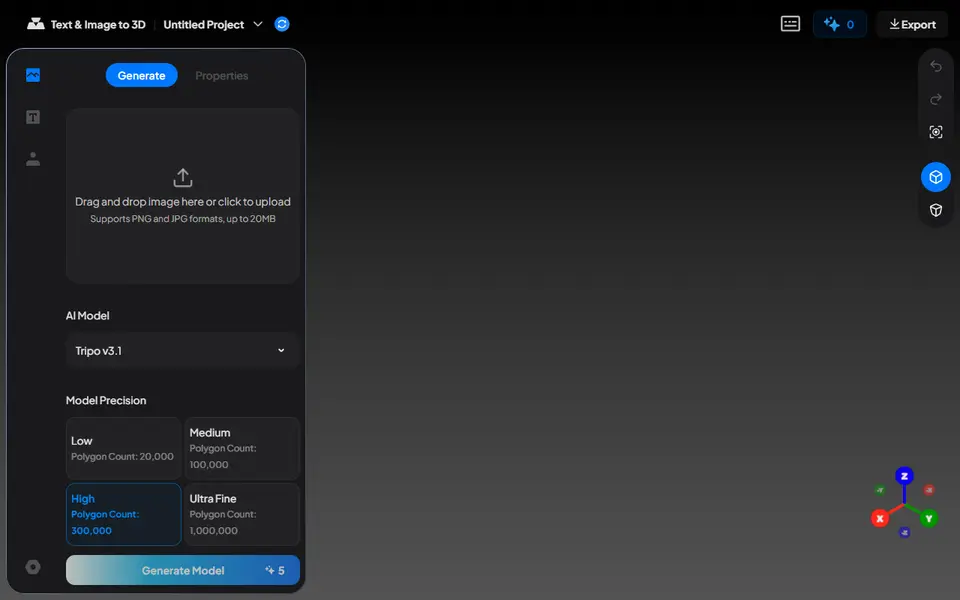
Nexprint Text & Image to 3D
Turn a photo or text prompt into a single-color or four-color 3MF on ELEGOO's Nexprint