Flexi Toy Maker (MakerLab)
Turn an image into a bendable, hinged flexi toy or keychain to print
Flexi Toy Maker (MakerLab) is a free browser tool on MakerWorld for personalized fidget toys and bendy keychains from a picture. Free with a MakerWorld account; it is not on the MakerLab Credits cost list. Exports 3MF and STL. Last checked .
Opens makerworld.com
What is Flexi Toy Maker (MakerLab)?
Flexi Toy Maker is a free browser tool in Bambu Lab's MakerLab that turns a picture into an articulated flexi toy. You upload a JPG, PNG or WebP image, crop it, choose whether to remove the background, and the tool traces it into flat color areas. Then you click to draw hinge lines across the shape wherever it should bend, choosing between thin, medium and thick hinges.
Before downloading you can set the thickness, round the edges with a bevel, add a colored outline and give the middle layer one shared color to cut down on filament swaps. A hook or hole turns the toy into a keychain. A 3D preview lets you drag the model to watch the joints swing, although MakerWorld notes that this motion is a simulation and may not be exact. The download is a color 3MF or a plain STL without color, and the design can also be sent on to Make My Sign.
You need a free MakerWorld login, and the editor is designed for computer browsers; phones get a warning first. It suits parents, teachers and makers who want a personalized fidget toy or keychain from a drawing, pet photo or logo. A printer that can switch filaments gets the most out of the color 3MF.
What you can make
- Articulated flexi toys
- Bendable animal and character figures
- Flexi keychains
- Fidget toys from drawings or logos
How to use Flexi Toy Maker
- Sign in to MakerWorld and open Flexi Toy Maker
- Upload an image, crop it and choose whether to remove the background
- Set the color count, thickness, bevel and outline
- Click to draw hinges across the shape and check the bend in 3D preview
- Download the 3MF or STL and print
What you'll need to print it
Filament and parts that suit what you make with Flexi Toy Maker.
Multicolor PLA
Multicolor filament systems
Some of these are affiliate links: we may earn a small commission, at no extra cost to you. More about that
Flexi Toy Maker pros
- Hinges are placed by clicking, with three hinge sizes
- Drag-to-bend 3D preview before you download
- Color 3MF or plain STL, plus a keychain hook or hole
Flexi Toy Maker cons
- Needs a free MakerWorld account
- Badly placed hinges are flagged as invalid or may not flex, so expect some trial and error
- Designed for computer browsers; phones get a warning first
Rate Flexi Toy Maker
One rating per account. Signing in takes one email link, no password.
Reviews
Made with Flexi Toy Maker
Read next
Flexi Toy Maker alternatives
Puzzle, game and insert generators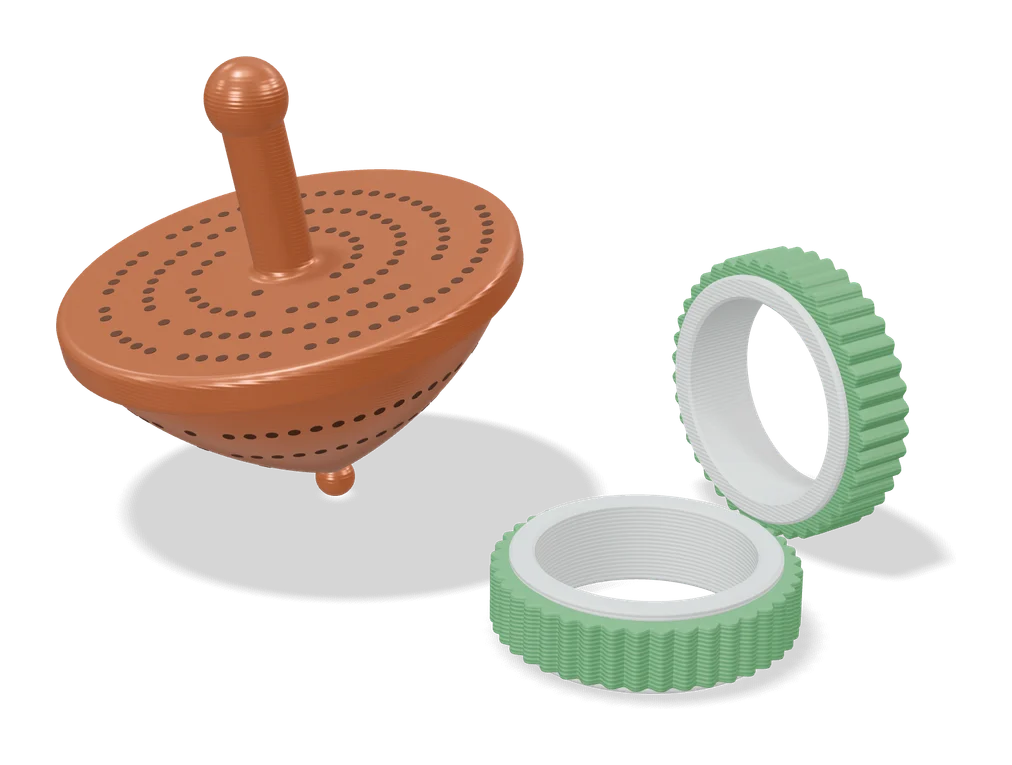
Puzzles & Games
Customizable Ring Fidget Spinner (Fletch)
Fidget ring in your US ring size, with a spinning outer band in one of 16 textured patterns
Puzzles & Games
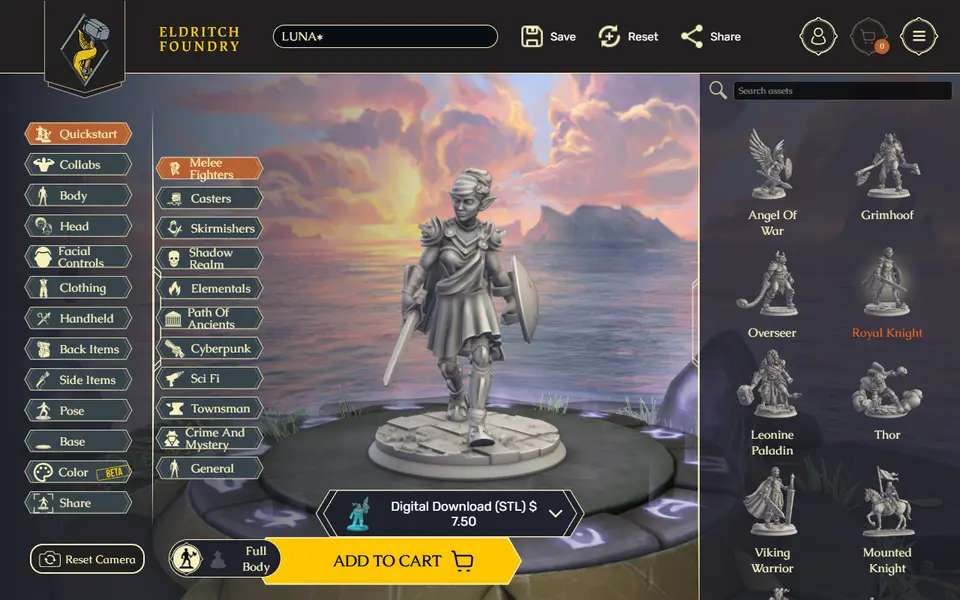
Eldritch Foundry
Browser character creator that turns your RPG hero into a printable miniature STL or 3MF
Puzzles & Games
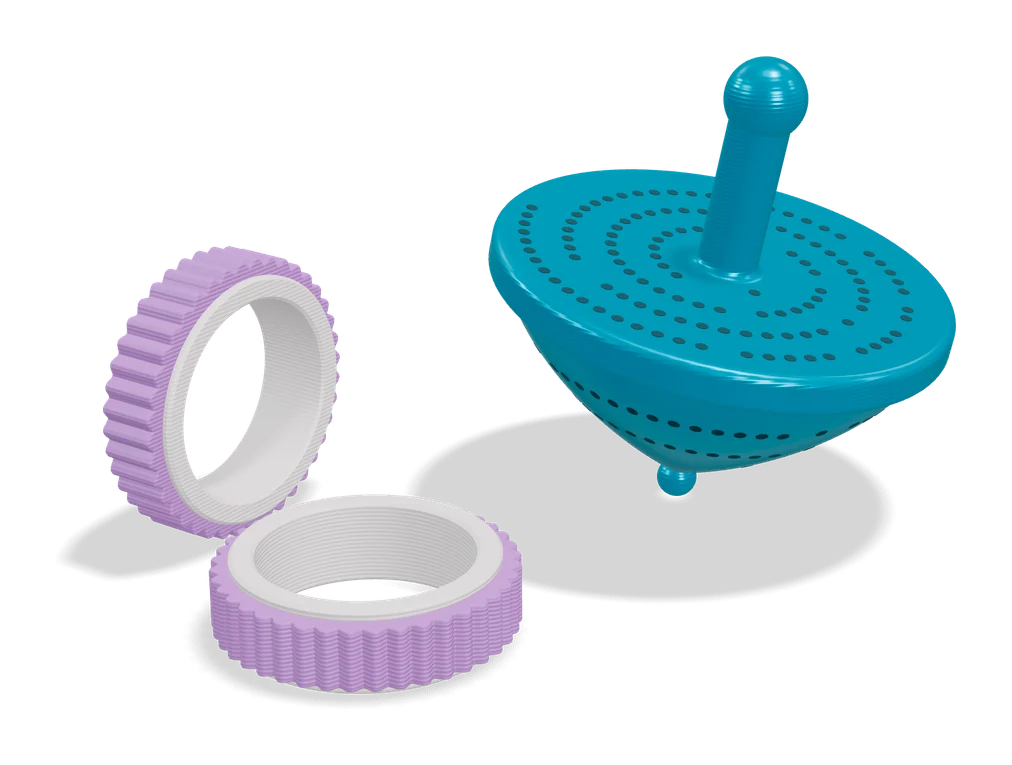
Custom Parametric Fidget Ring Maker
Print-in-place spinner rings sized to your finger, with a choice of outer textures
Puzzles & Games
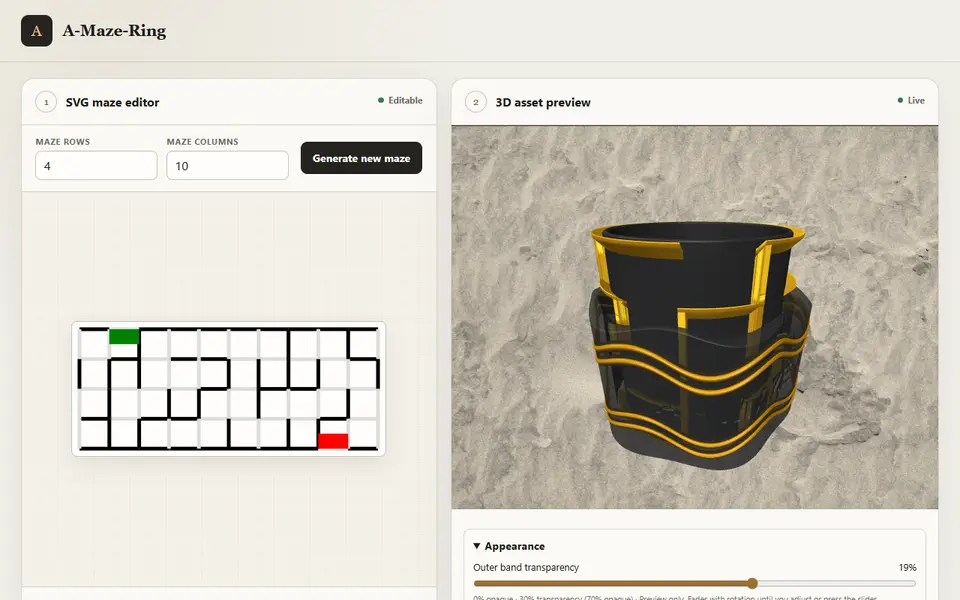
A-Maze-Ring
Maze puzzle rings with editable walls, real ring sizes, text and a 3MF export
Puzzles & Games
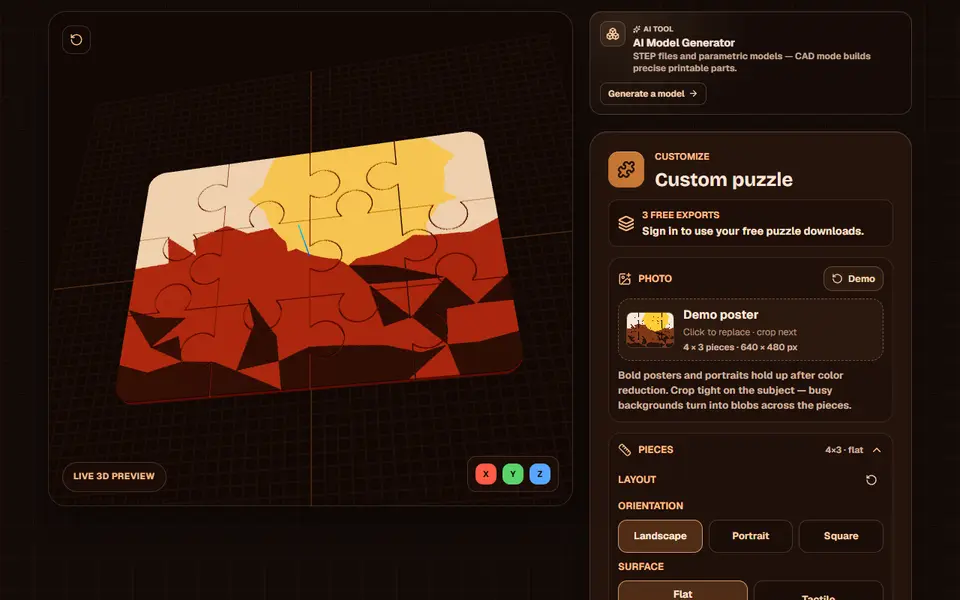
Obloid Photo Puzzle Generator
Turns a photo into an interlocking multicolor jigsaw, exported as AMS-ready 3MF or STL
Puzzles & Games
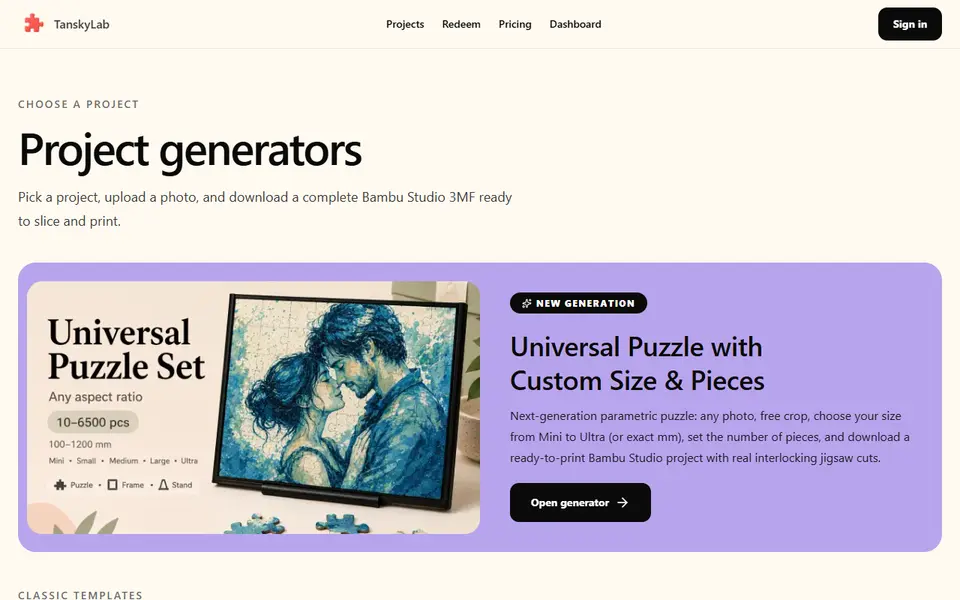
TanskyLab
Photo jigsaw puzzles as a multicolor 3MF with layer color changes set; free account, 2 puzzles a month