Obloid Photo Puzzle Generator
Turns a photo into an interlocking multicolor jigsaw, exported as AMS-ready 3MF or STL
Obloid Photo Puzzle Generator is a freemium browser tool for multicolor photo jigsaw gifts on an AMS printer. Free account gets 3 exports for this tool (re-downloading the same design in another format is free); Plus ($15/month) and Pro ($60/month) add unlimited exports and matching colors to your own spools, 17% off with yearly billing. Exports STL and 3MF. Last checked .
Opens obloid.app
What is Obloid Photo Puzzle Generator?
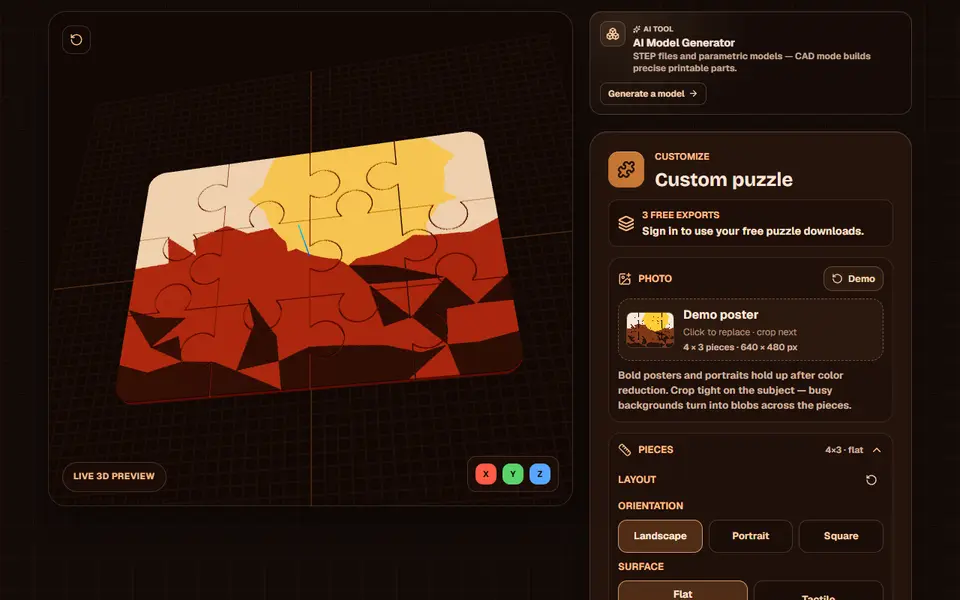
Obloid Photo Puzzle Generator is a browser tool that turns a photo into an interlocking jigsaw you can 3D print, with the picture built into the pieces in up to four filament colors. You upload a JPG, PNG or WebP, crop it to landscape, portrait or square, then set between 4 and 48 pieces, a width and height from 80 to 220 mm, the corner radius, the piece thickness and the gap between pieces. A live 3D preview follows every change.
The photo is reduced to one to four color regions, and each region gets its own filament slot. On the free plan the colors are picked from the photo; matching them to spools you already own is a Plus or Pro feature. Flat mode keeps the top smooth with the picture as a thin inlay, while Tactile stacks the colors as raised bands you can feel. The puzzle prints assembled with a 0.5 mm gap, and you pull the pieces apart once the plate has cooled.
Exports come as a Bambu/Orca 3MF with AMS slots assigned, a generic 3MF, a ZIP with one STL per color, or a single STL. Downloading needs an account, and a free account gets three exports for this tool. It suits multicolor printer owners who want a photo gift that is also a puzzle.
What you can make
- Photo jigsaw puzzles
- Multicolor inlay puzzles
- Tactile color relief puzzles
- Looser-fit puzzles for kids
How to use Obloid Photo Puzzle Generator
- Open the Photo Puzzle page on obloid.app and upload a photo
- Crop it to landscape, portrait or square and pick the piece count
- Set size, thickness, piece gap and a Flat or Tactile surface
- Choose up to 4 filament colors for the regions of the photo
- Sign in, export the 3MF or STLs and print with the prime tower on
What you'll need to print it
Filament and parts that suit what you make with Obloid Photo Puzzle Generator.
Multicolor PLA
Matte PLA
Multicolor filament systems
Some of these are affiliate links: we may earn a small commission, at no extra cost to you. More about that
Obloid Photo Puzzle Generator pros
- The photo becomes a color inlay in the pieces, so no painting or stickers are needed
- Bambu/Orca 3MF comes with AMS slots assigned, plus a generic 3MF and per-color STLs
- Live 3D preview and every size, piece and gap setting work before you sign in
Obloid Photo Puzzle Generator cons
- Downloads need an account, and only 3 exports are free for this tool
- Matching the colors to your own spools is limited to the paid Plus and Pro plans
- Photos are cut down to at most 4 colors, so detailed or busy pictures lose a lot
Rate Obloid Photo Puzzle Generator
One rating per account. Signing in takes one email link, no password.
Reviews
Made with Obloid Photo Puzzle Generator
Read next
Obloid Photo Puzzle Generator alternatives
Puzzle, game and insert generators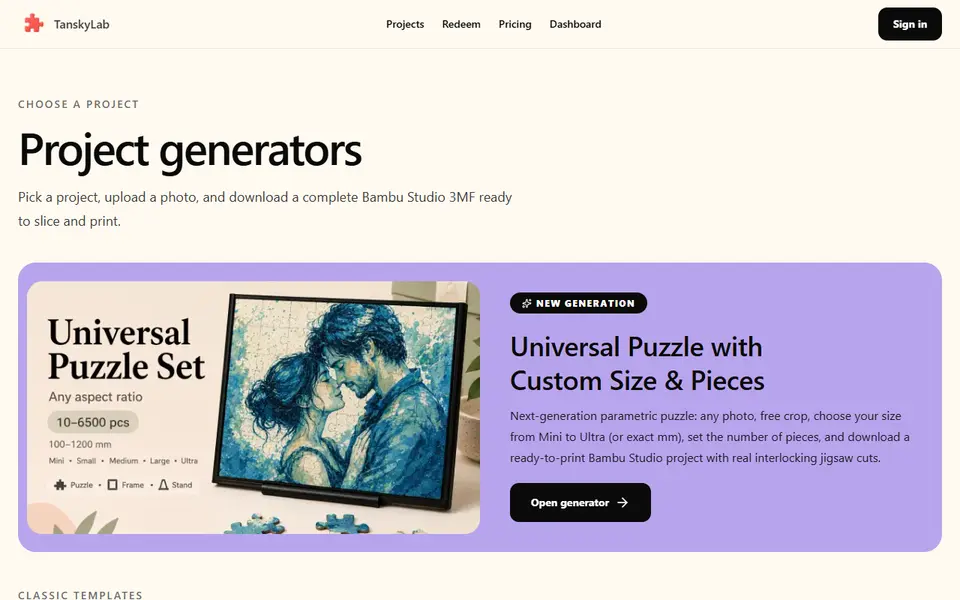
Puzzles & Games
TanskyLab
Photo jigsaw puzzles as a multicolor 3MF with layer color changes set; free account, 2 puzzles a month
Puzzles & Games
Pixel Puzzle Maker (MakerLab)
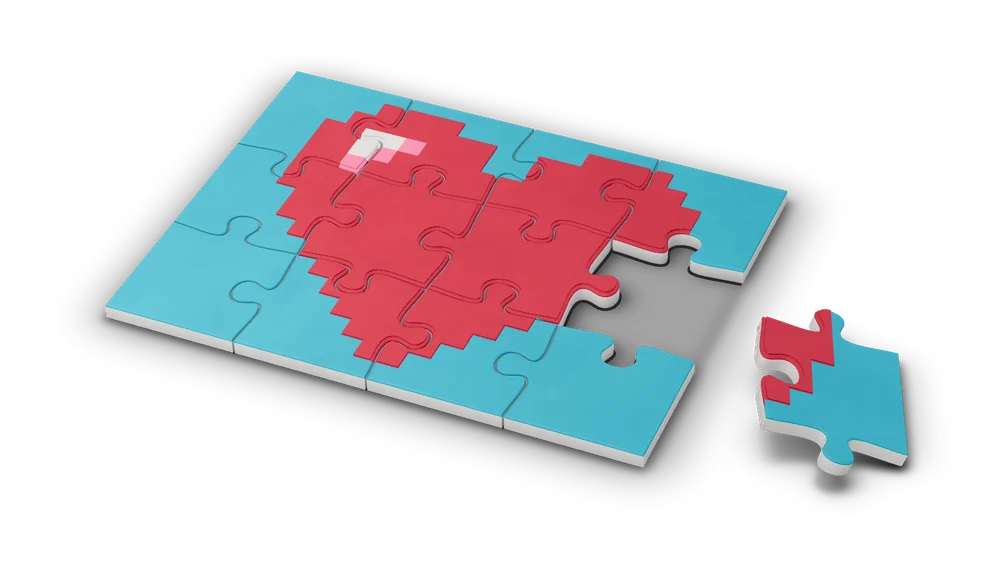
Turn any image into a color-coded pixel art puzzle to print and assemble
Puzzles & Games
Eldritch Foundry
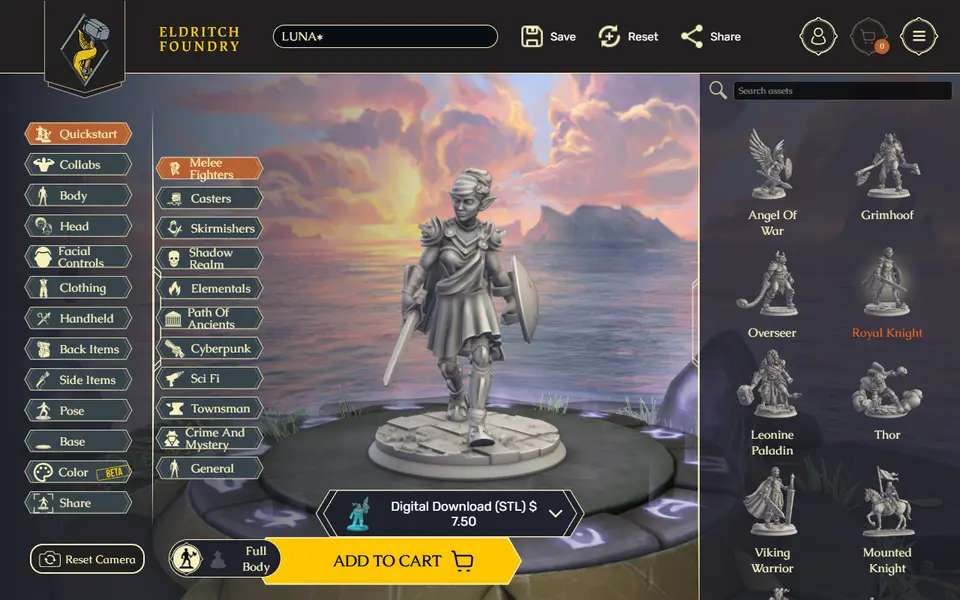
Browser character creator that turns your RPG hero into a printable miniature STL or 3MF
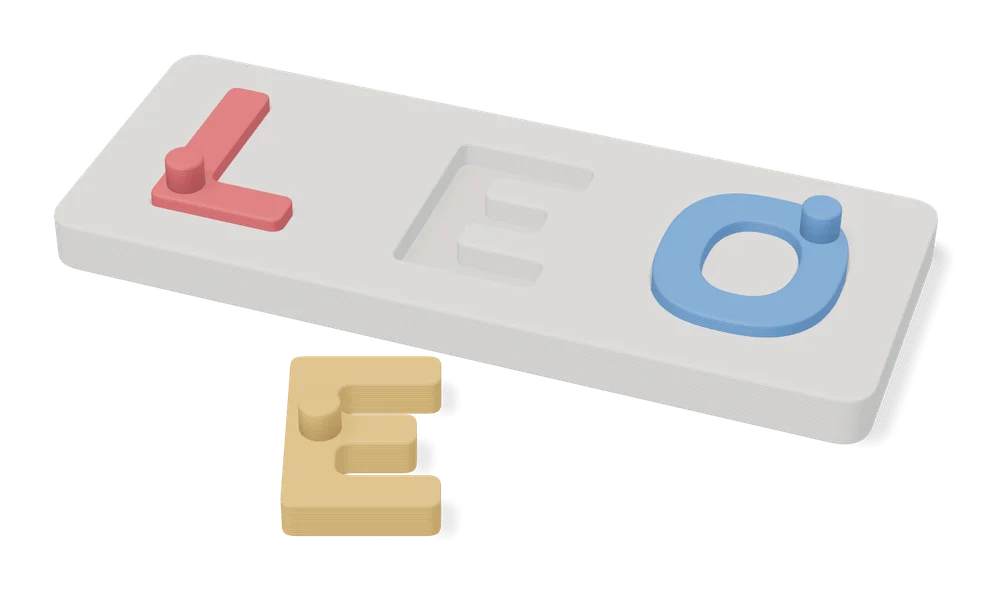
Puzzles & Games
Customizable Letter Puzzle
Type a name to get a kids' puzzle: a base plate plus loose letters that fit into it
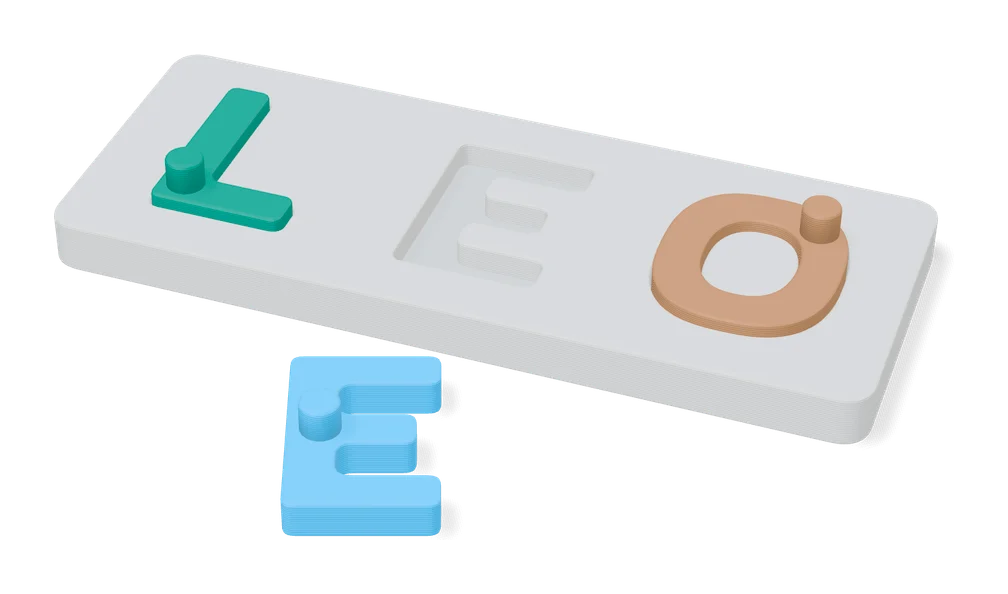
Puzzles & Games
Puzzle Maker For Kids (MakerWorld)
Name, alphabet and shape puzzle boards for kids from typed text and simple SVG icons
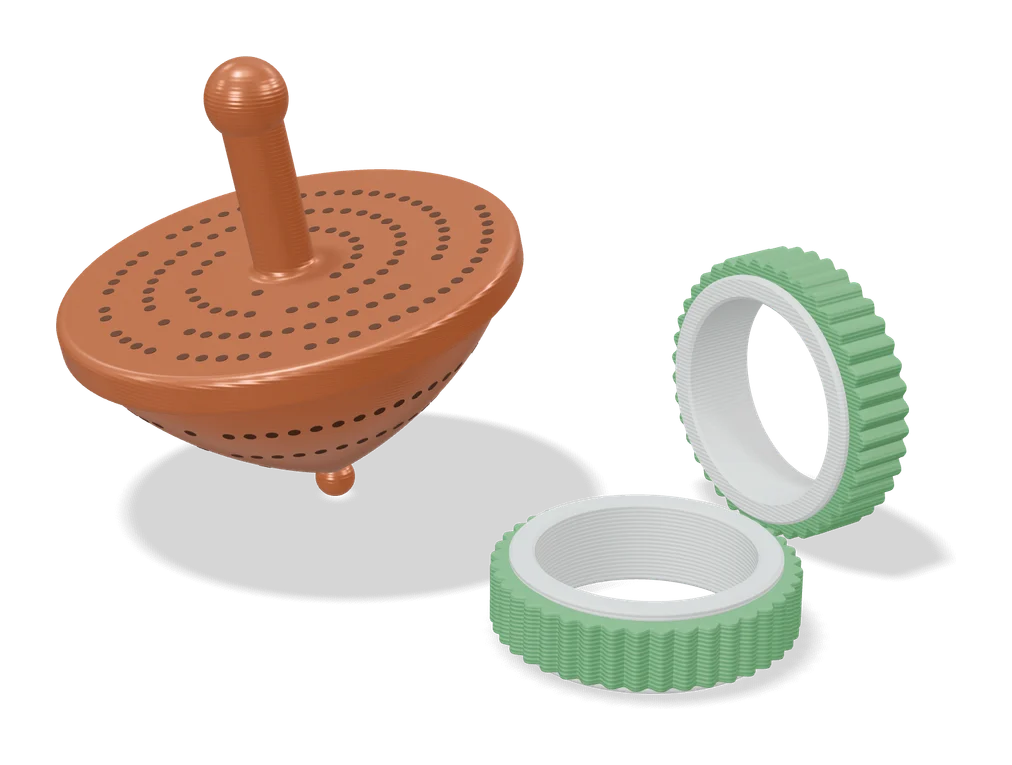
Puzzles & Games
Customizable Ring Fidget Spinner (Fletch)
Fidget ring in your US ring size, with a spinning outer band in one of 16 textured patterns