Storage · Comparison
Best Gridfinity Generators (2026): Free Bins & Baseplates
Every good Gridfinity generator compared: bins, baseplates padded to any drawer size, drawer layouts, labels and tool inserts from a photo. Most are free.
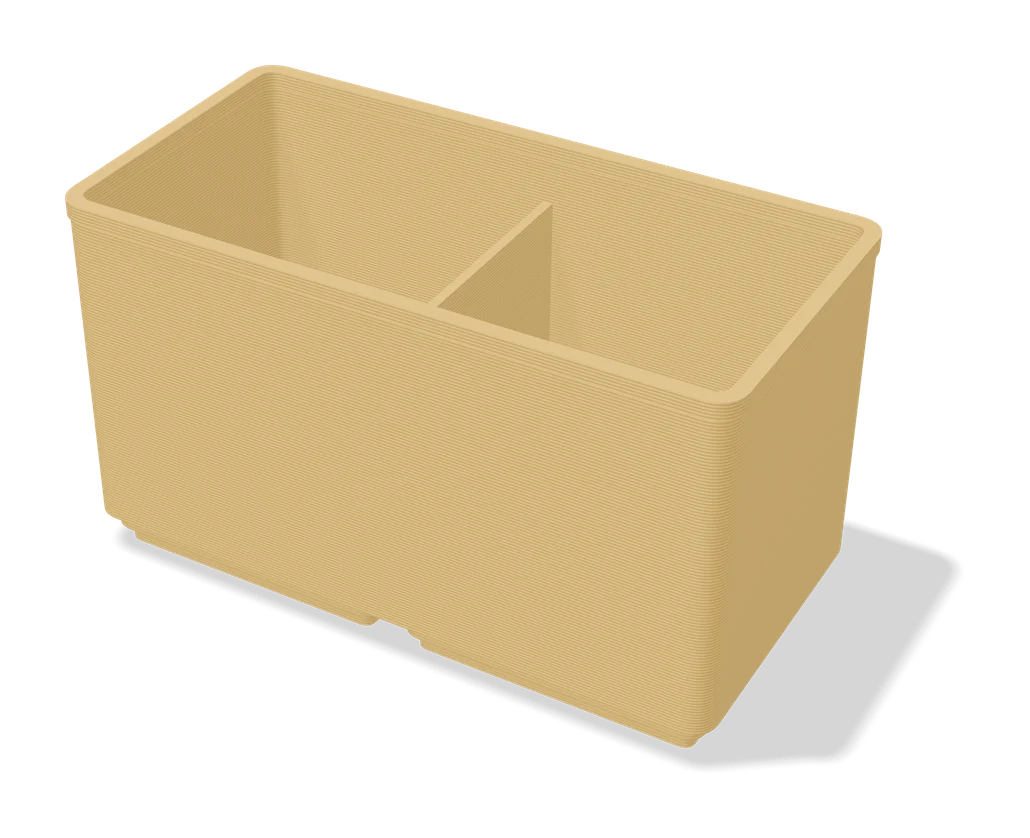
Quick comparison
| Generator | Best for | Price | Account | Exports | Multicolor | Link |
|---|---|---|---|---|---|---|
| 01 Perplexing Labs Gridfinity Generator | Custom Gridfinity and wall-storage parts in one place | Free | Not needed | STL | No | Open Perplexing Labs Gridfinity Generator |
| 02 Gridfinity Layout Tool | Planning a full Gridfinity drawer | Free | Not needed | STL, STEP, 3MF | Yes | Open Gridfinity Layout Tool |
| 03 Ultimate Gridfinity Drawer Configurator | Fitting a complete Gridfinity drawer quickly | Free | Needed | STL, 3MF | No | Open Ultimate Gridfinity Drawer Configurator |
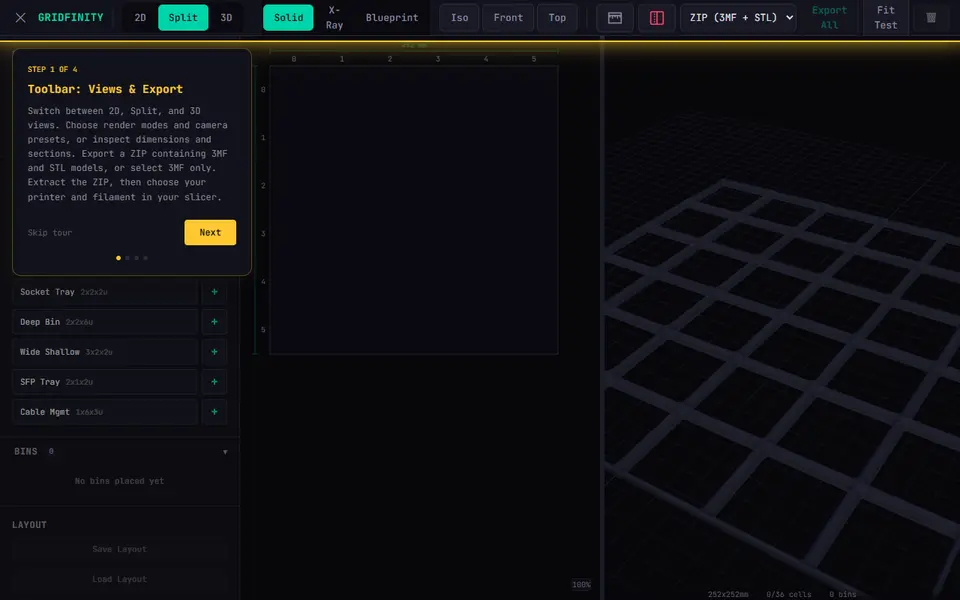
| 04 Gridfinity Builder | Planning a full drawer of mixed Gridfinity bins | Free | Not needed | 3MF, STL | No | Open Gridfinity Builder |
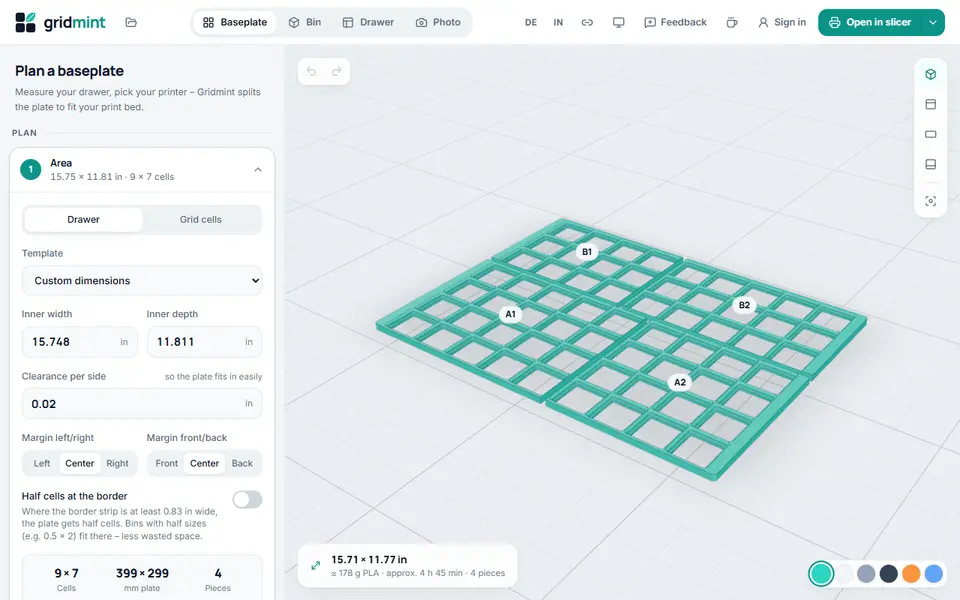
| 05 Gridmint | Planning a whole Gridfinity drawer in one go | Free | Not needed | STL, STEP, 3MF, SVG | No | Open Gridmint |
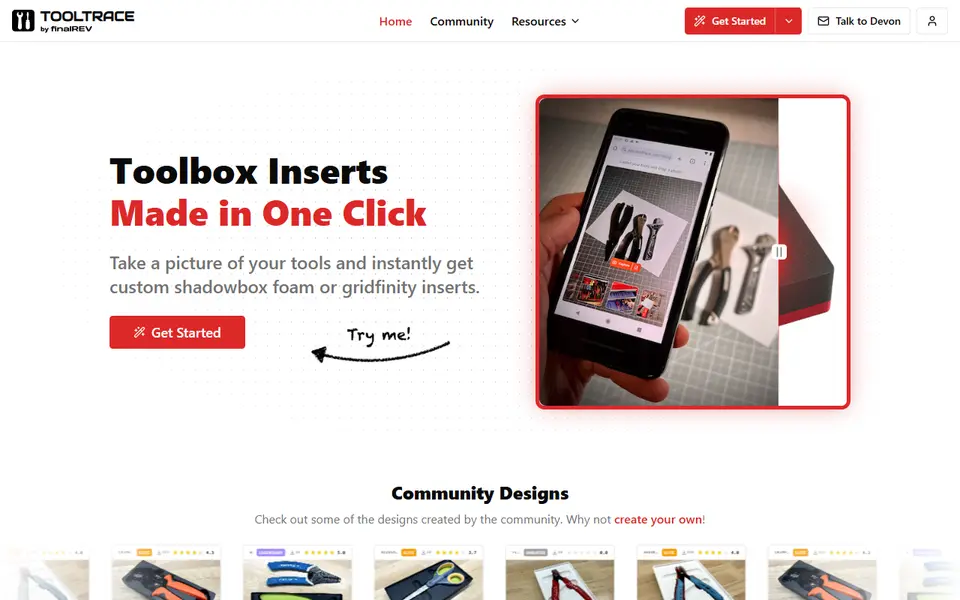
| 06 Tooltrace | Shadow-board style tool drawers | Freemium | Needed | STL, 3MF, STEP, SVG | No | Open Tooltrace |
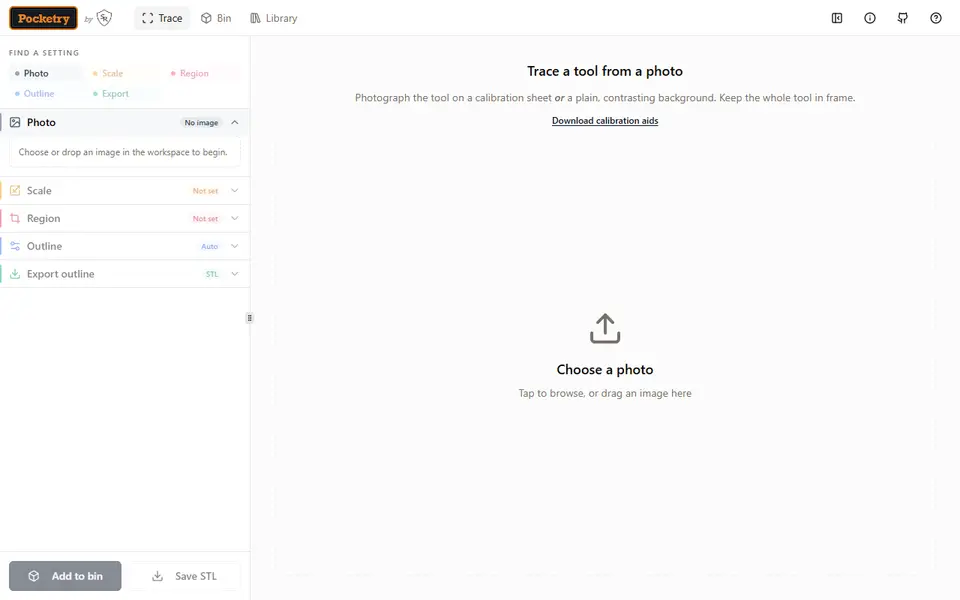
| 07 Pocketry | Custom Gridfinity inserts for odd-shaped tools | Free | Not needed | STL, 3MF, SVG | Yes | Open Pocketry |
| 08 CNC Kitchen Gridfinity Label Generator | Labeling screw and insert bins | Free | Not needed | STL | Yes | Open CNC Kitchen Gridfinity Label Generator |
| 09 Extrabold Gridfinity Baseplate Generator | Large drawers on small printers | Free | Not needed | STL, 3MF | No | Open Extrabold Gridfinity Baseplate Generator |
| 10 Benchfinity Workbench | A Gridfinity baseplate that fills a large drawer exactly | Free | Not needed | STL, 3MF | No | Open Benchfinity Workbench |
| 11 GRIPS: Gridfinity Interlocking Baseplate System | Wall-to-wall Gridfinity baseplates for big drawers and toolboxes | Free | Needed | 3MF, STL | No | Open GRIPS: Gridfinity Interlocking Baseplate System |
| 12 Gridfinity Extended Generators | Gridfinity users who want exact-fit parts without a login | Free | Not needed | STL | No | Open Gridfinity Extended Generators |
| 13 React-Finity | Gridfinity bins with scoops, label tabs or lids | Free | Not needed | STL, 3MF | No | Open React-Finity |
| 14 Spacerless Gridfinity Bin Generator | Using every millimeter of a drawer | Free | Needed | STL, 3MF | No | Open Spacerless Gridfinity Bin Generator |
| 15 Gridfinity Generator | Visually designing a small set of bins | Freemium | Not needed | STL | No | Open Gridfinity Generator |
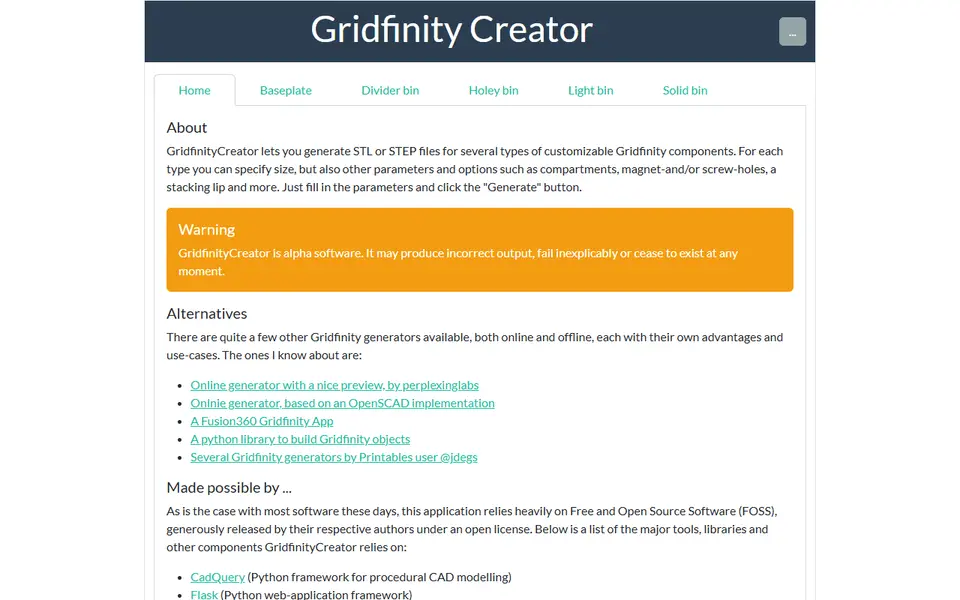
| 16 GridfinityCreator | Gridfinity parts you may edit later in CAD | Free | Not needed | STL, STEP | No | Open GridfinityCreator |
Gridfinity turned drawer organization into one of the most printed categories on every model site. The catch is that every drawer is a different size, and every set of tools needs different pockets. That is exactly the job for a generator: you enter the numbers, it gives you parts that fit.
We went through the Gridfinity generators that are alive in 2026 and sorted them by what you are trying to do.
Quick answer
- Best all-rounder: Perplexing Labs Gridfinity Generator. Free, in the browser, no account, and it also does openGrid, Multiboard and honeycomb wall parts.
- Best for planning a whole drawer: Gridfinity Layout Tool. Lay out every bin first, then export.
- Best baseplate for odd-sized drawers: Extrabold Gridfinity Baseplate Generator. Pads the leftover space and splits the plate to fit your print bed.
- Best on MakerWorld: Ultimate Gridfinity Drawer Configurator. Grid, bins and lids from your drawer’s inside size.
- Best for tool inserts: Tooltrace. Take a photo of your tools on a sheet of paper and get a fitted insert.
- Best for labels: CNC Kitchen Gridfinity Label Generator.
Every Gridfinity, Multiboard and Skadis tool we list is on the storage generators page.
Bins and baseplates in the browser
Start with the Perplexing Labs generator: it runs in the browser, needs no account and covers bins, baseplates and several other storage systems in one place. If you only bookmark one Gridfinity tool, make it this one.
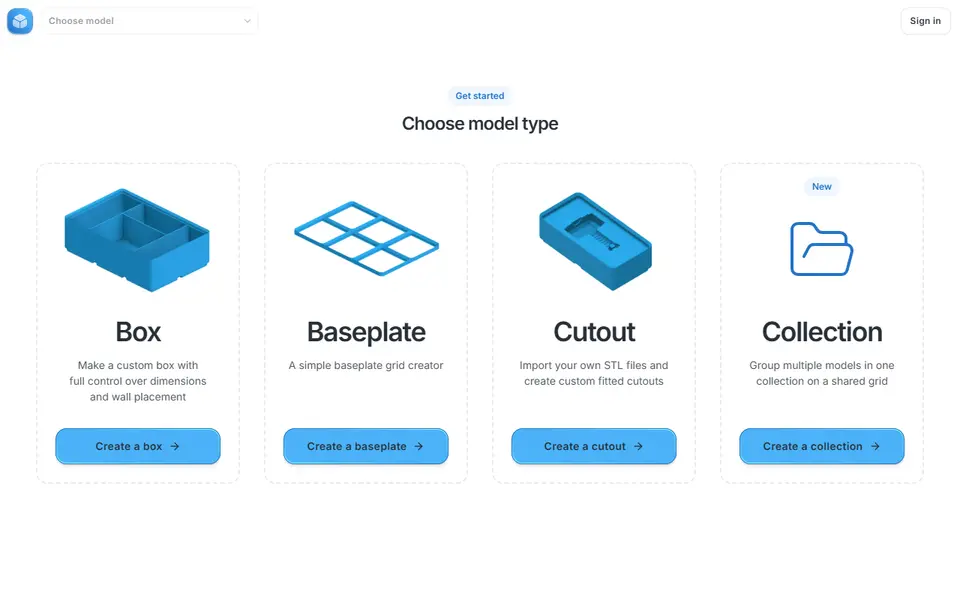
GridfinityCreator and Gridfinity Generator cover similar ground. GridfinityCreator is free and exports STEP as well as STL, which helps if you ever want to edit a part later. Gridfinity Generator has an interactive editor with cutouts on a shared grid, and an optional subscription mostly for saving more models.
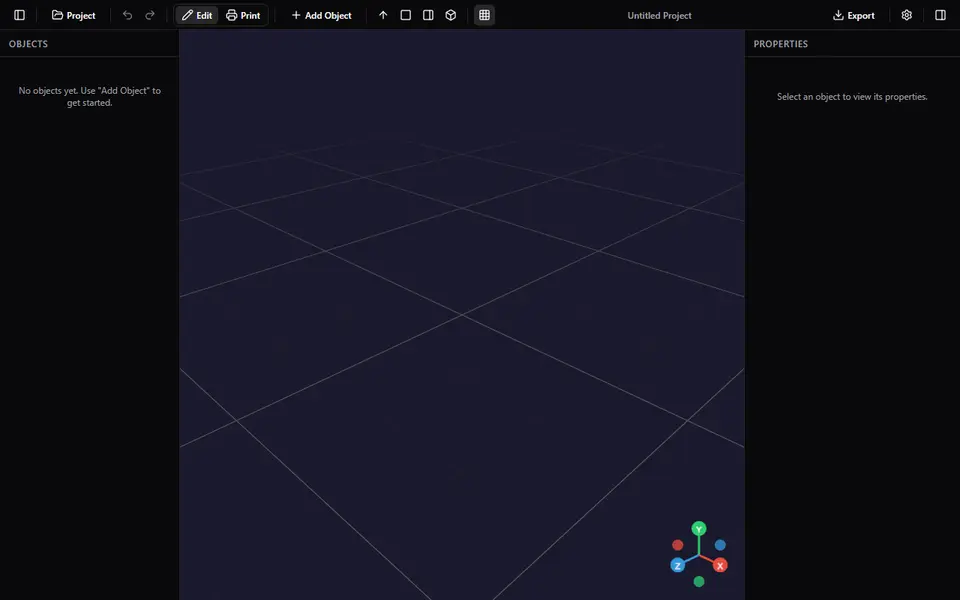
For bins with extras, try React-Finity. You stack modifiers onto a bin: a divider grid, an angled label tab, a curved scoop, a finger notch, an insert with its own compartments, or a flat or stacking lid. A print layout view then places all parts on your bed. It is free, needs no account and exports STL or 3MF, but nothing on the site covers selling prints.
Genstrio is a free, open-source set of 12 generators, and one of them makes Gridfinity bins, holders and baseplates cut to fit a drawer. Like GridfinityCreator it exports STEP as well as STL and 3MF, and its README says the models you make are yours without restriction. MakerNest has a simpler bin generator with width, depth, height, wall thickness and a stacking lip, but no magnet holes yet, STL only, and the download needs a free MakerNest account.
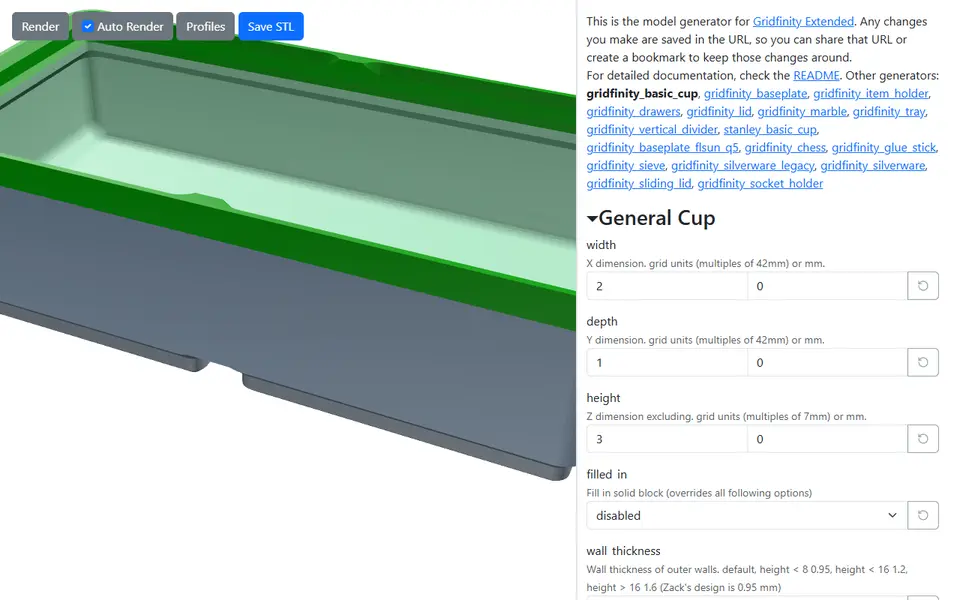
For the most options, open Gridfinity Extended Generators. It puts ostat’s open-source OpenSCAD scripts behind forms that run in your browser, with no account. Its 17 generators go well past plain bins: lids, trays, a chest with drawers, silverware bins and item holders with presets for hex bits, batteries and memory cards. Settings are saved in the page address, so a design is easy to bookmark or share. The catch is that the fields use raw script names and there are a lot of them, and it saves STL only.
Planning a whole drawer
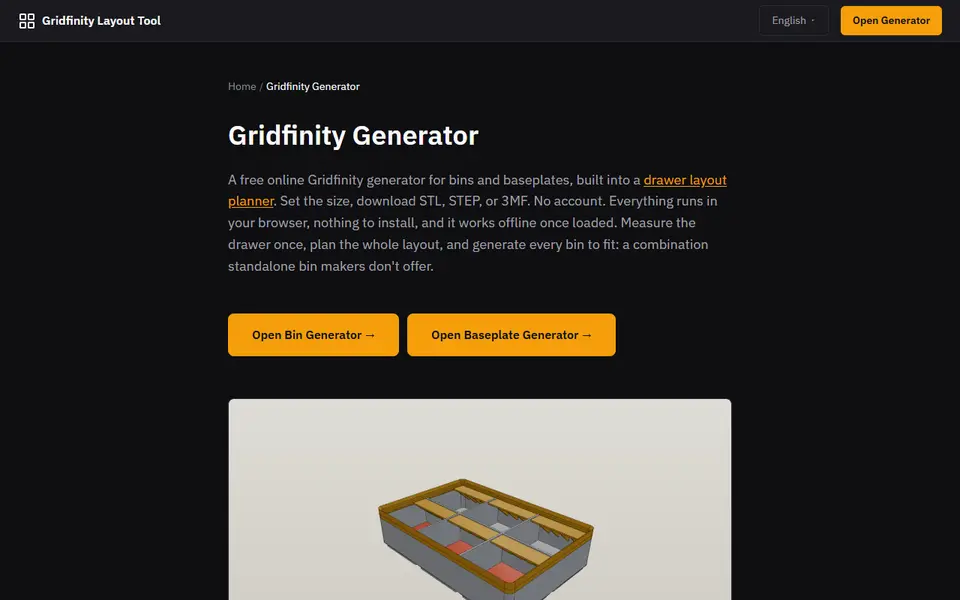
To plan a whole drawer before you print anything, use the Gridfinity Layout Tool. Printing bins one at a time works, but you end up with gaps. The Layout Tool flips the process around: you draw the drawer, place bins on the grid until it is full, and then export custom bins and baseplates in one go. It exports STL, 3MF and STEP.
On MakerWorld, the Ultimate Gridfinity Drawer Configurator does something similar from the other direction. You enter your drawer’s inside size, and it produces a fitted grid, bins and lids. Like all MakerWorld customizers, it runs in the browser but needs a free MakerWorld login.
Gridfinity Builder is a free drag-and-drop planner with no account. You pick a printer or baseplate size, place and resize bins from presets such as a socket tray or a screwdriver bin, and let auto-fill take the empty cells. Export All gives one 3MF with every bin in its layout position plus an STL per bin, and a Fit Test download gives two small bins and a baseplate to check the fit first. The baseplate in its preview is not exported, so make the plate with one of the tools below.
Gridmint goes a step further and covers the whole job in one free browser app with no account. You type the drawer’s inside size or pick a template for IKEA ALEX, HELMER, KALLAX and other drawers and tool cases, drag in bins with compartments, scoops and label tabs, and a height check warns you before the drawer jams. Baseplates are split to your bed with dovetail puzzle joints, and Open in slicer gives a 3MF with the parts spread over your print beds, or a Bambu Studio project with plates. It also makes tool inserts from a photo. The maker allows selling what you print.
Baseplates that fit your printer
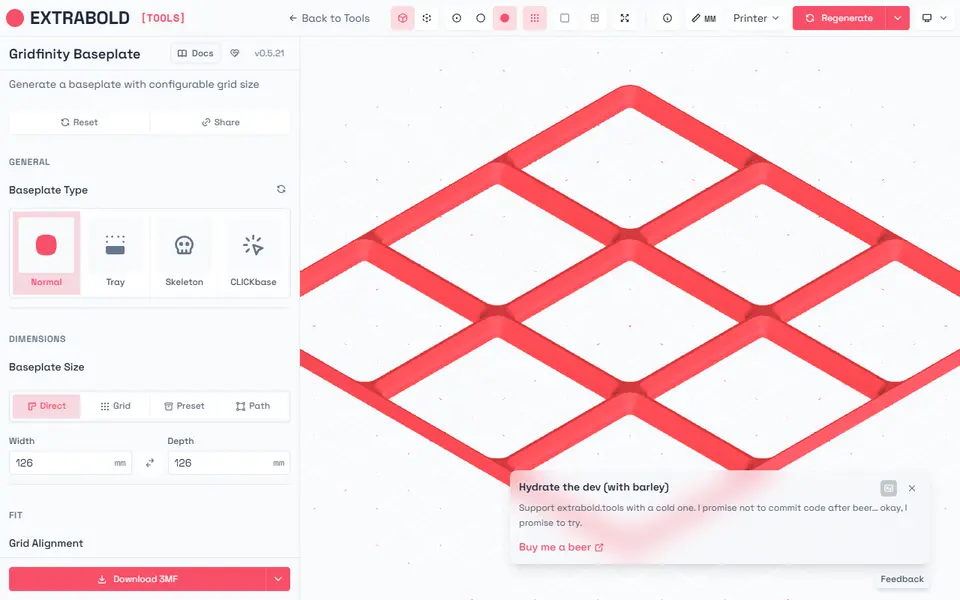
For a baseplate bigger than your print bed, use the Extrabold Gridfinity Baseplate Generator. It knows about your printer: it splits the baseplate into pieces that fit your bed and join back together. No account, free, STL or 3MF.
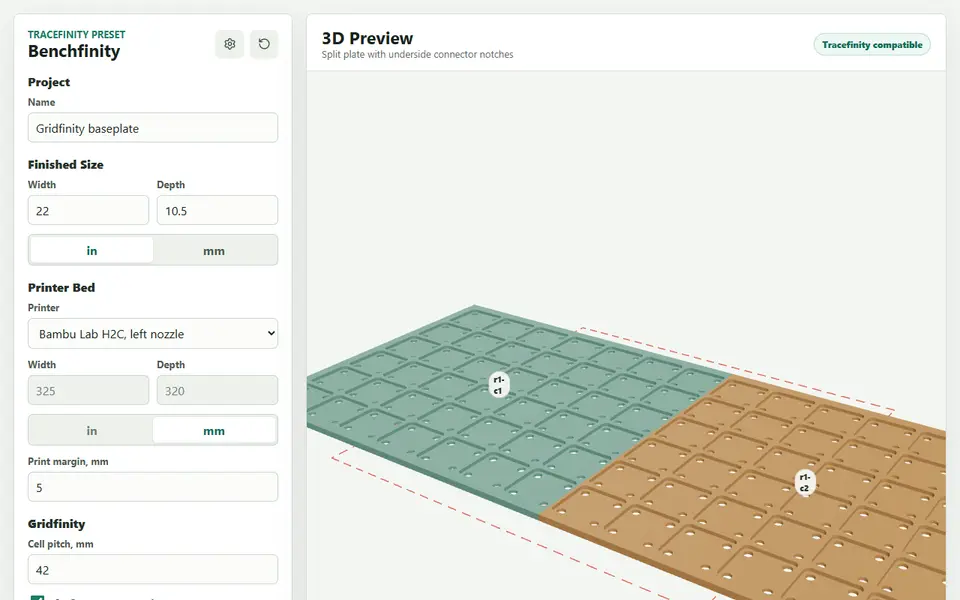
Benchfinity Workbench does only baseplates, for a drawer, a tool chest or a whole workbench top. You type the size in inches or millimeters and pick your printer from a long list of bed presets. When the plate is bigger than the bed, it splits it into tiles with connector notches on the underside and gives you a separate connector key to print. It also has 6 x 2 mm magnet pockets and an open-bottom grid that saves filament. The 3MF puts each tile on its own plate. It is free, open source and needs no account, and its FAQ says you may sell what you make.
If you already use MakerWorld, GRIPS is the popular choice there. It cuts a drawer-sized grid into sections with jigsaw tabs that lock together, or joins them with screws and nuts instead, and the Bambu Studio 3MF puts each piece on its own plate, up to 20 plates. Print the author’s test pieces first, because tab fit can vary between printers and filaments. It needs a free MakerWorld login, and its license rules out selling the prints.
Gridfinity baseplate generator with padding (any drawer size)
If your drawer is not a multiple of 42 mm, use a baseplate generator that pads the leftover space instead of leaving a gap. Extrabold takes the drawer size in millimeters, can center the grid, and lets you choose how the margin is filled: a solid border, Margin Fit filler pieces, 21 mm half-grid cells, or a grid that runs past the edge and is clipped (Extrabold’s baseplate guide). The baseplate generator in the Gridfinity Layout Tool sizes the plate to your drawer with edge padding set per side. GRIPS pads the leftover space with an edge margin and can shift the grid toward the front or one side. Benchfinity Workbench centers the grid in the space you enter and fills the edge with solid padding.
You can also fill the gap with the bins themselves. The Spacerless Gridfinity Bin Generator extends a bin by 1 to 41 mm on a side and makes L, U and zig-zag shapes, so you fill the leftover space without printing spacers. A matching Spacerless Baseplate Generator, also on MakerWorld, fits a baseplate to the drawer. If you don’t need Gridfinity compatibility at all, the Ultimate Parametric Drawer Organizer makes plain custom-size trays that tile and stack.
Inserts for tools
For a fitted tool insert, use Tooltrace. You lay your tools on a sheet of paper, take a photo, and it traces their outlines into a Gridfinity insert or a foam shadowbox. The free plan allows three active traces, and Pro costs $8 a month for unlimited traces.
If you would rather not make an account, Pocketry does the tracing in your browser for free. You shoot the tools on a printable calibration sheet, fix the outline by hand where the trace misses, and print a thin fit test before the full bin. It exports STL or 3MF, plus SVG or DXF outlines for a shadow board. It is open source, but new, with a small community so far.
Gensert is another free option with no account, but you trace the outline yourself by clicking points around the tool, after drawing a scale line over something of known length. The bin is sized to the outline, with gridfinity-rebuilt options for the lip, magnet and screw holes. It gives an STL of the bin and an SVG of the outline. Gridmint also traces tools from a photo on A4, A3 or US Letter paper and can export the outlines as SVG or DXF. The photo tracing guide compares all of these tools.
Labels
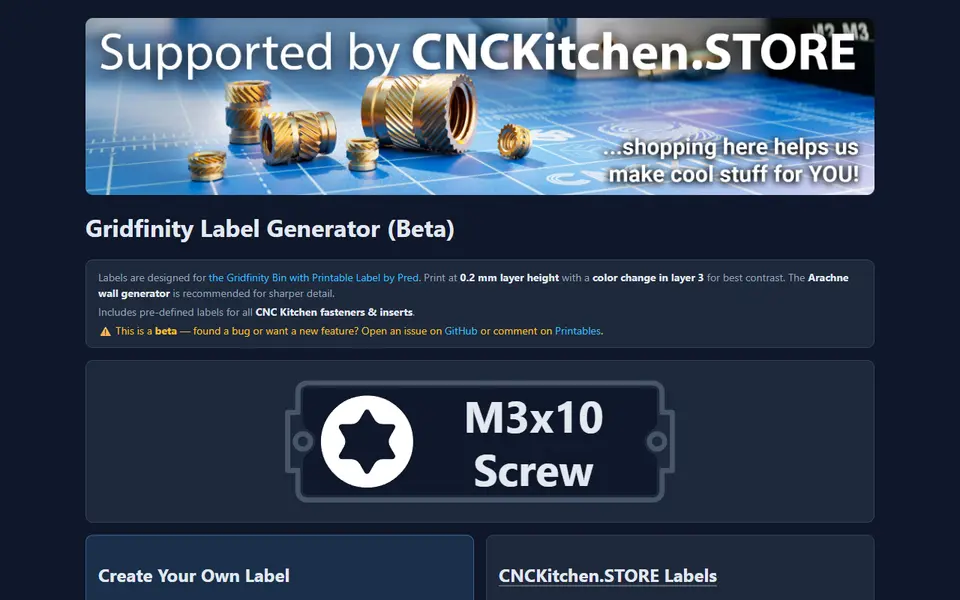
For bin labels, use the CNC Kitchen label generator: it makes embossed labels with icons and has ready-made sets for screws, nuts and other fasteners. It supports a color change, so the text stands out on forty otherwise identical bins.
Wall storage next to Gridfinity
The Perplexing Labs generator also makes openGrid, Multiboard and honeycomb wall parts. For pegboard, an IKEA SKADIS-style board or a French cleat wall, the Pegboard Hook Generator from 3D MakerBench makes hooks, shelves with a lip and tool holders, plus cups, bins and the cleat strip for French cleats. You can match the slot or hole size and spacing to your board, and a small fit test clip checks the pegs first. It is free with no account, STL only, and the maker allows selling the prints. If you already have a holder or bin and only need it to hang on a SKADIS board, Skadisgen adds the pegs for you: load your STEP or STL, click the flat back face and pick a snug, normal or loose fit. STEP models export as STEP or STL, and STL input is still experimental.
For RostaP’s Honeycomb Storage Wall, Babique’s HSW Generator lets you paint a panel cell by cell, so it can fit around a window frame or a socket, with partial hexagons and screw-fixing cells for the edges. It is free with no account, but for personal, non-commercial use only.
If your wall and desk use several systems, Connector Foundry keeps the connectors in one place: Gridfinity bin bases, bins and baseplates sit next to openGrid boards and snaps, Skadis boards and pegs, Honeycomb Storage Wall panels and inserts, and GoPro buckles, 36 parts in all. Each part is marked exact, when it follows a reference implementation or a published spec, or parametric, when you should check it against your own hardware, and the Bench tab attaches up to three parts to a base. It is free, open source and needs no account, but the fields use raw parameter names such as gx and leg_dia.
Tips for printing Gridfinity
- Print baseplates first, and check the fit of one bin before you print twenty.
- Use a 0.4 mm nozzle and 0.2 mm layers for bins. Finer layers only add time.
- Magnets are optional. Many baseplates have pockets for 6 x 2 mm magnets that stop bins sliding around.
- Vase mode makes very light bins quickly, but they are fragile. Use normal walls for tools.
Frequently asked questions
What is Gridfinity?
Gridfinity is a free, open modular storage system designed by Zack Freedman. Bins and baseplates follow a 42 mm grid, so parts from different makers fit together. You print a baseplate for your drawer and drop in bins of any size.
Do I need CAD to make Gridfinity bins?
No. The generators on this page let you type in the number of grid units, the height and the number of compartments, and give you an STL or 3MF. Some even take the size of your drawer and plan the whole layout.
What filament is best for Gridfinity?
Plain PLA is fine for almost all bins and baseplates. Use PETG for bins that hold heavy tools or sit in a warm garage. A matte PLA hides layer lines well on large flat bins.
My drawer is not a multiple of 42 mm. What now?
Use a baseplate generator that pads the leftover space. The Extrabold baseplate generator takes the drawer size in millimeters and fills the margin with a solid border, filler pieces or half-size cells, and the Gridfinity Layout Tool sets the padding per side. Spacerless bins can also be extended by 1 to 41 mm to fill the gap.
What you'll need
Matte PLA that hides layer lines
Matte filament hides layer lines and cuts glare, so raised lettering on signs and nameplates stays readable from any angle and a drawer full of bins looks uniform.
- Bambu Lab PLA Matte (affiliate link) Wide color range with AMS-ready RFID, ideal for multi-color signs.
- Polymaker Panchroma Matte PLA (formerly PolyTerra) (affiliate link) The former PolyTerra line under a new name: soft matte look and good value for printing Gridfinity in bulk. In Europe? Buy from 3DJake (affiliate link)
Code gives 15% off your first order at Polymaker.
- SUNLU Matte PLA (affiliate link) Low-cost matte option for large batches of bins and baseplates. In Europe? Buy from 3DJake (affiliate link)
PETG for functional and outdoor prints
PETG handles heat, sunlight and repeated flexing better than PLA, so Gridfinity bins in a hot garage or signs mounted outdoors keep their shape.
- Bambu Lab PETG Basic (affiliate link) Upgraded formula that Bambu says matches PLA Basic for strength while staying impact-tough; low price per spool in multi-roll bundles.
- Polymaker PETG (affiliate link) High-flow replacement for PolyLite PETG: strong, low-odor and quick to print. In Europe? Buy from 3DJake (affiliate link)
- Overture High Speed PETG (affiliate link) Good-value PETG in a large color range for functional parts in bulk.
6 x 2 mm magnets for Gridfinity
Gridfinity baseplates and bins are designed around 6 x 2 mm disc magnets pressed into the corners; they hold bins in place but still let you lift one out with one hand.
- Bambu Lab Round Magnet D6x2 mm (20 pcs) Exactly the Gridfinity size, sold in 20-packs, rated to 80 C.
- 6 x 2 mm N52 neodymium disc magnets (bulk pack) (affiliate link) Buy 100+ for full baseplates; check the listing really says 6 x 2 mm, as 3 mm-thick magnets will not sit flush.
Also handy
Print removal and cleanup tools
Some of these are affiliate links: we may earn a small commission, at no extra cost to you. More about that
Every generator in this guide
Storage
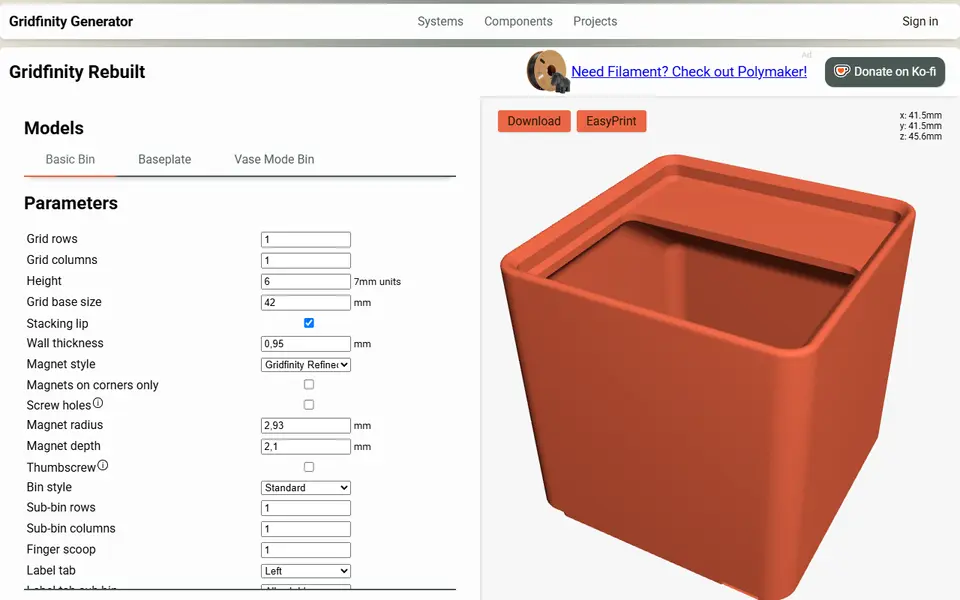
Perplexing Labs Gridfinity Generator
Browser generator for Gridfinity bins, baseplates, openGrid, Multiboard and HSW parts
Storage
Gridfinity Layout Tool
Plan a whole drawer of Gridfinity bins, then export custom bins and baseplates
Storage
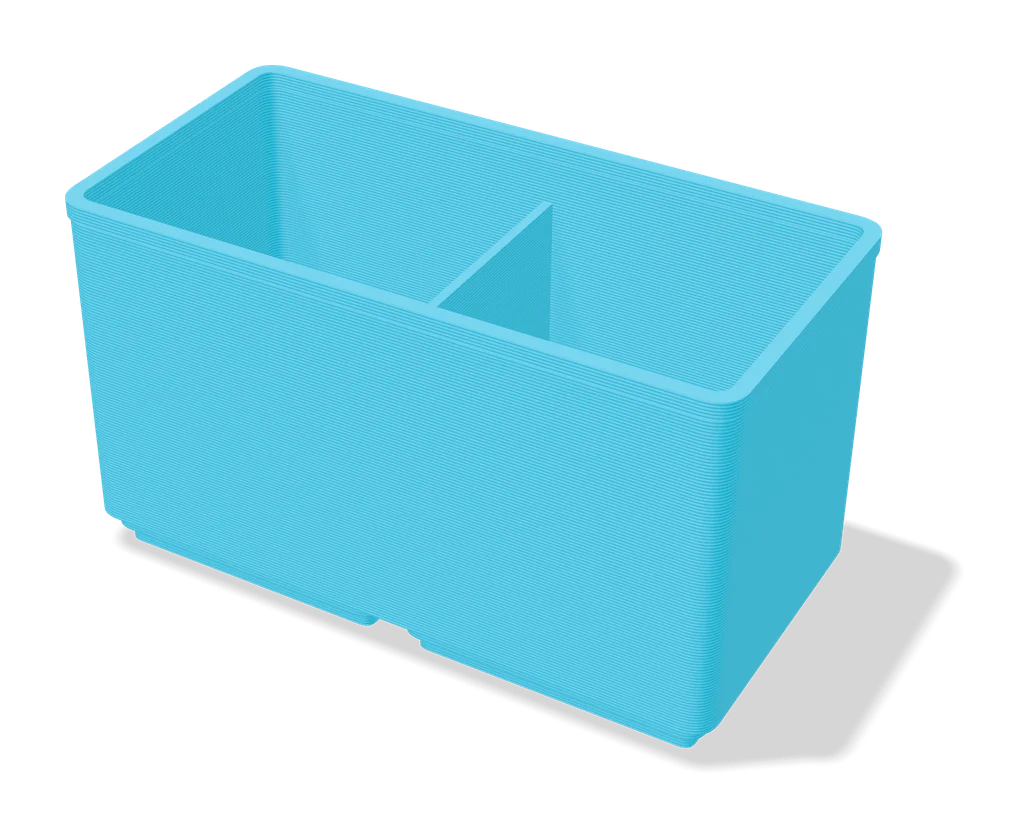
Ultimate Gridfinity Drawer Configurator
Enter your drawer size and get a fitted Gridfinity grid, bins and lids
Storage
Gridfinity Builder
Free drag-and-drop Gridfinity drawer planner: lay out many bins on a printer-sized grid, export 3MF and STL
Storage
Gridmint
Free Gridfinity drawer planner, bin designer and photo inserts, with a ready Bambu Studio project
Storage
CNC Kitchen Gridfinity Label Generator
Embossed Gridfinity bin labels with icons, including ready-made fastener labels
Storage
Extrabold Gridfinity Baseplate Generator
Printer-aware Gridfinity baseplates that split themselves to fit your print bed
Storage
Benchfinity Workbench
Free Gridfinity baseplate sized to a whole drawer or bench, auto-split for your printer with connector keys, no account
Storage
GRIPS: Gridfinity Interlocking Baseplate System
Drawer-sized Gridfinity baseplates, cut into printer-sized pieces that lock together
Storage
Gridfinity Extended Generators
Free in-browser generators for Gridfinity bins, baseplates, lids, drawers and holders
Storage
React-Finity
Free Gridfinity bin and baseplate builder with add-on modifiers (dividers, scoops, label tabs, lids), STL or 3MF
Storage
Spacerless Gridfinity Bin Generator
Gridfinity bins in odd shapes and exact-millimeter sizes that fill drawers without gaps
Storage
Gridfinity Generator
Interactive Gridfinity editor for bins, baseplates and cutouts on a shared grid
Get the next guide in your inbox
Every two weeks: the newest no-CAD generators, one guide and a print tip. Free, no spam, unsubscribe any time.