Benchfinity Workbench
Free Gridfinity baseplate sized to a whole drawer or bench, auto-split for your printer with connector keys, no account
Benchfinity Workbench is a free browser tool for a Gridfinity baseplate that fills a large drawer exactly. Free and open source, no account. Exports STL and 3MF. Last checked .
Opens workbench.benchfinity.com
What is Benchfinity Workbench?
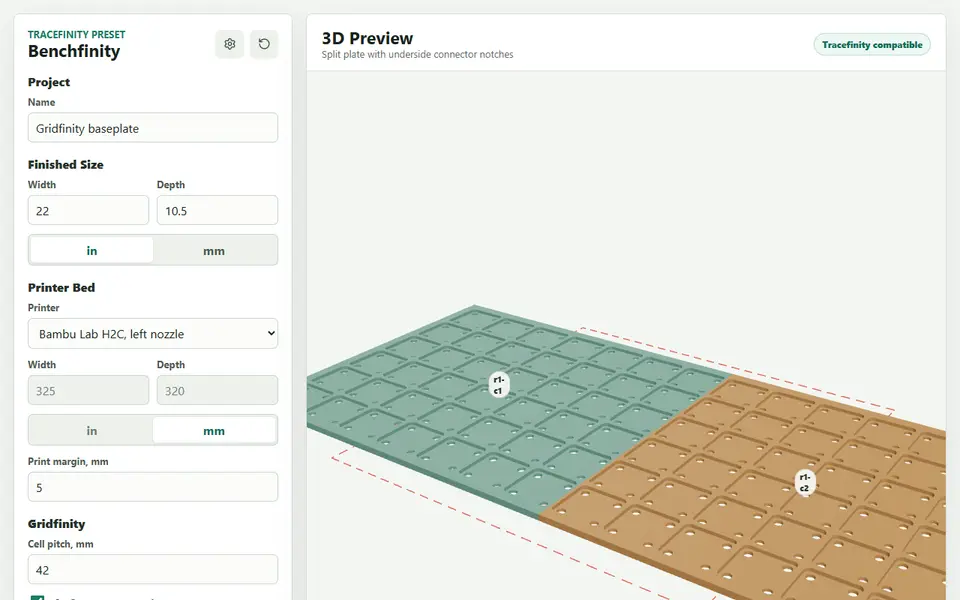
Benchfinity Workbench makes one thing: a Gridfinity baseplate that fills an exact space, such as a drawer, a tool chest or a workbench top. You type the finished width and depth in inches or millimeters, pick your printer from a long list of bed presets (Bambu Lab, Prusa, Creality, Anycubic, Elegoo, Voron and more, or a custom size), and it centers the 42 mm grid inside that space with solid padding around the edge.
When the plate is bigger than your print bed, it splits it into tiles on its own, adds connector notches on the underside and gives you a separate connector key to print. Other options are the print margin, the cell pitch, 6 x 2 mm magnet pockets and an open-bottom lightweight grid that saves filament. A 3D preview shows the tiles, with an exploded view and a table of each tile's cells and size.
You download a Bambu Studio style 3MF with one plate per tile, or a ZIP with an STL per tile, the connector key and a README. It is free and open source (AGPL-3.0), runs in the browser and needs no account. The FAQ says the designs you generate are yours to use, share or sell. Bins, dividers and tool tracing are listed as roadmap, not live, so pair it with a bin generator. It suits anyone fitting Gridfinity to a large or odd-sized drawer.
What you can make
- Gridfinity baseplates sized to a drawer or bench
- Baseplates split into printer-sized tiles
- Underside connector keys for split plates
- Lightweight open-bottom grids
How to use Benchfinity Workbench
- Open Workbench and enter the finished width and depth
- Pick your printer bed preset
- Set magnet pockets or the lightweight grid and check the tile preview
- Export the 3MF or the ZIP of STLs and print each tile
What you'll need to print it
Filament and parts that suit what you make with Benchfinity Workbench.
Matte PLA
6 x 2 mm magnets
Large-format printers
Also handy
Print removal and cleanup tools
Some of these are affiliate links: we may earn a small commission, at no extra cost to you. More about that
Benchfinity Workbench pros
- Fills an exact drawer or bench size and centers the grid with padding
- Splits large plates per printer preset and adds connector keys
- Bambu Studio style 3MF with one plate per tile
Benchfinity Workbench cons
- Baseplates only for now; bins and dividers are still roadmap
- Few shape options beyond magnets and the lightweight grid
Rate Benchfinity Workbench
One rating per account. Signing in takes one email link, no password.
Reviews
Made with Benchfinity Workbench
Read next
Benchfinity Workbench alternatives
Gridfinity and storage generators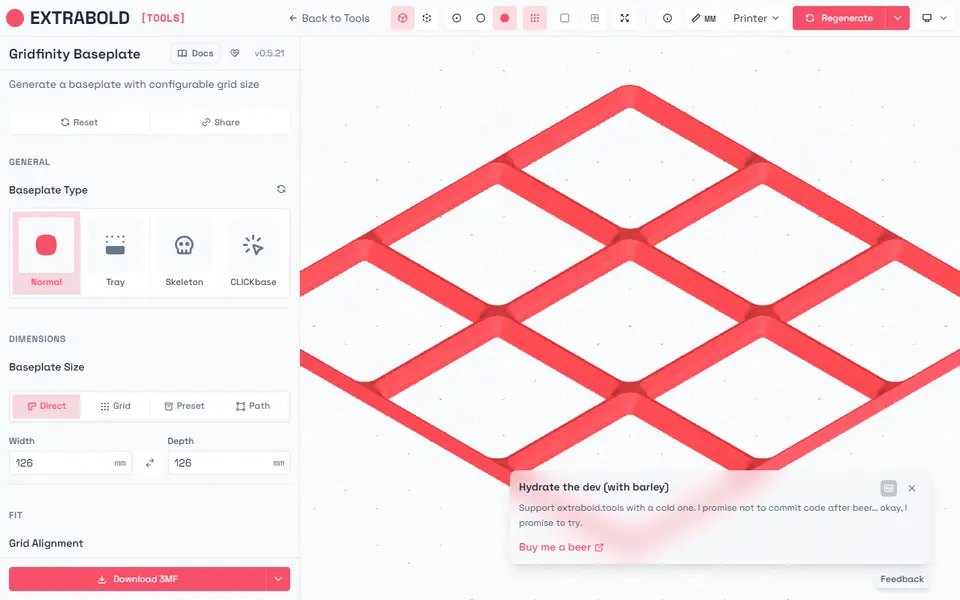
Storage
Extrabold Gridfinity Baseplate Generator
Printer-aware Gridfinity baseplates that split themselves to fit your print bed
Storage
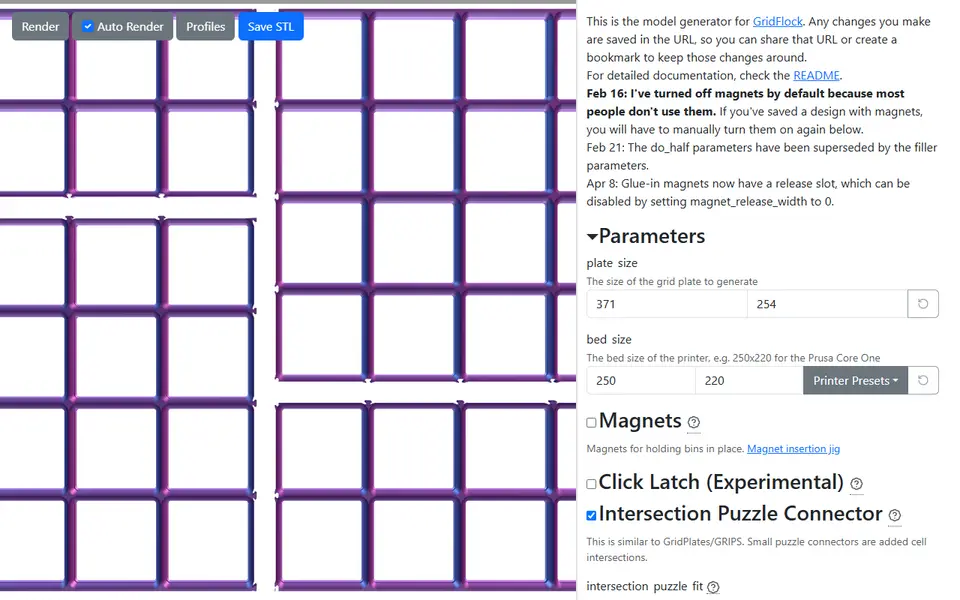
GridFlock Generator
Gridfinity baseplates of any size, split to fit your printer bed with puzzle joints
Storage
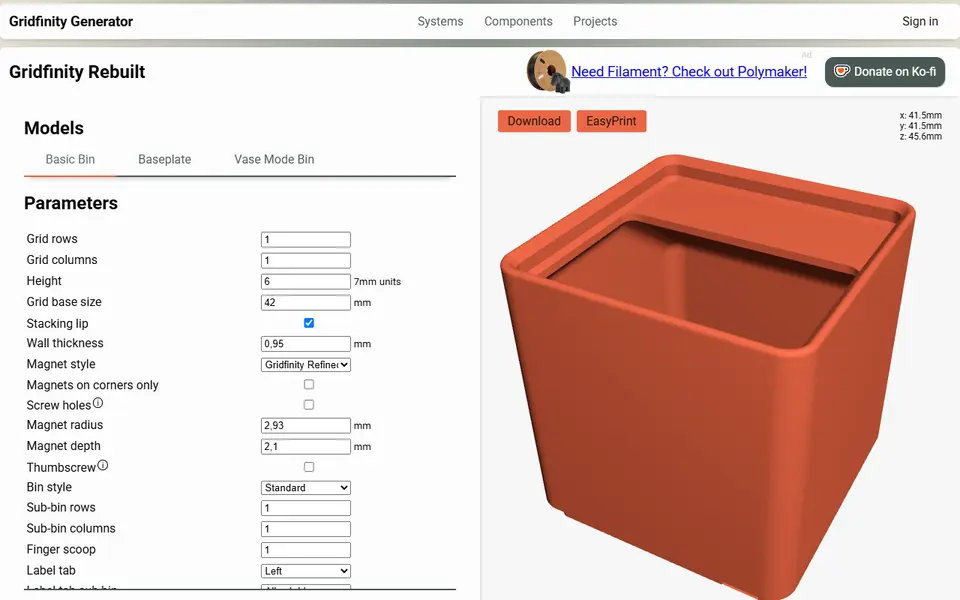
Perplexing Labs Gridfinity Generator
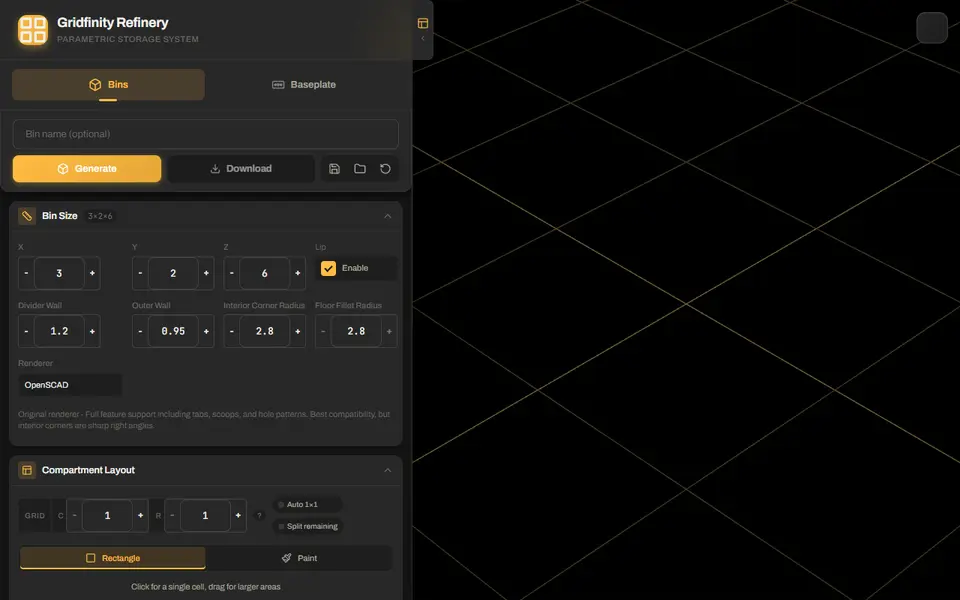
Browser generator for Gridfinity bins, baseplates, openGrid, Multiboard and HSW parts
Storage
Gridfinity Refinery
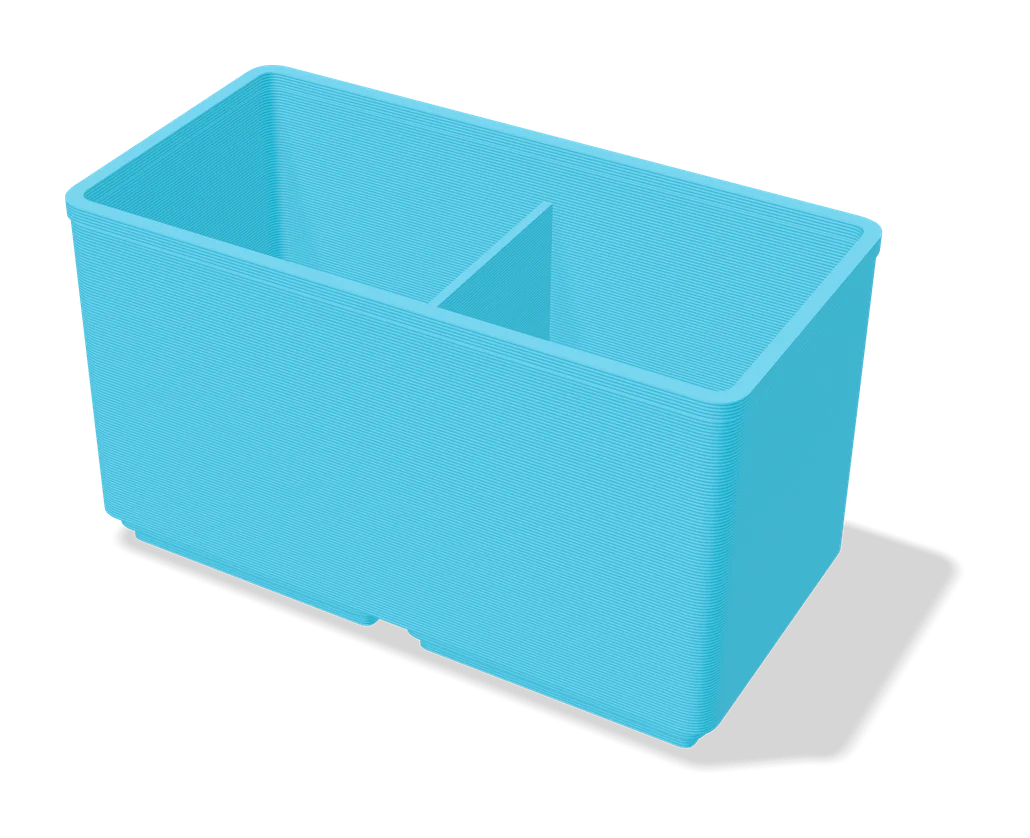
Gridfinity bins with drawn compartments, plus baseplates split to fit your bed
Storage
Ultimate Gridfinity Drawer Configurator
Enter your drawer size and get a fitted Gridfinity grid, bins and lids
Storage
Gridfinity Layout Tool
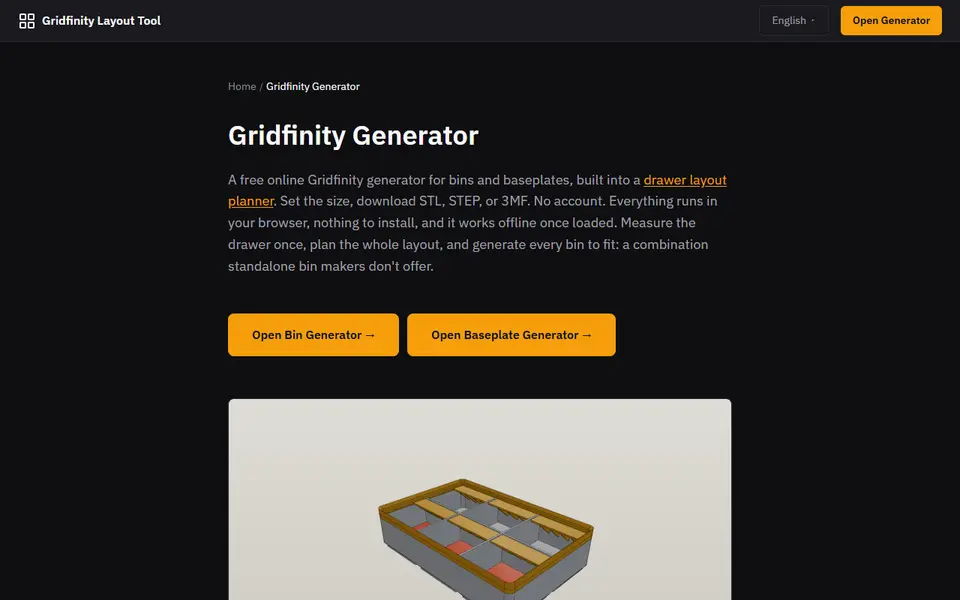
Plan a whole drawer of Gridfinity bins, then export custom bins and baseplates