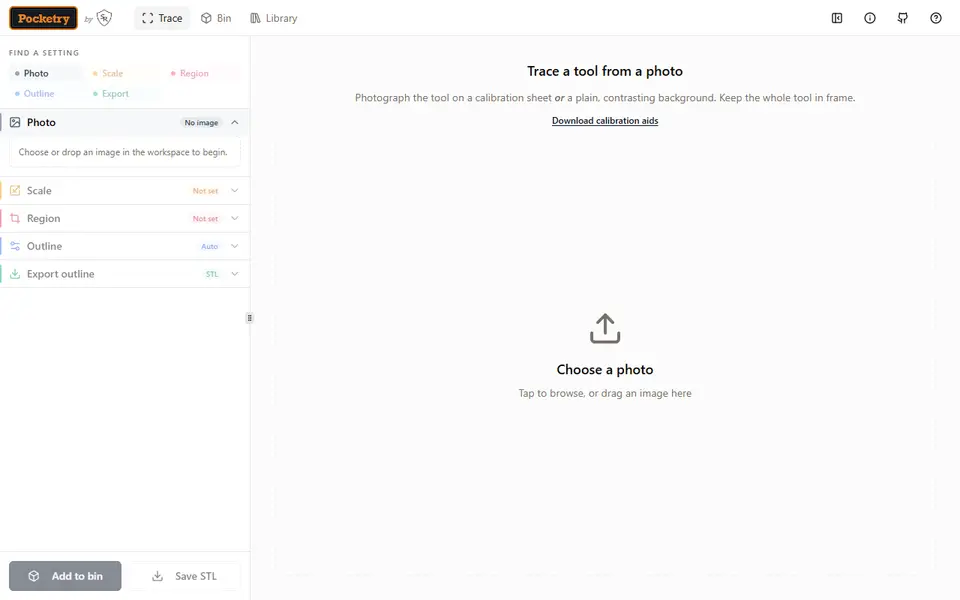
What is Pocketry?
Pocketry is a free, open-source browser tool from Sugarcreek Research that turns a photo of a tool into a Gridfinity bin with a pocket shaped to fit it. You lay the tool on a printable A4 or US Letter calibration sheet (or a plain, contrasting background), shoot it from straight above and open the PNG, JPEG or WebP file in the app. It finds the outline, corrects the perspective and works out the real scale. Where the trace misses, you can drag points, add new ones or delete them by hand.
In the bin view you arrange one or more tools, add finger access so you can lift them out, and set pocket depth, clearance, bin size and height. Extras include full, half or quarter grid pitch, a stacking lip, magnet and screw holes, a label tab and a flat-bottom option. A thin fit-test print lets you check the shapes before you print the whole bin. The finished bin downloads as STL or 3MF, including a multi-color 3MF with a separate pocket floor or rim color. Outlines and top-view layouts can also be saved as SVG or DXF for shadow boards and laser or CNC work.
Everything runs in your browser with no account, and projects are saved locally. It suits Gridfinity users with odd-shaped tools, although the project is young and its user base is still small.
What you can make
- Gridfinity bins with tool-shaped pockets
- Flat-bottom trays with custom pockets
- Two-color bins with contrasting pocket floors
- Thin fit-test templates
- Shadow-board outlines for laser or CNC
How to use Pocketry
- Print the calibration sheet and lay your tool on it
- Photograph it from straight above and open the picture in the app
- Check the detected outline and scale, then add the tool to the bin
- Arrange the pockets, add finger access and set size, depth and extras
- Print a fit test, then export the bin as STL or 3MF
What you'll need to print it
Filament and parts that suit what you make with Pocketry.
6 x 2 mm magnets
M3 screws
Multicolor filament systems
Also handy
Digital calipers
Print removal and cleanup tools
Some of these are affiliate links: we may earn a small commission, at no extra cost to you. More about that
Pocketry pros
- Detects tool outlines from a photo and fixes perspective and scale with a printable calibration sheet
- Free and open source, with photos processed in the browser and no account or server upload
- Fit-test prints, multi-color 3MF and SVG or DXF outline exports cover the whole job
Pocketry cons
- Accurate sizes depend on a straight-down photo and a printed calibration sheet or careful manual scaling
- Tracing and bin design together have a lot of settings to learn
- New under this name, with a small community and few shared designs as of September 2026
Rate Pocketry
One rating per account. Signing in takes one email link, no password.
Reviews
Made with Pocketry
Read next
Pocketry alternatives
Gridfinity and storage generators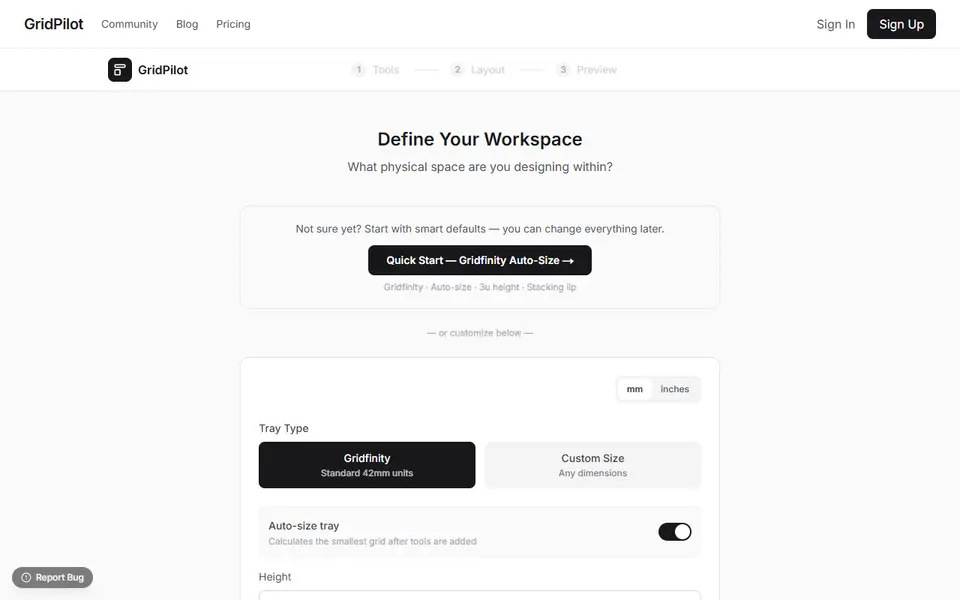
Storage
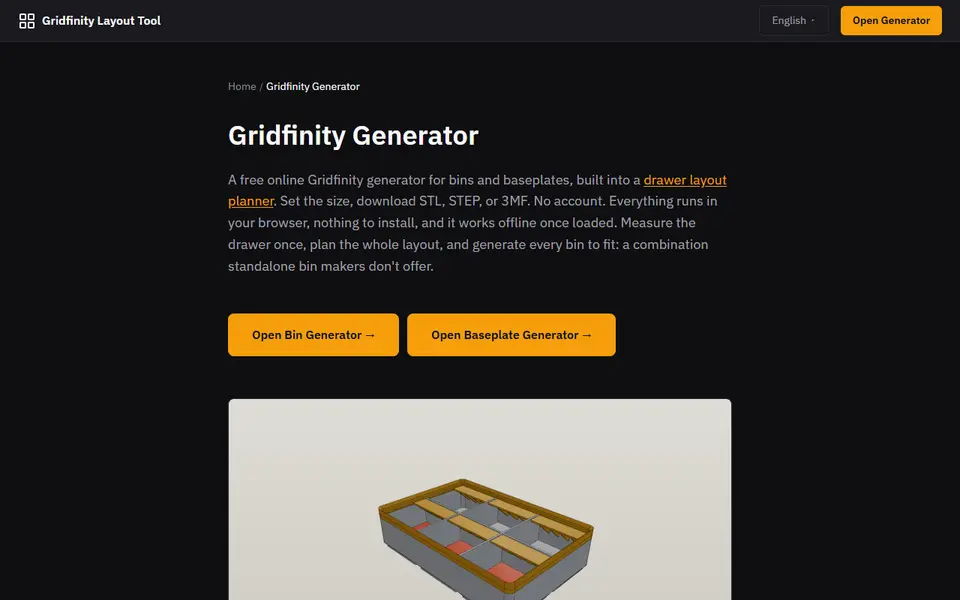
Gridfinity Layout Tool
Plan a whole drawer of Gridfinity bins, then export custom bins and baseplates
Storage
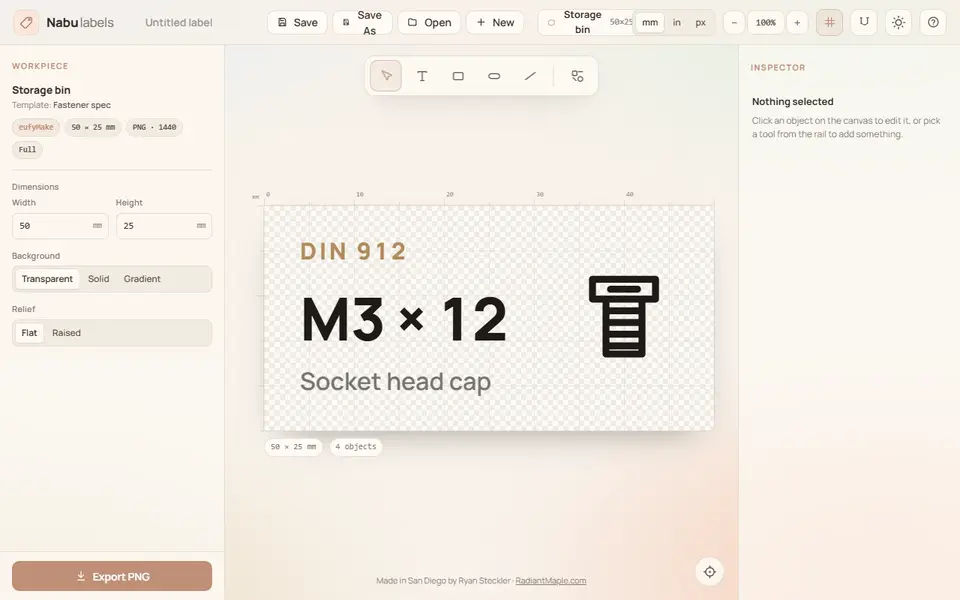
Nabu Labels
Multicolor Gridfinity and parts-bin labels with text and part symbols, exported as 3MF
Storage
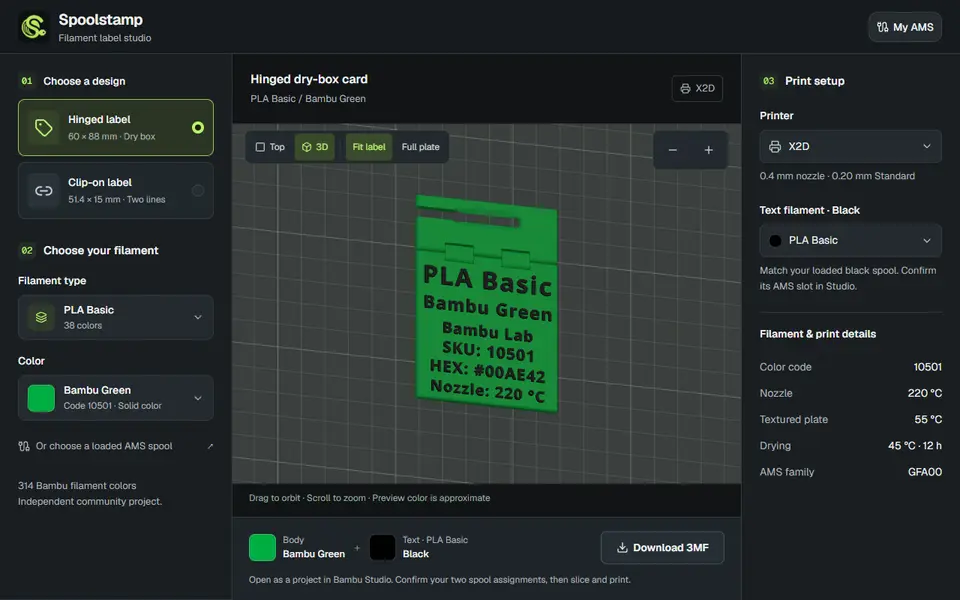
Spoolstamp
Free browser studio for two-color filament labels for dry boxes and spools, using a catalog of 314 Bambu colors
Storage
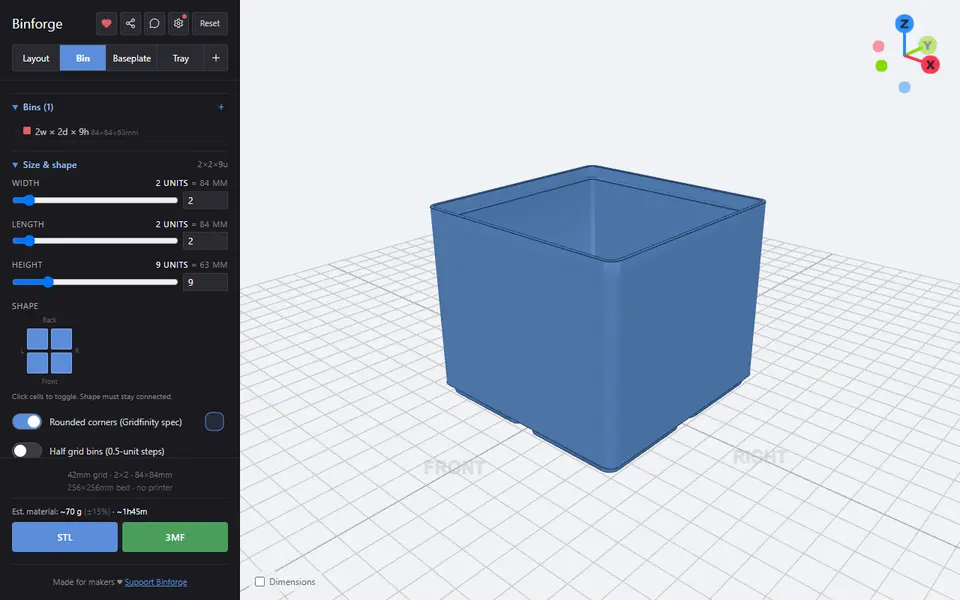
Binforge
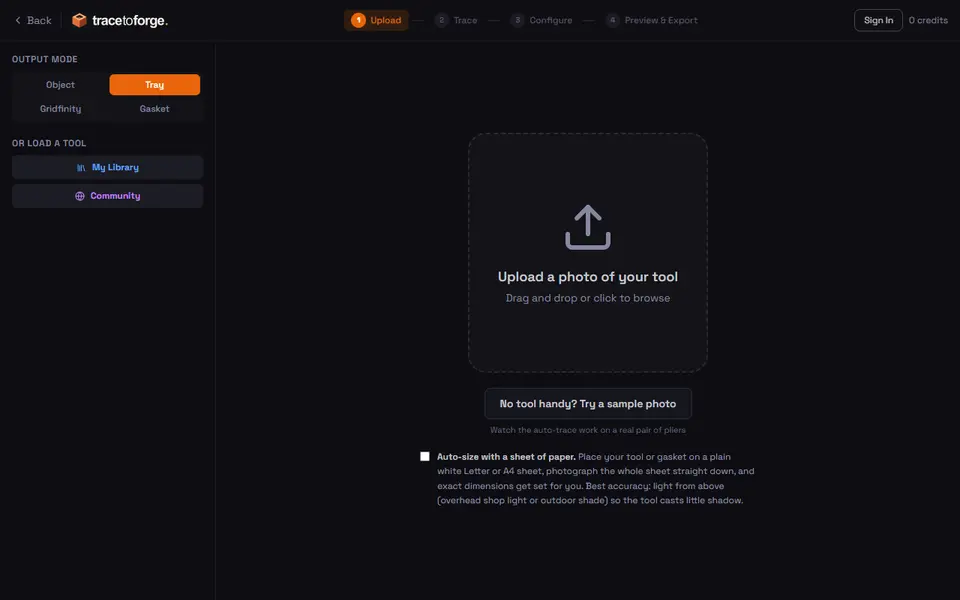
Gridfinity bins, baseplates and trays with custom shapes, tilted cutouts and photo tracing