What is Spoolstamp?
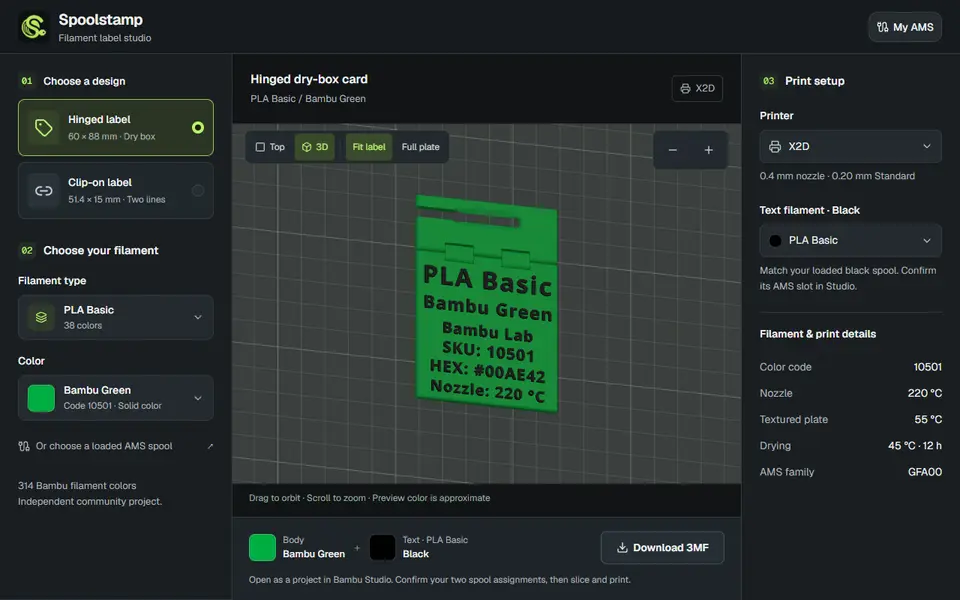
Spoolstamp makes labels for your filament: a hinged label for a dry box (60 x 88 mm) or a flat clip-on label for a spool (51.4 x 15 mm) with two lines of text. You pick a filament type and color from a built-in catalog of 314 Bambu Lab colors, and the lettering is filled in for you with the material, color name and color code, in black or white text depending on what contrasts best.
A live 3D preview shows the label close up or on the build plate of your printer. You choose one of 14 Bambu Lab printers and the filament for the text, and the page lists the matching print details for the chosen filament, such as nozzle and bed temperature and drying time. The download is a 3MF project for Bambu Studio with separate body and text parts, so you only confirm the two spool assignments before slicing. A My AMS view reads the spools loaded in your AMS through Bambu Cloud, right in the browser: you sign in with your Bambu account email and a verification code, pick your printer and read a fresh snapshot, and the loaded spools then fill in the labels, suggest a contrasting text color and feed a batch ZIP of 3MF files. The maker tested it with an X2D, but it is still a preview: the README says sign-in is limited to approved preview accounts for now, and the manual picker works for everyone.
It is free, needs no account and the app code is MIT-licensed. It is built around Bambu Lab filament and printers, so other brands are not in the catalog. The two label shapes are adapted from existing MakerWorld designs, and Spoolstamp is an independent project, not affiliated with Bambu Lab.
What you can make
- Hinged dry-box labels
- Clip-on spool labels
- Two-color filament labels
How to use Spoolstamp
- Choose the hinged dry-box label or the clip-on label
- Pick the filament type and color from the catalog
- Select your printer and the text filament
- Download the 3MF and open it in Bambu Studio
What you'll need to print it
Filament and parts that suit what you make with Spoolstamp.
Multicolor filament systems
Filament dryers and dry boxes
Some of these are affiliate links: we may earn a small commission, at no extra cost to you. More about that
Spoolstamp pros
- Label text filled in from a catalog of 314 Bambu Lab colors
- Two-color 3MF project that opens ready to slice in Bambu Studio
- Free, no account for the label studio, with a live 3D preview on your printer's plate
Spoolstamp cons
- Only Bambu Lab filaments and printers in the catalog
- Two fixed label designs; the cloud AMS connection is a preview, open only to approved accounts for now
- The label shapes come from MakerWorld designs whose license does not allow commercial use
Rate Spoolstamp
One rating per account. Signing in takes one email link, no password.
Reviews
Made with Spoolstamp
Read next
Spoolstamp alternatives
Gridfinity and storage generators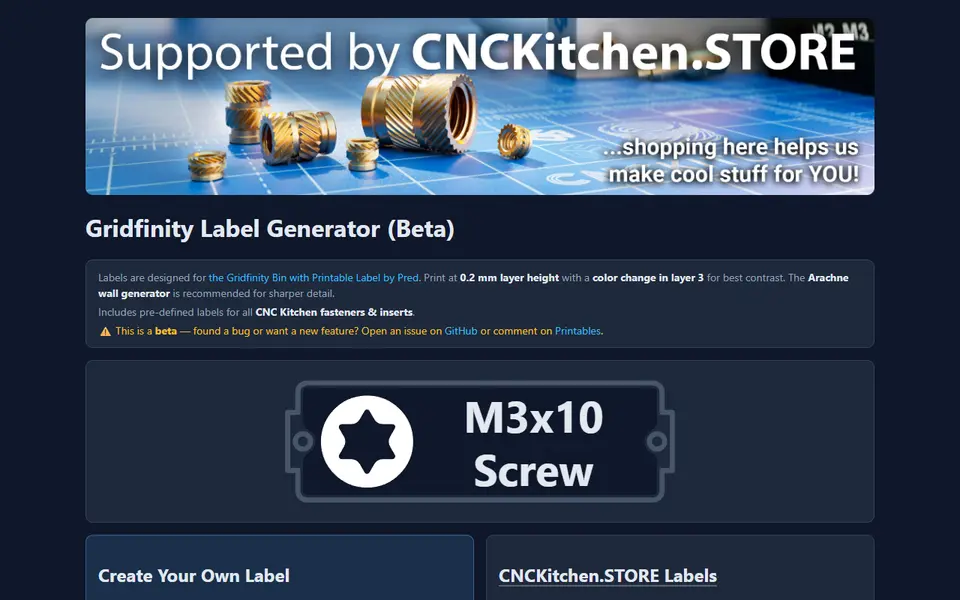
Storage
CNC Kitchen Gridfinity Label Generator
Embossed Gridfinity bin labels with icons, including ready-made fastener labels
Storage
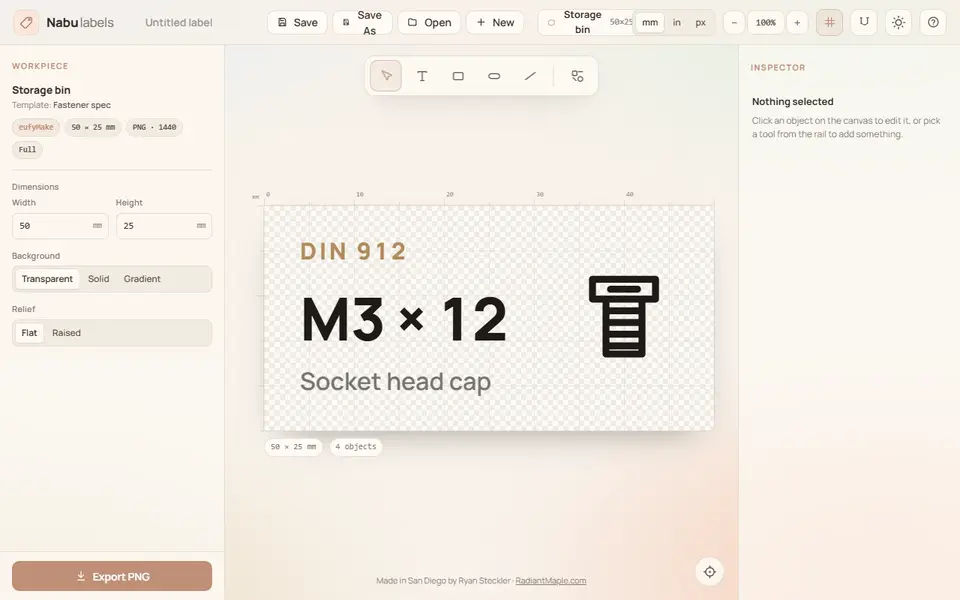
Nabu Labels
Multicolor Gridfinity and parts-bin labels with text and part symbols, exported as 3MF
Storage
Custom Name Pen Holder (GreedyDog)
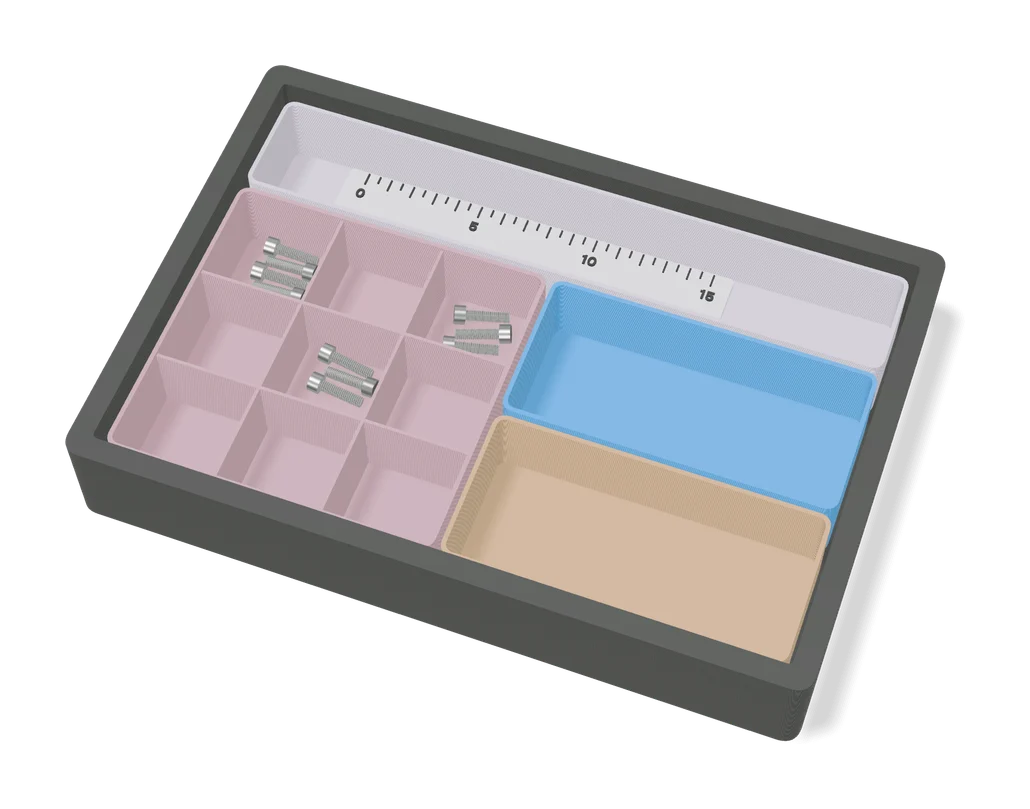
Desk organizer with storage compartments behind a chunky 3D name, one color
Storage
MultiBuild Label Generator
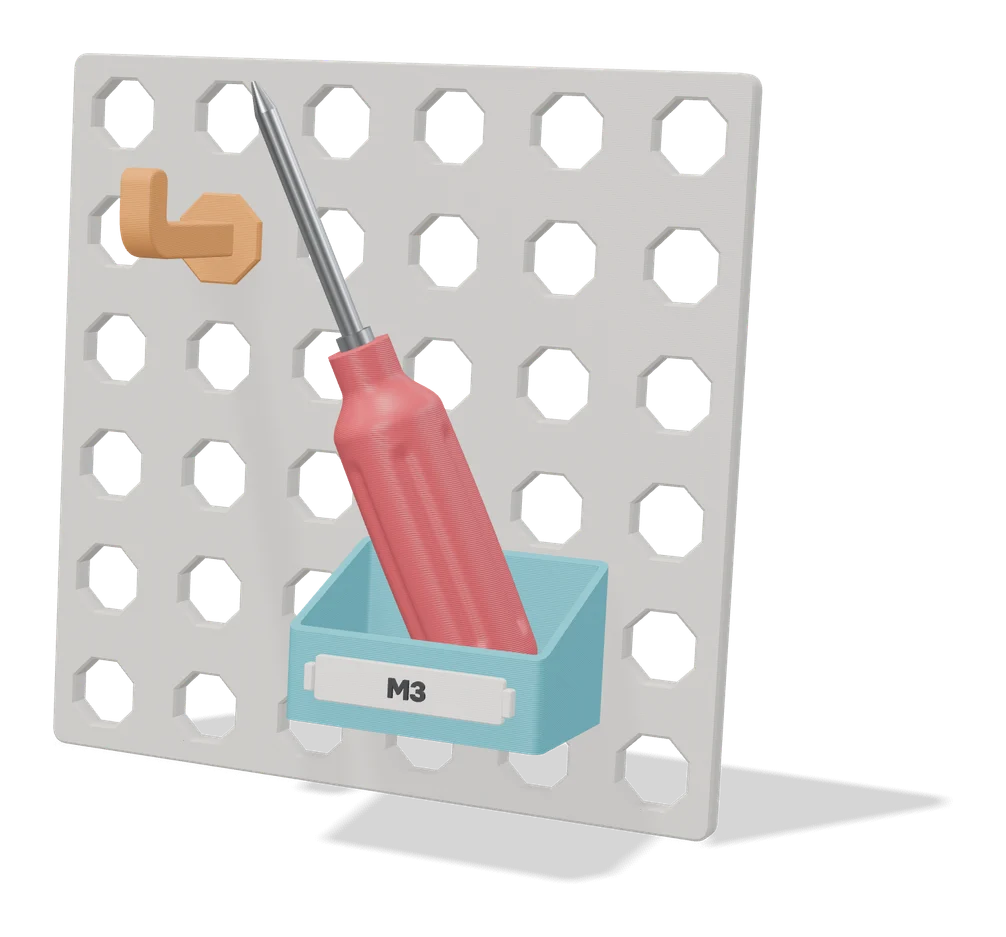
Official MultiBuild tool that turns your text into printable labels for Multiboard and MultiBin storage