MultiBuild Label Generator
Official MultiBuild tool that turns your text into printable labels for Multiboard and MultiBin storage
MultiBuild Label Generator is a freemium browser tool for labeling MultiBuild bins, drawers and tool walls. Free text labels after a free login; icons need a Multi Maker membership ($10 a month on Thangs, or $8.20 a month billed yearly). Last checked .
Opens multibuild.io
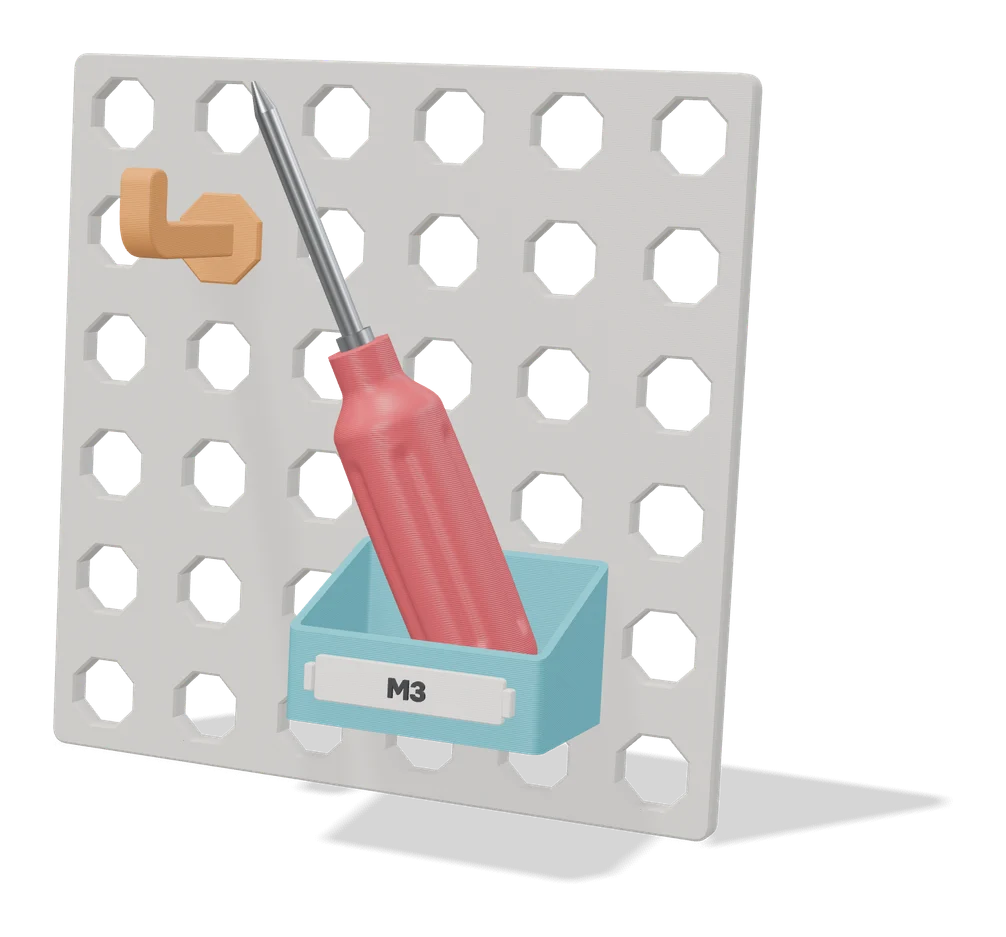
What is MultiBuild Label Generator?
MultiBuild Label Generator is a free browser tool from the MultiBuild team that turns typed text into printable labels for your MultiBuild setup. MultiBuild is the modular storage system that covers Multiboard walls and MultiBin drawers. You write the text, pick a font from a list and set the label size, and the tool builds a label made to snap into the system, so you can mark bins, drawers and tool wall sections without modeling anything. The free Parts Library on the same site has label holders for Multiboard and MultiBin.
Text labels cost nothing, but the generator only appears after you sign in with a free MultiBuild account. Icons are kept for the Pro version, which needs a paid Multi Maker membership. The public page promises 3D printable files without naming the format, while the Octagon Plate Generator on the same site says it gives STL files. An older Multiboard label tool on Thangs runs inside Blender; this one works in the browser.
This is a narrow tool. The labels are shaped for MultiBuild, so they mostly help people who already print that system, and they come from the team that designs the official parts. If your storage runs on Gridfinity, a label generator made for Gridfinity is the better pick.
What you can make
- Text labels for MultiBins and drawers
- Labels for tool wall sections
- Custom-size labels in a choice of fonts
- Icon labels (Multi Maker members)
How to use MultiBuild Label Generator
- Sign in with a free MultiBuild account on multibuild.io
- Open the Label Generator from the Tools page
- Type your text, pick a font and set the label size
- Download the label, slice it and snap the print into place
What you'll need to print it
Filament and parts that suit what you make with MultiBuild Label Generator.
Matte PLA
PETG
6 x 2 mm magnets
Also handy
Print removal and cleanup tools
Some of these are affiliate links: we may earn a small commission, at no extra cost to you. More about that
MultiBuild Label Generator pros
- Official tool from the team that designs MultiBuild parts
- Text labels with a choice of fonts and custom sizes are free
- Runs in the browser, unlike the older Blender-based Multiboard label tool
MultiBuild Label Generator cons
- Only useful if you build with MultiBuild (Multiboard or MultiBin)
- The generator stays hidden until you log in, and icons need the paid Multi Maker membership
- The public page does not name the download file format
Rate MultiBuild Label Generator
One rating per account. Signing in takes one email link, no password.
Reviews
Made with MultiBuild Label Generator
Read next
MultiBuild Label Generator alternatives
Gridfinity and storage generators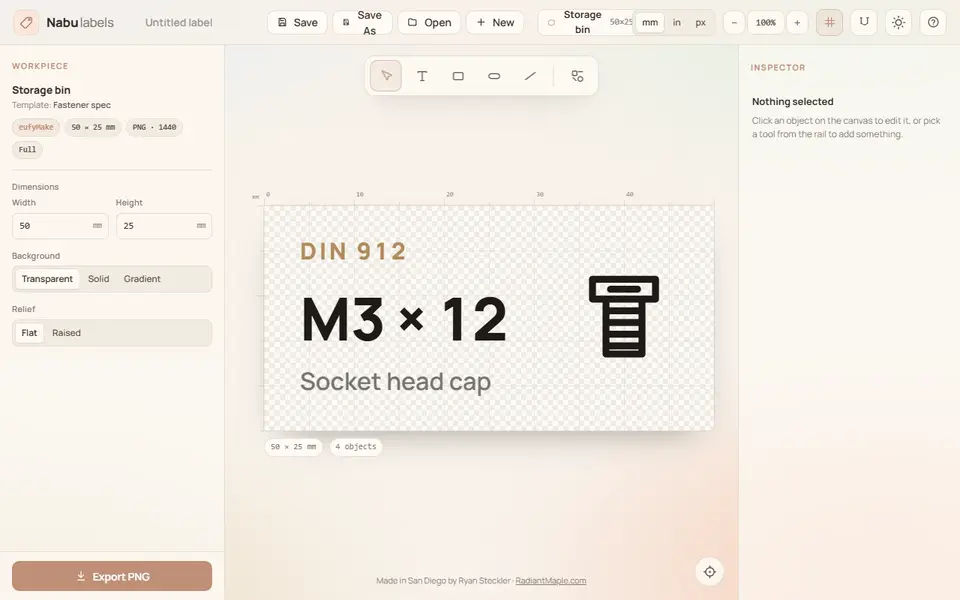
Storage
Nabu Labels
Multicolor Gridfinity and parts-bin labels with text and part symbols, exported as 3MF
Storage
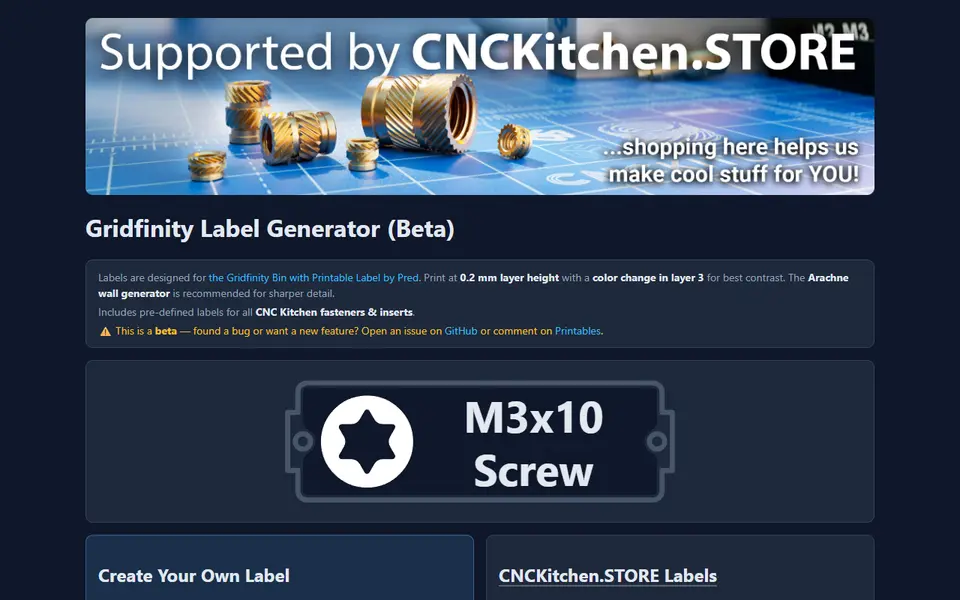
CNC Kitchen Gridfinity Label Generator
Embossed Gridfinity bin labels with icons, including ready-made fastener labels
Storage
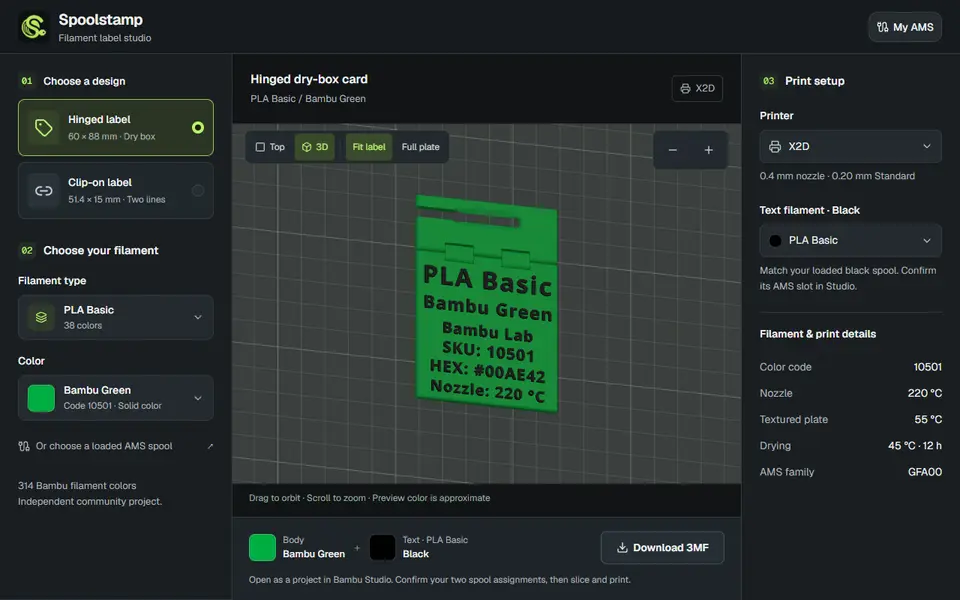
Spoolstamp
Free browser studio for two-color filament labels for dry boxes and spools, using a catalog of 314 Bambu colors
Storage
Custom Name Pen Holder (GreedyDog)
Desk organizer with storage compartments behind a chunky 3D name, one color
Storage
Gridfinity Layout Tool
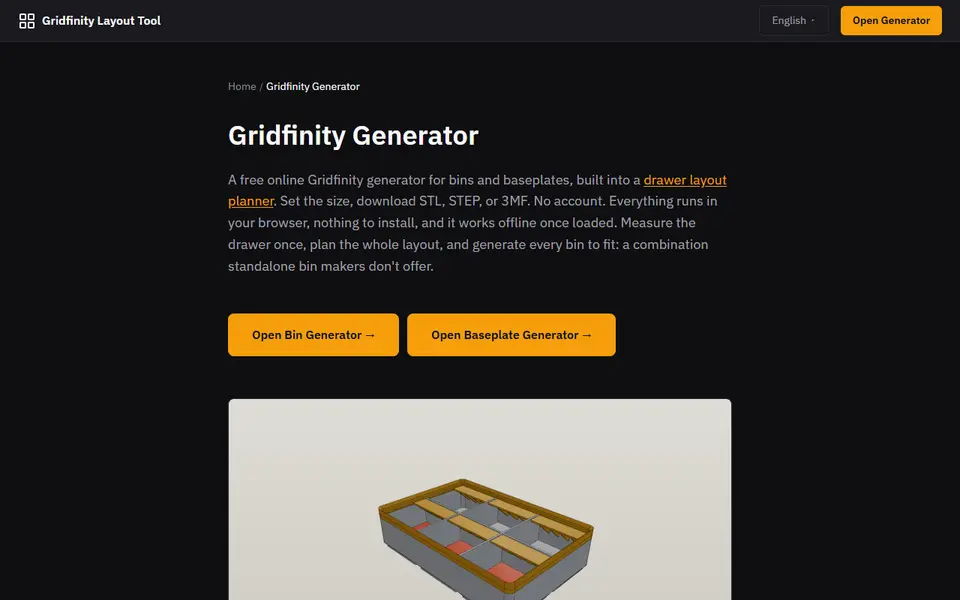
Plan a whole drawer of Gridfinity bins, then export custom bins and baseplates