What is Nabu Labels?
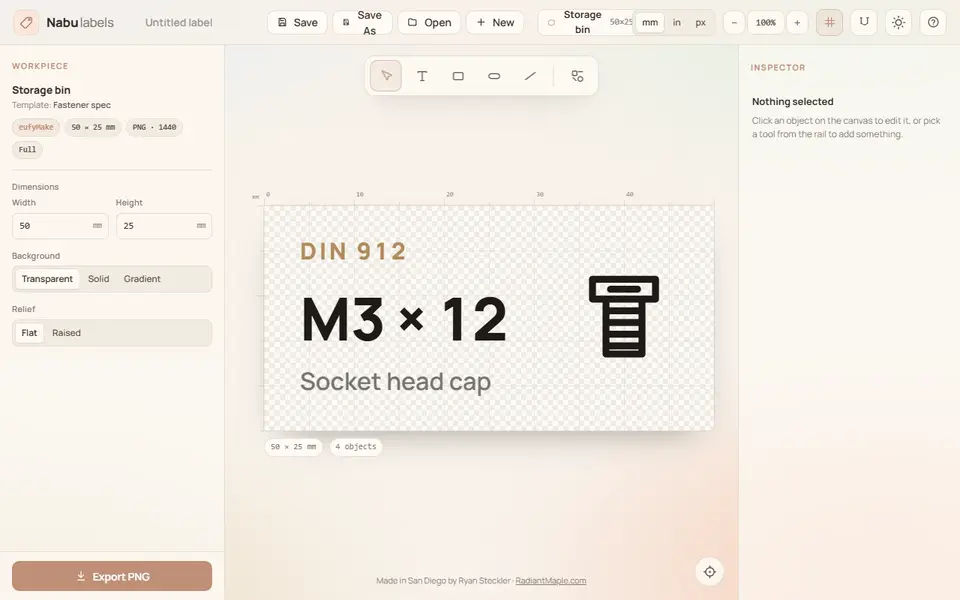
Nabu Labels is a free browser tool that designs Gridfinity and parts-bin labels and exports them as multicolor 3MF files for a 3D printer. It comes from Ryan Steckler, a San Diego maker, and is aimed at people who sort screws, nuts and electronic parts into bins.
You pick 3D printer as the output, then a size: a 50 x 25 mm storage bin label, a Pred-style Gridfinity label, a Cullenect snap-in label or your own dimensions. You choose 2 to 6 colors and flat, raised or embossed relief, then start from a template such as a fastener spec card or a resistor value tag. On the canvas you edit the text, add boxes, pills and lines, and insert symbols from a library of 159 bolts, nuts, washers, capacitors, connectors and other parts. Each color is tied to a tool slot, and the export window shows a 3D preview before you download. The same editor also makes PNG files for the eufyMake E1 UV printer and for black and white label printers.
It suits makers who want tidy, matching drawer labels without drawing anything. It is a young one-person project, it asks for a laptop-sized screen, and the 3MF is built on the site's server rather than in your browser.
What you can make
- Pred-style Gridfinity bin labels
- Cullenect snap-in labels
- Storage bin labels (50 x 25 mm)
- Custom-size multicolor labels
- Fastener and electronic part labels with symbols
How to use Nabu Labels
- Open the site and pick 3D printer as the output
- Choose a size (storage bin, Pred, Cullenect or custom) and a starting template
- Set the number of colors and flat, raised or embossed relief
- Edit the text, add part symbols and assign each color to a tool
- Click Export 3MF, generate the file and download it
What you'll need to print it
Filament and parts that suit what you make with Nabu Labels.
Multicolor PLA
Multicolor filament systems
Some of these are affiliate links: we may earn a small commission, at no extra cost to you. More about that
Nabu Labels pros
- Starting templates plus a searchable library of 159 fastener and electronics symbols
- 3MF with 2 to 6 colors, flat, raised or embossed relief, and a 3D preview before download
- Presets for Pred and Cullenect labels, with an option to add Cullenect v1 cutouts
Nabu Labels cons
- Built for laptop screens and tells phone users to come back on a bigger device
- Only three 3D print size presets plus custom, and no STL export
- New one-person side project with almost no community feedback
Rate Nabu Labels
One rating per account. Signing in takes one email link, no password.
Reviews
Made with Nabu Labels
Read next
Nabu Labels alternatives
Gridfinity and storage generators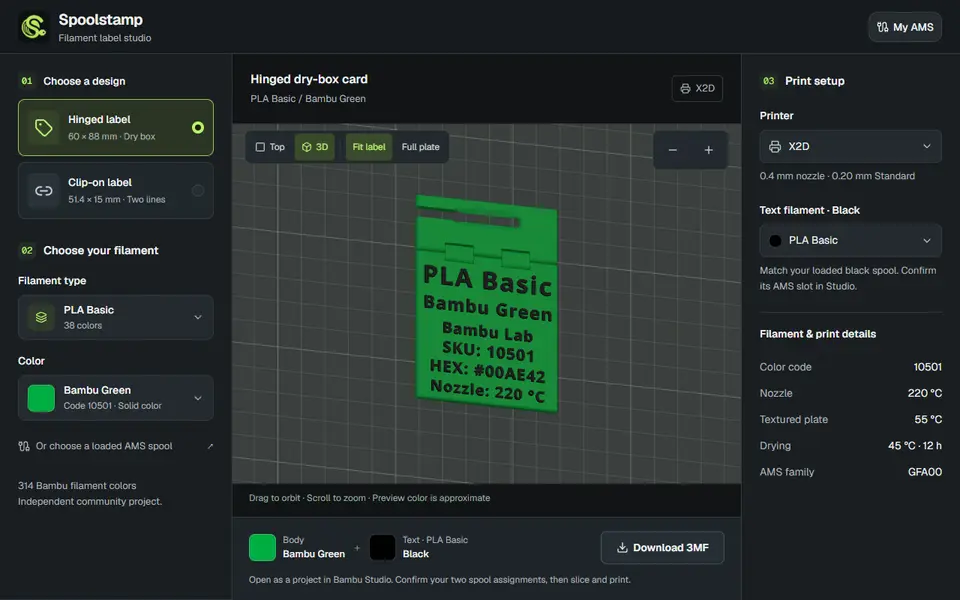
Storage
Spoolstamp
Free browser studio for two-color filament labels for dry boxes and spools, using a catalog of 314 Bambu colors
Storage
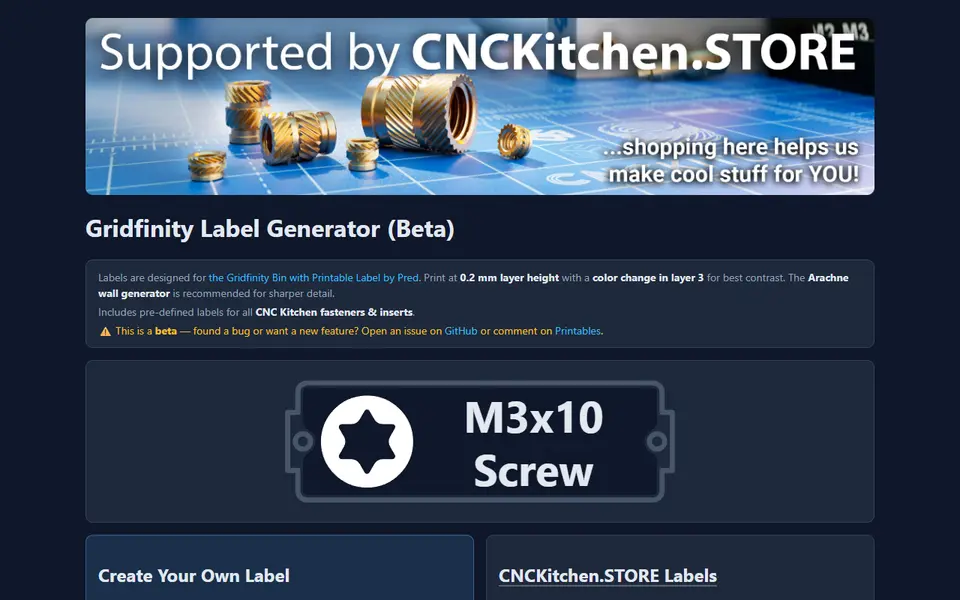
CNC Kitchen Gridfinity Label Generator
Embossed Gridfinity bin labels with icons, including ready-made fastener labels
Storage
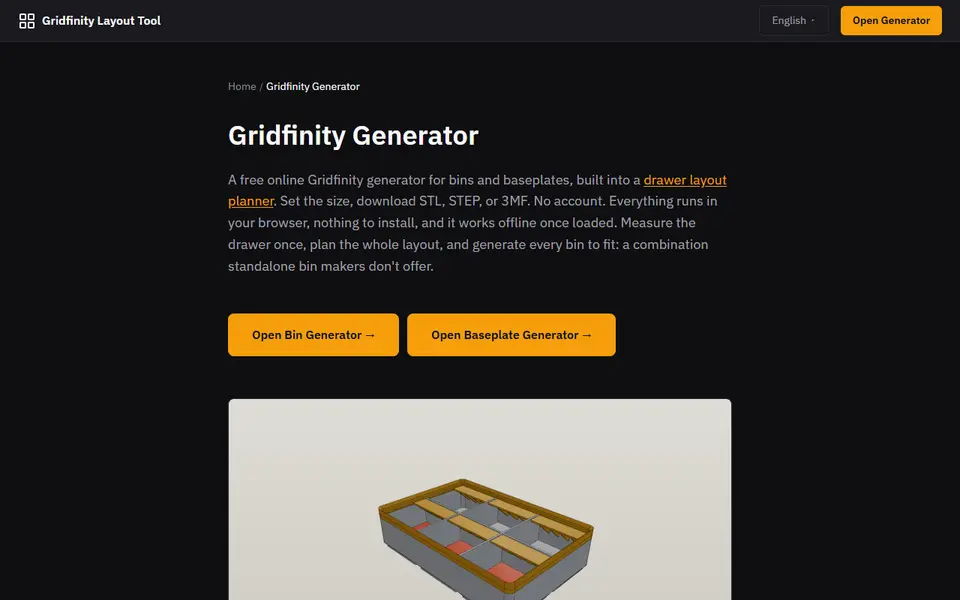
Gridfinity Layout Tool
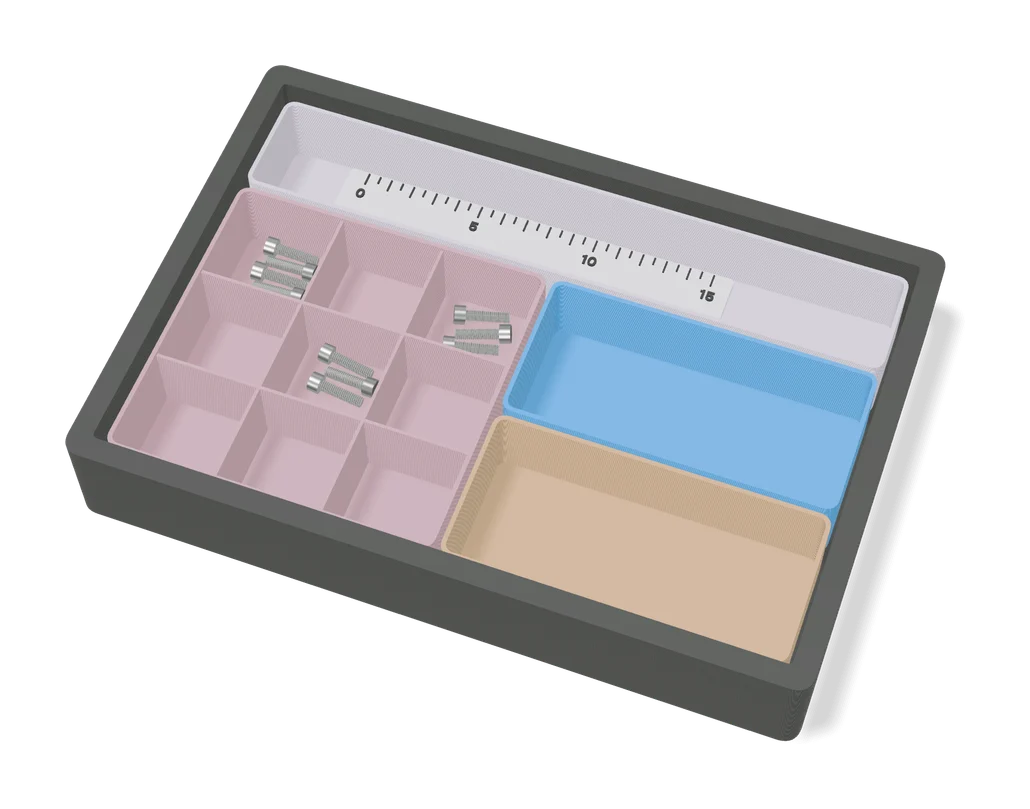
Plan a whole drawer of Gridfinity bins, then export custom bins and baseplates
Storage
Custom Name Pen Holder (GreedyDog)
Desk organizer with storage compartments behind a chunky 3D name, one color
Storage
MultiBuild Label Generator
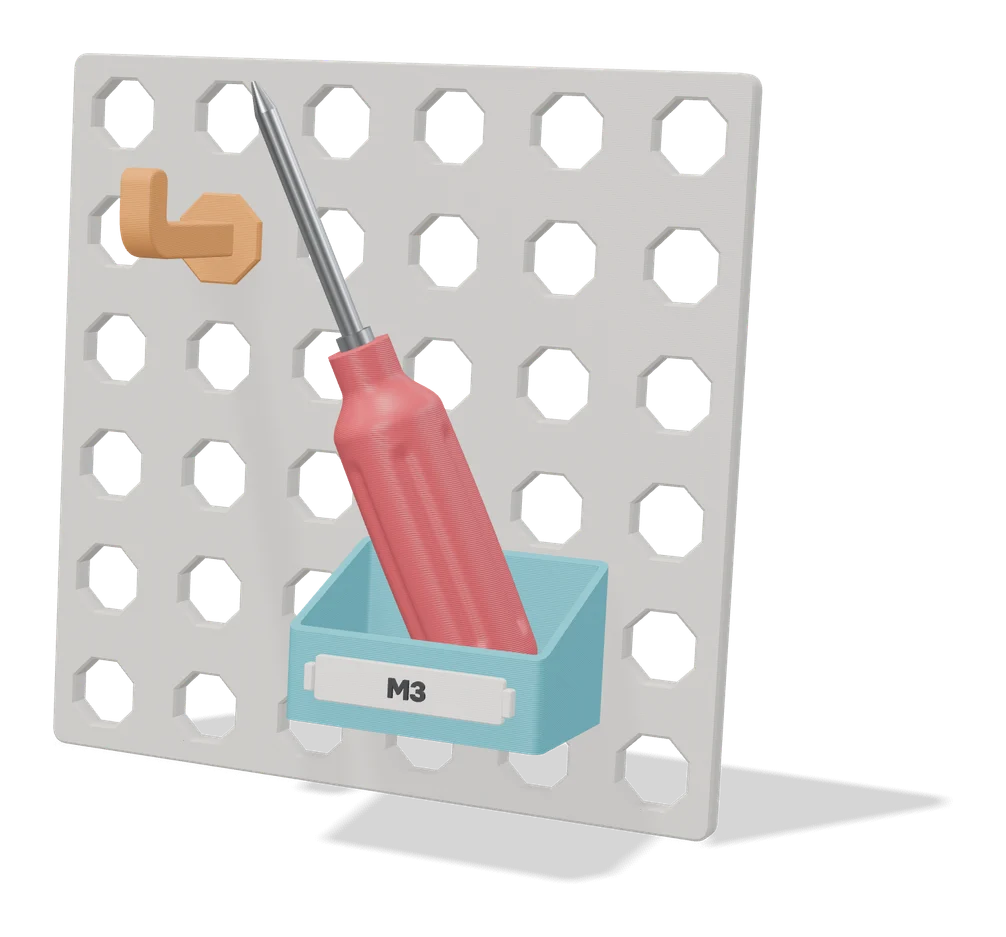
Official MultiBuild tool that turns your text into printable labels for Multiboard and MultiBin storage