Binforge
Gridfinity bins, baseplates and trays with custom shapes, tilted cutouts and photo tracing
Binforge is a free browser tool for custom-fit Gridfinity bins and tool cutouts for workshop drawers. Free with no account or feature limits; the developer accepts optional tips on Ko-fi. Exports STL and 3MF. Last checked .
Opens binforge.app
What is Binforge?
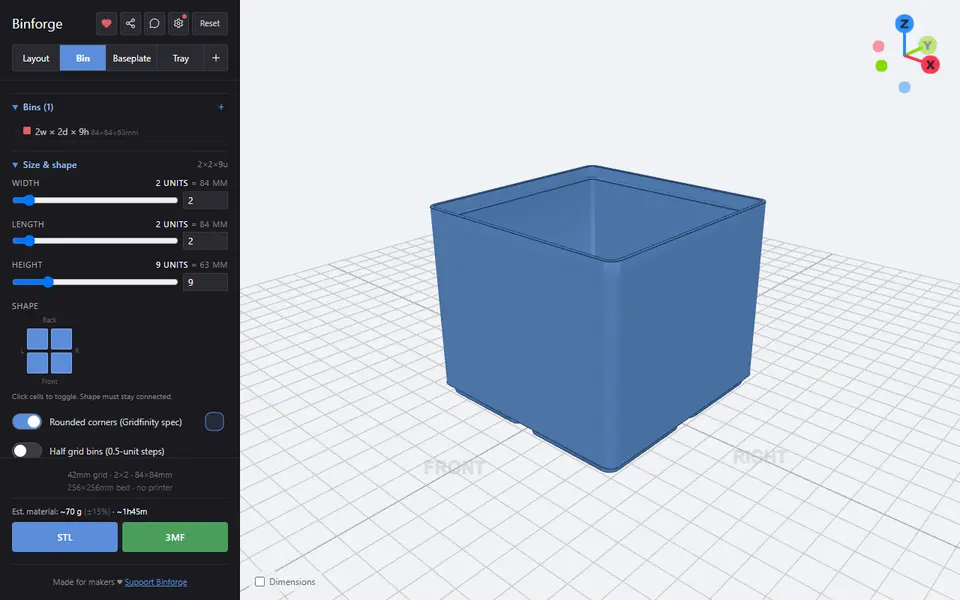
Binforge is a free browser tool that designs Gridfinity bins, baseplates and trays, built by solo developer Luiz Tanure. It also makes adapters between grid sizes and has a drawer layout planner, and the 3D preview redraws as you move each slider. You can type in the width, depth and height yourself or open one of 33 presets from the gallery, such as a hex bit organizer, a spice jar rack or a dice box.
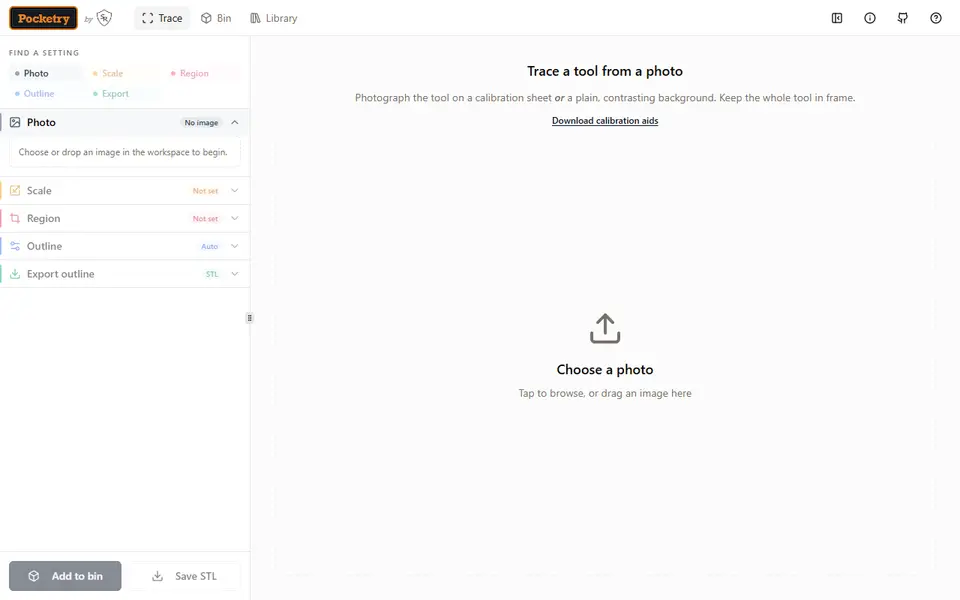
What sets it apart from simpler Gridfinity generators is the shaping. A bin can have an L, U or ring-shaped footprint, stick out past the grid on one side and hold several cutouts at once, each of which can be rotated or tilted so screwdrivers and pliers sit at an angle. For a cutout that matches a real tool, you photograph it on A4 or Letter paper and click it, and a model running in the browser traces the outline for you to tidy up. Baseplates can follow a custom outline and can be split into pieces that fit your printer bed.
It suits people filling workshop drawers who want more than plain rectangular bins. Before you download, it shows a filament and print time estimate, and a share link keeps the whole design.
What you can make
- Gridfinity bins with dividers, scoops and labels
- Tool holder bins with traced or shaped cutouts
- Custom-shaped baseplates split to fit your bed
- Gridfinity trays with handles
- Adapters between grid sizes
- Flat bin lids with optional hole patterns
How to use Binforge
- Open the editor, or start from one of the presets in the gallery
- Pick the Bin, Baseplate or Tray tab and set the size in grid units
- Add scoops, dividers, labels or magnet holes
- Turn on the solid insert and open Design cutouts to add shapes or trace a tool photographed on A4 or Letter paper
- Check the filament and print time estimate, then click STL or 3MF to download
What you'll need to print it
Filament and parts that suit what you make with Binforge.
6 x 2 mm magnets
M3 screws
Also handy
Digital calipers
Print removal and cleanup tools
Some of these are affiliate links: we may earn a small commission, at no extra cost to you. More about that
Binforge pros
- Goes past plain boxes with custom bin footprints, off-grid extensions and several tilted cutouts per bin
- Photo tracing runs in the browser: shoot a tool on A4 or Letter paper and click it to get a matching cutout
- Exports STL or 3MF, shows filament and print time estimates, and splits large baseplates to fit your bed
Binforge cons
- A small one-person project with little community discussion; stacking, hinged and sliding lids were not available as of September 2026
- With 80+ settings spread over many panels, finding one specific option can take some clicking
- No multicolor or filament-swap output, and the source code is not public
Rate Binforge
One rating per account. Signing in takes one email link, no password.
Reviews
Made with Binforge
Read next
Binforge alternatives
Gridfinity and storage generators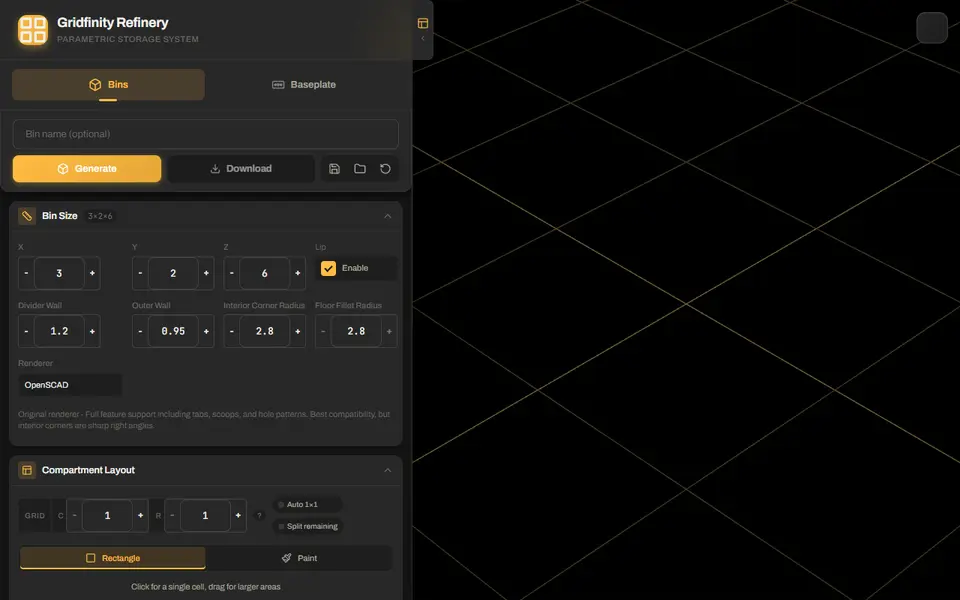
Storage
Gridfinity Refinery
Gridfinity bins with drawn compartments, plus baseplates split to fit your bed
Storage
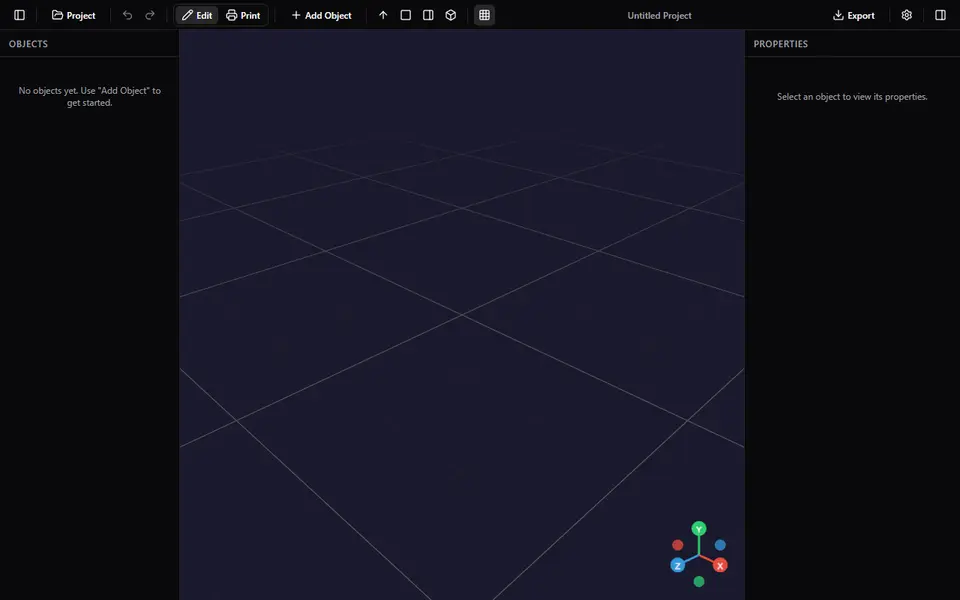
React-Finity
Free Gridfinity bin and baseplate builder with add-on modifiers (dividers, scoops, label tabs, lids), STL or 3MF
Storage
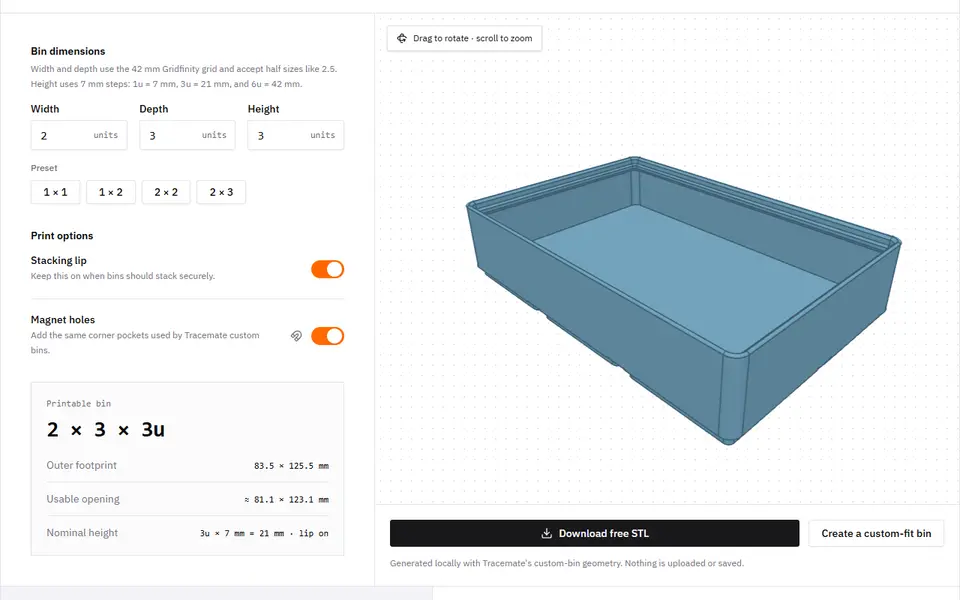
Tracemate
Photograph a tool on a sheet of paper and get a custom-fit Gridfinity bin as an STL