Skadisgen (SKÅDIS Peg Generator)
Free tool that adds IKEA SKADIS pegs to your own STEP or STL model, in snug, normal or loose fit
Skadisgen (SKÅDIS Peg Generator) is a free browser tool for hanging a model you already have on a SKADIS pegboard. Free, no account. Exports STEP and STL. Last checked .
Opens skadisgen.com
About this generator
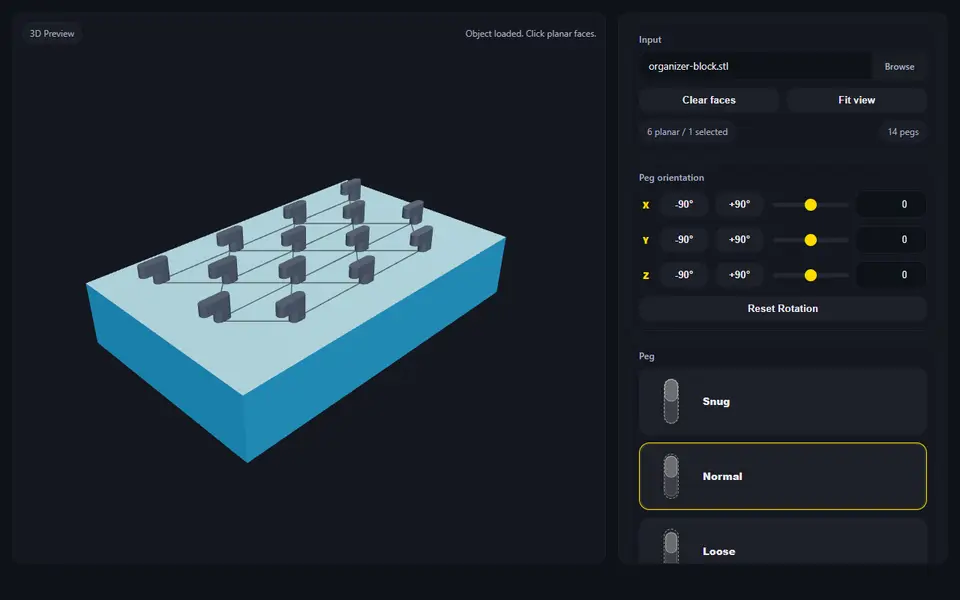
Skadisgen adds IKEA SKADIS pegs to a model you already have, so you can hang it on a SKADIS pegboard without designing the hooks yourself. You load a STEP or STL file, click a flat face, and the tool fills it with pegs on the SKADIS grid: 40 mm apart in each row, 20 mm between rows, with every other row shifted by half a step. A 3D preview shows the pegs on your model before you export.
You pick one of three peg fits. Snug holds best but is hard to push in, so the maker recommends it only for models with a few pegs, printed with stronger walls and infill. Normal suits most models, and Loose is easier to move and is meant for models with many pegs or a less accurate printer. Layout settings set the area the pegs cover, in pegs, millimeters or inches, plus padding, an offset and which row gets the center peg. A removal mode lets you click away single pegs, and buttons and sliders turn the peg direction if the tool picks the wrong one.
A STEP model exports as STEP or STL; an STL model exports as STL only, and the maker calls STL input experimental. The tool is free, needs no account and runs in your browser. The code and the three peg models are on GitHub under the Apache 2.0 license, which covers the code and peg files; the model you add pegs to keeps its own license. It is a new tool from July 2026 by one maker. It suits anyone with a SKADIS board who has a holder, bin or box that should hang on it.
What you can make
- SKADIS pegs added to your own model
- Snug, normal or loose peg fits
- Peg layouts on any flat face of a STEP or STL
How to use Skadisgen
- Open Skadisgen and load your STEP or STL model
- Click the flat face that should go against the board
- Pick Snug, Normal or Loose pegs and adjust the layout
- Download the model with pegs as STEP or STL and print it
What you'll need to print it
Filament and parts that suit what you make with Skadisgen.
PETG
- Bambu Lab PETG Basic (affiliate link) Amazon
- Polymaker PETG (affiliate link) Polymaker EU: 3DJake (affiliate link)
Code gives 15% off your first order at Polymaker.
Matte PLA
6 x 2 mm magnets
Also handy
Filament dryers and dry boxes
- SUNLU FilaDryer S4 (affiliate link) Amazon
- Polymaker PolyDryer (affiliate link) Polymaker
Print removal and cleanup tools
Some of these are affiliate links: we may earn a small commission, at no extra cost to you. More about that
Skadisgen pros
- Adds SKADIS pegs to a model you already have, with no CAD
- Three peg fits, plus layout, offset and single-peg removal
- STEP in and STEP out; free, no account, open source
Skadisgen cons
- You need a model of your own; it does not make holders or bins
- STL input is experimental and exports as STL only
Rate Skadisgen
One rating per account. Signing in takes one email link, no password.
Reviews
Made with Skadisgen
Read next
Skadisgen alternatives
Gridfinity and storage generators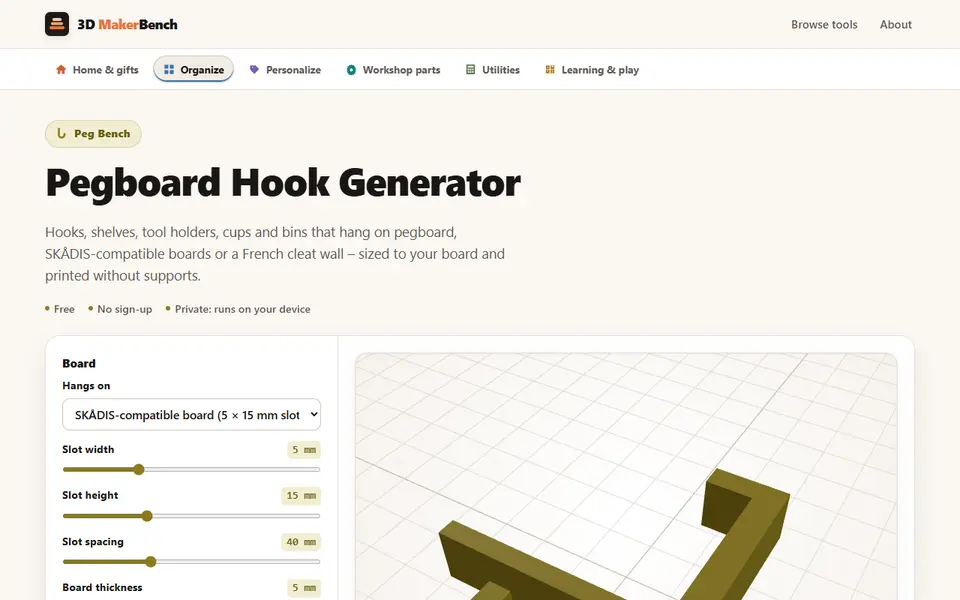
Storage
Pegboard Hook Generator (3D MakerBench)
Free hooks, shelves, tool holders and bins for pegboard, SKADIS-style boards and French cleats, as STL
Storage
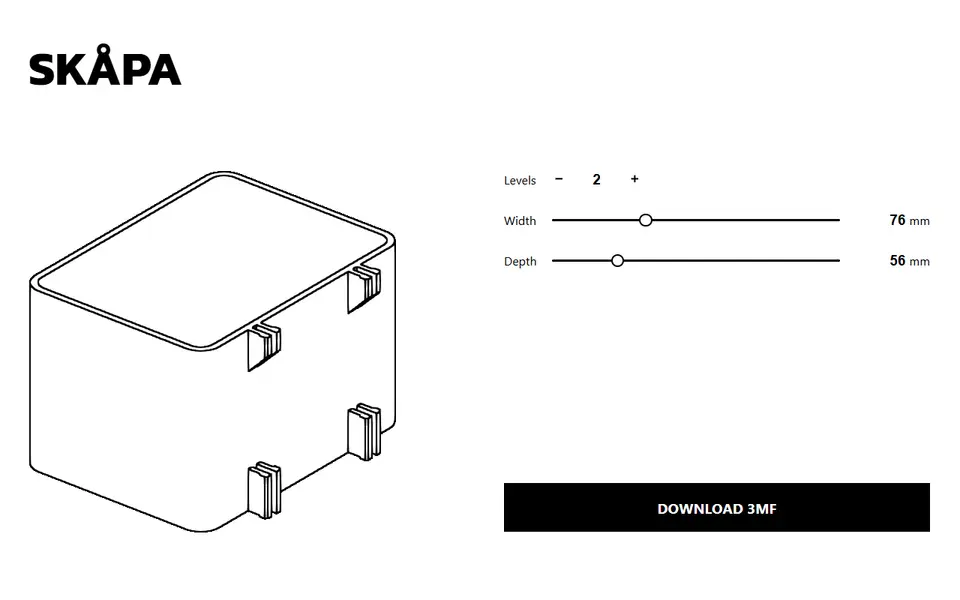
SKÅPA
Clip-on boxes for IKEA SKADIS pegboards, sized to the width, depth and height you pick
Storage
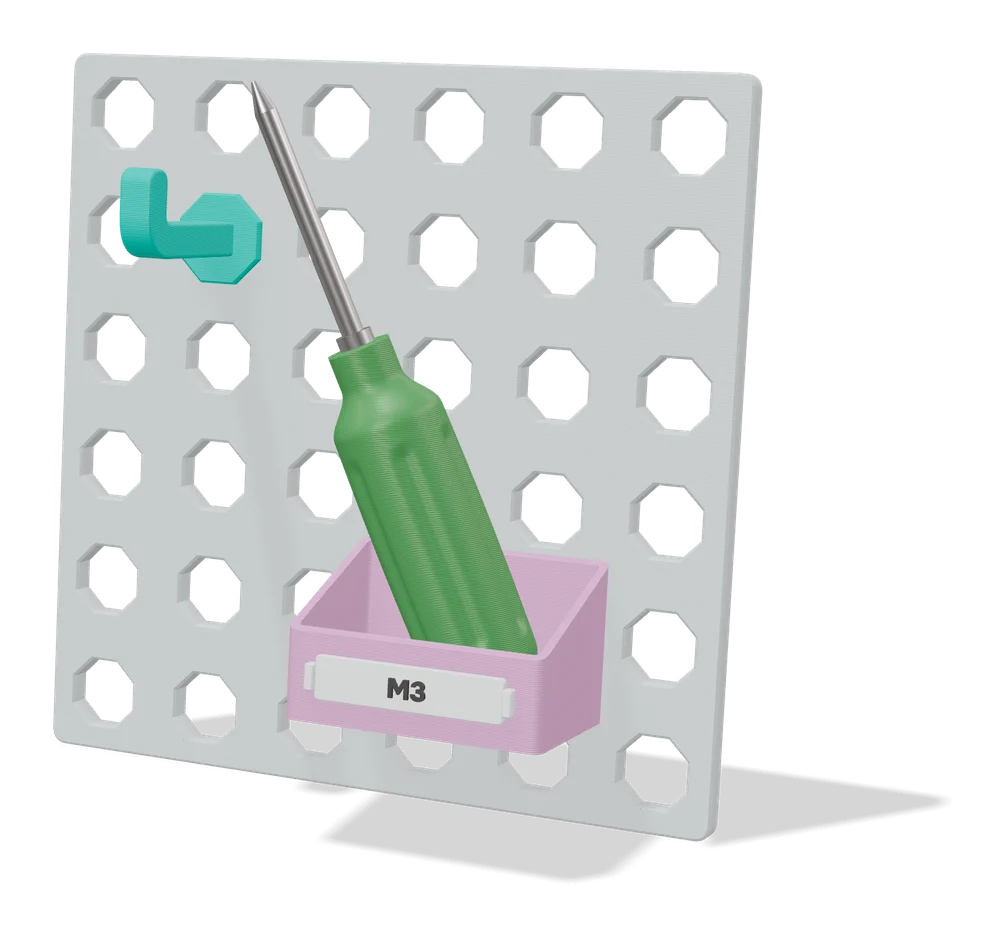
IKEA SKADIS Add-Ons: Parametric Bins and Shelves
Bins and shelves in your own sizes, with hooks that hang on an IKEA SKADIS pegboard
Storage
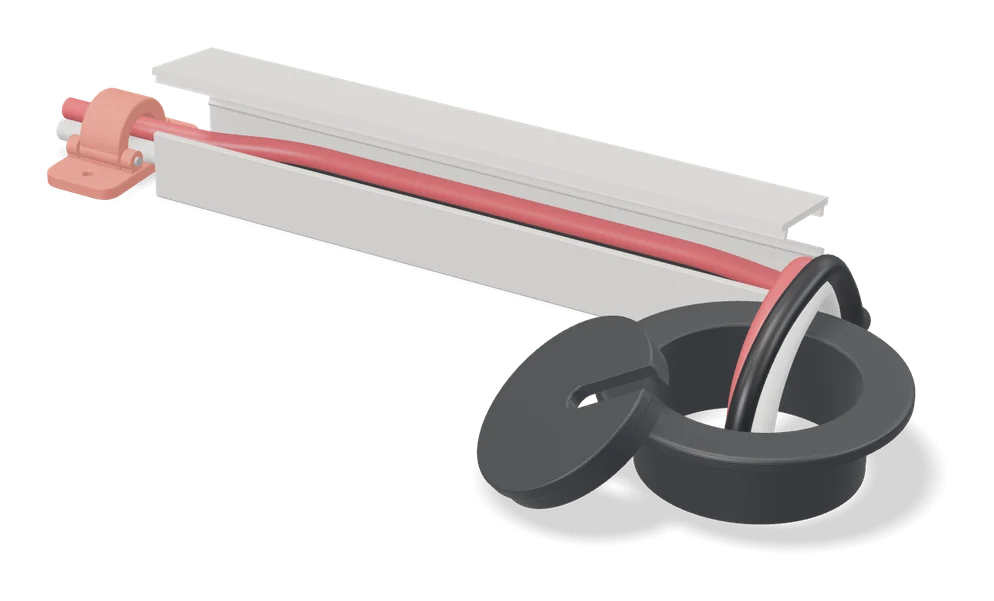
Under Desk Cable Clip
Print-in-place cable clips for under a desk, sized to your cables, with 0 to 5 screw holes
Storage
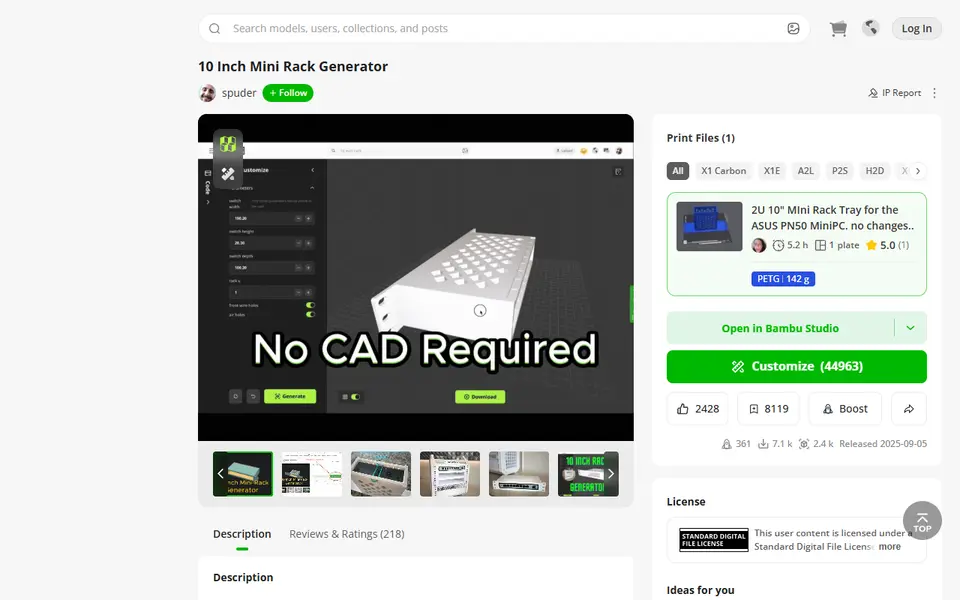
10 Inch Mini Rack Generator
Mini rack shelves sized to your switch, mini PC or NAS, for 10 and 6 inch racks
Storage
Cable Raceway Cover & Channel System (Parametric)
Snap-together cable raceways and connectors sized to your cords on MakerWorld