PlakHäus
Turn images and patterns into printable relief wall panels and matching casting molds
PlakHäus is a freemium browser and desktop tool for decorative wall panels and cast plaster tiles. Free path in MakerLab with a MakerWorld account (personal use); optional Design Pack $19.90 and Fabrication Pack $9. Through Genform, gen-form.com lists Starter at $29 a month (every tool, personal use) and Business at $49 a month (commercial license, store and order handling), with a launch offer of $19 and $39 a month for the first 12 months when you subscribe by November 12, 2026. Exports STL and 3MF. Last checked .
Opens makerworld.com
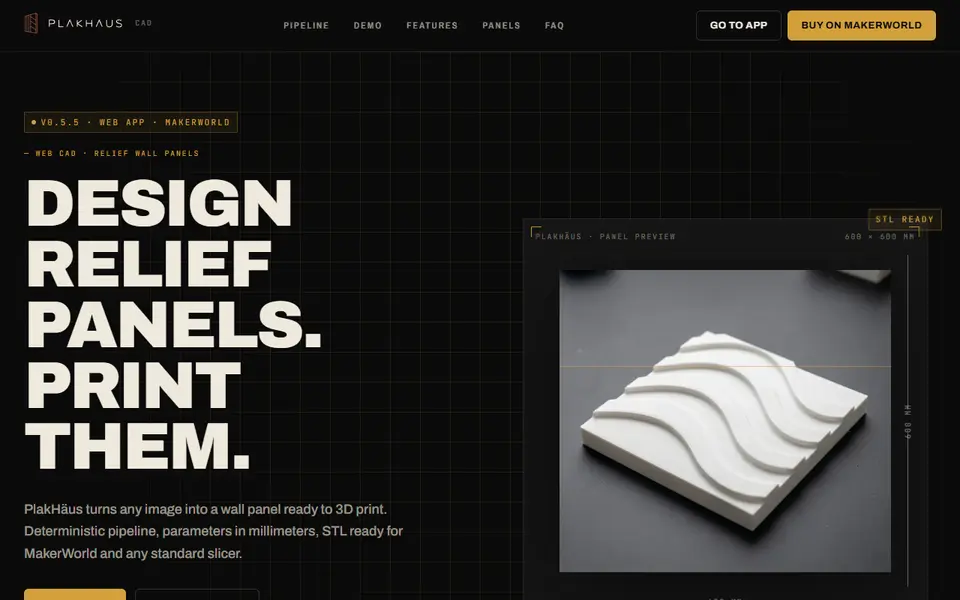
What is PlakHäus?
PlakHäus is a web app for making decorative relief wall panels. You drop in an image or pick a pattern from its built-in library, preview it as a tiling relief, then set plate size and depth in millimeters. It exports a validated binary STL or 3MF, so you can print panels and tile them across a wall.
What sets it apart is mold making. PlakHäus can generate the negative mold for any panel automatically, so you print the mold once and cast the design many times in plaster or concrete. An optional Gemini integration can suggest pattern variations, but the core engine runs locally in your browser and can be installed as an app on Windows, macOS or Linux.
PlakHäus also runs as a MakerLab app. Its MakerLab listing offers a complete free path to a usable model with a MakerWorld account, and sells optional Design ($19.90) and Fabrication ($9) packs for advanced image, pattern, sizing, tongue-and-groove and wall-ready tools. The standalone app on plakhaus.com is sold as a one-time purchase through the PlakHäus campaign on MakerWorld. PlakHäus is part of Genform (gen-form.com), a suite of no-CAD generators that also includes LumHaus lamps, Cavity molds, Taghaus QR cards and Hey Buddy characters, with plans that add a store, checkout and on-demand manufacturing. It suits makers decorating a room, selling wall art, or experimenting with plaster casting.
What you can make
- Relief wall panels
- Tiling wall patterns
- Casting molds
- Relief plaques
How to use PlakHäus
- Open PlakHäus in MakerLab and sign in to MakerWorld
- Upload an image or choose a pattern
- Adjust tiling, depth and plate size
- Export the panel or its mold as STL or 3MF
What you'll need to print it
Filament and parts that suit what you make with PlakHäus.
Matte PLA
- Bambu Lab PLA Matte (affiliate link) Amazon
- Polymaker Panchroma Matte PLA (formerly PolyTerra) (affiliate link) Polymaker EU: 3DJake (affiliate link)
Code gives 15% off your first order at Polymaker.
Large-format printers
Some of these are affiliate links: we may earn a small commission, at no extra cost to you. More about that
PlakHäus pros
- Automatic negative molds for casting
- Millimeter-based settings and validated STL
- Engine runs locally in the browser
PlakHäus cons
- Advanced pattern, sizing, tongue-and-groove and wall-ready tools are paid packs
- Newer tool with a small user base
- Focused on panels rather than general photo reliefs
Rate PlakHäus
One rating per account. Signing in takes one email link, no password.
Reviews
Made with PlakHäus
Read next
PlakHäus alternatives
Image to STL and relief generators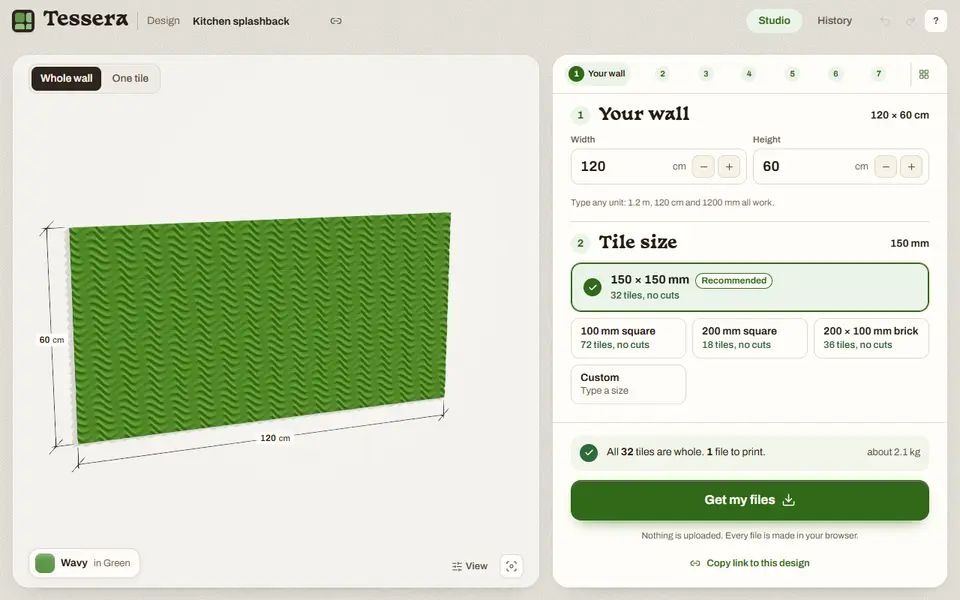
Image to Relief
Tessera
Free browser tool that tiles a wall with printable relief tiles, edge pieces cut to fit
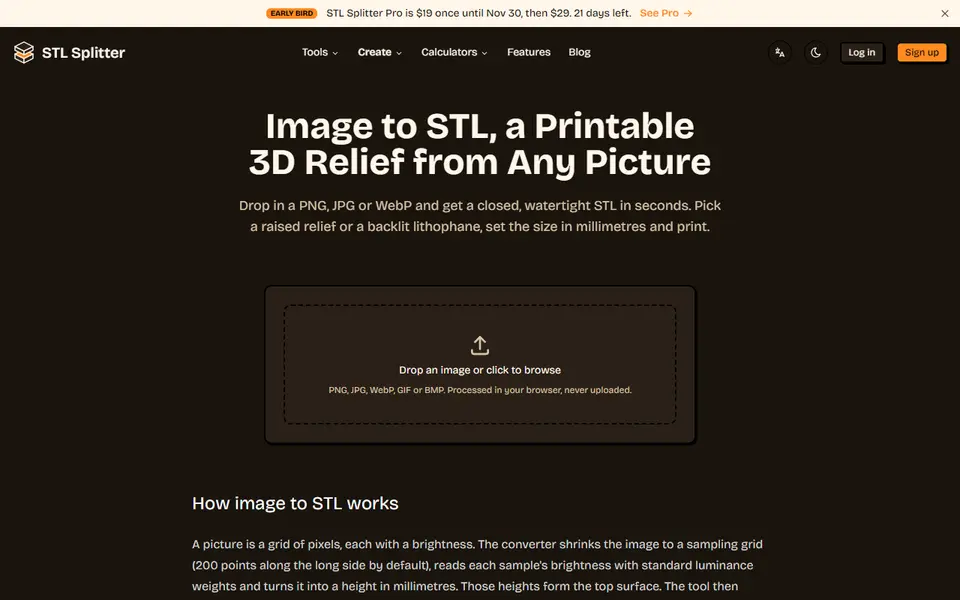
Image to Relief
STL Splitter Image to STL
Free browser tool that turns a picture into a watertight relief or lithophane STL
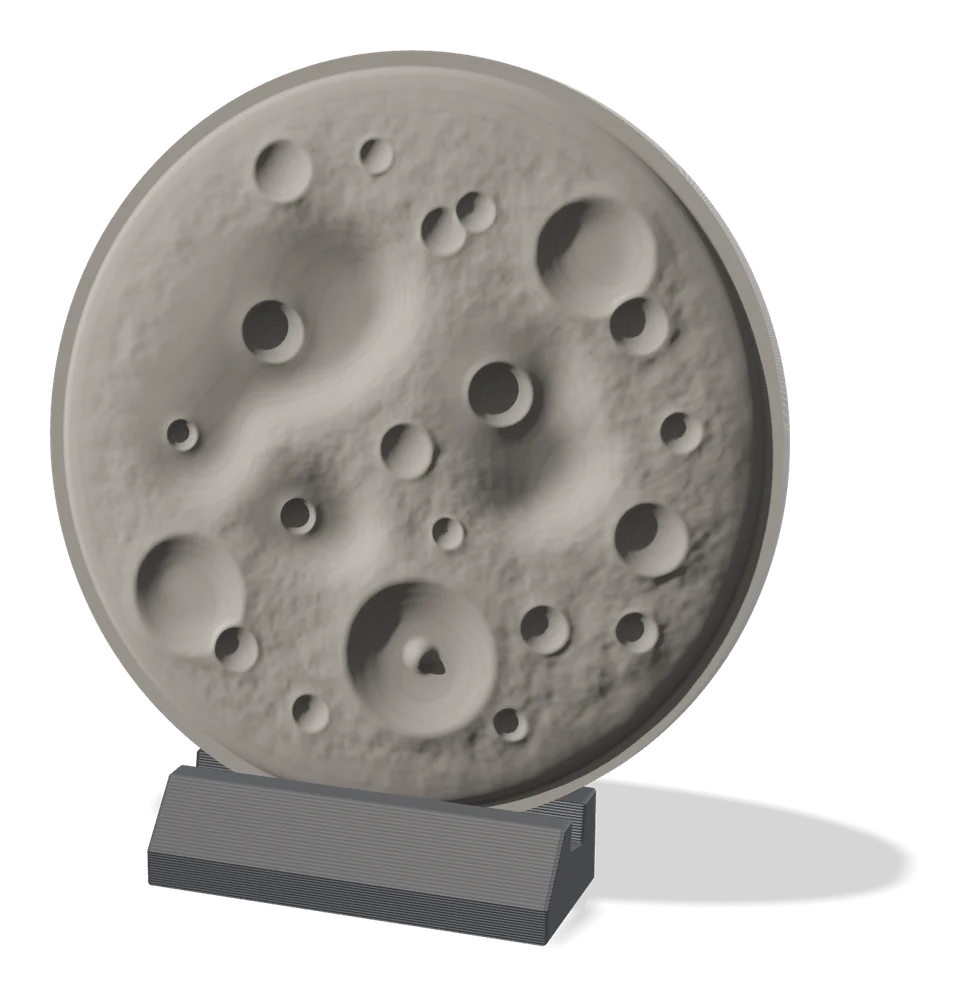
Image to Relief
MakerLab Relief Sculpture Maker
AI tool that turns photos or 3D models into printable bas-relief plaques
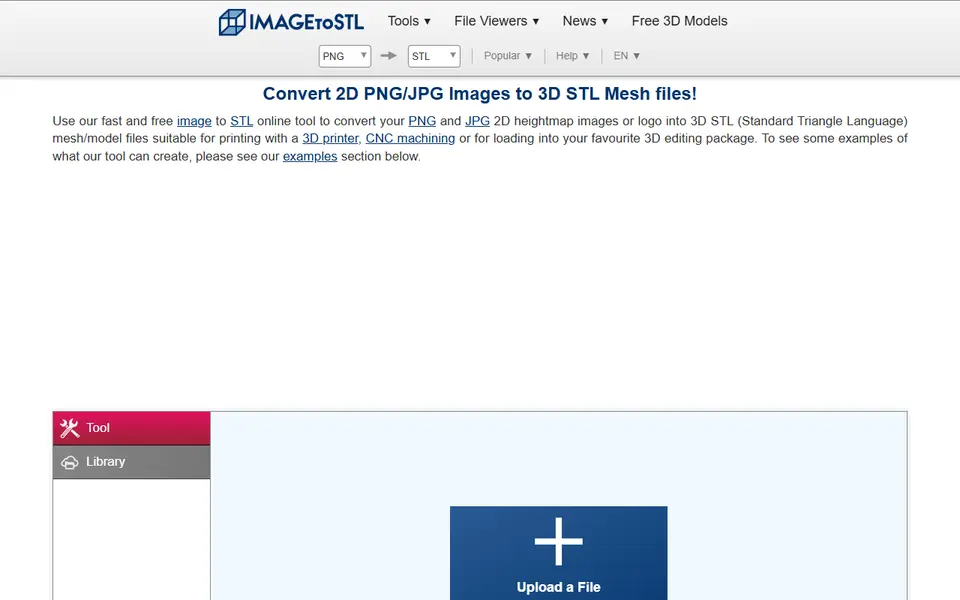
Image to Relief
ImageToStl
Free online converter that turns PNG or JPG images into heightmap or extruded STL
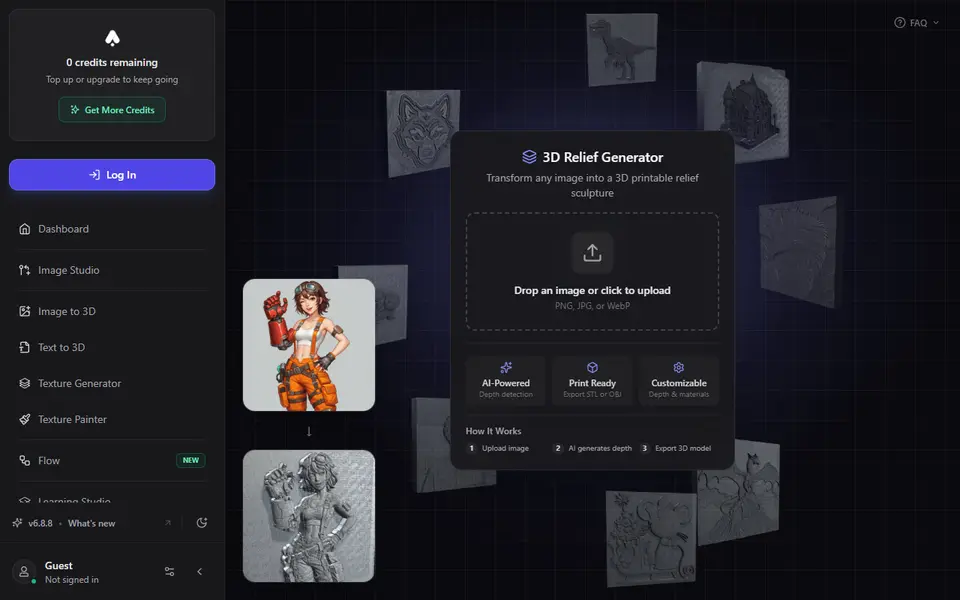
Image to Relief
3D AI Studio 3D Relief Generator
Turns one photo into a raised relief plaque using an AI depth map, with STL or OBJ export on paid plans
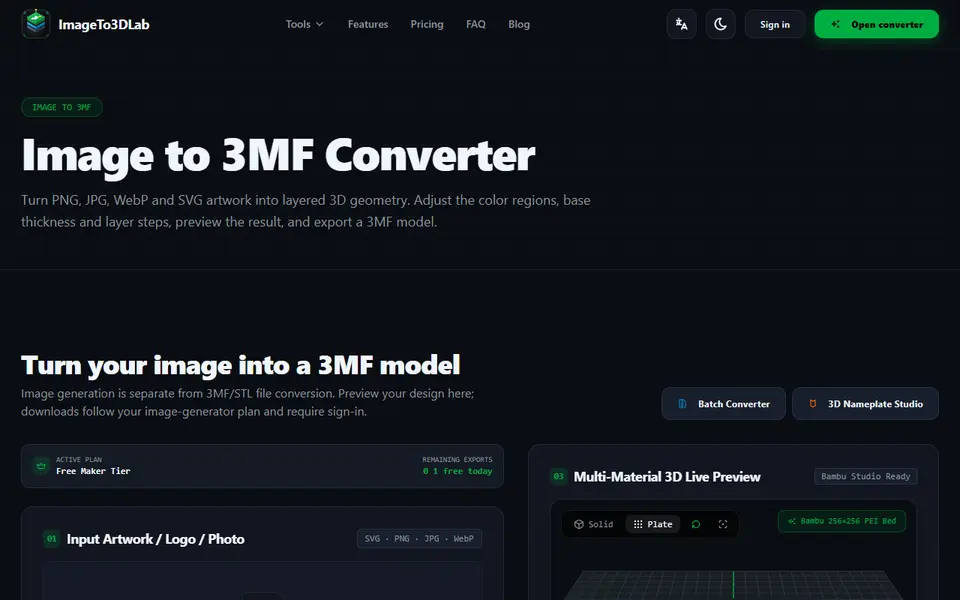
Image to Relief
ImageTo3DLab
Logos and photos as layered multicolor 3MF for an AMS, plus free in-browser 3MF and STL converters