3D AI Studio 3D Relief Generator
Turns one photo into a raised relief plaque using an AI depth map, with STL or OBJ export on paid plans
3D AI Studio 3D Relief Generator is a paid browser tool for photo, pet and logo relief plaques from a single image. Each depth map costs 4 credits (Nano Banana 2 or Gemini Edit) or 6 to 12 credits (Nano Banana Pro); new accounts get free credits to generate and preview, but STL/OBJ export needs a paid plan, with subscriptions from $19/month. Exports STL and OBJ. Last checked .
Opens 3daistudio.com
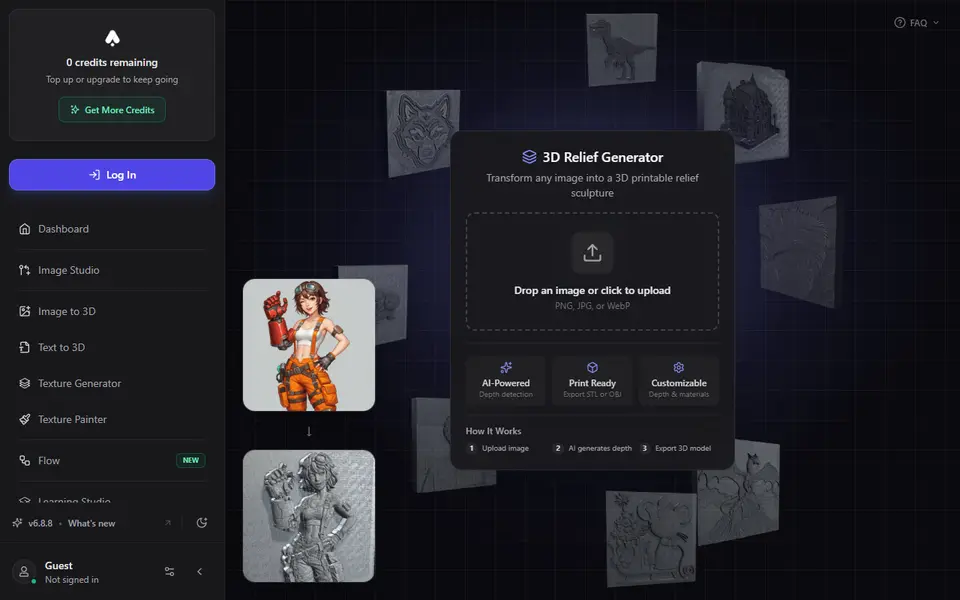
About this generator
3D AI Studio's 3D Relief Generator is a paid browser tool that turns one flat image into a raised relief for 3D printing, the kind of surface you see on coins, carved plaques and wall panels. You upload a PNG, JPG or WebP, pick a depth style (Detailed for logos, objects and buildings, Organic for faces and animals) and an AI model, and the server turns your picture into a grayscale depth map. That step costs 4 to 12 credits.
The mesh is then built in your browser, so changing settings afterwards costs no extra credits. Sliders cover depth intensity, base thickness, smoothing, noise reduction and mesh quality up to 1024. Solid mode gives a closed model with a back plate for printing, Planar mode gives only the surface for CNC or laser work, and an Invert for Mold switch turns the relief into a negative for casting. The docs also suggest thin settings for lithophanes, but the thickness follows the AI depth map rather than the photo's brightness, so a dedicated lithophane tool will show truer tones.
It suits people who want photo plaques, pet portraits or logo panels without learning displacement maps in Blender. A log-in window appears as soon as the page opens, and while the free starter credits let you generate and preview, downloading the STL or textured OBJ needs a paid plan.
What you can make
- Photo relief wall panels
- Pet and portrait relief plaques
- Logo and emblem reliefs
- Inverted molds for resin, soap or chocolate
How to use 3D AI Studio 3D Relief Generator
- Sign in to 3D AI Studio and open the Relief Generator
- Upload a PNG, JPG or WebP and choose Detailed or Organic plus an AI model
- Generate the depth map, then pick Solid mode
- Tune depth intensity, base thickness and smoothing in the live preview
- On a paid plan, export the STL and slice it
What you'll need to print it
Filament and parts that suit what you make with 3D AI Studio 3D Relief Generator.
Matte PLA
White PLA
Resin
- Siraya Tech Fast ABS-like Resin (affiliate link) Siraya Tech
- Siraya Tech Blu Tough Resin (affiliate link) Siraya Tech
Some of these are affiliate links: we may earn a small commission, at no extra cost to you. More about that
3D AI Studio 3D Relief Generator pros
- Credits are only spent on the depth map; every slider change after that is free
- Solid mode adds a back plate, so the STL comes out as a closed volume for the slicer
- Invert for Mold flips the relief into a negative for resin, soap or chocolate casting
3D AI Studio 3D Relief Generator cons
- Downloading STL or OBJ is locked behind a paid plan, from $19 a month
- Every new depth map costs credits, and Enhance Details is for paid users only
- STL output is single color; the 12 material presets only change the on-screen preview
Rate 3D AI Studio 3D Relief Generator
One rating per account. Signing in takes one email link, no password.
Reviews
Made with 3D AI Studio 3D Relief Generator
Read next
3D AI Studio 3D Relief Generator alternatives
Image to STL and relief generators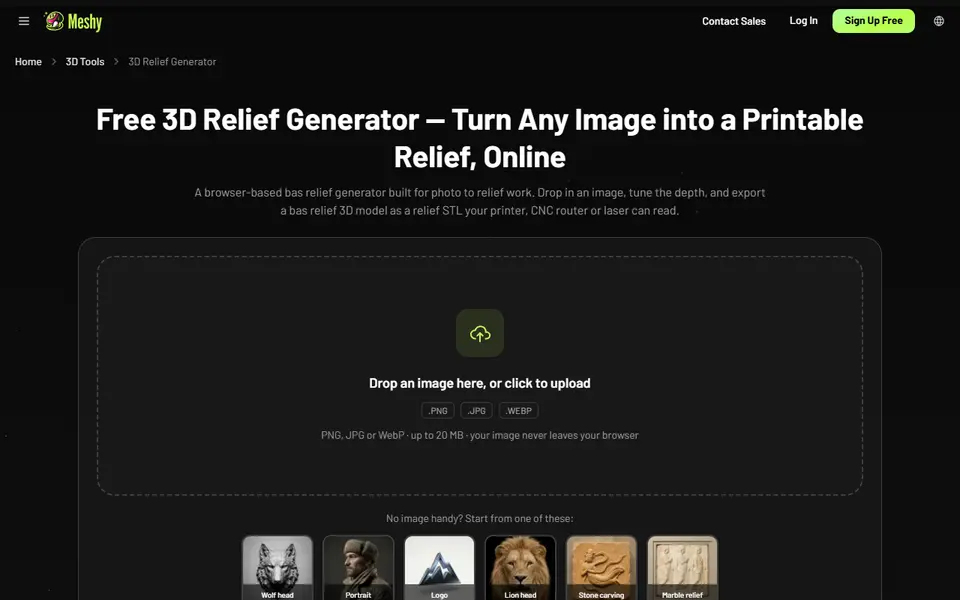
Image to Relief
Meshy 3D Relief Generator
Turns a picture into a printable relief plaque or casting mold, right in your browser
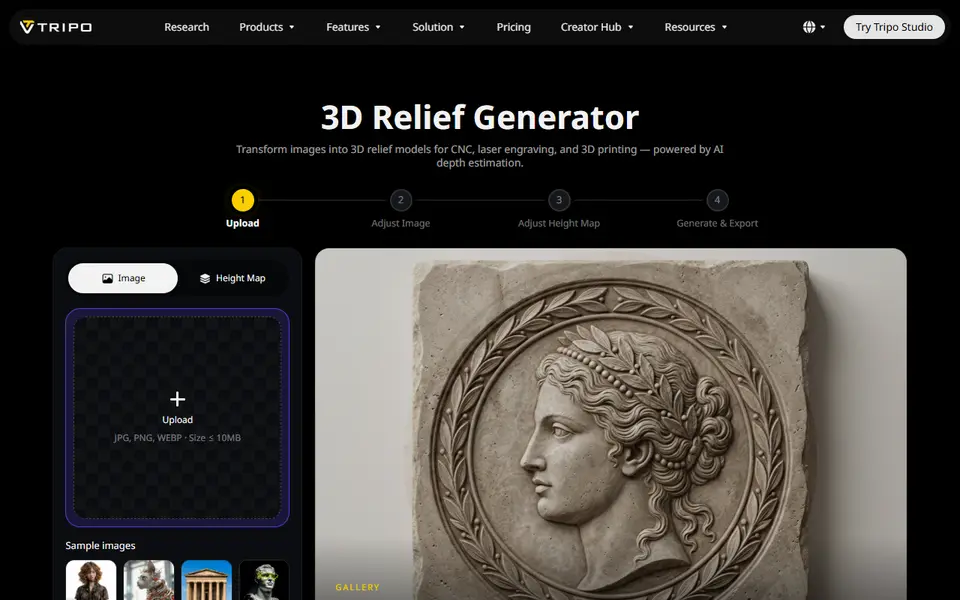
Image to Relief
Tripo AI 3D Relief Generator
Turns a photo or logo into a raised relief panel via an AI height map, as STL or OBJ
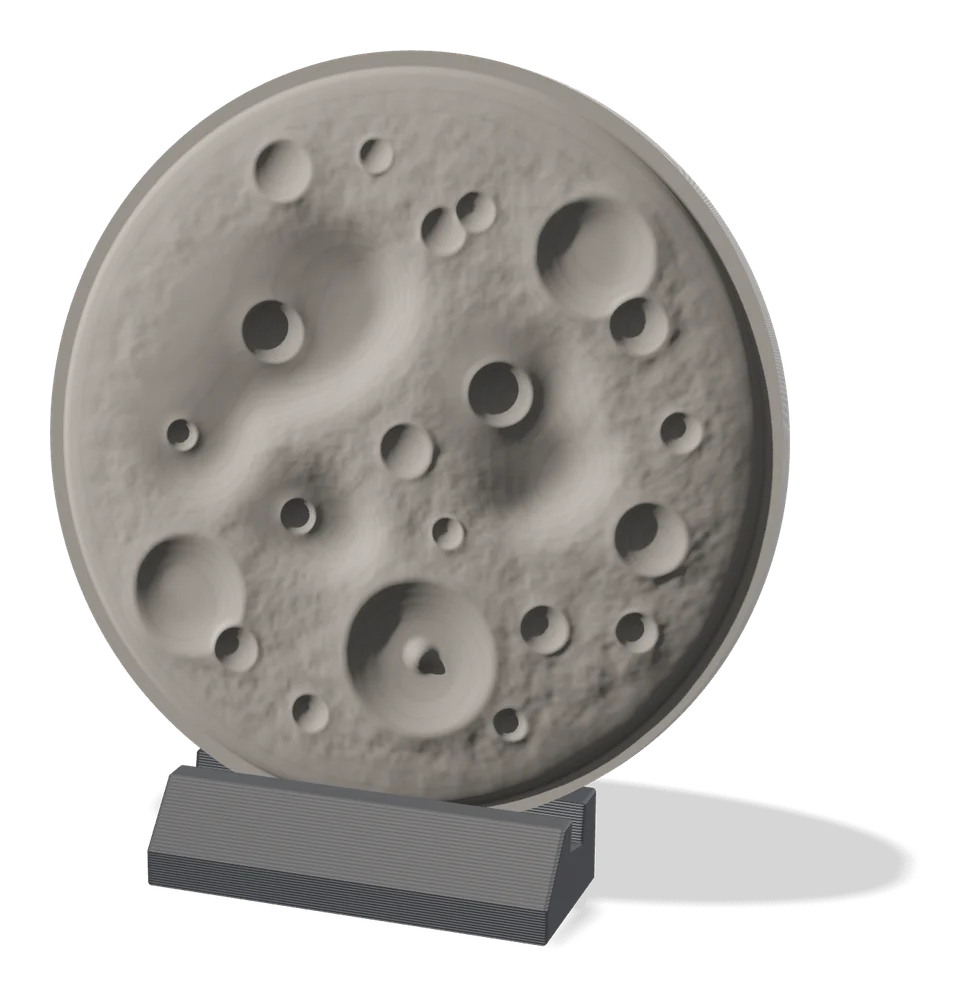
Image to Relief
MakerLab Relief Sculpture Maker
AI tool that turns photos or 3D models into printable bas-relief plaques
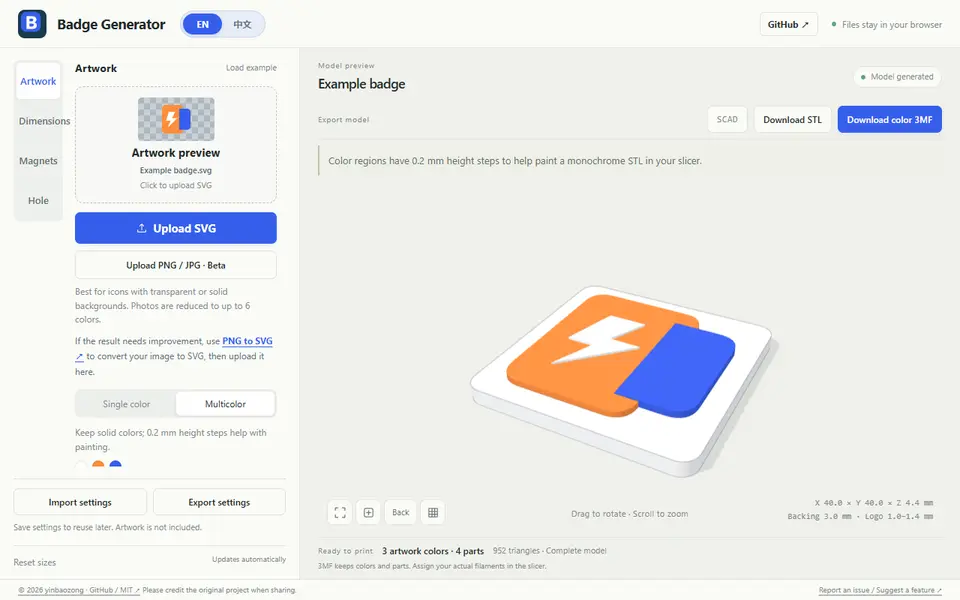
Image to Relief
Badge Generator (SVG to 3D)
Free browser tool that turns an SVG logo into a raised badge or magnet, single or multicolor, as STL or color 3MF

Image to Relief
Shadowbox Maker (MakerLab)
Turns a flat image into stacked cut-out layers for a framed 3D shadowbox
Image to Relief
Mesh Graffiti (MakerLab)
Paint colors, text and logos onto the surface of your own STL or 3MF model