Clicker Generator (Vostok Labs)
Turn an image, text, a key layout or your own 3D model into a multicolor fidget clicker built around an MX switch
Clicker Generator (Vostok Labs) is a free browser tool for custom fidget clicker keychains. Free for personal use. The only paid item in MakerLab is an optional $99 Lifetime commercial license for selling prints; Vostok Labs also sells a $15-a-month commercial membership through its MakerWorld profile. Exports 3MF; no account needed. Last checked .
Opens makerworld.com
About this generator
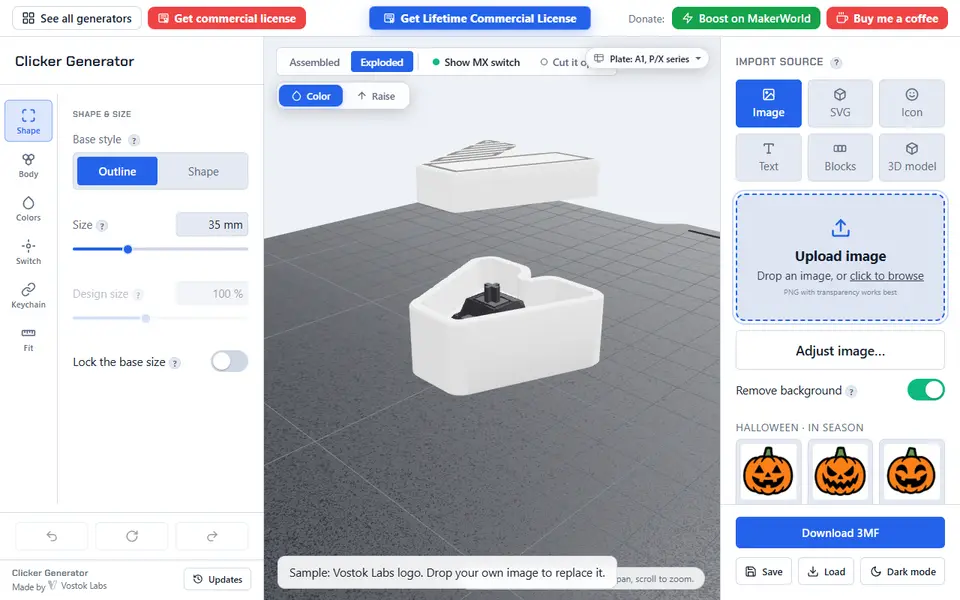
Clicker Generator by Vostok Labs designs a fidget clicker around a Cherry MX compatible keyboard switch: a body with a pocket for the switch and a cap that sits on the switch stem, with your own design on top. It runs free in the browser on the developer's own site without an account, and as an app in MakerWorld's MakerLab with a MakerWorld login.
You can start from a PNG (with an option to remove the background), your own SVG through an upload wizard, more than 1,700 built-in icons or a line of text, with fonts that now include Korean, Chinese, Japanese and Cyrillic. A Blocks mode builds key pads in a row, column, grid, WASD or arrow layout, or your own numpad layout, with surface textures. Since the October 2026 update you can also turn any 3D model into a clicker: split in two so the top comes off as the button, set on a stand, or with a button cut into its top. The image is split into colors, each exported as its own part, and a 3D preview shows the clicker assembled, exploded or cut open.
Fit controls adjust how tightly the switch sits in the body and the cap grips the stem, and a keychain loop can be added. Export is a multicolor 3MF for Bambu Studio; there is no STL option, and the switch is bought separately. Personal use is free; selling prints needs the paid commercial license. It suits fidget fans, keyboard hobbyists and small branded giveaways.
What you can make
- Fidget clickers from images and icons
- Name and text clickers
- Key pad clickers (WASD, arrows, numpad)
- Clickers from your own 3D model
- Clicker keychains
How to use Clicker Generator
- Open the generator and pick a source: image, SVG, icon, text, Blocks or 3D model
- Set the shape, size, colors and switch fit
- Check the assembled and cut-open preview
- Download the 3MF and print with your switch
What you'll need to print it
Filament and parts that suit what you make with Clicker Generator.
Multicolor PLA
Multicolor filament systems
Some of these are affiliate links: we may earn a small commission, at no extra cost to you. More about that
Clicker Generator pros
- Image, SVG, icons, text, key pads or your own 3D model as the design
- Free without an account on the developer's site
- Fit controls, assembled, exploded and cut-open preview
Clicker Generator cons
- 3MF only, no STL
- The MX switch is bought separately
- Selling prints needs a paid commercial license
Rate Clicker Generator
One rating per account. Signing in takes one email link, no password.
Reviews
Made with Clicker Generator
Read next
Clicker Generator alternatives
Name keychain and tag generators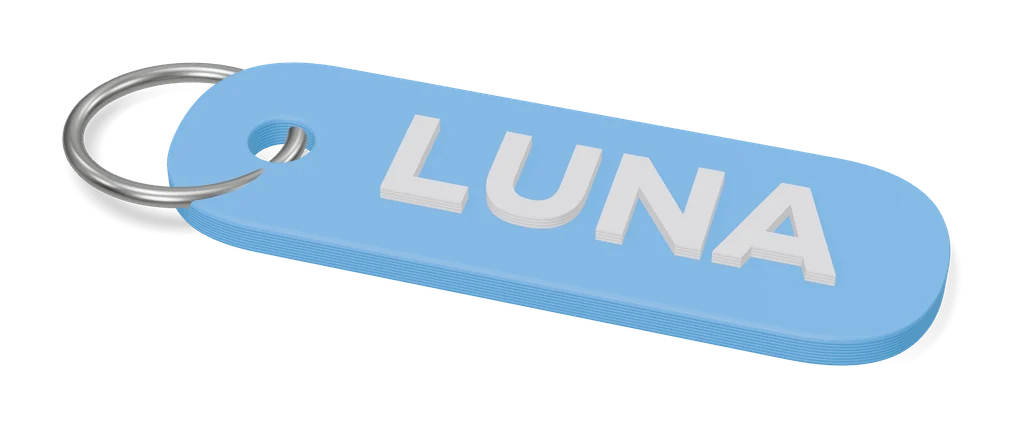
Keychains
Car Plate Keychain Creator [OpenSCAD]
Mini license plate keychains with your registration or any short text, in three colors
Keychains
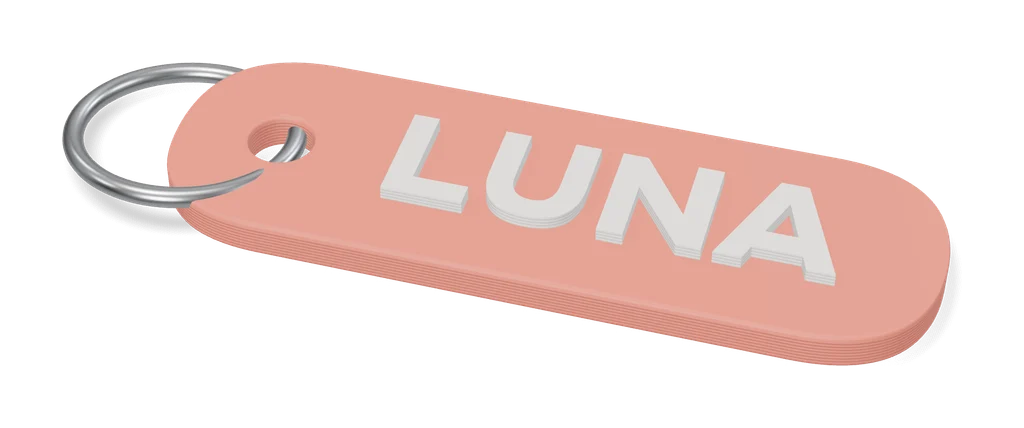
Obloid Keychain & Pet Tag Generator
Name keychains and pet tags in rounded, circle, bone or heart shapes, as STL or two-color 3MF; sign-in to export
Keychains
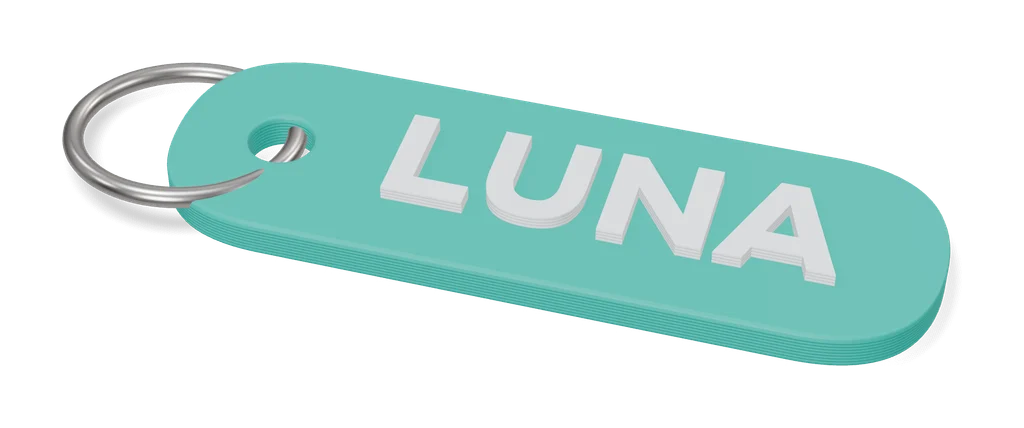
Customizable Keychain Brick (Canale)
Name keychain in four-color toy-brick logo lettering, made in MakerWorld's customizer
Keychains
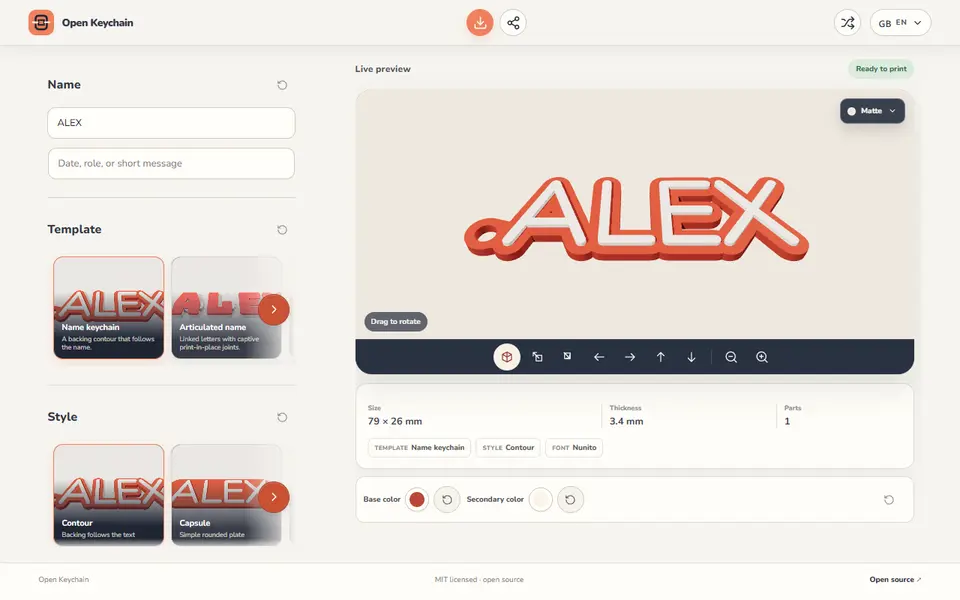
Open Keychain 3D
Name keychains, articulated names, magnets, nameplates and plant labels from one line of text
Keychains
Custom Multicolour Name Keyring (Hayden Kong)
Two-tone name keyrings with an outlined base and a spacing slider for every letter
Keychains
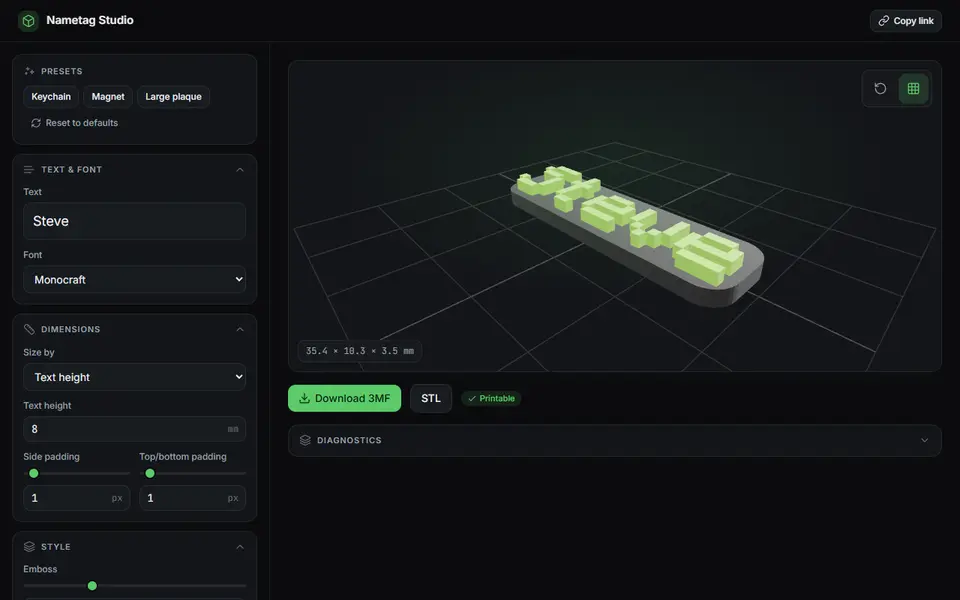
Nametag Studio (Minecraft-style nametags)
Free, open-source pixel-font nametags, keychains and magnets in the Minecraft style, STL or two-color 3MF