Custom Multicolour Name Keyring (Hayden Kong)
Two-tone name keyrings with an outlined base and a spacing slider for every letter
Custom Multicolour Name Keyring (Hayden Kong) is a free browser tool on MakerWorld for two-tone name keyrings for gifts and bags. Free for personal use with a MakerWorld login; selling prints needs the commercial license the designer sells through his MakerWorld membership. Exports 3MF. Last checked .
Opens makerworld.com
About this generator
Custom Multicolour Name Keyring is a free MakerWorld customizer by Hayden Kong that turns a name or short word into a chunky two-tone keyring. Each tag has a thick base that follows the outline of the letters, raised text on top in a second color and a loop at one end. You type the text, pick a font and generate the model in the browser.
The standout control is spacing: every letter gets its own slider, so you can tuck letters together or spread them out. Letters only join where they overlap, and several makers in the comments ended up with loose pieces, so check the preview before you download. There are three scripts, including a two-line layout. The second color comes from one filament swap at the layer where the front text starts, so a printer without an AMS can do it; AMS owners set the same layer change in the slicer.
It has been customized more than 227,000 times since February 2025 and has close to 11,000 likes. Personal use is free with a MakerWorld login, while selling prints needs the designer's commercial license. It suits gifts, bag tags and class sets where a bold look matters more than fine detail.
What you can make
- Two-color name keyrings
- Two-line text keyrings
- Bag and backpack tags
- Short word or message tags
How to use Custom Multicolour Name Keyring
- Open the model on MakerWorld in a browser and click Customize
- Type your text and pick a font
- Move the letter sliders until every letter touches, then adjust the ring position
- Generate, then download the 3MF or open it in Bambu Studio
- Add a pause (or a color change with an AMS) at the layer where the front text starts
What you'll need to print it
Filament and parts that suit what you make with Custom Multicolour Name Keyring.
Multicolor PLA
Key rings
Some of these are affiliate links: we may earn a small commission, at no extra cost to you. More about that
Custom Multicolour Name Keyring pros
- A separate spacing slider for every letter
- Two colors with one filament pause, so no AMS is needed
- Three script versions, including a two-line layout
Custom Multicolour Name Keyring cons
- Letters print as separate pieces unless they overlap in the preview
- Several makers got a one-color file and had to set the color change in the slicer, even with an AMS
- Customizing needs the MakerWorld website on a computer or tablet, not the Bambu Handy app
Rate Custom Multicolour Name Keyring
One rating per account. Signing in takes one email link, no password.
Reviews
Made with Custom Multicolour Name Keyring
Read next
Custom Multicolour Name Keyring alternatives
Name keychain and tag generators Keychains
Car Plate Keychain Creator [OpenSCAD]
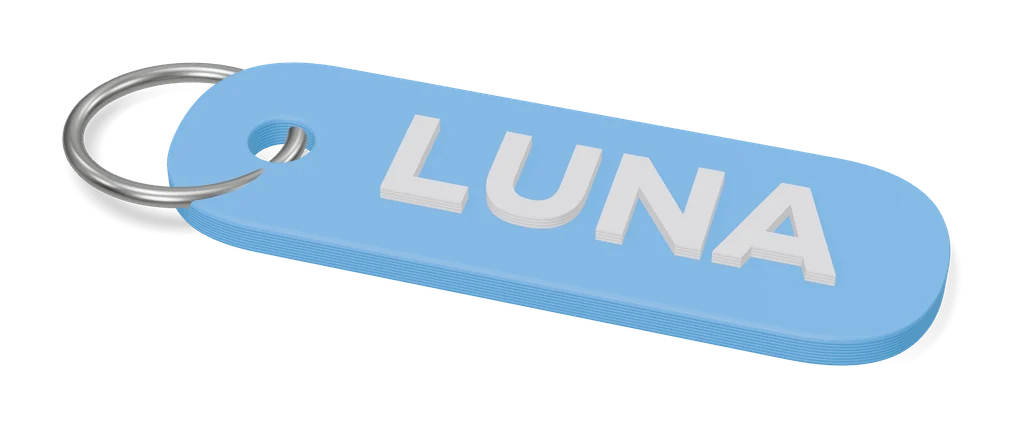
Mini license plate keychains with your registration or any short text, in three colors
Keychains
Obloid Keychain & Pet Tag Generator
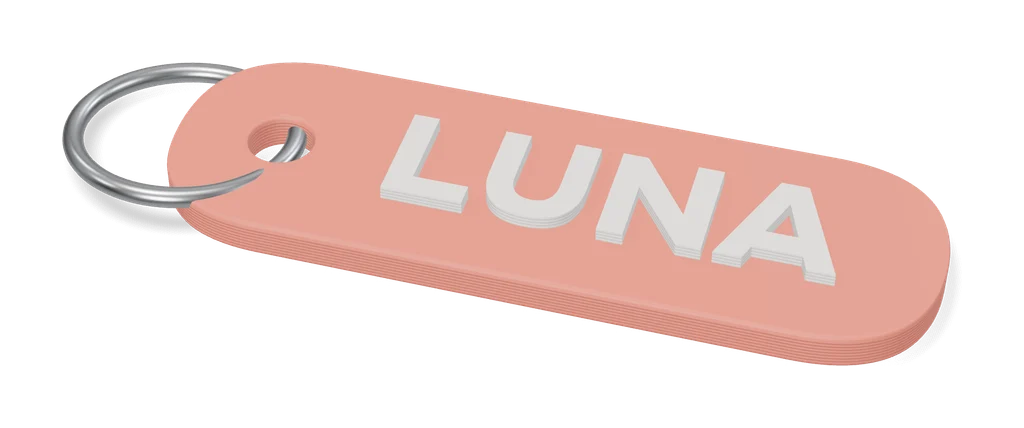
Name keychains and pet tags in rounded, circle, bone or heart shapes, as STL or two-color 3MF; sign-in to export
Keychains
MyLaserTools Keychain & Cake Topper Generators
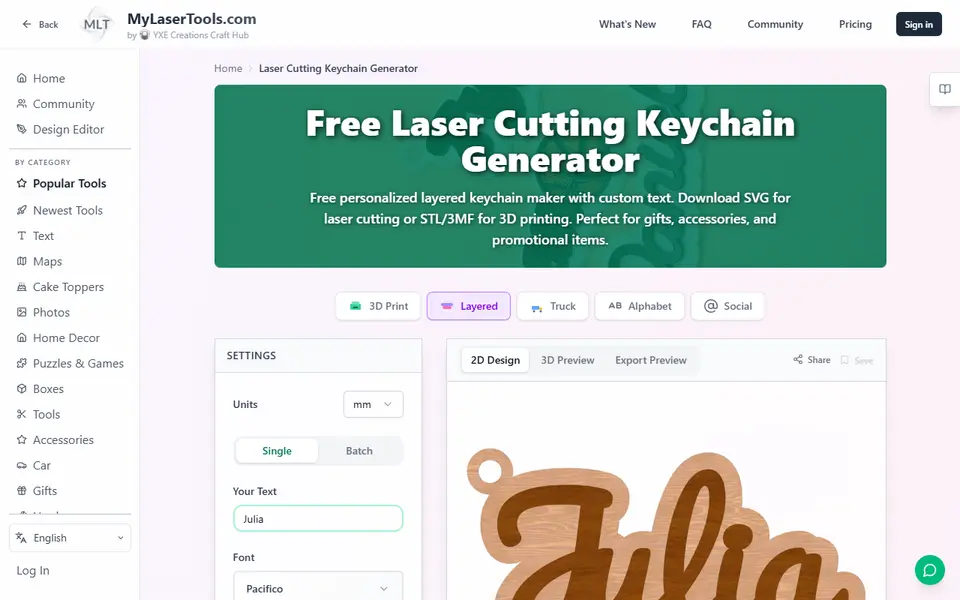
Type a name and get a two-color keychain, bag tag or cake topper as STL, 3MF or SVG
Keychains
Customizable Keychain Brick (Canale)
Name keychain in four-color toy-brick logo lettering, made in MakerWorld's customizer
Keychains
Ultimate Multi-Keychain Generator
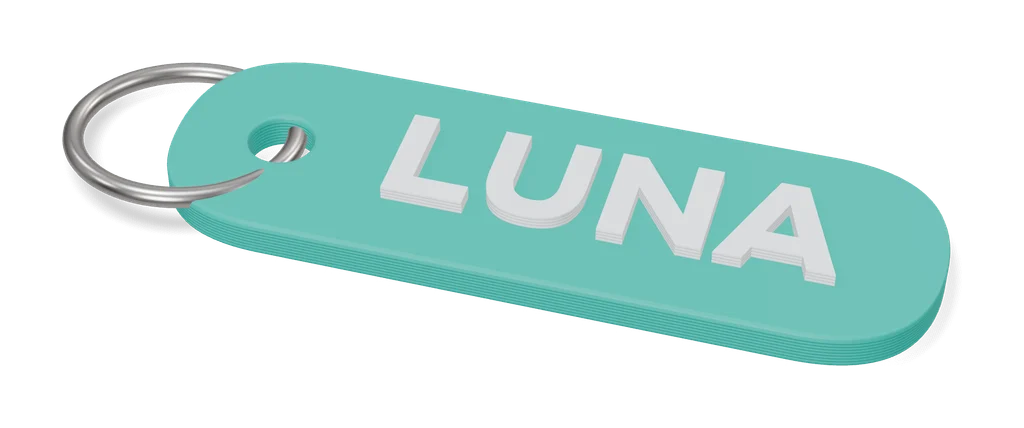
Up to 14 name keychains on one plate from one form, in four text styles
Keychains
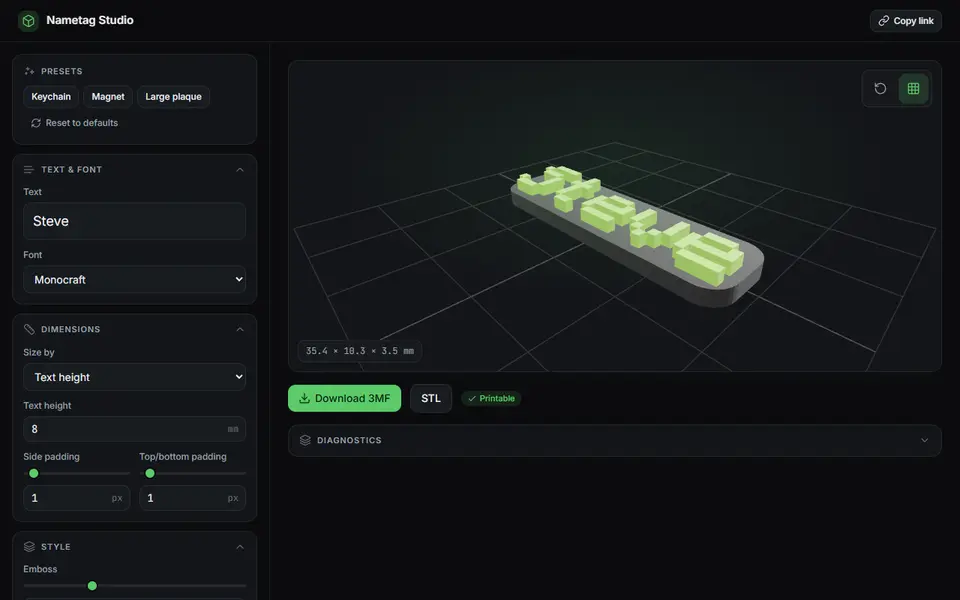
Nametag Studio (Minecraft-style nametags)
Free, open-source pixel-font nametags, keychains and magnets in the Minecraft style, STL or two-color 3MF