Nametag Studio (Minecraft-style nametags)
Free, open-source pixel-font nametags, keychains and magnets in the Minecraft style, STL or two-color 3MF
Nametag Studio (Minecraft-style nametags) is a free browser tool for pixel-style name keychains for kids and gamers. Free, no account, open source. Exports STL and 3MF. Last checked .
Opens mrtheshy.github.io
About this generator
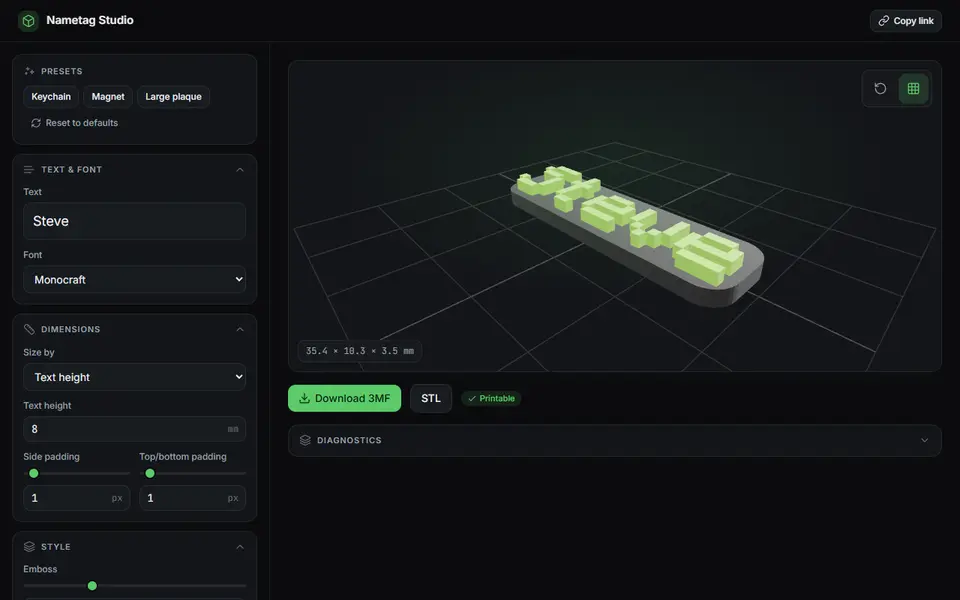
Nametag Studio is an unofficial, fan-made generator for nametags in the style of the Minecraft name tag. You type a name, and it builds a tag with the letters in the Monocraft pixel font raised on a base, with a live 3D preview. The site states it is not affiliated with or endorsed by Mojang or Microsoft.
Presets set it up as a keychain, a magnet or a large plaque. You can size it by text height or total width and set the side and top padding, emboss depth, base thickness, letter spacing, rounded corners and a keychain hole, and pick the base and text colors. Monocraft and Monocraft Bold are built in, and you can upload your own TTF or OTF font. Batch mode lays out a list of names, one per line, for one print, and a live check shows whether the mesh is watertight and manifold.
Downloads are a binary STL or a 3MF with the base and text as separately colored parts, which Bambu Studio, PrusaSlicer and OrcaSlicer pick up. It is free, has no account and runs on your device. The code is MIT licensed and the font is under the SIL Open Font License; the site says nothing about selling prints, and Minecraft is a Mojang trademark. It suits parents and kids making name tags for a backpack or a bedroom door.
What you can make
- Pixel-font name keychains
- Nametag fridge magnets
- Large name plaques
- Batches of name tags for a group
How to use Nametag Studio
- Type the name, or switch on batch mode for a list
- Pick the keychain, magnet or plaque preset
- Adjust the size, emboss depth, colors and hole
- Download the 3MF or STL
What you'll need to print it
Filament and parts that suit what you make with Nametag Studio.
Matte PLA
Multicolor filament systems
Some of these are affiliate links: we may earn a small commission, at no extra cost to you. More about that
Nametag Studio pros
- Two-color 3MF with base and text as separate parts
- Batch mode prints a list of names in one go
- Keychain, magnet and plaque presets, plus your own font
Nametag Studio cons
- One look only: pixel letters on a flat tag
- Unofficial fan tool; the Minecraft name is a Mojang trademark
Rate Nametag Studio
One rating per account. Signing in takes one email link, no password.
Reviews
Made with Nametag Studio
Read next
Nametag Studio alternatives
Name keychain and tag generators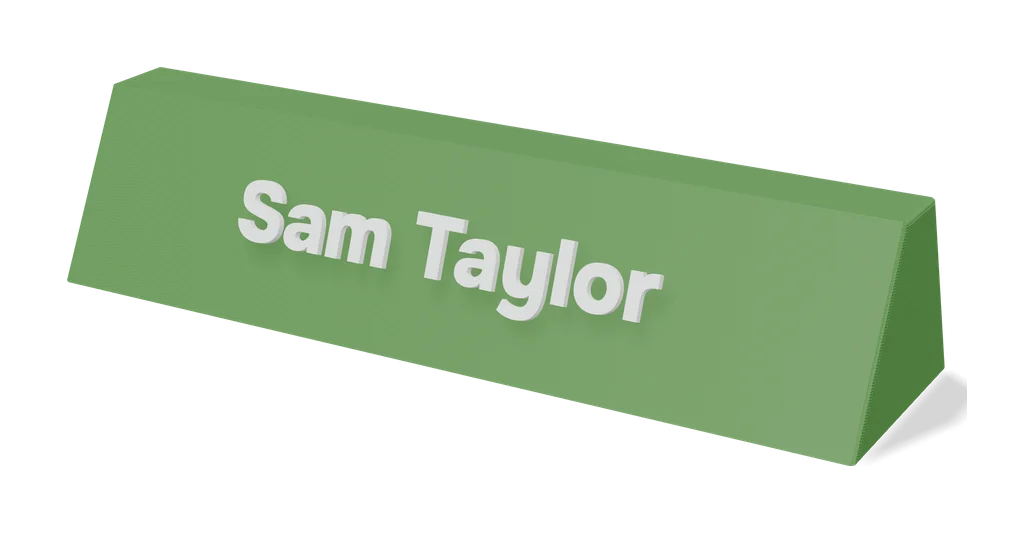
Signs & Text
Custom Minecraft Name Plate
Your name as Minecraft-style stone letters on a grass block base
Keychains
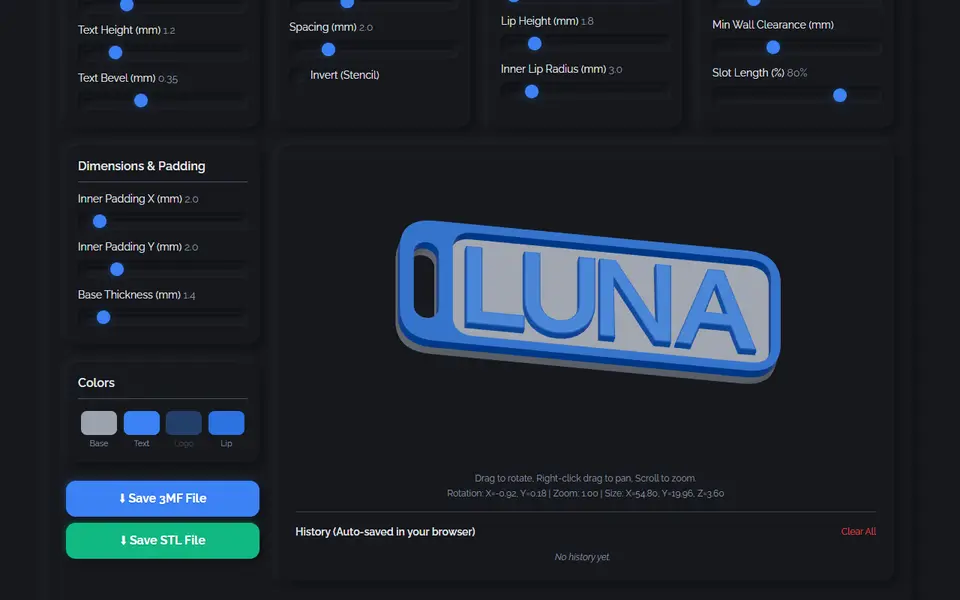
3D Keychain & Nametag Designer (nullphase)
Name keychains and nametags with 35 fonts, 8 border styles and a multicolor 3MF
Keychains
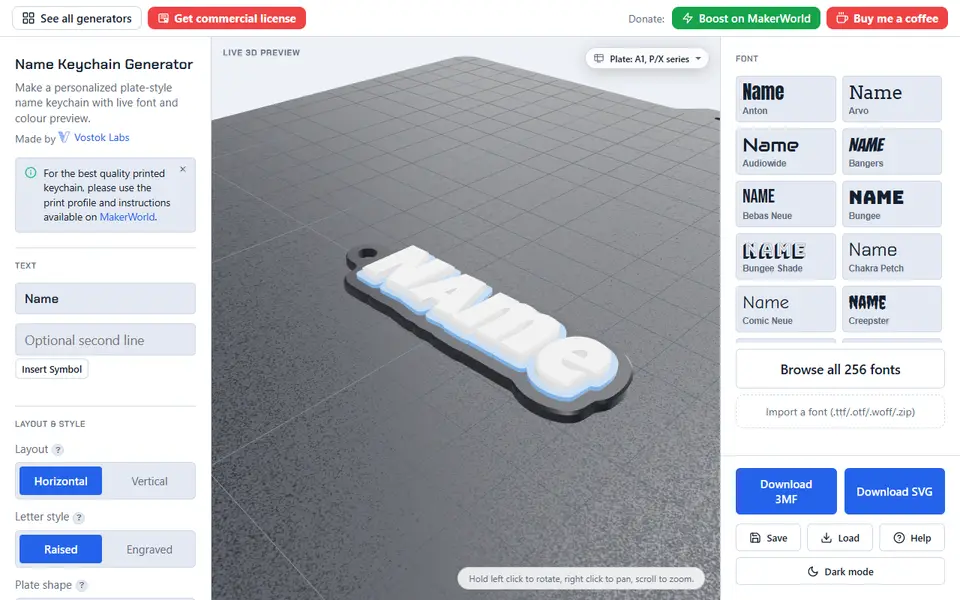
Name Keychain Generator (Vostok Labs)
Plate-style name keychains in 257 fonts, many scripts and up to three colors, with or without an AMS
Keychains
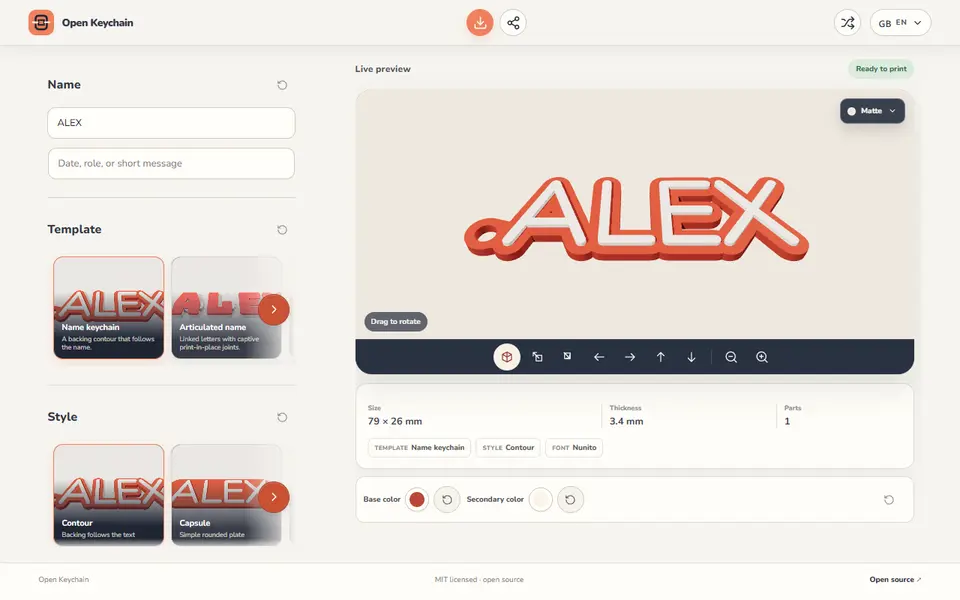
Open Keychain 3D
Name keychains, articulated names, magnets, nameplates and plant labels from one line of text
Keychains
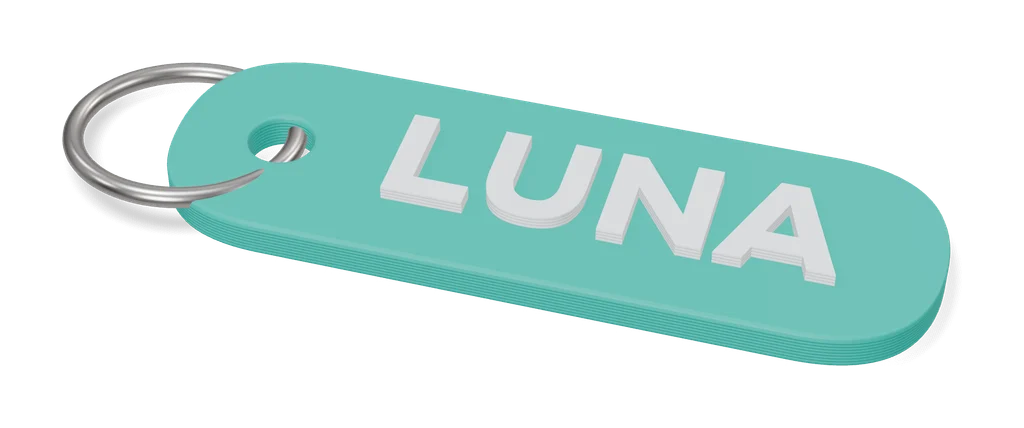
Customizable Keychain Brick (Canale)
Name keychain in four-color toy-brick logo lettering, made in MakerWorld's customizer
Keychains
Ultimate Multi-Keychain Generator
Up to 14 name keychains on one plate from one form, in four text styles