Open Keychain 3D
Name keychains, articulated names, magnets, nameplates and plant labels from one line of text
Open Keychain 3D is a free browser tool for quick two-color name tags, magnets and plant labels. Free with no account and MIT-licensed; a hosted workspace was listed as planned, with no price, in September 2026. Exports STL and 3MF. Last checked .
Opens open-keychain.com
What is Open Keychain 3D?
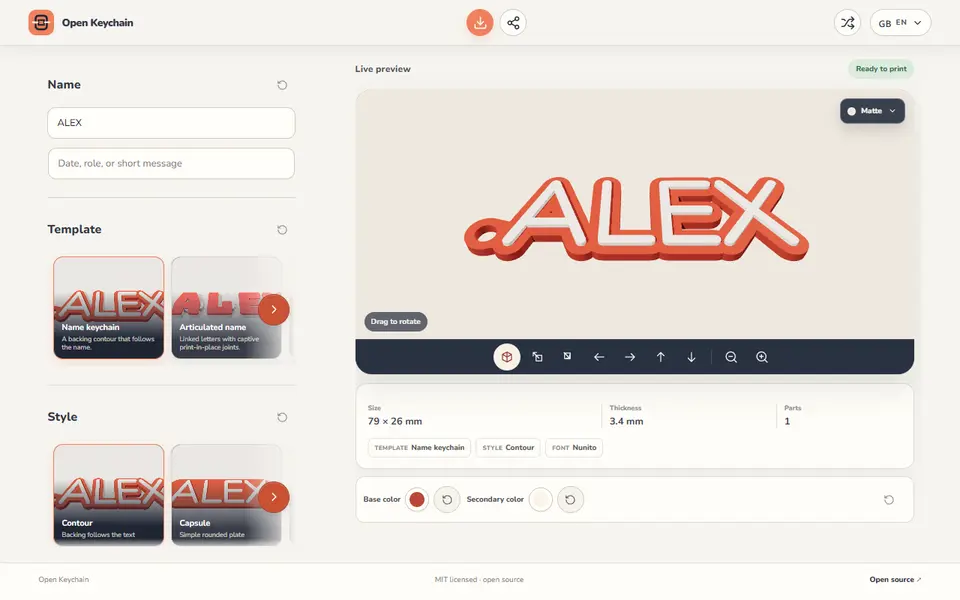
Open Keychain 3D is a free, open-source browser tool that turns a name into a printable keychain, fridge magnet, nameplate or plant label. You type a name, plus an optional second line such as a date or a role, and pick one of five templates: a standard name keychain, an articulated name with linked print-in-place letters, a magnet with a blind pocket for a disc magnet, a desk nameplate or a plant label with a stake.
The keychain backing comes in seven shapes: contour, capsule, soft tag, bubble, arch, ribbon and heart. There are 23 built-in fonts grouped by look, and you can load your own TTF or OTF file. Sliders cover text size, letter weight and spacing, the keyring hole, border padding and base thickness, with sharp, chamfered or rounded edges. The magnet template takes disc magnets from 6x2 to 15x3 mm, and the articulated one lets you set joint clearance and letter gap.
Export gives you an STL, a 3MF with the letters and base as separate colored objects, or a merged 3MF. No account is needed and the geometry is built on your own device. The project started in August 2026 and was labeled beta as of September 2026, so check the file in your slicer before printing a batch.
What you can make
- Name keychains
- Articulated print-in-place names
- Name fridge magnets
- Desk nameplates
- Plant labels with a stake
How to use Open Keychain 3D
- Open the customizer and type a name, plus an optional second line
- Pick a template and a backing style
- Choose a font and adjust size, hole, thickness and edges if you like
- Click Export and download an STL or a color-separated 3MF
What you'll need to print it
Filament and parts that suit what you make with Open Keychain 3D.
Multicolor PLA
Multicolor filament systems
Some of these are affiliate links: we may earn a small commission, at no extra cost to you. More about that
Open Keychain 3D pros
- Five templates in one tool, including print-in-place articulated names and magnets with a sized pocket
- 3MF export keeps the letters and the base as separate colors for AMS or color-swap prints
- Free, no account, and the geometry is built locally in your browser
Open Keychain 3D cons
- Started in August 2026 and labeled beta, with no visible community track record as of September 2026
- Text only: no logo, icon or photo upload
- The Google Fonts tab showed an 'unavailable' notice on the live site, so you are limited to the built-in fonts or your own font file
Rate Open Keychain 3D
One rating per account. Signing in takes one email link, no password.
Reviews
Made with Open Keychain 3D
Read next
Open Keychain 3D alternatives
Name keychain and tag generators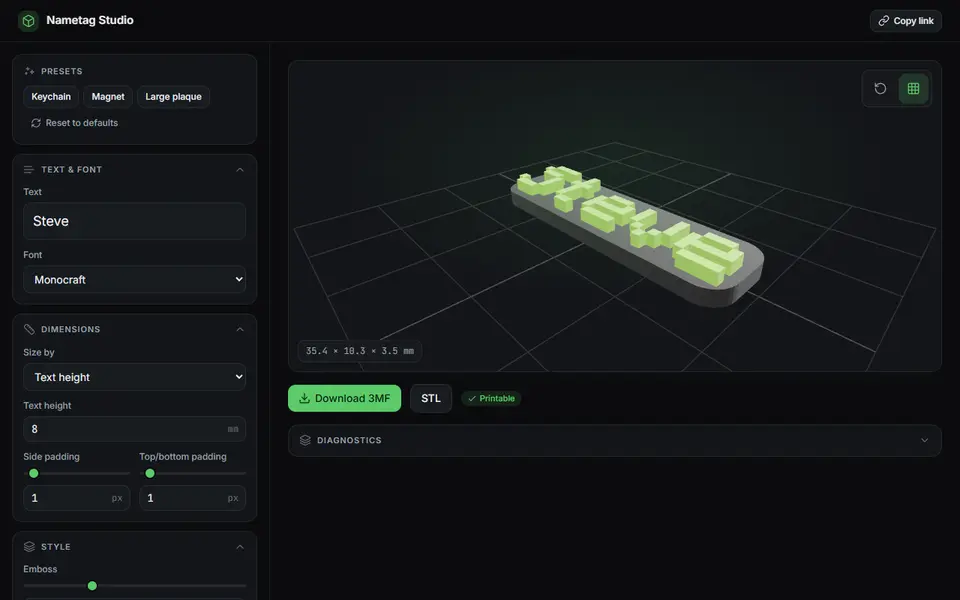
Keychains
Nametag Studio (Minecraft-style nametags)
Free, open-source pixel-font nametags, keychains and magnets in the Minecraft style, STL or two-color 3MF
Keychains
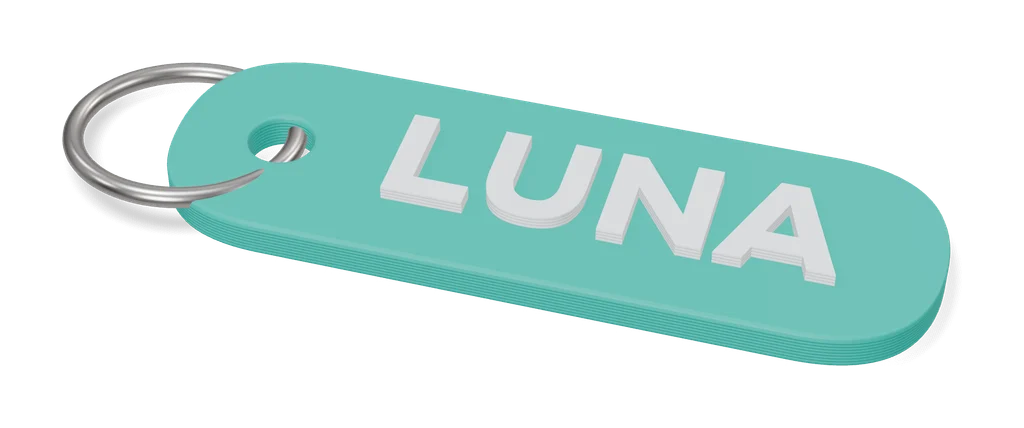
Customizable Keychain Brick (Canale)
Name keychain in four-color toy-brick logo lettering, made in MakerWorld's customizer
Keychains
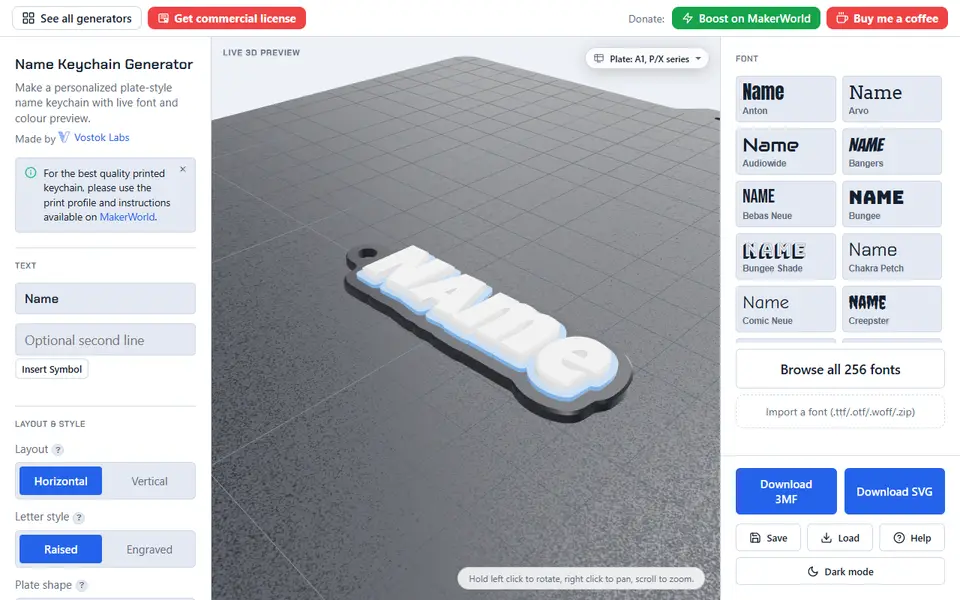
Name Keychain Generator (Vostok Labs)
Plate-style name keychains in 257 fonts, many scripts and up to three colors, with or without an AMS
Keychains
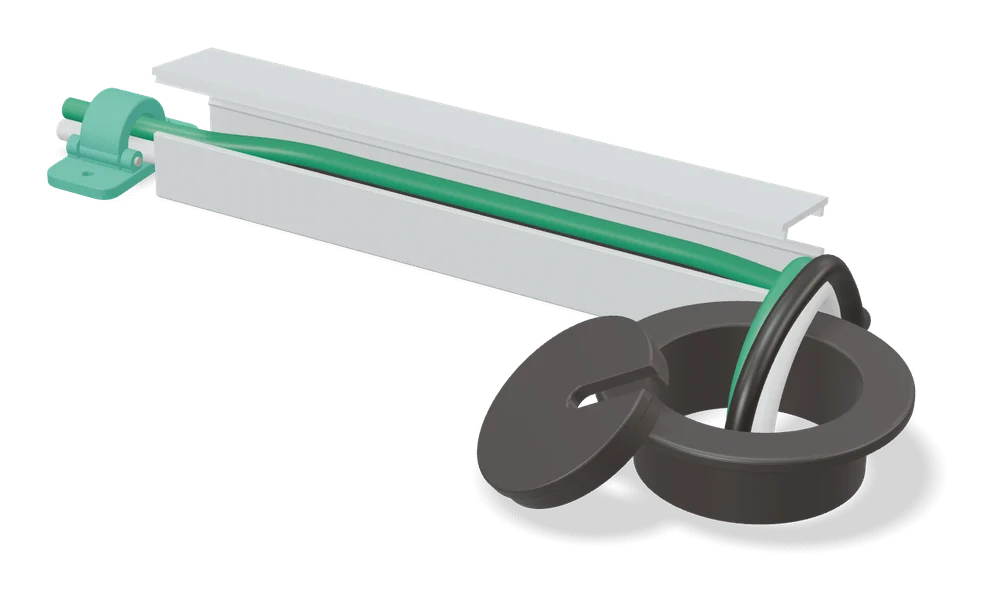
ClipMate - Custom Cable Name Tag
Two-part snap-fit name tags that clamp around charging cables and other cords
Keychains
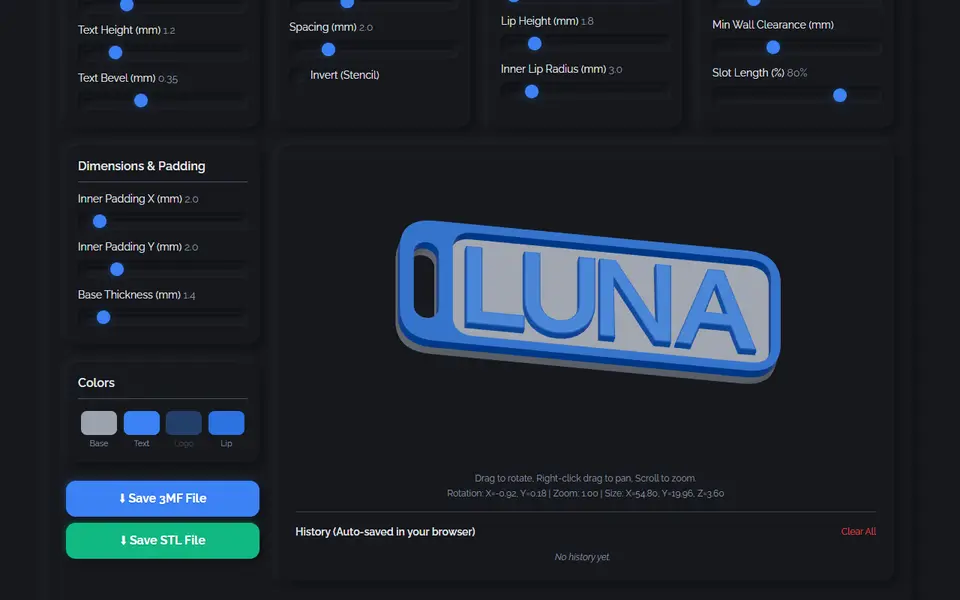
3D Keychain & Nametag Designer (nullphase)
Name keychains and nametags with 35 fonts, 8 border styles and a multicolor 3MF
Keychains
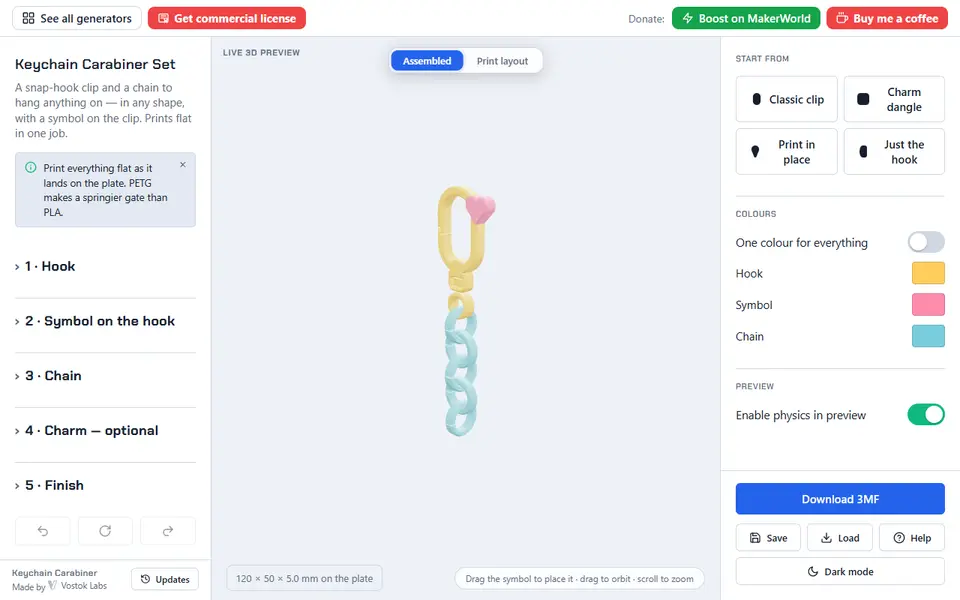
Keychain Carabiner Set (Vostok Labs)
Snap-hook clip, chain and charm that print flat in one job, with a working swivel and print-in-place chain