Bento3D
Compartment trays, hinged boxes and Gridfinity bins sized to fit, as STL or 3MF
Bento3D is a freemium browser tool for drawer inserts and parts organizers made to an exact size. Partition tray, Box and Wall Tray are free. Box (No Hardware) and Slide Box are one-time unlocks at $8 each; Folding Box, Folding Tray and Gridfinity PRO (more than three bins per export) are $10 each. The site has offered early-bird discounts on these unlocks. Buying needs a Google sign-in, and the terms say all purchases are final. Exports STL and 3MF; no account needed. Last checked .
Opens bento3d.design
What is Bento3D?
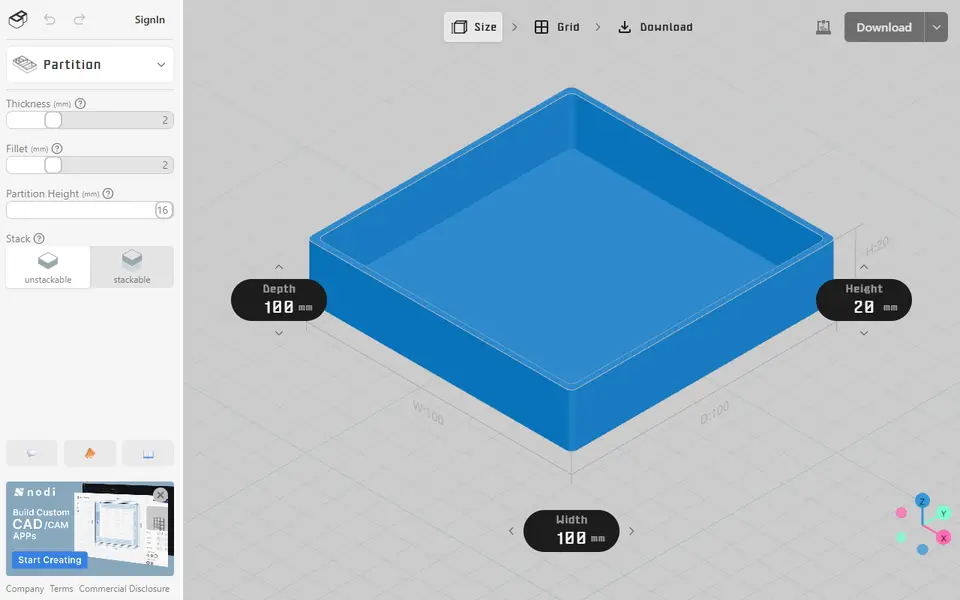
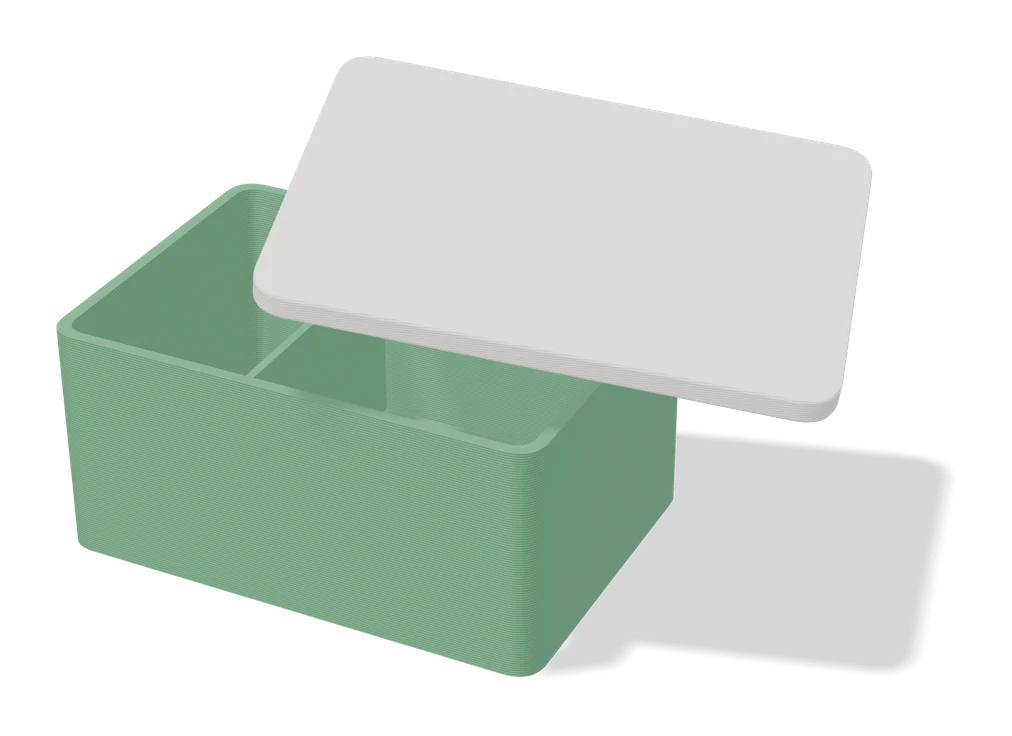
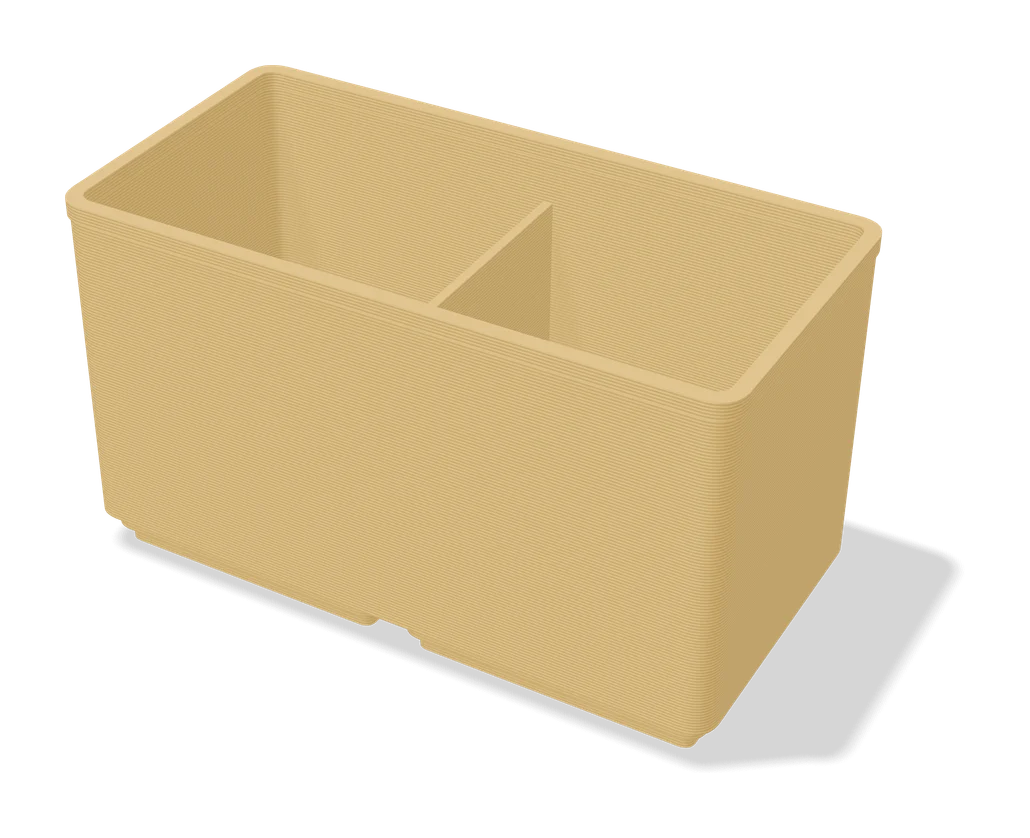
Bento3D is a freemium browser tool that designs trays and boxes split into compartments, a bit like a bento lunch box. You type the width, depth and height in millimeters, then divide the floor into rows and columns in a grid editor and split cells into smaller ones where you need them. A 3D preview follows every change, and the finished parts download as one 3MF file or as a ZIP of STL files.
Three models are free and need no sign-in: a divided tray with settings for wall thickness, rounded corners, divider height and stacking, a hinged box whose lid is held by two M2 x 30 mm screws and two 2 x 28 mm dowel pins, and a wall tray that hangs on an IKEA Skadis hook or a small round magnet (the wall tray needs supports). A Gridfinity mode builds bins and baseplates and exports up to three bins at a time for free.
Other models, such as a slide-lid box, a hinged box with no hardware and folding boxes and trays, are one-time paid unlocks, and each has a small free sample file. Bento3D suits anyone who wants a drawer insert or parts organizer that fits an exact space.
What you can make
- Divided drawer trays
- Hinged boxes with compartments
- Wall-mounted trays
- Gridfinity bins and baseplates
- Slide-lid boxes
- Folding boxes and trays
How to use Bento3D
- Open Bento3D and pick a model such as the Partition tray or Box
- Enter the width, depth and height in millimeters
- Split the grid into compartments and set wall thickness, corners and stacking
- Download all parts as a 3MF or a ZIP of STL files and slice them
What you'll need to print it
Filament and parts that suit what you make with Bento3D.
PETG
M3 screws
6 x 2 mm magnets
Also handy
Digital calipers
Filament dryers and dry boxes
Some of these are affiliate links: we may earn a small commission, at no extra cost to you. More about that
Bento3D pros
- Three free models download as a 3MF or a ZIP of STLs without an account
- Grid editor splits a tray into rows, columns and smaller cells of any size
- Trays and boxes print without supports, and the hinged Box comes with a parts list and assembly guide
Bento3D cons
- Slide, folding and hardware-free boxes are paid, and each is unlocked separately
- The free hinged box needs two M2 x 30 mm screws and two 2 x 28 mm dowel pins
- Exporting more than three Gridfinity bins at once needs the paid PRO unlock
Rate Bento3D
One rating per account. Signing in takes one email link, no password.
Reviews
Made with Bento3D
Read next
Bento3D alternatives
Box and enclosure generators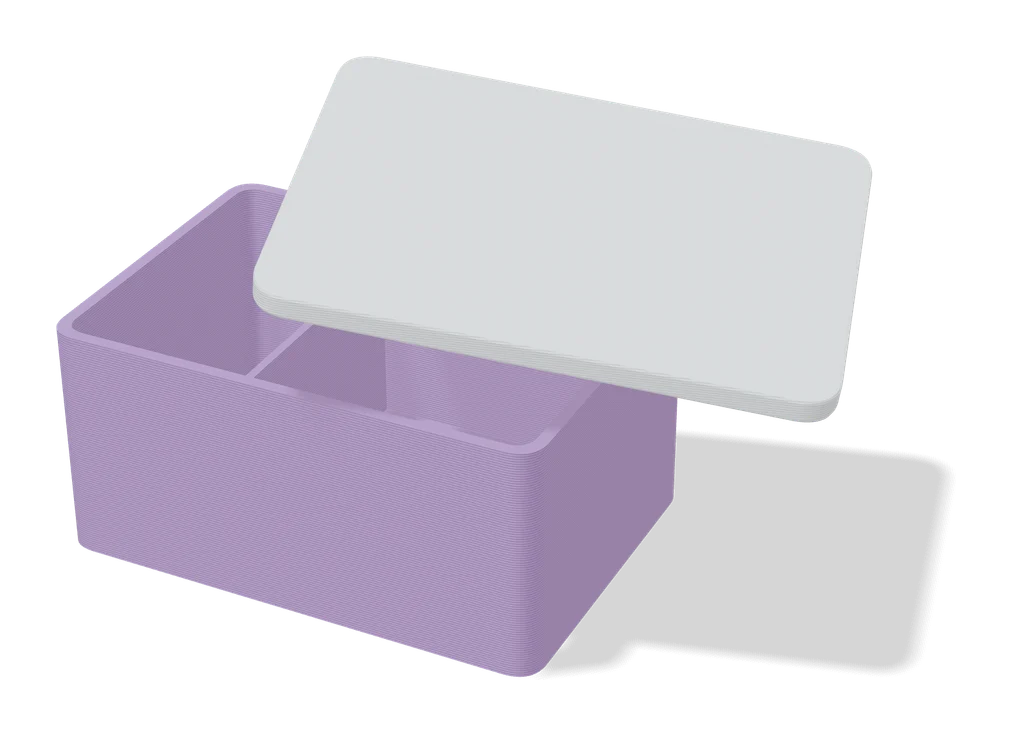
Boxes
Customizable Box with Slide Lid
Custom-size storage box with a sliding, stackable lid and optional compartments
Boxes
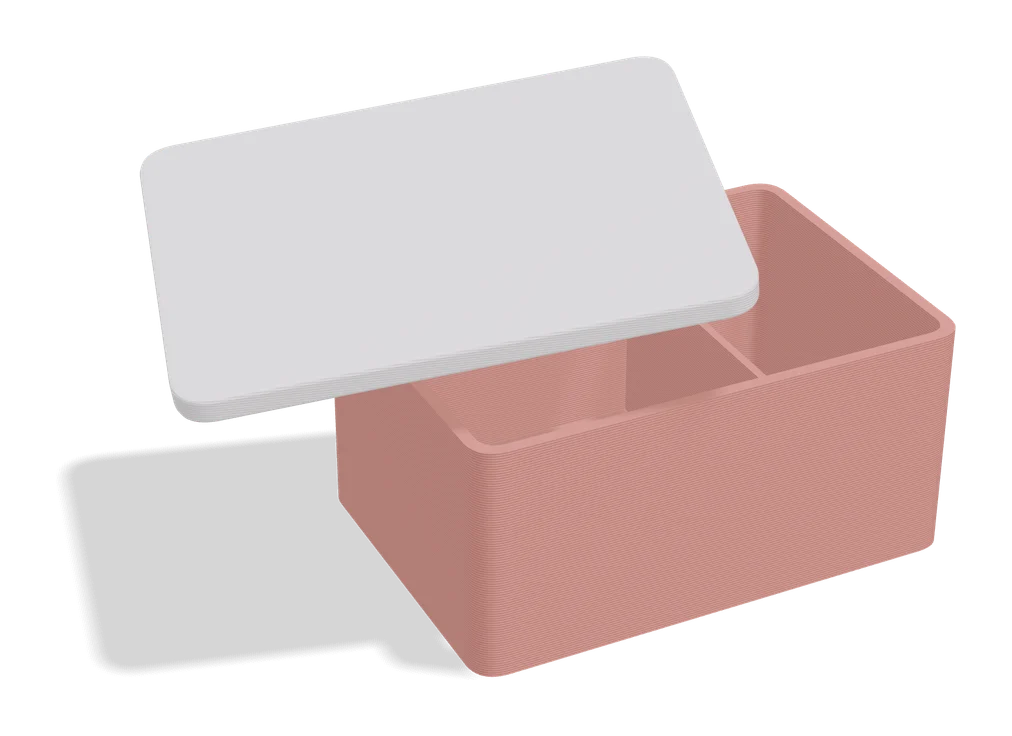
Any Box Generator
Hinged boxes in any size, with textures, latches or magnets, dividers and Gridfinity fit
Boxes
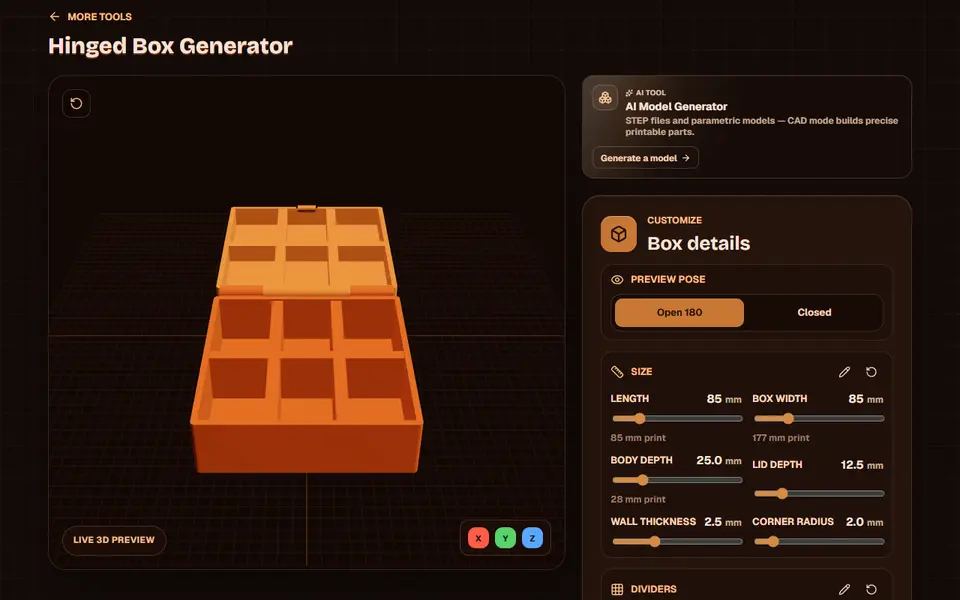
Obloid Hinged Box Generator
Print-in-place hinged snap-fit boxes with dividers and lid text, sized with sliders
Boxes
Large Customizable Print-in-Place Box (Vostok Labs)
Large hinged storage box you size in MakerWorld, printed in place, with an optional removable top tray
Boxes
Organizer Box - Parametric Storage Bin
Open-top storage bin with auto-spaced wall holes, sized to fit your desk or drawer
Boxes
Ultimate Sample Box (Filament Swatch Box)
Lidded box built around your filament swatch cards, with custom text, a lid window and an optional tilt