Dice Studio (MakerLab)
Design custom d4 to d20 dice with numbers, pips, emoji, icons or your own SVG
Opens makerworld.com
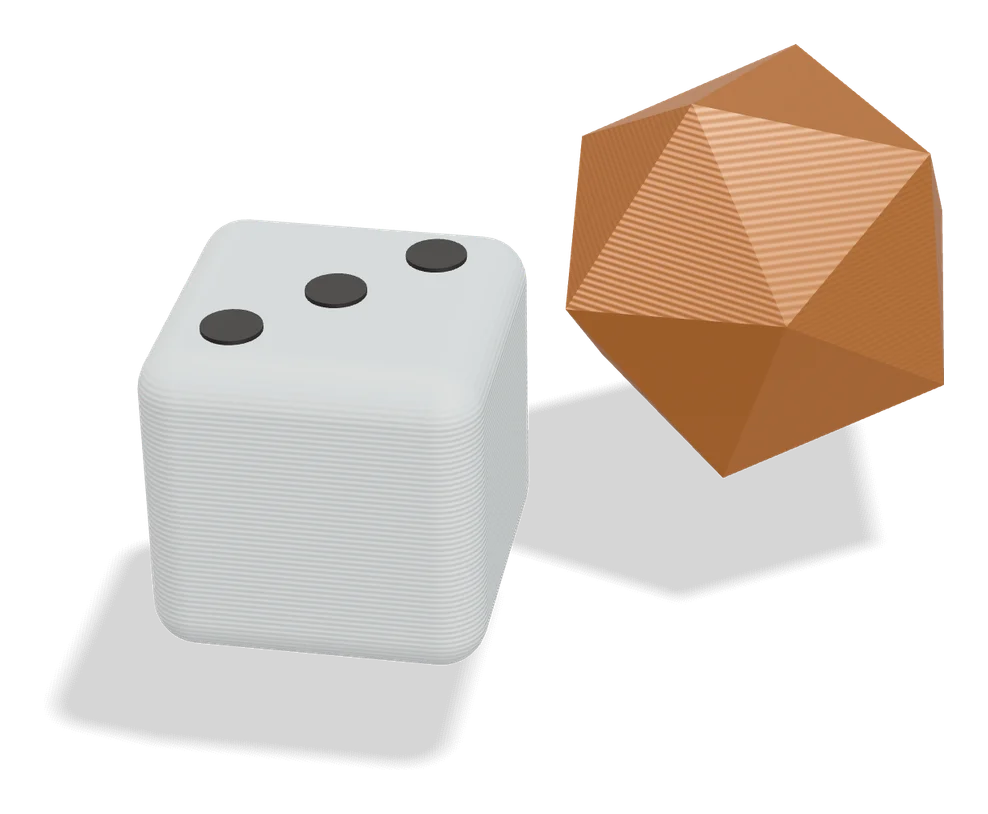
About Dice Studio (MakerLab)
Dice Studio is a free community generator in MakerWorld's MakerLab for making your own tabletop dice. You choose a d4, d6, d8, d10, d12 or d20, including variants that repeat numbers across extra faces, and then decide what goes on every face.
Faces can carry pips, numbers, text, emoji, built-in icons or your own SVG artwork. You set the die size, edge rounding, engraving depth and font, and spin a live 3D preview to check each side. A high quality preview shows the real engraved solid, and each export runs a full solid geometry pass so the model comes out watertight. Designs can be saved and reopened later, and all processing happens in your browser.
It needs a MakerWorld account but has no paid tiers. It suits RPG groups making themed sets, board gamers replacing lost dice, teachers and anyone who wants decision dice with their own words.
What you can make
- Custom RPG dice sets
- Replacement board game dice
- Decision dice with words
- Icon and emoji dice
How to use it
- Sign in and open Dice Studio in MakerLab
- Pick a die type and size
- Set each face to numbers, pips, text, icons or SVG
- Export and print
Good
- All common polyhedral dice from d4 to d20
- Custom SVG artwork on any face
- Watertight export and saveable designs
Not so good
- MakerWorld account required
- Recent tool (August 2026)
- Engraved faces need painting or a fine nozzle to stand out
What you'll need to print it
Materials and parts that give the best results with Dice Studio (MakerLab).
Matte PLA for signs and Gridfinity
Matte filament hides layer lines and cuts glare, so raised lettering on signs and nameplates stays readable from any angle and a drawer full of bins looks uniform.
- Bambu Lab PLA MatteWide colour range with AMS-ready RFID, ideal for multi-colour signs.
- Polymaker Panchroma Matte PLA (formerly PolyTerra)The former PolyTerra line under a new name: soft matte look and good value for printing Gridfinity in bulk.
- SUNLU Matte PLALow-cost matte option for large batches of bins and baseplates.
0.2 mm nozzle for fine detail
A 0.2 mm nozzle lays thinner lines, so tiny keychain text, small HueForge features and delicate edges come out sharp instead of blobby. Keep abrasive glow and wood filaments away from stainless 0.2 mm nozzles.
- Bambu Lab Hotend A1/A2 - 0.2 mm Stainless SteelDrop-in 0.2 mm hotend for the A1, A1 mini and A2L.
- Bambu Lab Multi-Size Hotends KitBundles a 0.2 mm hotend with larger sizes, with versions for H2, X2D/P2S, A-series and X1/P1 printers.
- Bambu Lab Hotend P1 Series - 0.2 mm Stainless SteelThe 0.2 mm option for P1S owners.
Resin for detailed prints
The right resin decides whether the fine detail in AI-generated models and terrain survives printing, and tougher ABS-like blends resist cracking when you remove supports.
- Siraya Tech Fast ABS-like ResinPrints quickly, cures tough rather than brittle, low odour; a go-to for miniatures and figurines.
- Siraya Tech Blu Tough ResinEngineering-grade tough resin for functional parts that need to survive drops.
- ELEGOO ABS-Like Resin 3.0Affordable, widely available ABS-like resin in many colours for LCD printers.
Some of these are affiliate links: we may earn a small commission, at no extra cost to you. More about that
Alternatives to Dice Studio (MakerLab)
All puzzles & games generators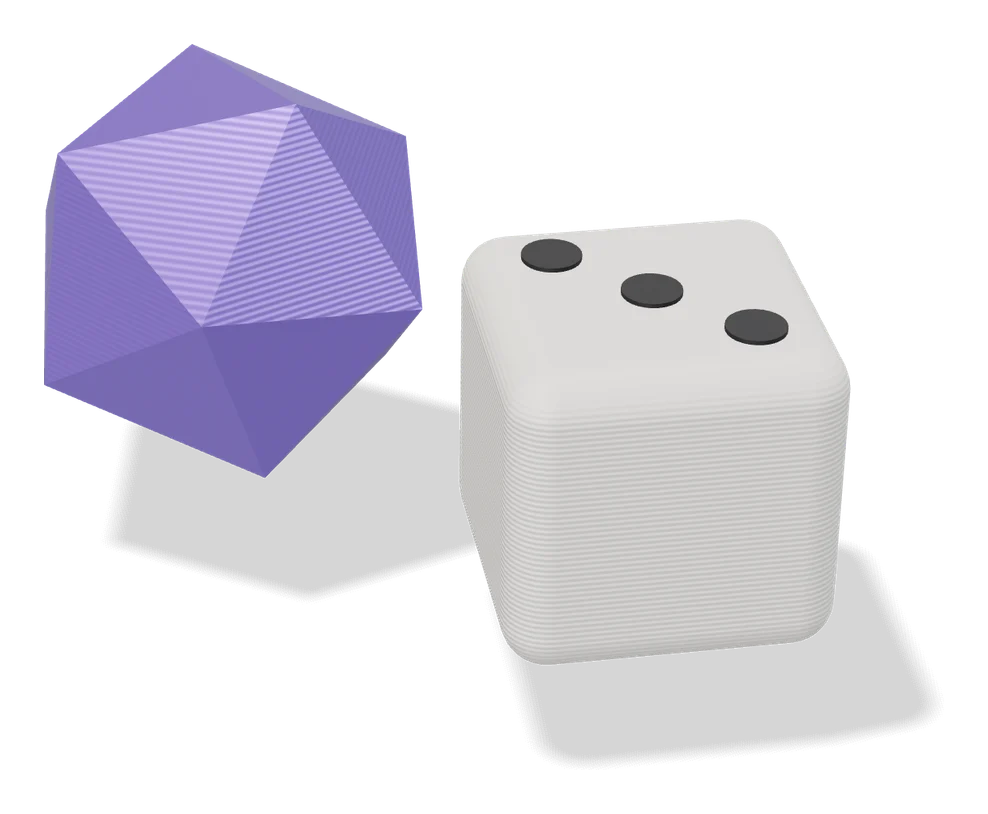
Puzzles & Games
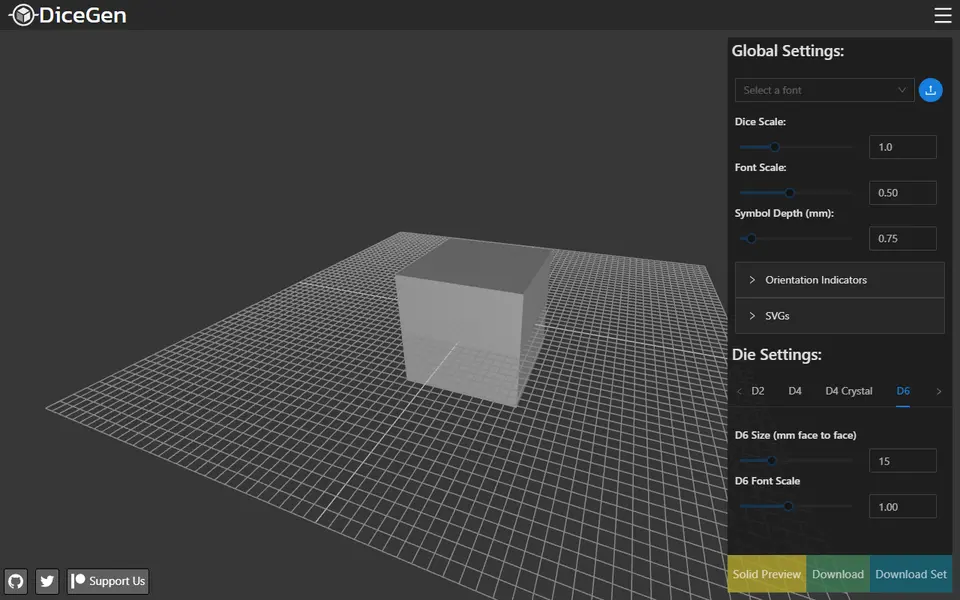
Pixel Puzzle Maker (MakerLab)
Turn any image into a colour coded pixel art puzzle to print and assemble
Puzzles & Games
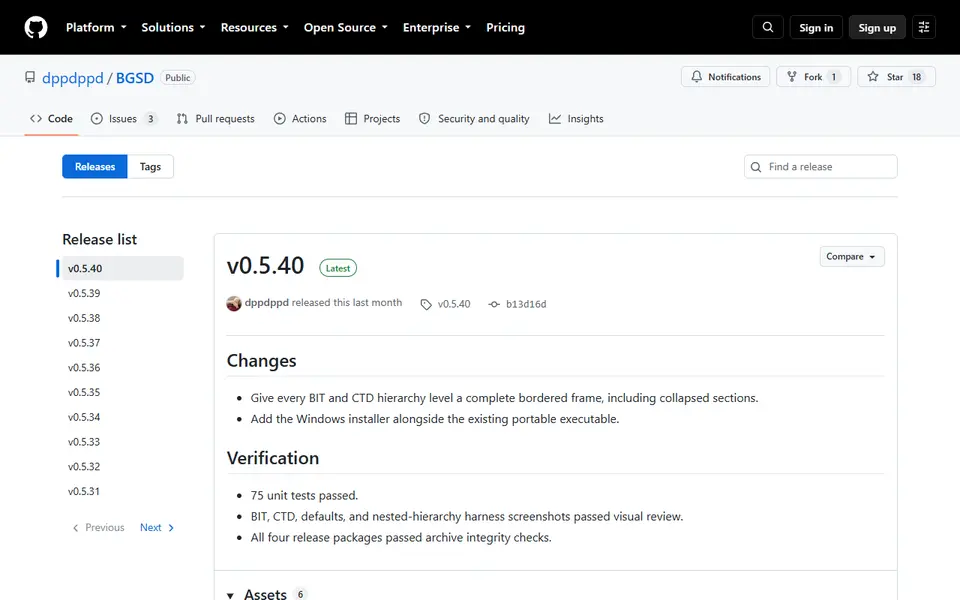
Board Game Storage Designer (BGSD)
Form based editor for the popular Boardgame Insert Toolkit, no code needed