CutClay
Browser studio for polymer clay and earring cutters with thin blades and mirrored pairs
CutClay is a freemium browser tool for polymer clay earring makers who want custom cutter shapes. Free plan: 10 exports in total, personal use only, cutclay.com name tab on the cutter. Pro $49/year or Lifetime $199 one-time for unlimited exports without the tab, a commercial license and SVG/DXF/image import. All sales are final. Exports STL and 3MF; an account is needed to download. Last checked .
Opens cutclay.com
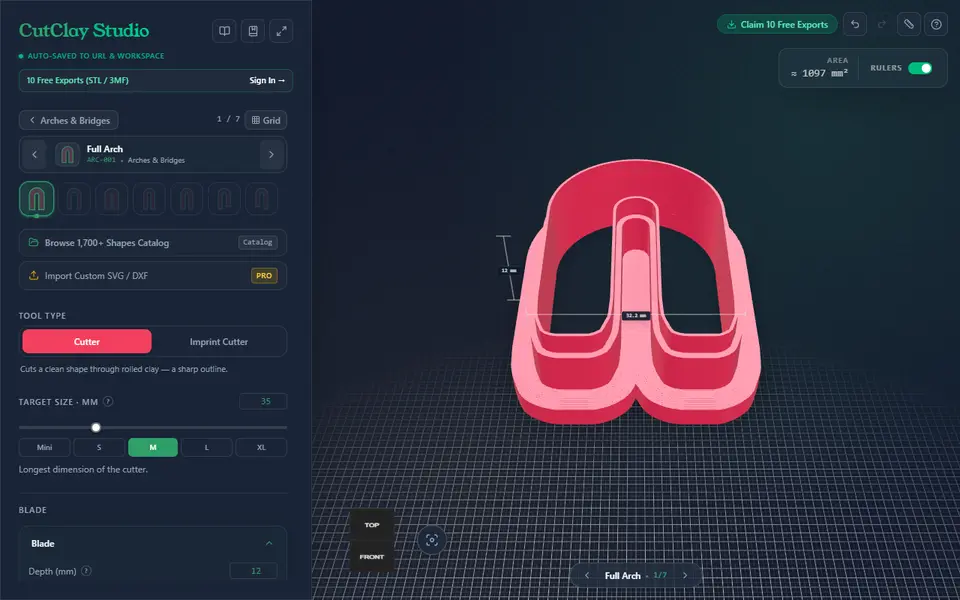
What is CutClay?
CutClay is a browser tool that builds printable cutters for polymer clay jewelry rather than cookie dough. You pick an outline from more than 100 shapes, such as arches, flowers, celestial motifs, mushrooms and earring drops, and a 3D preview updates as you change the settings. A switch chooses between a plain cutter and an imprint cutter, which presses a pattern into the clay while the outer edge cuts it free.
The controls are aimed at clay work. You set the longest side between 10 and 100 mm, with quick presets from Mini to XL, then tune blade depth, tip width, blade thickness, handle size and an optional draft angle that helps the clay let go. The default tip is 0.4 mm, much thinner than a typical cookie cutter wall. Earring shapes come with a jump ring hole, center bars keep loose inner pieces attached, and the mirrored pair option exports a left and right version together. Files come out as STL or 3MF.
Anyone can design, but downloads need a free account. The free plan gives 10 exports in total for personal use and adds a small cutclay.com name tab to each cutter. Pro removes the tab and adds SVG, DXF and image import. It suits clay earring makers who want custom cutters without learning CAD.
What you can make
- Polymer clay cutters
- Imprint cutters with pressed-in detail
- Mirrored left and right earring cutter pairs
- Earring drop cutters with a jump ring hole
- Cutters from your own SVG or DXF (Pro)
How to use CutClay
- Open CutClay Studio and pick a shape from the catalog
- Choose Cutter or Imprint Cutter and set the target size
- Adjust blade depth, tip width, handle and draft angle, and turn on Mirrored Pair for earrings
- Pick STL or 3MF, sign in and download
- Slice it in Bambu Studio, PrusaSlicer, OrcaSlicer or Cura and print
What you'll need to print it
Filament and parts that suit what you make with CutClay.
PETG
Also handy
Filament dryers and dry boxes
Some of these are affiliate links: we may earn a small commission, at no extra cost to you. More about that
CutClay pros
- Thin 0.4 mm default cutting tip and an optional draft angle, both set up for clay rather than dough
- Mirrored pair toggle exports matching left and right earring cutters in one download
- Imprint cutter mode, jump ring holes and center bars for hollow shapes are built in
CutClay cons
- Free exports carry a raised cutclay.com name tab and stop after 10 in total
- Downloading needs a sign-in, and SVG, DXF and image upload are Pro only
- Launched in 2026, with little independent feedback on it as of September 2026
Rate CutClay
One rating per account. Signing in takes one email link, no password.
Reviews
Made with CutClay
Read next
CutClay alternatives
Cookie cutter and stamp generators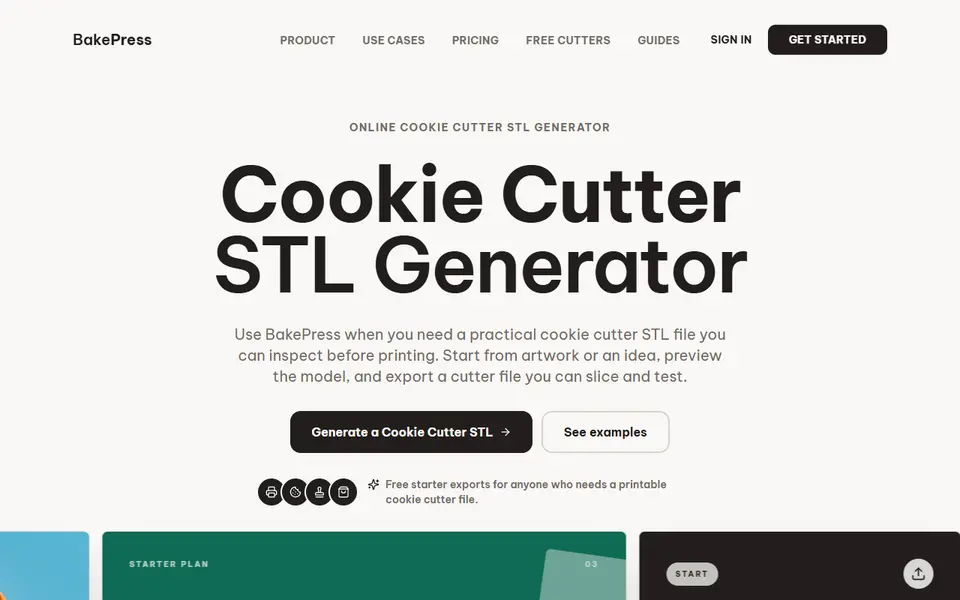
Cookie Cutters
BakePress
Turns artwork or a typed idea into cookie and clay cutter STLs, with stamps and texture rollers on paid plans
Cookie Cutters
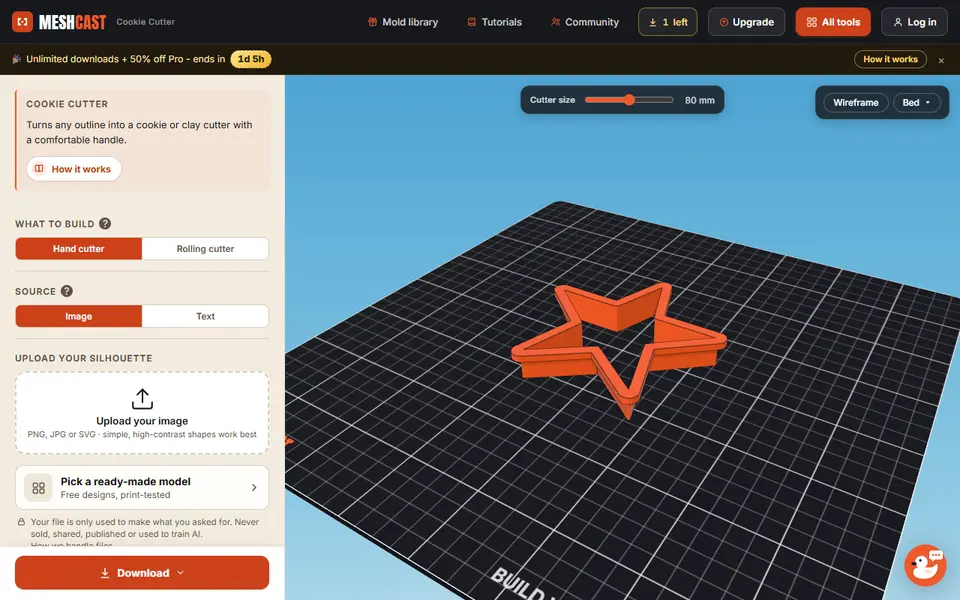
Meshcast Cookie Cutter Generator
Turns an image or a word into a hand or rolling cutter for dough and clay
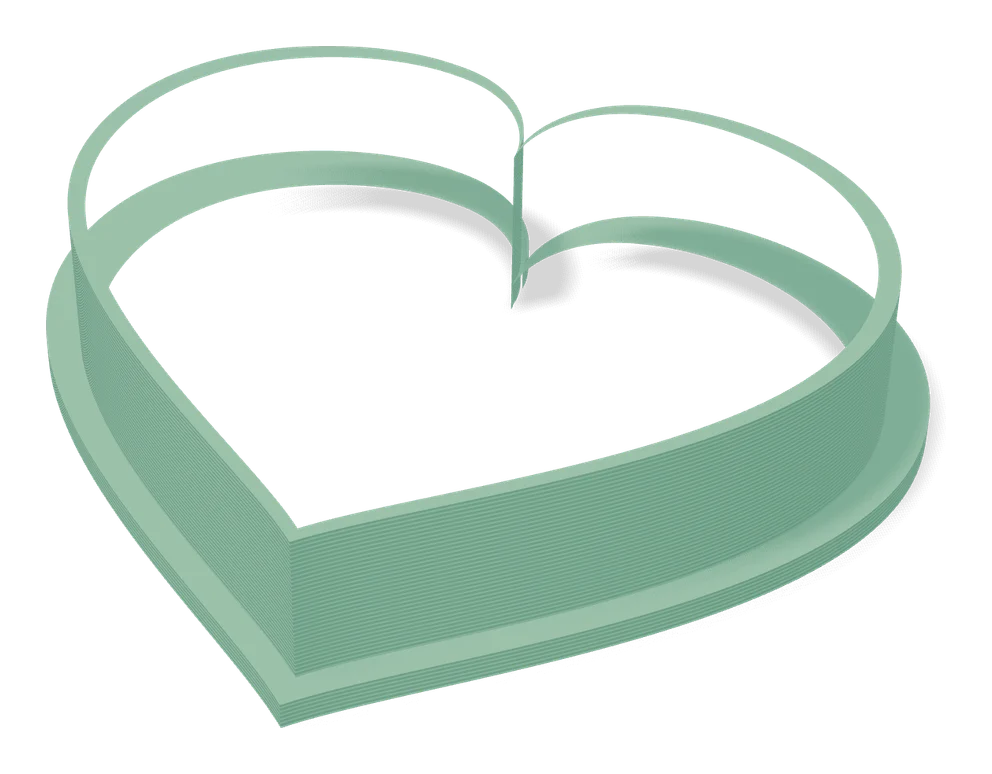
Cookie Cutters
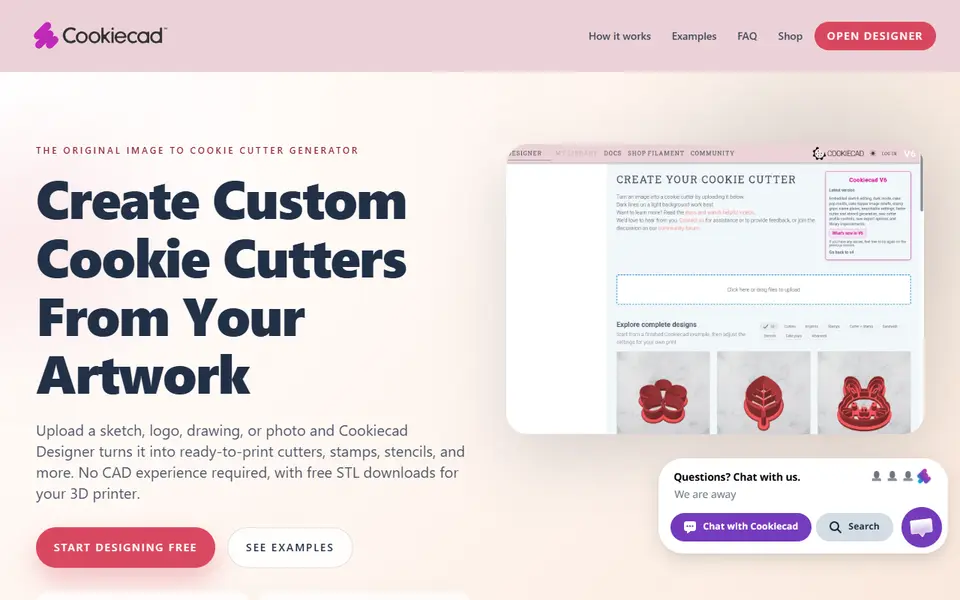
Cookie Cutter Designer
Free browser tool that turns an SVG, PNG or JPG into a checked cookie cutter or stamp model
Cookie Cutters
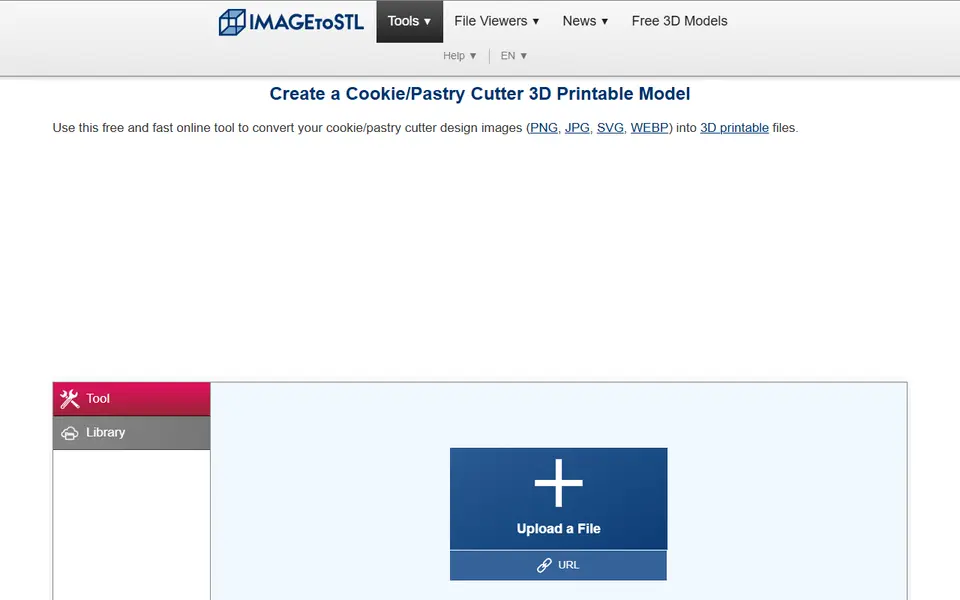
ImageToStl Cookie/Pastry Cutter
Free converter that turns a clean outline image into a cutter STL
Cookie Cutters
Stamp Maker (Koolm)
Hugely popular MakerWorld customizer for stamps with text, icons or SVG