Cutter Canvas
Free cookie cutter STLs from 110+ built-in shapes, a photo or an SVG, no account; AI tools use credits
Cutter Canvas is a freemium browser tool for bakers who want a custom cookie cutter fast. STL export free without an account; AI tools use credits. Exports STL. Last checked .
Opens cuttercanvas.com
What is Cutter Canvas?
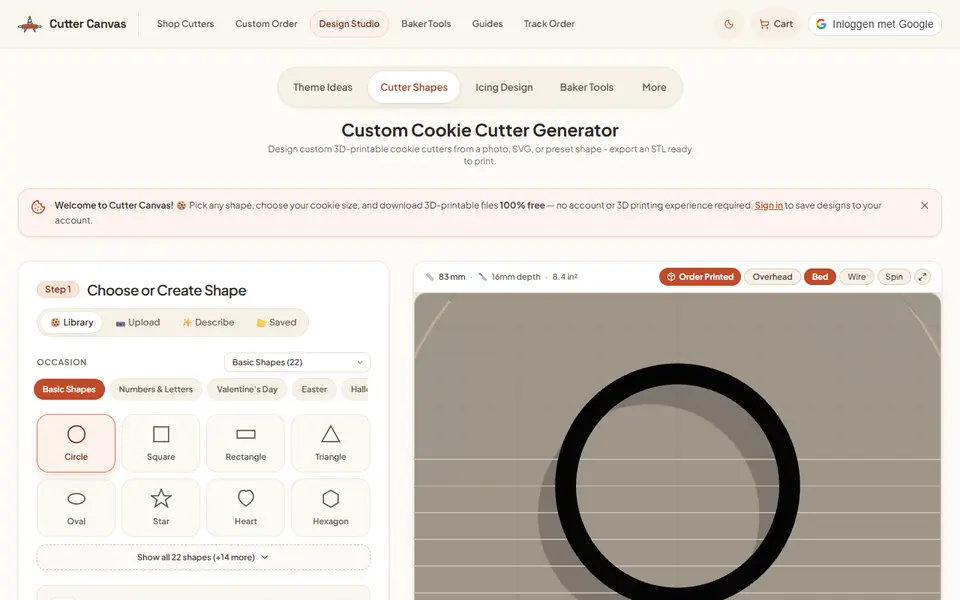
Cutter Canvas is a cookie cutter studio made for home bakers and cookie sellers. You start from a library of more than 110 built-in shapes grouped by occasion (holidays, birthdays, baby showers, weddings, pets, sports and more) plus letters and numbers, or upload a photo or an SVG, or draw by hand. A node editor and a symmetry tool clean up the outline.
The Baker view has simple presets: Mini 2.5 in, Standard 3.5 in or Platter 4.5 in cookies, dough depth for sugar cookies, gingerbread or fondant, and a standard or wide push handle. The Maker view gives millimeter control over wall thickness, blade taper and the flared brim. The download is an STL generated on your device.
Designing and the STL export are free with no account and no limit. A Google sign-in adds saving, a shared design library and AI tools (describe a shape, AI reshaping, theme sets and icing designs), which cost credits; new accounts get 10 free credits, though credit packs were not on sale in our region. The site also has an icing design studio, a projector mode that shows piping guides on a cookie at true scale, a dough and icing calculator, client proposals and invoices, and it will print and ship a cutter for $15 to US addresses.
The terms say you keep ownership of the designs you make and are responsible for the rights in what you sell, and they forbid using it to copy trademarks or characters for sale. It suits bakers who want a cutter today without learning 3D software.
What you can make
- Cookie cutters from 110+ occasion shapes
- Cutters from a photo or an SVG
- Letter and number cutters
- Icing designs and projector piping guides
How to use Cutter Canvas
- Open the cutter generator and pick a shape, or upload a photo or SVG
- Choose the cookie size, dough depth and handle
- Download the STL and print it
What you'll need to print it
Filament and parts that suit what you make with Cutter Canvas.
White PLA
Some of these are affiliate links: we may earn a small commission, at no extra cost to you. More about that
Cutter Canvas pros
- Unlimited free STL export with no account
- Baker presets for cookie size, dough depth and handle, plus a millimeter mode
- Extras for bakers: icing studio, projector guides and a dough calculator
Cutter Canvas cons
- AI shape and icing tools need a Google sign-in and credits
- STL only, and the site pushes its paid print-and-ship service
Rate Cutter Canvas
One rating per account. Signing in takes one email link, no password.
Reviews
Made with Cutter Canvas
Read next
Cutter Canvas alternatives
Cookie cutter and stamp generators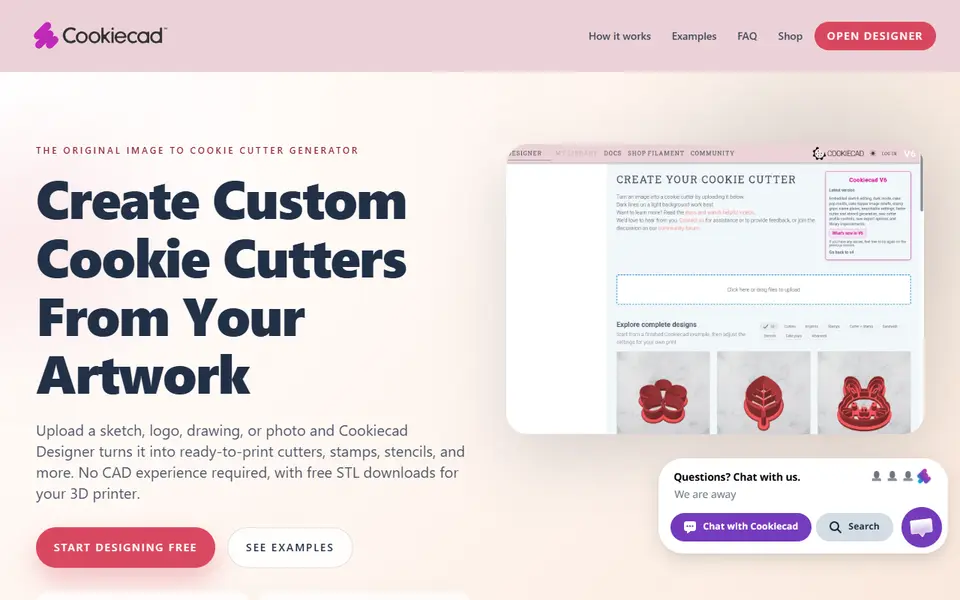
Cookie Cutters
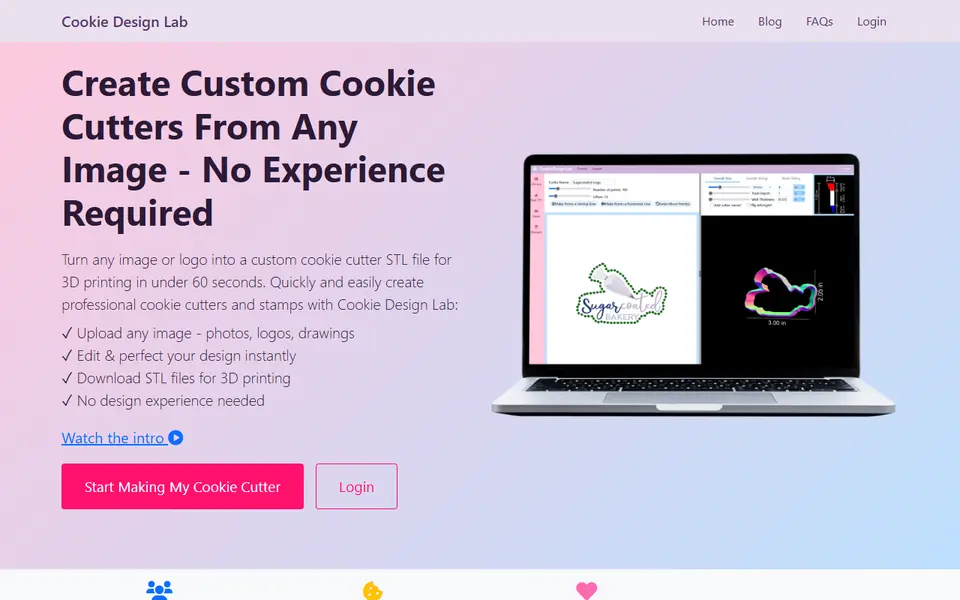
Cookie Design Lab
Upload a picture, refine the outline and download a cookie cutter STL
Cookie Cutters
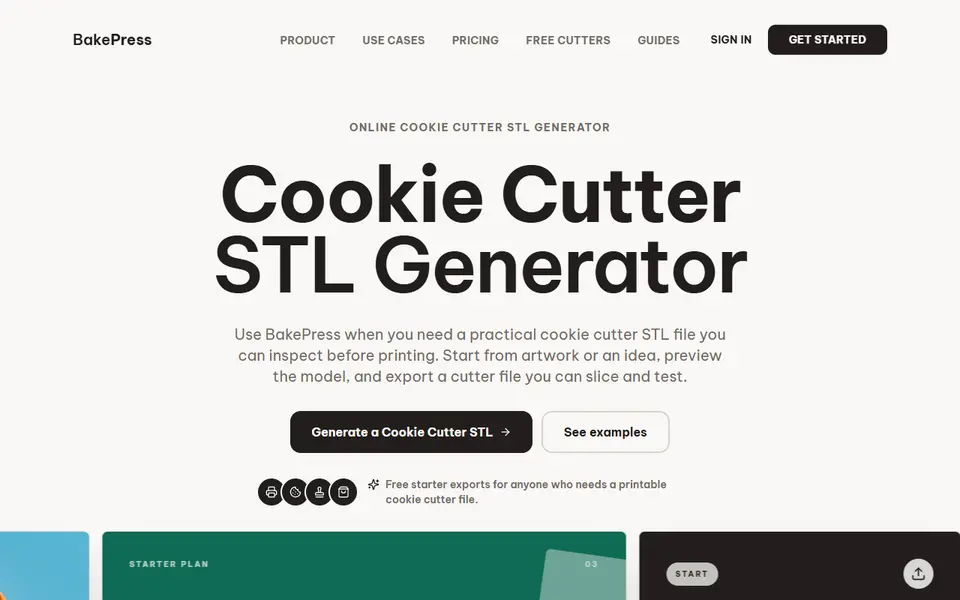
BakePress
Turns artwork or a typed idea into cookie and clay cutter STLs, with stamps and texture rollers on paid plans

Cookie Cutters
Cookie Cutter Designer
Free browser tool that turns an SVG, PNG or JPG into a checked cookie cutter or stamp model
Cookie Cutters
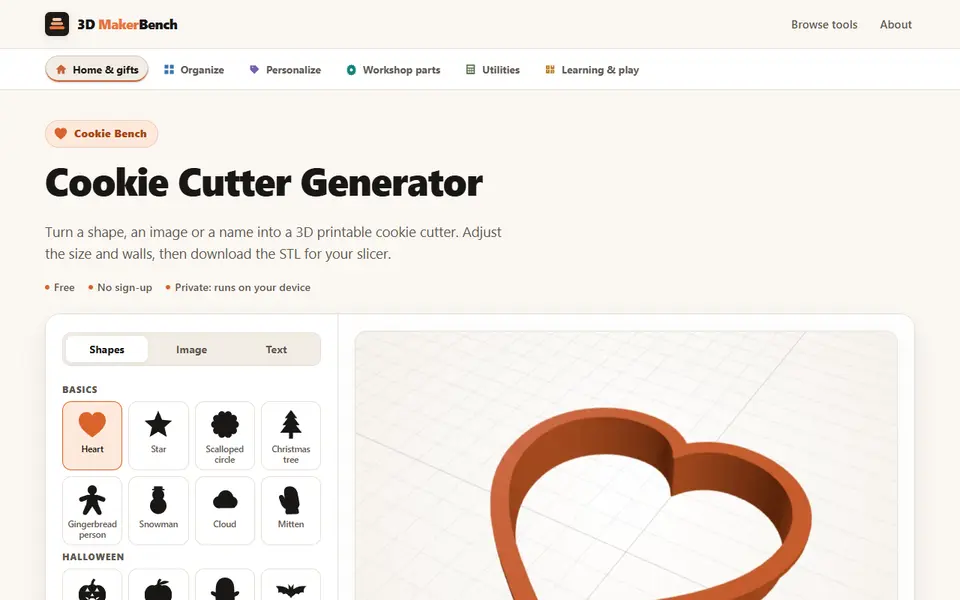
Cookie Cutter Generator (3D MakerBench)
Free browser cookie cutter maker from 46 seasonal shapes, your own image or a name
Cookie Cutters
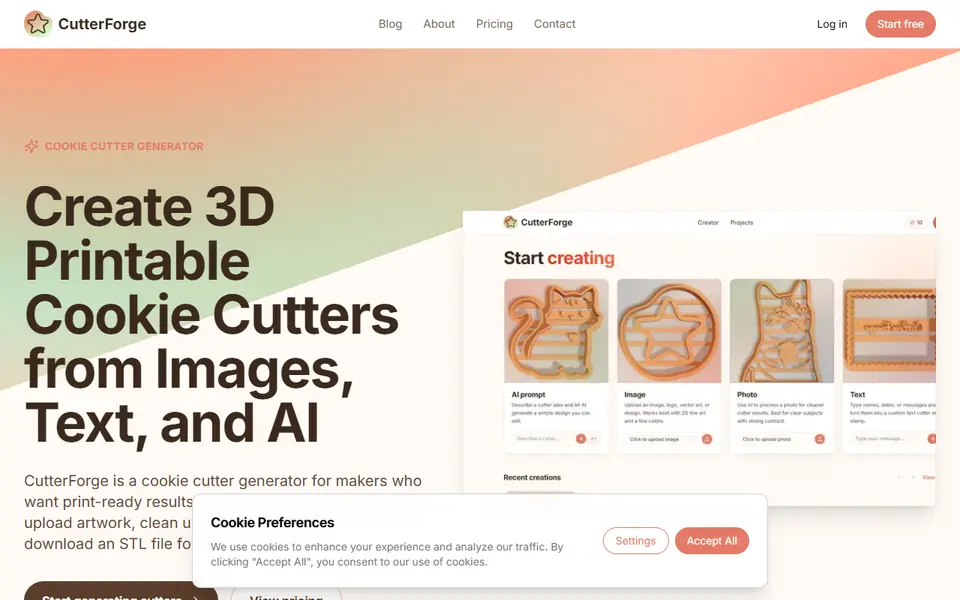
CutterForge
Cookie cutter editor with text tools, image tracing and optional AI designs